

AI Tip Calculator
AI Tip Calculator Team · Other
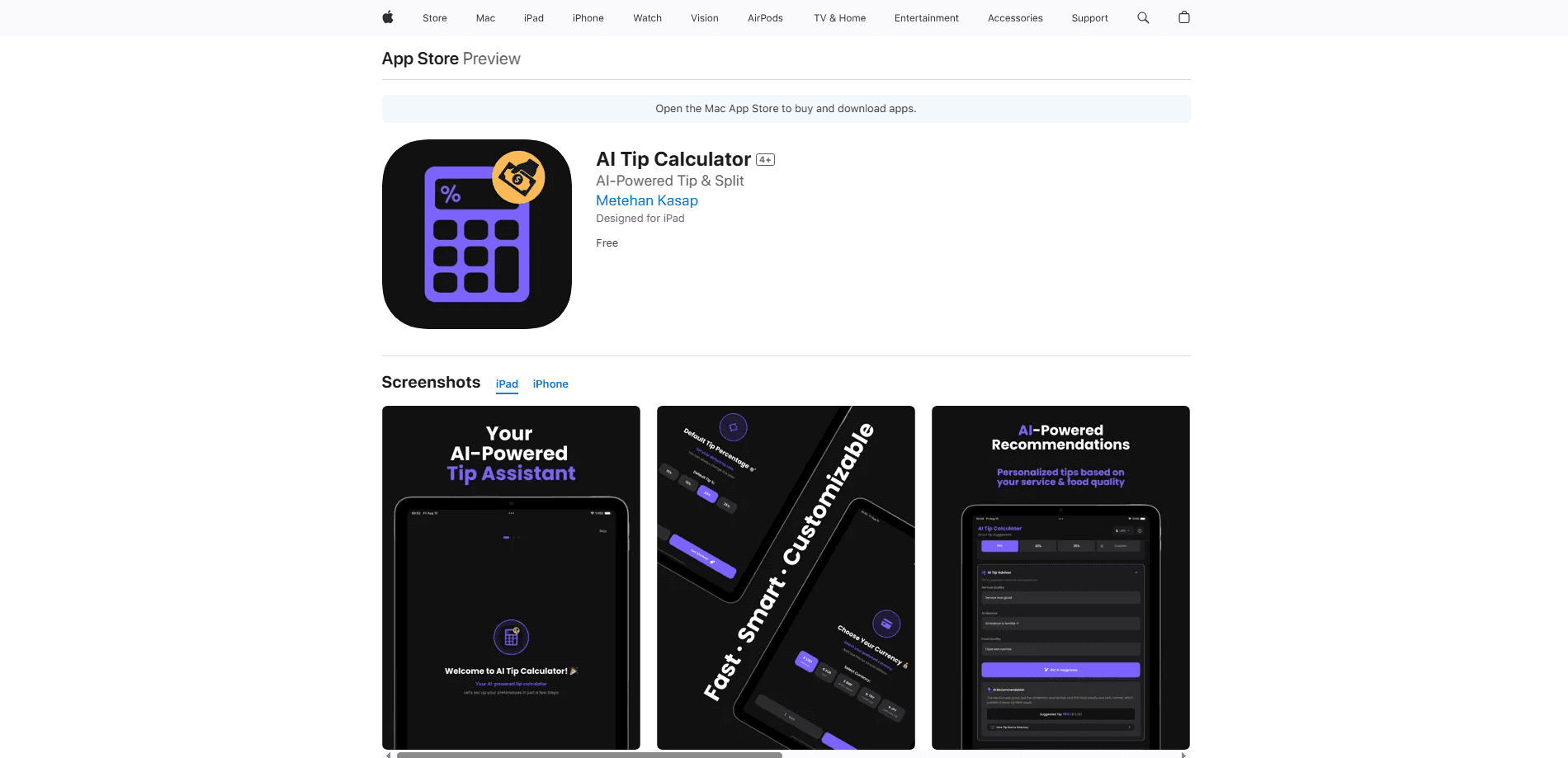
AI Tip Calculator is a web and iOS tool that suggests a fair tip percentage from your dining experience, then splits the bill in seconds. It fits travelers, groups, and anyone unsure how much to tip.
About AI Tip Calculator
What Is AI Tip Calculator
AI Tip Calculator is a small tool for one chore that still trips people up: figuring out how much to leave and who owes what. Instead of picking a flat 18% every time, it asks a few quick questions about the meal and the service, then recommends a percentage that matches the situation.
You enter the bill total, choose or accept a suggested tip percentage, and set how many people are paying. The math updates as you type, so you see the tip amount, the final total, and each person's share without juggling a phone calculator at the table.
The AI angle is the part worth a closer look. Rather than guessing, the app weighs signals like service quality, the ambiance of the place, and how the food turned out, and turns them into a tip recommendation. It is a suggestion, not a rule, so you can always override it and dial the percentage up or down.
Getting Started
- Open the web app in any modern browser, or install the iOS app from the App Store.
- Type the bill total, or paste it in from your receipt, then set the party size.
- Answer the quick prompts about the meal, or skip them and choose a standard percentage.
- Review the suggested tip, adjust if you want, and share or note the split for each person.
Product Information
A quick look at AI Tip Calculator's pricing, supported platforms, and performance.
Best for
The users, tasks, and scenarios where this tool fits best.
Users
- Travelers
- Groups dining out
- People who dread the check
Tasks
- Working out a fair tip
- Splitting a bill
- Rechecking a total
Scenarios
- A group dinner where no one wants to do the math
- Tipping abroad on a trip
- A quick solo meal
Key features
AI Tip Suggestions
The app takes a short read on your dining experience and turns it into a recommended tip percentage. It weighs service quality, ambiance, and how the food turned out, then suggests a number that fits the meal. You can accept it or slide the percentage to whatever you prefer.
Instant Bill Splitting
Enter the total and the number of people, and the app divides everything at once. You see the tip, the grand total, and the per-person amount update live as you change inputs. It removes the awkward pause when a table needs to settle up.
Live Recalculation
Every field recalculates as you type, so there is no submit button to hunt for. Change the party size or the tip percentage and the numbers follow instantly. That makes it easy to test a couple of scenarios before you commit.
Subtotal or Total Tipping
You decide whether the tip applies to the subtotal or the full total, which matters when tax is already baked into the bill. That single toggle can shift the final number by a meaningful amount.
Percentage Slider and Quick Picks
A slider lets you fine-tune the tip, while quick buttons cover the common percentages for fast entry. The two work together, so you can start from a preset and nudge it.
Web and iOS Access
The web app runs in any modern browser with nothing to install, and an iOS app is available for iPhone and iPad. Both let you calculate a tip or split a bill on the spot.
Pros and cons
Pros
- AI tip suggestions go beyond a flat default and reflect the actual dining experience.
- Bill splitting updates in real time, so the group sees per-person amounts right away.
- The web version needs no download, and the iOS app covers phone and tablet.
- You can tip on the subtotal or the total, which suits different regional billing habits.
- No account is needed to run a calculation, so it is quick to open and use.
Cons
- There is no Android app, so Android owners are limited to the browser version.
- The AI suggestion is a starting point, not an authority, and it can't know local customs on its own.
- With no published pricing page, it is hard to confirm whether paid tiers exist beyond the free tool.
Frequently asked questions
It suggests a tip percentage based on how your dining experience went and splits the bill across however many people are paying. You enter the total, review the suggestion, and adjust it if you want.
Related content
Explore related tools, skills, and articles for AI Tip Calculator.
AI Tip Calculator Alternatives

Odyssey 3
Odyssey · OtherOdyssey-3 is Odyssey's foundation world model. It simulates physics in real time, turns a prompt into an interactive environment, and adapts to robots, cars and games.

JarvisCore
Prescott Data · Coding · Productivity · OtherJarvisCore is an open source Python runtime where AI agents work as equal peers on an agent mesh, claim tasks from a shared ledger, and reach external services through a zero-trust broker.
Clef
Cloudflare · Business · OtherClef is Cloudflare's open-source decision model for Workers AI. It returns calibrated probabilities for typed questions, not generated text, so agents can classify, route, and act fast.