

AI User
AI User · Coding
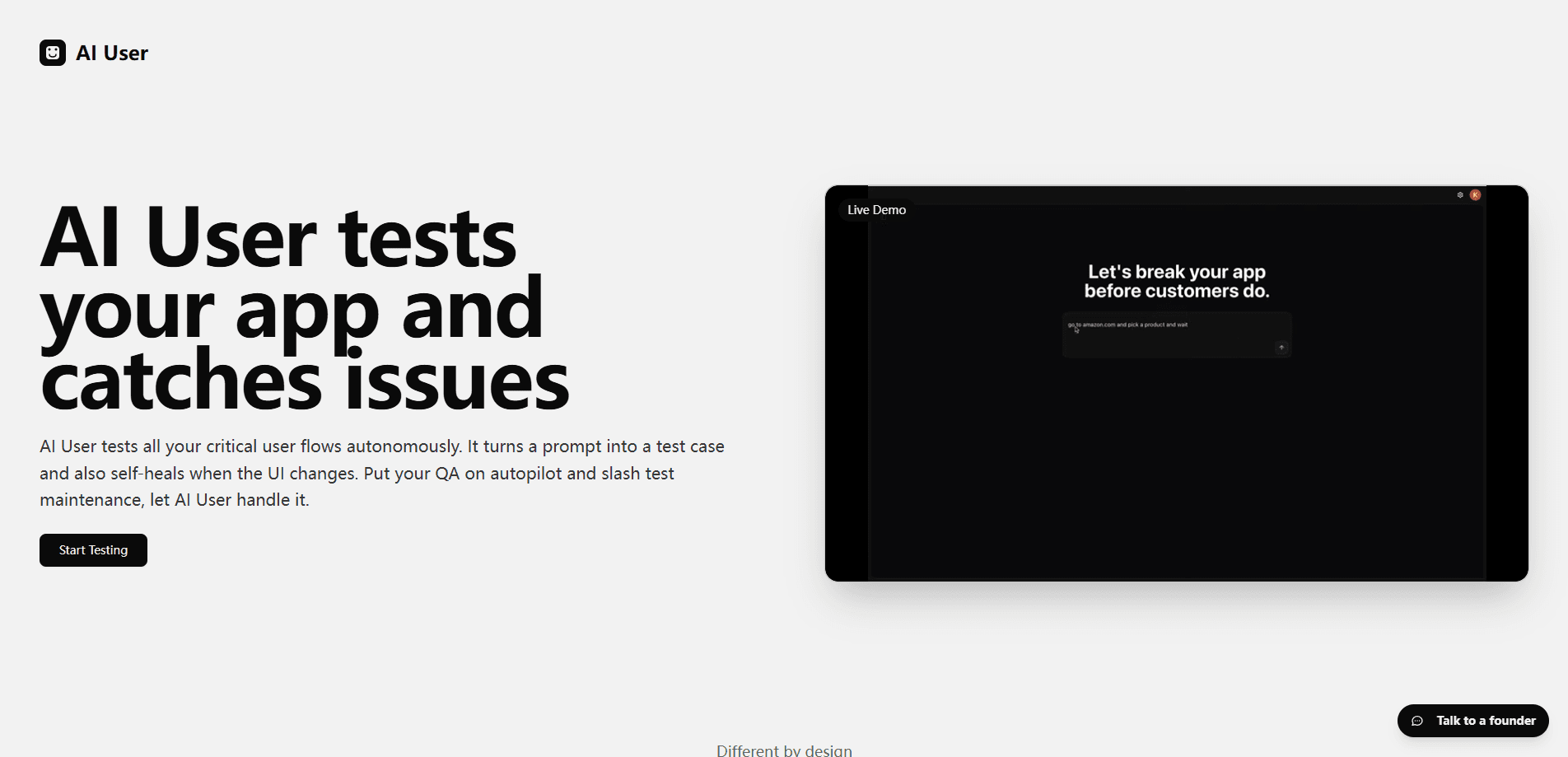
AI User is an autonomous app testing platform that turns natural language prompts into self-healing test cases, then runs app testing and quality assurance for you.
About AI User
What Is AI User
AI User is an app testing platform built around one idea: you describe what you want checked in plain language, and it writes and runs the test for you. Instead of maintaining brittle scripts tied to specific buttons and page elements, you hand over a prompt and let the platform handle the steps.
The product focuses on two things that usually break automated testing. The first is authoring, since writing and keeping test cases current takes steady work. The second is maintenance, because small interface changes often break selectors and force rewrites. AI User leans on self-healing so tests adapt when the app shifts, and it bundles quality assurance into the same workflow.
It is aimed at teams that ship apps and want AI test automation to keep up without a large scripting effort. The catch is that any autonomous testing tool depends on model quality and clear prompts, so results still need review, and its own pricing and platform support should be confirmed on the official site before you commit.
Getting Started
- Sign up on the official site and describe what you want tested in a short natural language prompt.
- Connect the app or target environment you want AI User to test.
- Let the platform turn your prompt into a test case and run it against the app.
- Review the results, and rely on self-healing to keep the case working as the app changes.
- Fold the cases into your regular quality assurance flow and expand them as coverage needs grow.
Product Information
A quick look at AI User's pricing, supported platforms, and performance.
Best for
The users, tasks, and scenarios where this tool fits best.
Users
- QA engineers
- App developers who test their own work
- Small product teams without a dedicated QA staff
Tasks
- Writing test cases from a description
- Keeping tests stable after UI changes
- Running ongoing quality assurance
Scenarios
- A developer pushes a new build and wants the main sign-up and checkout flows checked before shipping.
- An app redesign moves buttons around, and the test suite should keep passing without a manual rewrite.
- A lean team needs repeatable regression coverage on a schedule without maintaining a large script library.
Key features
Natural language test authoring
You describe a test in everyday language, and AI User converts it into an executable case. This removes the need to hand-code element locations and step logic, which lowers the bar for anyone who knows the app but not an automation framework. The result is that test creation starts from intent rather than syntax.
Self-healing test cases
When the app changes, self-healing tests adapt instead of failing outright. If a button moves or a label changes, the platform works out the matching element and keeps the test running. This targets the biggest maintenance cost in app testing, where small interface updates otherwise force repeated rewrites.
Autonomous test execution
AI User runs the tests it creates, so you spend less time babysitting runs. It drives the steps through the app on its own and reports what passed and what did not. That keeps quality assurance moving even when nobody is watching the suite minute to minute.
End-to-end quality assurance
Testing and quality assurance sit in the same workflow rather than in separate tools. You write cases, run them, and read results in one place, which keeps coverage and findings together. For teams juggling several tools, that consolidation alone saves coordination time. It also means QA automation does not split across a separate runner and reporter.
Prompt-driven coverage
Because cases come from prompts, adding coverage means writing another description rather than building more infrastructure. You can start with the flows that matter most and grow the suite as needs change. It suits teams that want to expand testing gradually instead of in one big push.
App-focused testing flow
AI User centers on testing apps, so the workflow is built around running checks against a live app rather than generic scripts. That focus keeps the setup closer to how testing teams actually work, from describing a case to seeing it run.
Pros and cons
Pros
- Natural language prompts turn into test cases, which lowers the skill barrier for writing tests.
- Self-healing cases reduce the maintenance work that usually follows UI changes.
- Testing and quality assurance live in one workflow instead of scattered tools.
- An autonomous runner means tests can execute without constant manual supervision.
- Prompt-driven authoring makes it easy to expand coverage over time, so AI test automation grows with the app.
- Consolidating testing and QA automation in one place cuts the coordination overhead of juggling separate tools.
Cons
- Autonomous results still need human review, since model output can miss edge cases or misread intent.
- Clear prompts matter, so vague descriptions can produce weak tests that need rework.
- Details such as pricing, platform limits, and API access are not confirmed here, so you should check the official site before relying on them.
Frequently asked questions
AI User is an autonomous app testing platform. You describe a test in natural language, and it turns that prompt into a self-healing test case, runs it, and handles app testing and quality assurance.
Related content
Explore related tools, skills, and articles for AI User.
AI User Alternatives

Base Code
Base44 (Wix) · Coding · ProductivityBase Code is a shared cloud development environment from Base44. Teammates describe changes to an existing GitHub codebase in chat, preview them live and send them back as pull requests.

Google EmbeddingGemma 2
Google DeepMind · Writing · Image · CodingGoogle EmbeddingGemma 2 is a 740M-parameter open model that turns text, code, images, audio, and video frames into vectors in one 768-dimension space, running on phones and laptops.

GitGlow
GitGlow · Coding · ProductivityGitGlow is a local-first desktop Git client that lets independent developers review their own code and their AI agents' changes in one place before shipping.