

AI Voice Cleaner: Remove Noise Instantly
AI Voice Cleaner · Voice & Language
AI Voice Cleaner is a browser-based tool that removes background noise from audio and video in seconds. Built by the team behind aivoicecleaner.io, it targets the everyday mess in home recordings: fan hum, room echo, mic hiss, clicks, and traffic rumble. There's no download and no account required. You upload a file, pick what you want cleaned, and get the result back.
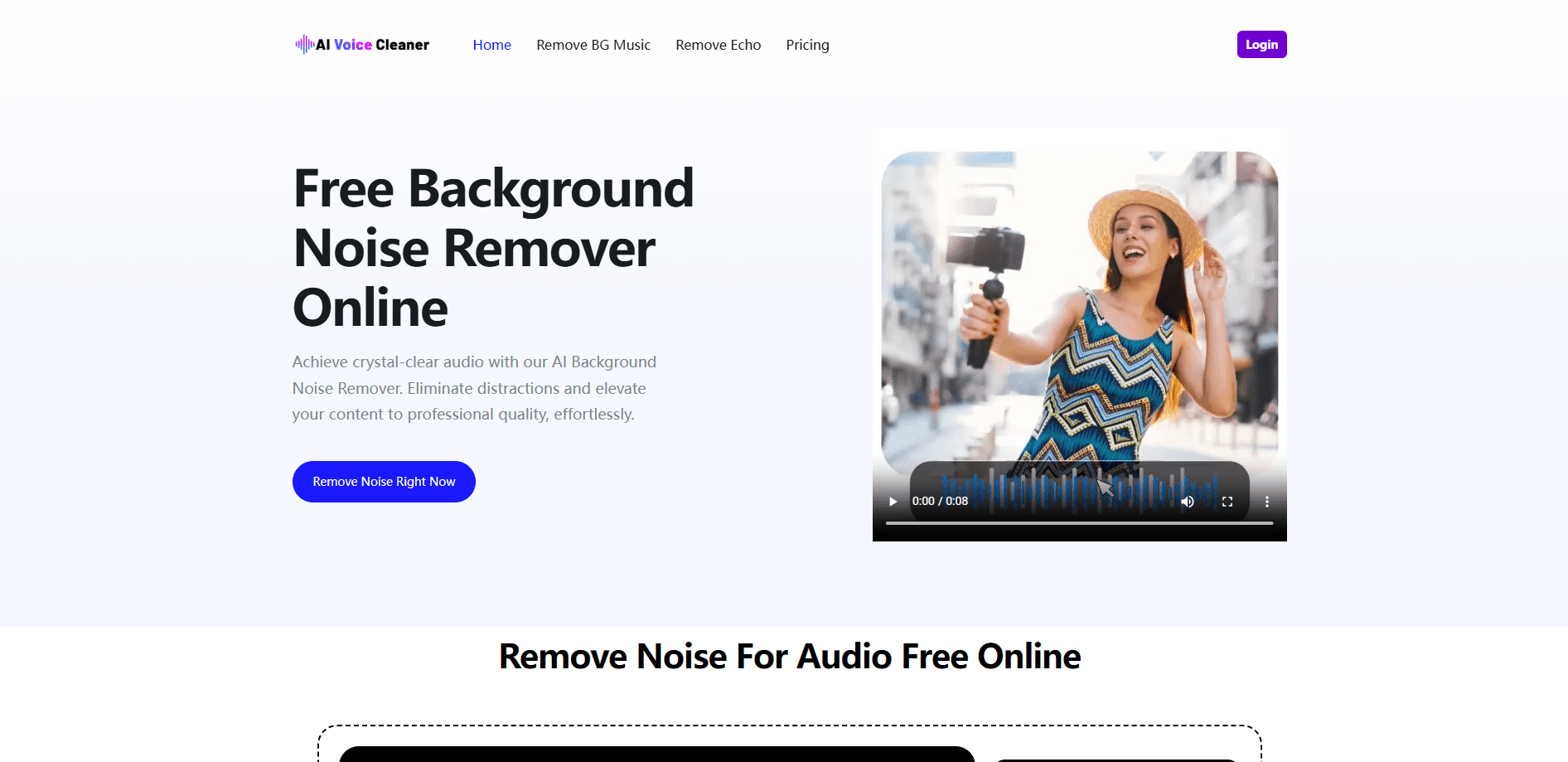
About AI Voice Cleaner: Remove Noise Instantly
What Is AI Voice Cleaner
AI Voice Cleaner is an online audio cleanup service. It runs on AI models trained to tell speech apart from the junk around it, so it can pull vocals out of a noisy recording without flattening the voice that's left behind. The pitch is simple: you shouldn't need a treated room or a studio mic to sound decent on a podcast or a tutorial video.
The tool covers three jobs. First, background noise removal, which handles hums, static, wind, and similar interference. Second, echo and reverb removal for recordings made in rooms that bounce sound around. Third, background music removal for video, which strips a soundtrack while keeping the dialogue intact. It accepts common audio and video formats, including MP3, WAV, M4A, AAC, MP4, MOV, AVI, and WEBM.
There are real limits. Processing runs in the browser and depends on upload and download, so a 2GB file isn't instant. Results vary with the source recording. A file with heavy clipping or a voice buried under a loud crowd won't come back sounding like a studio take, and the company says as much in its own terms. Free access has no usage cap, but the paid packs exist for people pushing large volumes of audio through the system.
Getting Started
- Open aivoicecleaner.io in any modern browser. No account or install is needed to start.
- Upload an audio or video file, either by drag and drop or through the file picker. Files up to 2GB are supported.
- Choose the cleanup you want. Noise removal, echo removal, and background music removal are handled as separate tools.
- Let the AI process the file. It analyzes the audio and removes the interference automatically.
- Preview the result and download the cleaned file. Files aren't stored after processing.
Product Information
A quick look at AI Voice Cleaner: Remove Noise Instantly's pricing, supported platforms, and performance.
Best for
The users, tasks, and scenarios where this tool fits best.
Users
- Podcasters working from home
- Video creators and YouTubers
- Online teachers
- Audiobook and voice-over artists
Tasks
- Denoising a noisy interview
- Stripping echo from a meeting recording
- Removing a music bed from a clip
- Cleaning fan or AC noise
Scenarios
- Cleaning a batch of podcast episodes after a noisy recording session
- Salvaging footage shot outdoors where wind and traffic crept into the audio
- Preparing lesson recordings on a laptop mic with a noisy fan nearby
- Fixing a phone-recorded interview before publishing it
Key features
Background Noise Removal
This is the core tool, and it targets eight common noise types: fan and AC hum, room echo, mic hiss and static, mouse clicks, distant voices, traffic, wind, and appliance noise. You upload the file, the model analyzes it, and the interference comes out while the voice stays put. It works on both audio and video, so a clip with a bad audio track gets the same treatment as a standalone recording.
Echo and Reverb Removal
Recordings made in hard, untreated rooms pick up reflections that make speech sound distant. If you need to remove echo from audio after a call capture or an interview, this tool is the one to reach for. It uses echo cancellation methods alongside deep learning models to spot early reflections and reverberation, then removes them. The company says it adjusts its settings based on the input, which matters because a phone recording and a mic recording behave differently. Mono and stereo files are both supported.
Background Music Removal
For video work, this feature separates a music bed from speech and removes the track, leaving dialogue and sound effects in place. When you need to remove background music from video because a soundtrack is copyrighted, distracting, or simply wrong for the final cut, it handles the separation in a single pass. The tool works across MP4, MOV, AVI, and WEBM, and it runs in one pass without manual editing.
Browser-Based Workflow
There's nothing to install and no account to create. Everything happens in the browser: upload, process, preview, download. If you want to denoise audio online without committing to software, this is about as low-effort as it gets, since files are handled on the server for processing and aren't stored afterward, per the site's stated policy. For anyone who just needs a file cleaned once, that's less friction than a desktop DAW or a subscription editor.
Free Tier Without Usage Caps
The noise, echo, and music tools are free to use with no stated limit on file count or frequency, so you can clean as many files as you want without ever signing up for an account. So what do the paid packs actually buy you? Paid packs only enter the picture for high-volume work, and they add batch processing and a faster queue rather than unlocking new editing features.
Pros and cons
Pros
- No sign-up, no install: the whole workflow runs in the browser, so you can start within seconds
- The core noise, echo, and music tools are free with no stated usage limit
- Handles both audio and video, including MP4, MOV, AVI, and WEBM
- Separate tools for noise, echo, and music mean you aren't stuck with one blunt "clean" button
Cons
- Results depend on the source, so badly clipped or heavily buried audio won't come back studio-clean
- The 2GB file ceiling and browser-based upload make it a poor fit for long, large recordings
- Paid packs are prepaid minute blocks, not a monthly subscription, so heavy irregular use takes some planning
- No public API is documented, which rules it out for anyone wanting automated, programmatic cleanup
Frequently asked questions
Yes. The noise removal tool is free to use with no stated cap on how many files you process, and you don't need an account to start. You upload a file, let the AI clean it, and download the result.
Related content
Explore related tools, skills, and articles for AI Voice Cleaner: Remove Noise Instantly.
AI Voice Cleaner: Remove Noise Instantly Alternatives

Foley
Hanamori Labs, LLC · Voice & Language · Productivity · AI AssistantFoley is a voice to-do list that turns a spoken sentence into a filed task, complete with project, date and time, then helps you plan the day around what is already there.

HireKey
HireKey · Voice & Language · Productivity · LeaningHireKey is an AI job search copilot built by a former tech recruiter. It checks role fit, tailors resumes, runs interview practice and tracks every application.

Fluence
Yay Software (Yannick Huchard) · Writing · Voice & Language · ProductivityFluence is an Android app that reads PDFs, EPUBs, Word files and web articles aloud, follows each sentence as it speaks, and answers questions about the text on the phone itself.