

Aider
Aider AI LLC · Coding
Aider is an open-source AI pair programming tool that lives in your terminal. You point it at a local git repo, describe what you want in plain English, and it edits the files, writes the diffs, and commits the changes for you. It connects to Claude, GPT, DeepSeek and Gemini through your own API keys, and it also runs local models through Ollama or any OpenAI-compatible endpoint. Developers who already work at the command line tend to adopt it fast. It stays out of the way. That's the whole appeal.
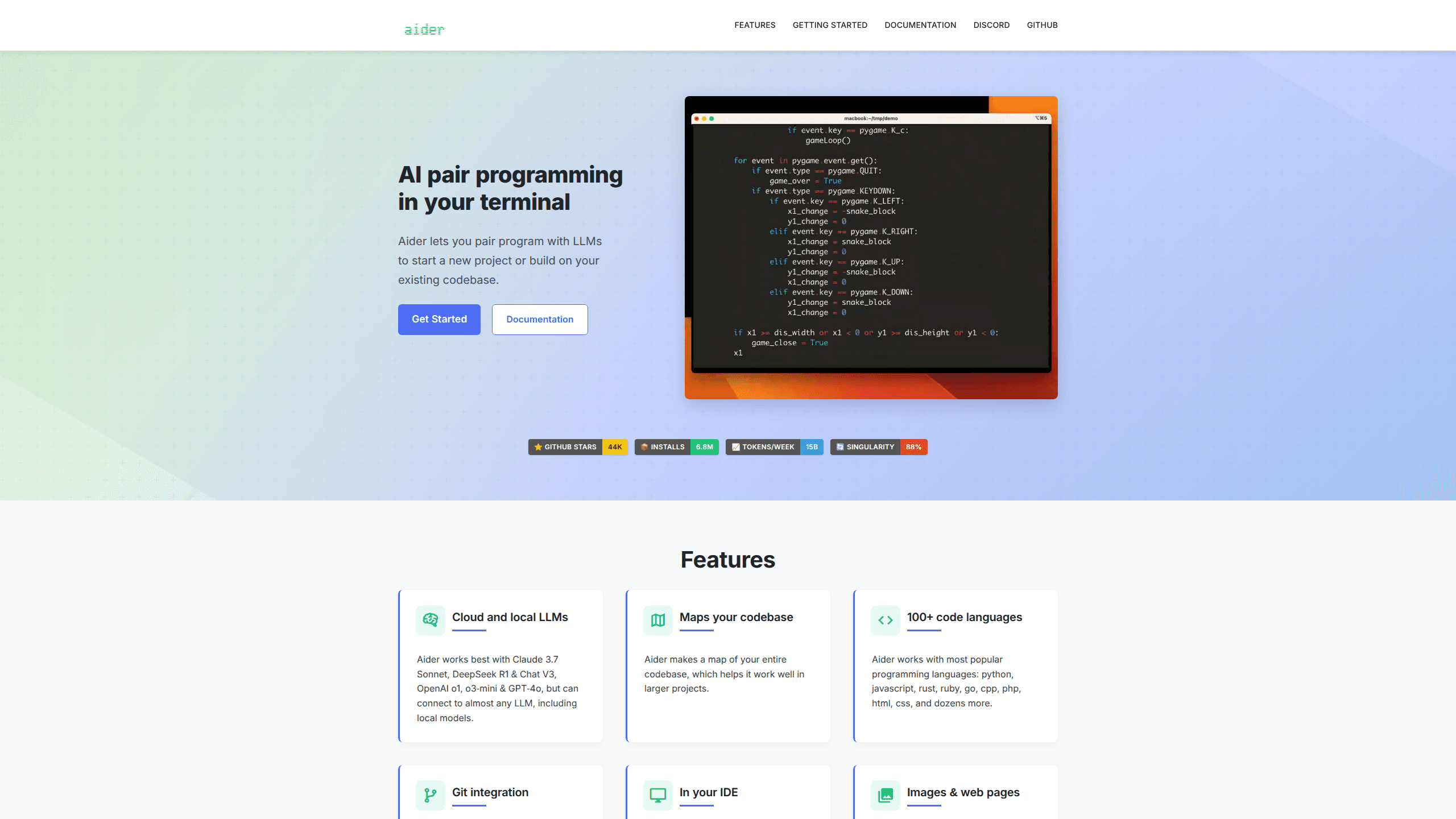
About Aider
What Is Aider
Aider is a command-line coding assistant built by Aider AI LLC and released as open source. It reads your project, understands the structure of the codebase, and applies edits directly to the files in a git repository. Unlike chat tools that hand you a snippet to paste, Aider writes the change into the file and records a commit, so every step is reviewable.
The main problem it solves is context. Instead of manually copying code into a browser window and pasting results back, you add the files you care about to the chat with a command, and Aider builds a repository map of the rest of the project so the model understands how all the pieces fit together. It works with over 100 programming languages, including Python, JavaScript, Rust, Go, C++ and PHP.
The biggest limitation is the model you bring. Aider itself is free, but it has no built-in AI. You supply an API key, so the quality of the edits depends heavily on which LLM you choose, and so does the cost. A weaker model may return code that Aider can't turn into a clean edit. There's also a learning curve: this is a terminal tool, so it rewards people who are genuinely comfortable at a shell prompt and willing to learn a handful of in-chat commands.
Getting Started
- Install Aider with the quick one-liner
python -m pip install aider-installfollowed byaider-install, or use the curl script for macOS and Linux. - Change into your project directory and open a git repo there, since Aider relies on git to track and commit edits.
- Launch it with a model and key, for example
aider --model sonnet --api-key anthropic=<key>oraider --model deepseek --api-key deepseek=<key>. - Add the files you want to work on using the
/addcommand, or start with/helpto see the in-chat commands. - Describe the change you want in plain English, then review the diff and let it commit, or switch to architect or ask mode for a different style of interaction.
Product Information
A quick look at Aider's pricing, supported platforms, and performance.
Best for
The users, tasks, and scenarios where this tool fits best.
Users
- Command-line developers
- Solo builders and indie hackers
- Teams wanting reviewable changes
Tasks
- Adding a feature across several files
- Fixing lint and test failures
- Editing config and docs
Scenarios
- Refactoring a messy function
- Onboarding into an unfamiliar codebase
- Working offline with local models
Key features
AI pair programming in the terminal
Aider runs entirely in your shell, which means no new IDE and no browser tab. You add files to the chat, describe what you want, and the tool writes the edits straight into the working tree. It's the closest thing to pairing with a model while staying inside the editor you already know how to use. No context switching.
Git integration with automatic commits
Every change Aider makes can become its own commit with a sensible message. That turns AI edits into normal version history you can review, revert or branch. If you don't like a change, git already has the tool to undo it, which is a genuine relief for anyone who has ever watched an AI tool quietly rewrite half their codebase without a clean way to roll it back. Why does this matter so much? Because it keeps you in control of your own repo.
Connects to Claude, GPT, Gemini and more
Aider talks to most major LLMs, including Claude 3.7 Sonnet, OpenAI's o3 and GPT-4.1 family, DeepSeek R1 and V3, and Gemini 2.5 Pro. You bring the key, so you pick the price and the quality. It also reaches models through OpenRouter, Azure, Bedrock and GitHub Copilot. Pick whatever fits your budget.
Local models and offline use
Through Ollama or any OpenAI-compatible API, Aider can run against models on your own hardware. That matters if you can't send code to a cloud service or just want to avoid per-token bills. Local models aren't always as sharp at returning clean edits, so expect a tradeoff in output quality. No API bills, no data leaving your machine.
Repository map for large codebases
Instead of dumping your entire project into the prompt, Aider analyzes the repo and builds a compact map of the relevant structure. This gives the model context about the rest of the code without blowing up token costs. It's the reason the tool manages to stay useful on bigger projects, where a naive approach of pasting every file would quickly fall apart and cost a fortune in tokens.
Multiple chat modes
Aider offers code, architect, ask and help modes. Code mode writes and applies changes directly. Architect mode splits planning from editing so a stronger model can design and a faster one can implement. Ask mode answers questions without touching files, and help mode explains how to use the tool itself. Switch modes with a quick command.
Voice and image input
You can speak your instructions instead of typing them, and you can add images or web pages to the chat as context. Dropping in a screenshot or a docs page helps when the task depends on something visual. These features cut down on the back-and-forth that slows plain text workflows. Handy when words fail you.
Pros and cons
Pros
- Free and open source, so there's no subscription fee and you can read or modify the code yourself.
- Deep git integration turns every AI edit into a reviewable commit, which keeps history clean.
- Works with most major LLMs, from Claude and GPT to local models through Ollama.
- Handles over 100 programming languages and also edits config and documentation files.
- The repository map keeps large codebases usable without stuffing every file into the prompt.
Cons
- There's no built-in AI, so you must supply your own API key and pay for the model you use.
- Output quality depends entirely on the model you pick; weaker models often produce edits Aider can't apply cleanly.
- It's a terminal tool with no graphical interface, which puts off developers who prefer a visual editor.
Frequently asked questions
Yes. Aider is open source and free to install. You still pay the LLM provider directly for the API calls Aider makes, unless you run a local model on your own machine.
Related content
Explore related tools, skills, and articles for Aider.
Aider Alternatives
Codeflying
Kuafu Technology (Codeflying) · Coding · Marketing · ChatbotCodeflying is an AI app builder that turns a plain-language description into a working website, mobile app, or mini app. It works as a no-code app builder, so you type what you want and a set of AI agents handle requirements, architecture, front-end screens, back-end logic, and deployment. The goal is simple: build an app from a prompt, even with zero coding background. Marketing tools and a customer-facing chat agent come bundled too, so the result is more than a prototype stuck on a hard drive.

Runware
Runware, Inc. · Image · Video · CodingRunware is a generative AI inference platform that gives developers one API for image, video, audio, 3D, and language models. Instead of signing up with a dozen providers, you call a single endpoint, switch models with a one-line string change, and pay only for the requests you send. No servers to run. It's aimed at teams that want to ship AI features fast without building or babysitting their own GPU infrastructure.

Just Think
Just Think AI · Voice & Language · Coding · BusinessJust Think is an AI consulting and implementation studio that builds custom AI agents, voice systems, document intelligence, and content engines on top of your existing data and tools. Instead of selling software seats, the company scopes a fixed-fee project and ships a working system, usually in about two weeks. Free AI tools and templates stay available for anyone who wants to test the approach before committing to a build.