

AiEnvoy
AiEnvoy · Voice & Language · Video
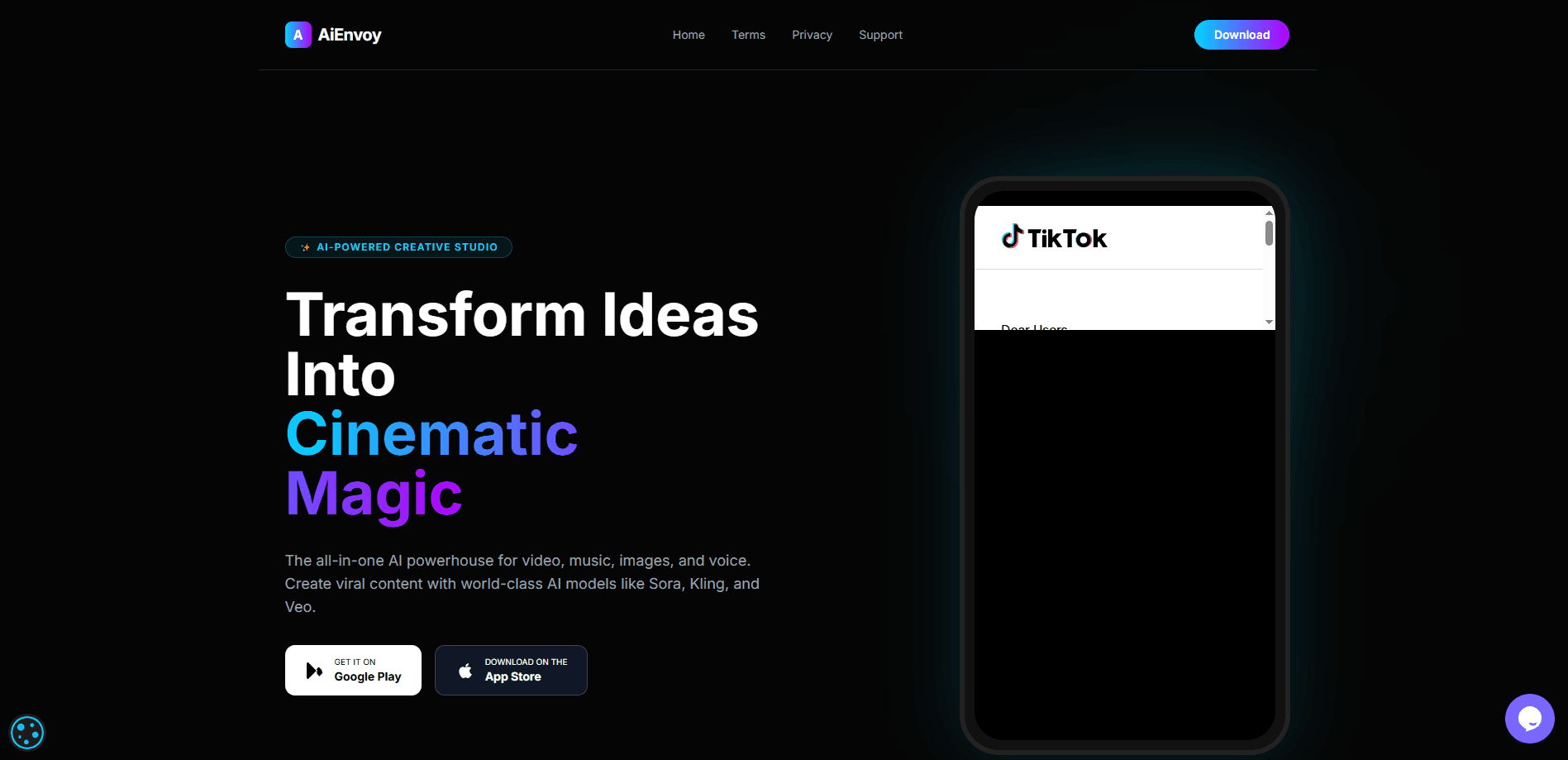
AiEnvoy is an all-in-one AI creative studio that turns plain text ideas into finished video, music, images, and voiceovers. It gathers several leading generation models, including Sora, Kling, and Veo, behind one account. That saves you from juggling four subscriptions to ship one short video. Small teams and solo creators use it to produce social clips, ad spots, and songs without a full production crew. That's the pitch, anyway.
About AiEnvoy
What Is AiEnvoy
AiEnvoy is a web and mobile studio built around AI tokens. Every generation, whether that's a video, a song, an image, or a dub, spends some number of tokens, and your plan decides how many you get each month. That single currency model ties the tools together. Burn a batch of tokens on a music track in the morning, spend the rest on video clips in the afternoon. Simple enough. The accounting can still surprise you.
The product exists to solve a real annoyance. Most creators who want cinematic AI output end up paying for three or four separate services, then shuffling files between them, which burns hours before a single frame gets edited together. AiEnvoy folds those steps into one place. It gives you a rough first cut in minutes, not days. Budget matters here. Tokens are the real constraint, and a monthly allowance runs out fast if you generate heavily. You can top up with one-time packs, and those lifetime credits don't expire.
Under the hood it leans on third-party foundation models instead of training its own. Output quality moves with whatever the upstream providers ship. Handy, but risky. AiEnvoy can't guarantee a specific model stays available forever. From what I can gather, that aggregation is the whole pitch.
Getting Started
- Create an account at aienvoy.dev or download the Android app from Google Play, then sign in.
- Pick a tool from the dashboard, like the AI video generator, music generator, or image generator.
- Write a prompt describing the scene, track, or artwork you want and choose a model plus a duration or style.
- Generate the asset, then review the result and spend more tokens on a retry if the first pass misses.
- Export or download the finished file, or keep it in your library to reuse across platforms.
Product Information
A quick look at AiEnvoy's pricing, supported platforms, and performance.
Best for
The users, tasks, and scenarios where this tool fits best.
Users
- Solo social media creators who need short vertical clips fast, and don't mind learning prompt phrasing to get usable output.
- Small marketing teams that produce ads and promos in-house and want to skip hiring a video editor for every campaign.
- Musicians and podcasters who want quick background tracks or dubs without booking studio time.
Tasks
- Turning a written script into a first-pass AI video for review.
- Generating a background music bed to sit under a brand video.
- Dubbing an existing clip into another language with synced voice, useful when you're reposting content for a new market.
- Creating stand-in images and character art for storyboards before real production starts.
- Writing or rewriting captions and short copy with the built-in writing tools.
Scenarios
- A one-person shop running a weekly content calendar and needing a steady stream of clips without a crew.
- An agency pitching a concept and wanting a rough cinematic mockup by the next meeting.
- A creator localizing an existing video for an audience that speaks a different language.
Key features
Multi-Model Video Generation
The AI video generator lets you pick between heavyweights like Sora, Kling, and Veo from the same prompt box. No more guessing which model suits a shot. You can run the same idea through two of them and compare side by side. It covers both text-to-video and image-to-video, so a still frame can become a moving scene. Which one wins? Depends on the shot. For anyone weighing output quality against token cost, this is the feature that decides whether the studio is worth it.
AI Music Generation
The AI music generator produces original tracks from a text description. No instrument, no DAW. You describe a mood or genre and get a song back. That works well for background beds, intros, or quick demos, where you just need something serviceable sitting under a voiceover without hunting for a licensed track. It won't replace a producer for a finished release. Still, it saves the hunt through stock libraries for a royalty-free cut.
AI Image Generation
The AI image generator handles stills and concept art, from thumbnails to character designs. You can push an idea through several variations cheaply before committing tokens to video. That matters. Images cost far fewer tokens than clips, making them a sane way to test a direction first. Cheap to iterate. Expensive to regret, because a bad concept burned into a full clip drains the allowance you'd rather spend on the shots that actually work.
AI Video Dubbing and Translation
Dubbing takes a clip and swaps the audio into another language, a job that normally needs voice actors, a recording booth, and careful timing work to keep every line in sync with the on-screen mouth movements. It's one of the harder problems in AI media. AiEnvoy also ships an AI dubbing API and a translation API alongside its dubbing tool, so localization can run at scale rather than one clip at a time. For creators reposting to new regions, this alone can justify the subscription.
AutoPilot and AI Characters
AutoPilot aims to chain steps together, moving from script to assembled scenes with less manual clicking, which sounds great until you realize the automated assembly rarely matches the exact pacing you had in your head. AI Characters lets you build consistent personas that carry across multiple videos. That helps when you're producing a series and want the same face each episode. Fine control suffers. Both features target creators who value turnaround over precision. You pick the trade.
Templates and Writing Tools
Templates give you a starting point instead of a blank prompt, useful when you're stuck on phrasing and don't want to stare at an empty text box wondering how to describe a camera move. The AI writing tools cover scripts, captions, and short copy. Same workspace, fewer tabs. The tool that generates your visuals can also draft the words around them.
Developer API
AiEnvoy exposes its generation stack through APIs, including text-to-video, image-to-video, dubbing, translation, and short stories, which means a small development team can embed the same models that power the web app directly into its own product without rebuilding the pipeline from scratch. Teams building their own apps can wire the models in directly. That beats sending staff to a web dashboard for every render. It's the clearest sign the platform wants to serve developers, not just end users.
Pros and cons
Pros
- One account covers video, music, image, dubbing, and writing, cutting the number of tools you pay for.
- Access to Sora, Kling, and Veo under a single subscription instead of separate, pricier plans.
- Free tier with starter AI tokens lets you test output quality before spending.
- Lifetime token packs never expire, unlike the monthly allowance.
- A public API suits developers who want the same models inside their own product.
Cons
- Tokens are the real bottleneck. Heavy generation burns through a monthly allowance quickly, and then you're paying more.
- Output depends on third-party models, so quality and availability can shift when an upstream provider changes things.
- Monthly plan tokens expire each billing cycle, which punishes anyone who saves them up.
- The All-in-one scope means each individual tool may not match a dedicated specialist app for advanced work.
Frequently asked questions
AiEnvoy is an AI creative studio for generating video, music, images, and dubbed audio from text prompts. It's built for creators who want cinematic-looking content without a production crew or several separate subscriptions, and it's flexible enough for a solo creator testing an idea before spending a real budget.
Related content
Explore related tools, skills, and articles for AiEnvoy.
AiEnvoy Alternatives

Foley
Hanamori Labs, LLC · Voice & Language · Productivity · AI AssistantFoley is a voice to-do list that turns a spoken sentence into a filed task, complete with project, date and time, then helps you plan the day around what is already there.

HireKey
HireKey · Voice & Language · Productivity · LeaningHireKey is an AI job search copilot built by a former tech recruiter. It checks role fit, tailors resumes, runs interview practice and tracks every application.

Fluence
Yay Software (Yannick Huchard) · Writing · Voice & Language · ProductivityFluence is an Android app that reads PDFs, EPUBs, Word files and web articles aloud, follows each sentence as it speaks, and answers questions about the text on the phone itself.