
Aimusicgen
Aimusicgen · Other
Aimusicgen is an AI music generator that turns a text prompt, your own lyrics, or an uploaded audio clip into a complete song with vocals or instrumentals. You can refine the result, split it into stems, and even pair it with an AI music video. It runs in the browser. Nothing to install.
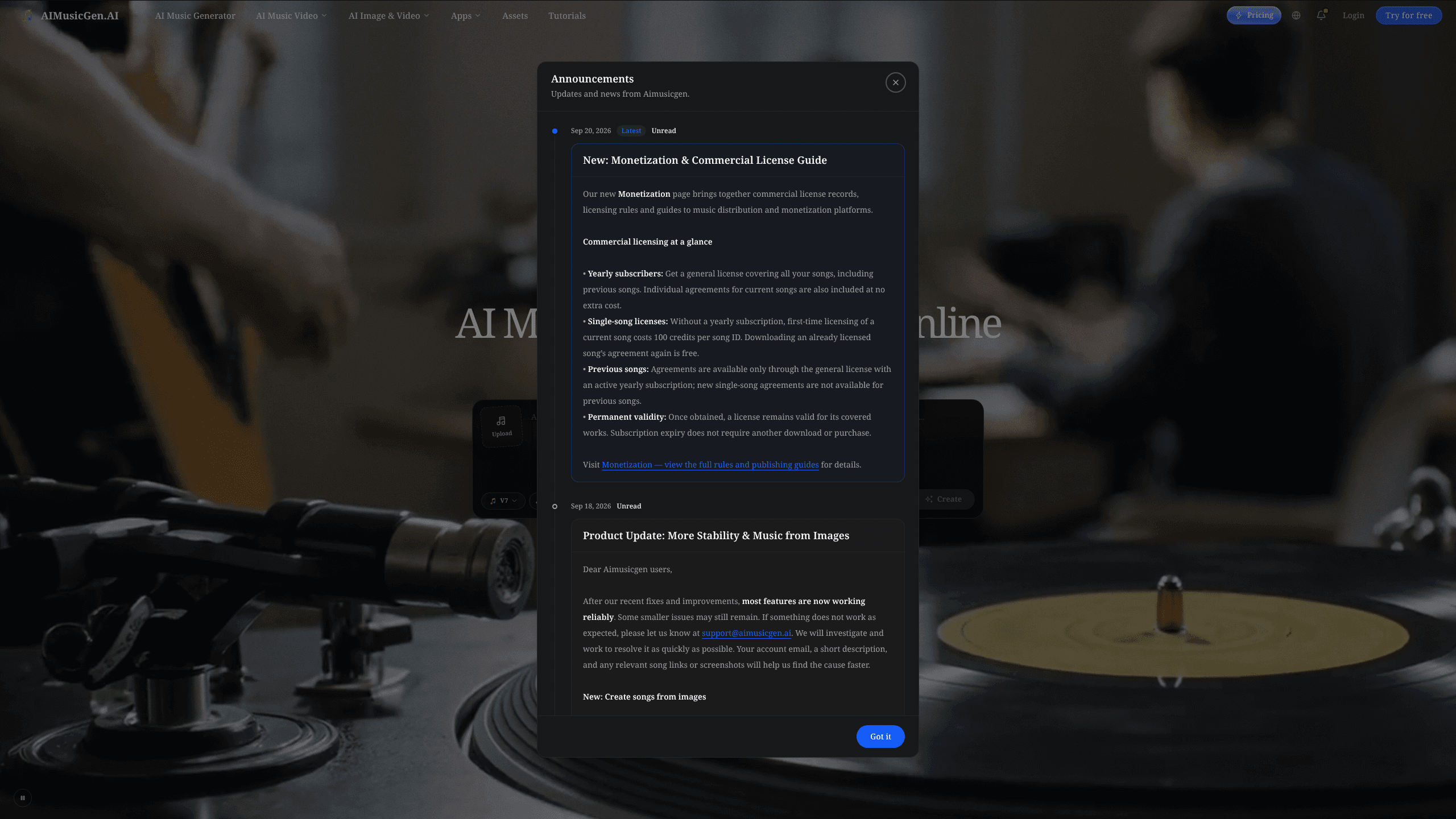
About Aimusicgen
What Is Aimusicgen
Aimusicgen is a browser-based AI music generator built for people who have a musical idea but no studio and no band. You describe a genre, mood, or story, and the tool produces a finished track with vocals or instrumentals in the style and language you pick. It also handles the parts that used to require a separate editor: extending a song, swapping a section, removing vocals, and splitting stems into pieces you can remix on your own.
The pitch is speed and range rather than professional mastering. Someone making background tracks for a video, a hobbyist testing a melody, or a creator who needs a jingle by Friday will get usable output. It's fast. Producers looking for studio-grade mixing control should treat it as a starting point, not the final step.
The most important limit is the pricing model itself. Every action costs credits, and free credits reset daily at 10 rather than accumulating, so heavy users will hit a paid plan fast. The quality also varies by genre and prompt detail. Vague prompts give vague songs. That's just how text-to-music works. Is that a dealbreaker? Not for casual use, but it changes how you write a brief.
Getting Started
- Head to aimusicgen.ai and create a free account; you start with daily free credits, so no payment is needed to test it.
- Choose your starting point: type a prompt, paste or write your own lyrics, or upload a song, vocal, or instrumental as a reference.
- Pick a mode. Guided mode is fastest, the custom studio gives detailed control, and a chat-based producer helps you shape ideas conversationally.
- Generate the song, then refine it: adjust vocals, arrangement, timing, and instruments, or explore different versions.
- Edit and extend as needed, then export for Spotify, YouTube, TikTok, or Instagram once your license covers commercial use.
Product Information
A quick look at Aimusicgen's pricing, supported platforms, and performance.
Best for
The users, tasks, and scenarios where this tool fits best.
Users
- Content creators
- Hobbyist songwriters
- Video editors
Tasks
- Turning a written idea into a song
- Making AI covers and remixes
- Splitting stems for editing
Scenarios
- Naming a theme in a prompt and getting a finished demo to share with friends the same evening.
- Building a short visual for a release
- Producing podcast or video intros where a custom, royalty-free tune beats a stock track everyone recognizes.
Key features
Text-to-Music From a Prompt
You describe a mood, genre, story, or set of instruments and Aimusicgen builds a complete song around it. Vocals and instrumentals both come out of the same prompt, so you don't need to record anything to hear a finished arrangement. The detail you put into the prompt shows up in the output, which is why a specific brief works better than a vague one.
Custom Lyrics and AI-Assisted Writing
You can paste your own lyrics, or let the tool write alongside you when you're stuck on a verse. Lyrics can be shaped across styles, languages, and arrangements, so multi-language creators aren't locked into English. For songwriters, this is the part that turns a snippet into something singable.
Audio Reference and Voice Cloning
Upload a song, a vocal recording, or an instrumental and push it in a new direction. You can use a track or your own voice as a reference, then extend it, create a cover, or change the vocal character. Training a voice model costs credits, but it lets a track carry a consistent voice across several songs.
Song Editing, Extension, and Stems
A generated track isn't a dead end. You can continue it, replace a section, add or remove vocals, and split the music into stems for deeper work. Vocal removal and a voice changer round out the editing set. Big difference. This is what separates a generator from a tool you can actually finish a project in.
AI Music Video Generator
Aimusicgen turns a song into visuals in several formats: an AI singer performance, a lyric video, a photo slideshow, or a vinyl-style animation. Beat-aware rendering keeps the visuals synced to the track, so a cut lands on the beat instead of drifting a half-second late through the whole clip. It's aimed at creators who need a release-ready clip without a separate video editor.
Export and Commercial Licensing
This is a music generator online, so exports go straight to your device. You can export high-quality lossless audio and videos for Spotify, YouTube, TikTok, and Instagram. Commercial use is tied to the right license, and the free tier states it includes a commercial license, but check the terms before you monetize anything. Unclear licensing is the fastest way to lose a video to a takedown.
Credit-Based Pricing That Carries Over
Every action costs a fixed number of credits, and the plan only changes how many you get. Unused credits roll over and never expire, which is unusual for this kind of tool. That's a real perk. Basic starts at 500 credits a month; Pro offers 1.5K to 6K. The catch is that free credits reset daily and don't accumulate.
Pros and cons
Pros
- Works entirely in the browser, with no install and a free daily credit allowance to test it.
- Covers the whole chain from prompt to song to music video, so you skip juggling separate editors.
- Stems and vocal removal add real editing depth beyond basic generation.
- Unused credits roll over instead of expiring at month's end.
- Supports custom lyrics, multiple languages, and voice references in one workflow.
Cons
- Output quality depends heavily on prompt detail, so vague briefs give weak songs.
- Credits run out quickly on complex tasks like stem splitting or voice training, pushing you toward Pro.
- No public API, so teams that want to automate generation can't plug it into their own pipeline.
- Vocal realism still varies by genre, and some results sound clearly synthetic.
Frequently asked questions
It's an AI music generator for turning text, lyrics, or uploaded audio into complete songs with vocals or instrumentals, plus matching music videos. People use it for background tracks, demos, and social content. Not studio production.
Related content
Explore related tools, skills, and articles for Aimusicgen.
Aimusicgen Alternatives

Odyssey 3
Odyssey · OtherOdyssey-3 is Odyssey's foundation world model. It simulates physics in real time, turns a prompt into an interactive environment, and adapts to robots, cars and games.

JarvisCore
Prescott Data · Coding · Productivity · OtherJarvisCore is an open source Python runtime where AI agents work as equal peers on an agent mesh, claim tasks from a shared ledger, and reach external services through a zero-trust broker.
Clef
Cloudflare · Business · OtherClef is Cloudflare's open-source decision model for Workers AI. It returns calibrated probabilities for typed questions, not generated text, so agents can classify, route, and act fast.