

AIPRM
AIPRM · Other · Prompts
AIPRM is a browser extension that adds a curated library of ready-made prompts, team sharing and writing-style controls to ChatGPT and other AI chat models.
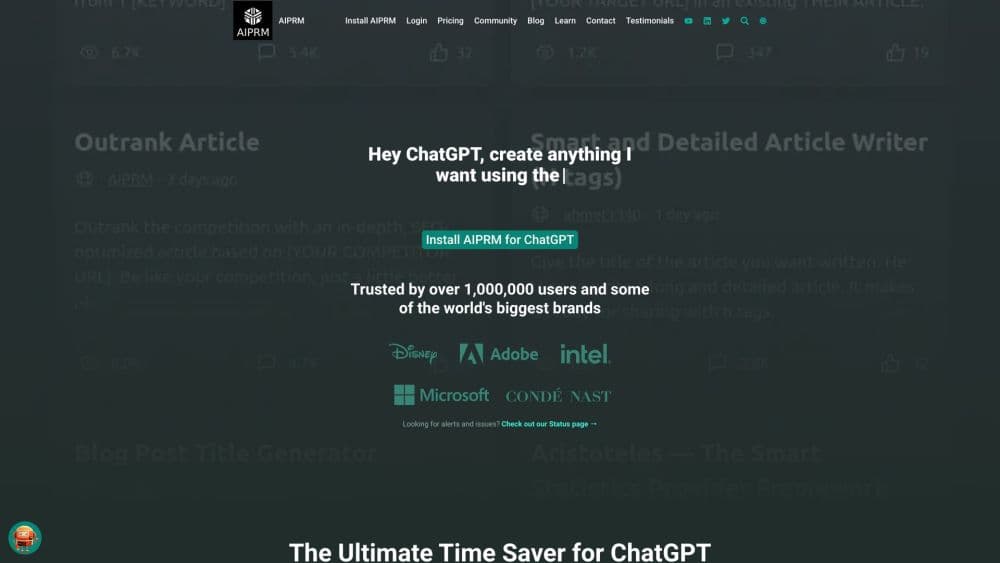
About AIPRM
What Is AIPRM
AIPRM is a prompt manager that plugs into ChatGPT and other AI chat tools, so you don't have to write a good prompt from scratch every time. It started as an extension for ChatGPT and grew into a shared library of thousands of prompt templates, covering copywriting, SEO, sales, coding, art, and support.
The problem it solves is the blank box. Most people open ChatGPT, type a rough request, and get a rough answer. AIPRM swaps that guesswork for a list of tested templates you pick from, then fills in your own details through variables. You can also save your own prompts, organize them into lists, and share them with a team so everyone prompts the same way.
The catch is that AIPRM sits on top of someone else's model. It can't do anything ChatGPT itself can't, and when OpenAI changes the underlying model, some templates stop working as well as they did. It also needs an account and a browser, so it's tied to your desktop session rather than a standalone app.
Getting Started
- Create a free AIPRM account on the website and confirm it through email.
- Install the AIPRM extension for ChatGPT from the Chrome Web Store or the Edge add-ons page, then pin it so the panel shows up.
- Open ChatGPT and pick a template from the Public Prompts tab, or switch to your own saved prompts.
- Set the output language, tone, and writing style in the selector bar above the chat input, then fill in any variables the template asks for.
- Send the prompt, and once you like the result, save it as a private prompt or add it to a team list for reuse.
Product Information
A quick look at AIPRM's pricing, supported platforms, and performance.
Best for
The users, tasks, and scenarios where this tool fits best.
Users
- Marketers and SEO specialists
- Small business owners
- Teams that share a writing process
Tasks
- Writing marketing content
- Structured SEO work
- Drafting and refining text
Scenarios
- Running a repeatable content workflow
- Getting a new team member productive fast
- Working across several AI tools
Key features
A Curated Prompt Library
AIPRM's main draw is a library of thousands of prompt templates, with official figures citing over 5,400 public prompts and hundreds of thousands saved privately by users. Templates are grouped by job, so you can filter for SEO, marketing, art, or coding instead of scrolling a single wall of text. Each template states which model it targets, which cuts down on prompts that don't fit the tool you're using.
Variables for Reusable Prompts
Templates use variables, the blank fields you fill in each time, so the same prompt works for different products or clients. A single ad-copy template, for example, can take a different product name and audience on every run. This is what turns a fixed prompt into something you actually reuse, and it saves you rewriting the instructions from memory.
Tone and Writing Style Controls
A selector bar above the chat input lets you set the output language, tone, and writing style without editing the prompt text. Paid plans let you add your own custom tones and styles, so the output matches your brand voice rather than a generic default. That's handy when several people write for the same brand and the wording needs to stay consistent.
Power Continue
Power Continue extends ChatGPT's built-in continue button with actions to expand, simplify, or shorten an answer. Instead of retyping a request to get a longer or tighter version, you pick the action and the model keeps going. Paid users can define their own Power Continue actions, which is useful for people who always want the same kind of follow-up.
Team Sharing and Private Lists
AIPRM lets you assign user licenses and share selected prompts or prompt lists with a team, so everyone works from the same set of instructions. Private and custom lists keep your own prompts organized into tabs for quick access. The point is consistency: a shared list means a whole team prompts the model the same way, which is hard to enforce when everyone keeps their own notes.
AIPRM Verified Prompts
Verified Prompts are a smaller collection the AIPRM team reviews, maintains, and tests across multiple inputs and models. They sit alongside the community library, which is published and voted on by users but not tested by AIPRM. If you want prompts that are kept up to date rather than whatever ranked highest, the verified set is the safer starting point.
Pros and cons
Pros
- Saves the time that goes into writing and rewording prompts for routine tasks.
- A large, categorized library means most common jobs already have a template.
- Free tier covers the core library, so you can test it before paying.
- Team sharing and custom lists keep a whole group prompting the same way.
- Works for ChatGPT, Claude, and image tools like Midjourney and DALL-E from one extension.
Cons
- It only runs on top of another AI model, so it can't do anything ChatGPT itself can't.
- Community templates aren't tested by AIPRM, and quality varies from one to the next.
- Model updates can break templates that used to work, and there are no refunds if a prompt goes stale.
- The useful team and customization features need a paid plan, which starts around $10/mo.
Frequently asked questions
AIPRM is an AI prompt manager for ChatGPT and other chat models. It gives you a library of ready-made prompt templates, lets you save and organize your own, and adds controls for tone and writing style. The goal is to get useful output without crafting every prompt by hand.
Related content
Explore related tools, skills, and articles for AIPRM.
AIPRM Alternatives

Odyssey 3
Odyssey · OtherOdyssey-3 is Odyssey's foundation world model. It simulates physics in real time, turns a prompt into an interactive environment, and adapts to robots, cars and games.

JarvisCore
Prescott Data · Coding · Productivity · OtherJarvisCore is an open source Python runtime where AI agents work as equal peers on an agent mesh, claim tasks from a shared ledger, and reach external services through a zero-trust broker.
Clef
Cloudflare · Business · OtherClef is Cloudflare's open-source decision model for Workers AI. It returns calibrated probabilities for typed questions, not generated text, so agents can classify, route, and act fast.