

Airbolt AI
Airbolt AI · Coding
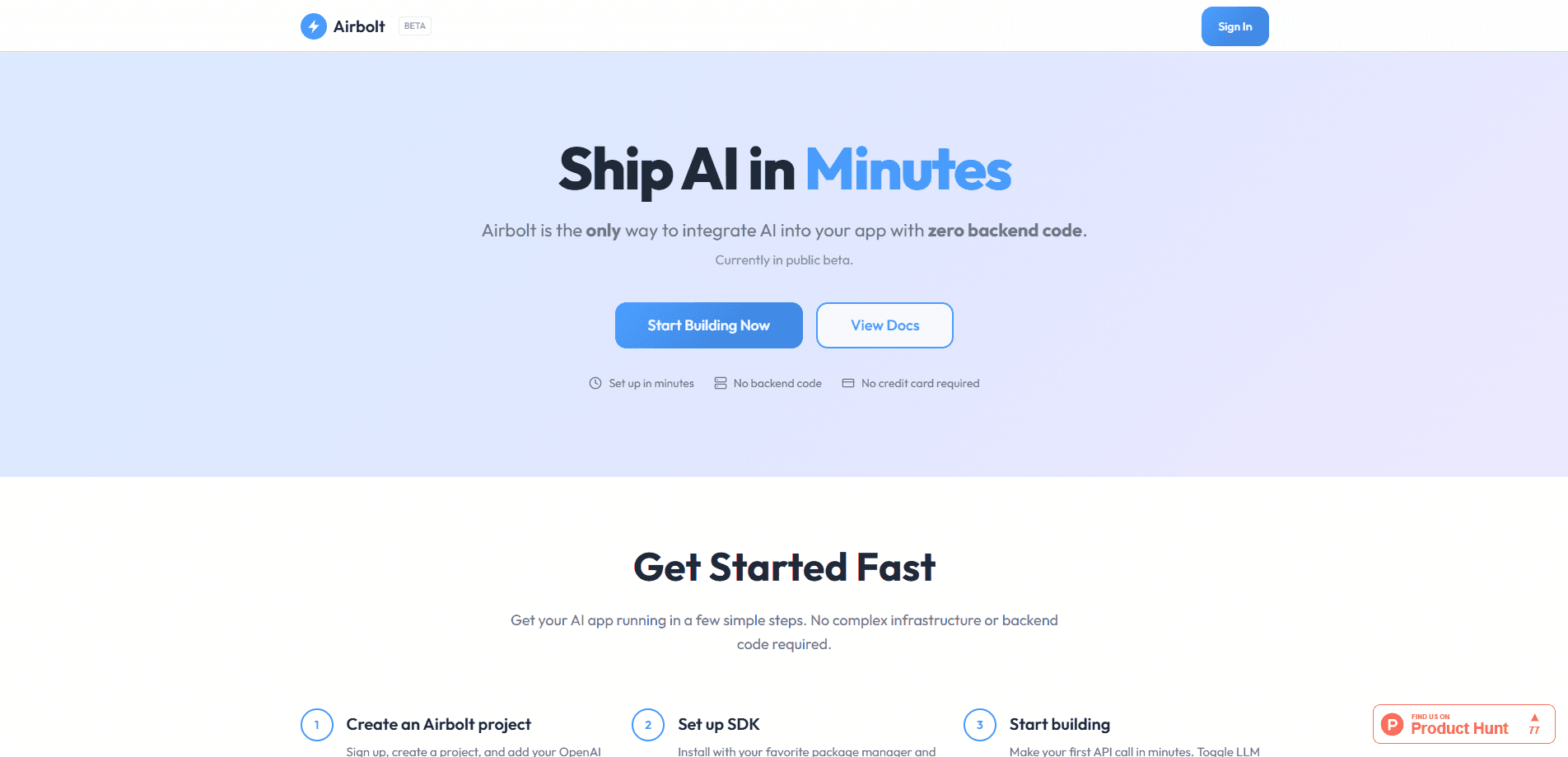
Airbolt AI is a developer service for LLM integration without the server. You drop its SDK into a React or JavaScript/TypeScript client, point it at your own provider API keys, and start calling OpenAI, Anthropic, Google Gemini, and other large language models in minutes. That's a zero-backend AI SDK in practice: no server to run, no keys in the browser. The company handles tokens and rate limits for you. It sells itself as the fastest path to a working AI feature.
About Airbolt AI
What Is Airbolt AI
Airbolt AI is a zero-backend integration layer for large language models. Instead of building and hosting your own API server to proxy requests to OpenAI or Claude, you install the Airbolt SDK and let the hosted platform broker those calls. Think of it as AI integration for apps that skips the plumbing. The provider keys stay on Airbolt's servers, encrypted with AES-256-GCM, and never reach the browser.
The product targets one specific pain: the boilerplate that sits between "I have an idea" and "my users can chat with an LLM." A basic streaming chat UI usually means a backend route, message state, error handling, and token management. Airbolt collapses that into a single component or a few SDK calls. Skip the boilerplate. Ship the feature.
The tradeoff is control and maturity. Airbolt is still in public beta, so features like mobile SDKs, model routing on the fly, and tool use are listed as coming soon rather than shipped. So who should wait? Teams that need those pieces today, or stacks outside React and JavaScript. Everyone else can start now.
Getting Started
- Sign up at airbolt.ai and create a project. No credit card is required during the beta.
- Add your provider API keys (OpenAI, Anthropic, Google Gemini, and others) to the project; Airbolt stores them encrypted.
- Install the SDK with your package manager, then initialize it with your project ID or API key.
- Drop in the React
ChatInterfacecomponent, or build a custom UI with the hooks and JavaScript/TypeScript APIs. - Toggle model settings and rate limits from the dashboard, then ship.
Product Information
A quick look at Airbolt AI's pricing, supported platforms, and performance.
Best for
The users, tasks, and scenarios where this tool fits best.
Users
- Frontend and full-stack developers
- Indie builders and small teams
Tasks
- Adding a streaming chat interface
- Wiring multiple LLM providers
- Prototyping an AI feature fast
Scenarios
- A weekend project that needs an AI assistant
- A SaaS product on a short timeline
- A team that already has provider keys
Key features
Zero-Backend Integration
The core promise is that you never write server code. You add the SDK to a client app and Airbolt's hosted platform handles the request path to the model provider. For teams without a backend engineer, that means an AI feature is no longer blocked on infrastructure. For everyone else, it removes the maintenance of a proxy service, its cold starts, and its dependency updates. That's a real saving.
Bring Your Own LLM Keys
You connect your own provider accounts, and the keys stay encrypted on Airbolt's servers rather than being shipped to the browser. The platform supports OpenAI, Anthropic, Google Gemini, and others. Using your own keys means your usage and billing stay with the provider you already trust, and you aren't locked into a reseller's pricing.
React Chat Component and Hooks
The SDK ships a ready-made React AI chat component, ChatInterface, that you configure with a project ID. If you'd rather design your own UI, the same SDK exposes hooks and JavaScript/TypeScript APIs, with streaming, state management, and error handling built in. The two paths let you trade speed for control depending on how the feature fits your design. Pick your trade.
Security Tokens and Rate Limits
Airbolt issues short-lived tokens and applies per-user rate limits by default, with no configuration on your side. Short-lived tokens limit how long a leaked credential stays useful, and per-user limits cap how much a single account can burn through. For a public-facing app, that's the difference between a throttled feature and a surprise bill. Nobody wants the second one.
Dashboard Model Controls
From the dashboard you can switch LLM settings and toggle providers with a few clicks, which keeps experimentation out of your codebase. Changing which model answers a request becomes a config change instead of a deploy. It's a small thing, but it shortens the loop when you're comparing Gemini against Claude on real traffic.
Pros and cons
Pros
- Removes backend work entirely, so app developers can add LLM features without a server.
- Supports multiple providers (OpenAI, Anthropic, Google Gemini, and more) through one SDK.
- Bring-your-own-keys model keeps you on your existing provider accounts and billing.
- Secure defaults: short-lived tokens, encrypted keys, and per-user rate limits are on out of the box.
Cons
- Still in public beta, so some pieces developers expect, like mobile SDKs and tool use, are listed as coming soon and not yet usable.
- The tightest integration is React and JavaScript/TypeScript; teams on other stacks get less out of it for now.
- Relying on a hosted proxy means your AI feature's uptime depends on Airbolt's platform, not just your provider.
Frequently asked questions
It's used to add LLM features to apps without building a backend. You install the SDK, connect your provider keys, and call models like GPT, Claude, or Gemini from your client code or a drop-in React AI chat component.
Related content
Explore related tools, skills, and articles for Airbolt AI.
Airbolt AI Alternatives

Base Code
Base44 (Wix) · Coding · ProductivityBase Code is a shared cloud development environment from Base44. Teammates describe changes to an existing GitHub codebase in chat, preview them live and send them back as pull requests.

Google EmbeddingGemma 2
Google DeepMind · Writing · Image · CodingGoogle EmbeddingGemma 2 is a 740M-parameter open model that turns text, code, images, audio, and video frames into vectors in one 768-dimension space, running on phones and laptops.

GitGlow
GitGlow · Coding · ProductivityGitGlow is a local-first desktop Git client that lets independent developers review their own code and their AI agents' changes in one place before shipping.