

Airtable
Airtable · Coding
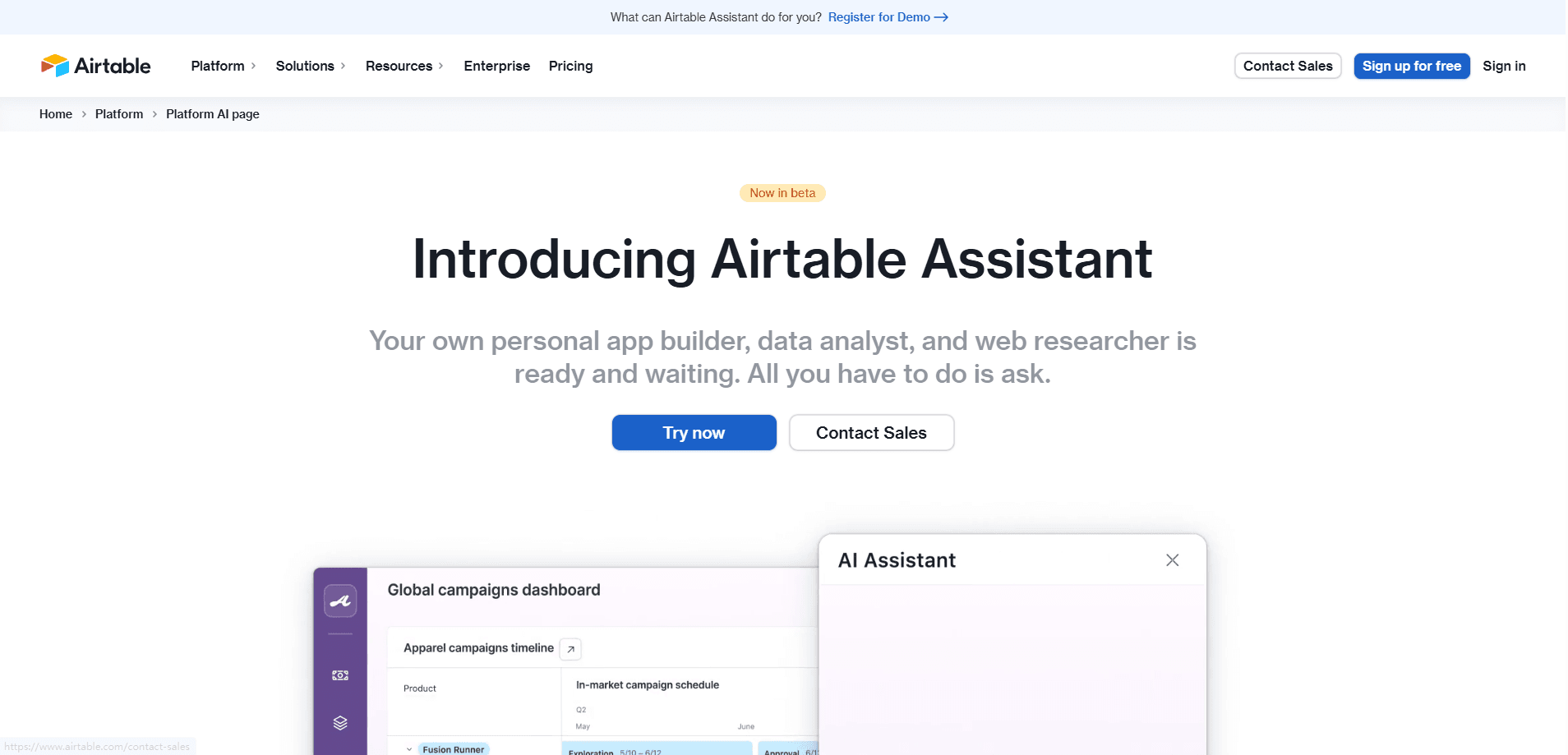
Airtable is a no-code app platform whose AI assistant, Omni, builds apps by description and adds AI fields and agents that work inside your data.
About Airtable
What Is Airtable
Airtable is a no-code platform for building business apps on top of a spreadsheet-like database. Its AI side covers three things that show up in the same workspace: Omni, a conversational builder that turns a description into tables, interfaces and automations; AI fields that run a model over each record; and field agents that do a set task on every record at once.
The idea is that the assistant lives where your data already is. A marketing team can categorize feedback, translate campaign copy or draft a brief without moving rows into a separate chatbot. OpenAI and eBay use Airtable this way, and the company says more than 450,000 organizations run on it.
The catch is scope. The AI work credits you spend, and the deeper agents need a plan that supports them. Airtable is also not a general chatbot, so it was never meant to answer random questions outside your bases.
Getting Started
- Sign up for a free account at airtable.com and create a base.
- Turn on Airtable AI for the workspace from the admin panel.
- Add an AI field to a table, pick a template or write your own prompt, then reference the fields you want it to read.
- Ask Omni to build or describe what you want changed, and let an automation run the field on new records.
Product Information
A quick look at Airtable's pricing, supported platforms, and performance.
Best for
The users, tasks, and scenarios where this tool fits best.
Users
- Operations and project teams
- Marketers and content teams
- Non-technical builders
Tasks
- Building an app from a description
- Summarizing and tagging records
- Translating and drafting content
Scenarios
- Triaging customer feedback at volume
- Turning a rough idea into a tracker
- Automating a repeated step
Key features
Omni, the conversational AI builder
Omni is Airtable's AI app builder. You describe what you need and it creates the tables, interfaces and automations for you, then you refine the result with normal drag-and-drop tools. You can attach briefs, meeting notes or docs so it tailors the app to your context. Asking it to build or iterate costs nothing extra.
AI fields that work on each record
An AI field runs a model over a row, so you can generate content, summarize text, categorize items, run sentiment analysis or translate copy. You start from a template or write your own prompt and reference fields the way you would in a formula. Outputs refresh automatically as records change.
Field agents that act inside records
Field agents go beyond a single field. They can analyze documents, search the web, generate and edit images, translate content and pull insights from transcripts, all within the record. You can set them to run on their own whenever data is added or updated. Each run costs credits.
Chaining fields into a workflow
You can stack AI fields so the output of one feeds the next. A first field scores customer sentiment; a second drafts a reply that matches the tone. Airtable's automations then send the result, which turns a manual review loop into a pipeline that runs itself.
Model choice for enterprises
Enterprise customers pick which model powers Airtable AI. Options include OpenAI's GPT models and Anthropic's Claude models through Amazon Bedrock, where the models run inside the AWS environment. That lets a company match the model to its own data and compliance needs.
Integrations and data flow
Airtable connects to tools like Slack, Google Drive, Salesforce and Jira, and data moves both ways. Because the AI sits on top of that connected data, a summary or a tag can draw on records that came in from another system without a separate export step.
Pros and cons
Pros
- The AI lives inside the data, so summaries, tags and drafts run against rows you already keep in Airtable rather than a copied export.
- Omni builds working apps from a plain description, and everything it produces stays editable with the platform's normal tools.
- A free plan is available, so you can try the core product before paying for AI-heavy use.
- Enterprise plans let you choose the underlying model, including GPT and Claude through Amazon Bedrock.
Cons
- AI usage runs on credits, so heavy field or agent work adds cost beyond the seat price and needs monitoring.
- The assistant only works on what is in your bases, so it is not a general chatbot and cannot answer questions outside your data.
- Deeper AI features and the widest model choice sit behind higher plans, which puts some capability out of reach on the free and entry tiers.
- Setting up custom prompts and agents takes some getting used to, so it is not a one-click setup for a non-technical owner.
Frequently asked questions
Airtable AI helps you build and run apps that use AI on your own data. You can have Omni create an app from a description, add fields that summarize or categorize records, translate content, and set agents that do research or document review inside your base.
Related content
Explore related tools, skills, and articles for Airtable.
Airtable Alternatives

Base Code
Base44 (Wix) · Coding · ProductivityBase Code is a shared cloud development environment from Base44. Teammates describe changes to an existing GitHub codebase in chat, preview them live and send them back as pull requests.

Google EmbeddingGemma 2
Google DeepMind · Writing · Image · CodingGoogle EmbeddingGemma 2 is a 740M-parameter open model that turns text, code, images, audio, and video frames into vectors in one 768-dimension space, running on phones and laptops.

GitGlow
GitGlow · Coding · ProductivityGitGlow is a local-first desktop Git client that lets independent developers review their own code and their AI agents' changes in one place before shipping.