

AISpace
AISpace · Other
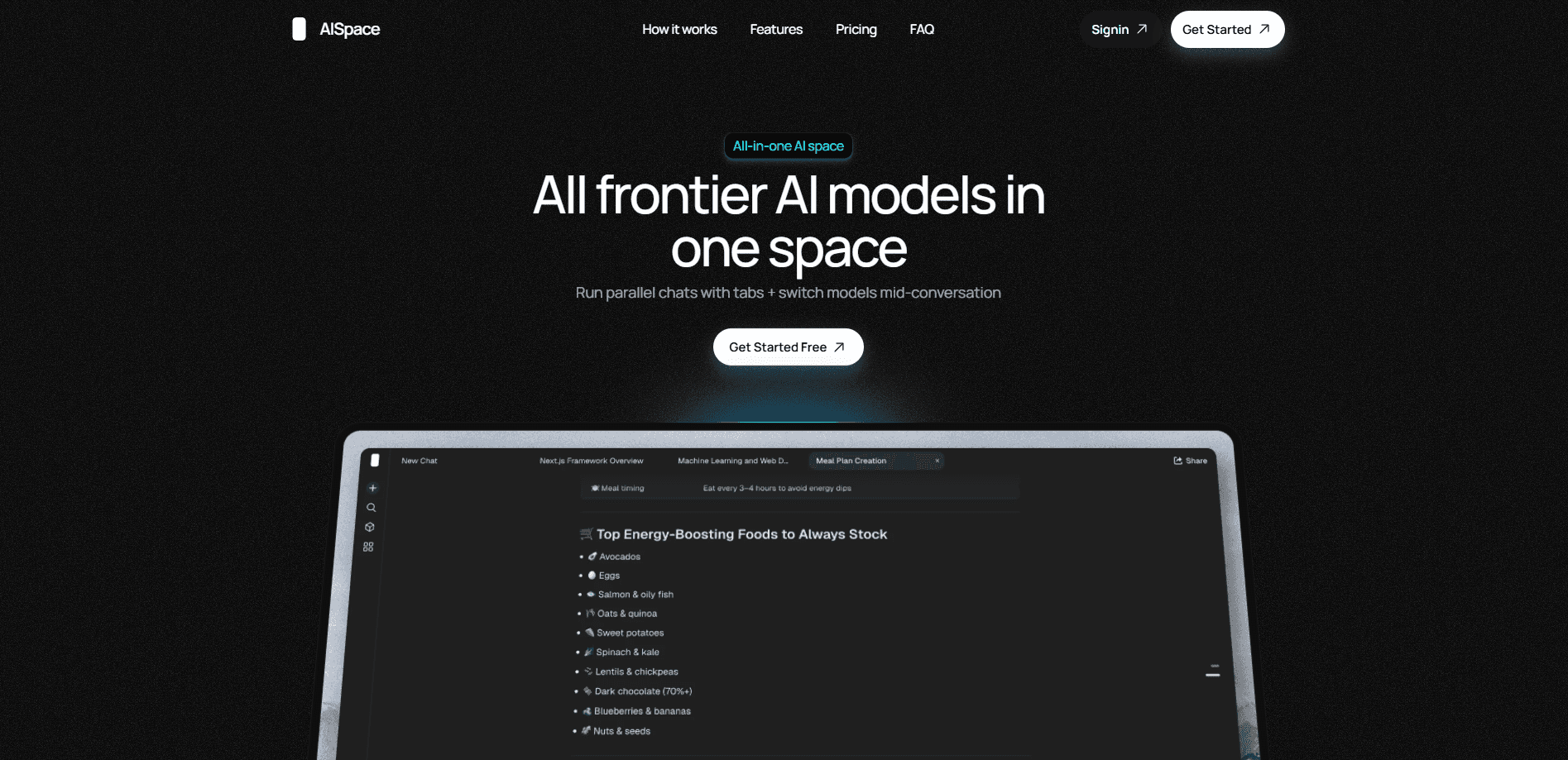
AISpace is an all-in-one AI chat platform that gives you access to more than 30 frontier models, including Claude, GPT, Gemini, Grok, and Llama, from a single web interface. Instead of juggling separate subscriptions and browser tabs for each provider, you pick a model and start chatting in one place. Think of it as an AI model aggregator. One window. Every model. The pitch is speed: compare answers side by side, keep several threads open at once, and sharpen rough prompts before you send them.
About AISpace
What Is AISpace
AISpace is a multi-model AI chat platform. You sign in once and get a unified workspace where the major frontier models live behind the same input box. One login. One window. One place to type. The product targets people who already use two or three AI tools a week and are tired of copying the same prompt into each one. That fatigue is real. Nobody enjoys it.
The main problem it solves is fragmentation. Each provider has its own account, its own pricing, and its own quirks, and switching between them breaks your train of thought. AISpace keeps the models grouped so the switch costs a click, not a new login. That's the whole idea. According to the official site, the library covers 30+ models spanning Claude, GPT, Gemini, Grok, and Llama, alongside prompting and conversation tools built around the chat experience.
The obvious limit is that AISpace is a wrapper, not a model maker. It depends on the upstream providers, so a model's availability, speed, and behavior still trace back to whoever built it. If an underlying service has a bad day, that shows up here too. Nothing it can do about that. Treat AISpace as a front door to other labs' work, not a replacement for them.
Getting Started
- Go to the AISpace site and create an account or sign in.
- Open a new conversation and choose a model from the library of 30+ options.
- Type your prompt, or run it through the built-in prompt enhancement tool if you want the wording tightened first.
- Compare results by keeping multiple models or threads running, then copy out whatever answer works best.
Product Information
A quick look at AISpace's pricing, supported platforms, and performance.
Best for
The users, tasks, and scenarios where this tool fits best.
Users
- Writers and researchers who bounce between several models
- Prompt tinkerers
- Small teams weighing model subscriptions
Tasks
- Comparing answers
- Drafting and editing
- Background research
Scenarios
- Deciding which model to use
- Long projects with many threads
- Casual daily prompting
Key features
Multi-Model Prompting
AISpace sends your prompt to more than one model and lets you read the replies together. That turns model choice from a guess into a comparison. Say you're writing a tricky email to a client. You can watch how Claude and GPT each phrase the same ask, then borrow the sharper sentence from each. No guesswork.
30+ Model Library
The platform groups 30+ frontier models behind one account, spanning Claude, GPT, Gemini, Grok, and Llama. You don't manage separate keys or subscriptions for each provider. The trade-off is that the exact list shifts as the underlying labs release and retire versions, so what's available today may move over time, and a model you liked last month might quietly disappear from the lineup before you notice. Not ideal, but that's the nature of riding on other labs' releases.
Tabbed Conversations
Tabbed conversations let you run several chats in parallel without them running into each other. That matters on long projects where one thread is about the report and another is about the code. Keep them apart and you avoid the confusing moments where a model answers the wrong question. Simple.
Prompt Enhancement
Prompt enhancement rewrites a rough prompt into something clearer before it reaches the model. A vague request like "make this better" turns into something specific enough to get a useful answer. It's most handy when you know what you want but can't quite phrase it. A small nudge, big difference.
Unified Web Interface
Everything runs in the browser, which means no installs and nothing to update. Open it on a laptop at a desk or a phone in a waiting room, and your conversations follow the account. No downloads. No patches. So why bother with a desktop app at all? For most chat work, you don't. For people who move between devices during the day, that consistency is the quiet selling point.
Pros and cons
Pros
- One login covers 30+ models, which cuts down on separate subscriptions and tabs.
- Multi-model prompting shows you differences between models instead of making you guess.
- Tabbed conversations keep separate projects from bleeding into each other.
- Prompt enhancement helps when you have the idea but not the wording.
- Runs entirely in the browser, so there's nothing to install or patch.
Cons
- It's a wrapper around other labs' models, so speed and availability depend on the upstream providers. Nothing more, nothing less.
- Free and paid tier details aren't clearly published, which makes budgeting harder before you sign up, especially if you're trying to line up several seats for a team and need to know the per-head cost before anyone commits.
- Without documented API access, it doesn't fit workflows that need programmatic calls.
- The model list can change as providers update their offerings, so favorites may come and go.
Frequently asked questions
It's an AI chat platform that gathers 30+ models in one interface, so it works as a single AI model aggregator. You use it to chat across Claude, GPT, Gemini, Grok, Llama and others without managing a separate account for each.
Related content
Explore related tools, skills, and articles for AISpace.
AISpace Alternatives
BinkBink
BinkBink · OtherBinkBink is a free online game platform and AI game maker that lets anyone turn a short text description into a playable browser game. You can jump into hundreds of community-made games. Or describe your own idea and play it in seconds, then share it with friends. Want to create your own game? You don't need to code. No engine setup, no download, no hassle.

Audiogen
Audiogen Inc. · OtherAudiogen is an AI music generator built by Audiogen Inc., a small research team that spent about 2.5 years training its own generative music model and designing a web interface around it. Instead of a plain text box, this AI music tool turns the timeline into a beginner-friendly Generative Audio Workstation, or GAW, where inpainting, extending, remixing and stem editing work more like painting on a canvas. The product is still in beta, so access runs through a waitlist or an invite. Paid plans aren't published yet.

Aiml API
AIMLAPI OÜ · OtherAiml API is a unified AI model API that puts more than 1000 models from OpenAI, Google, Anthropic, and others behind one endpoint and one bill. You write code against a single OpenAI-compatible schema, then switch between chat, image, video, and audio models by changing a model string. It suits developers and small teams who want multi-model access without juggling a dozen separate provider accounts, and it removes the usual billing headache that comes with testing several vendors. One key covers it all.