

Alloy
Alloy · Coding
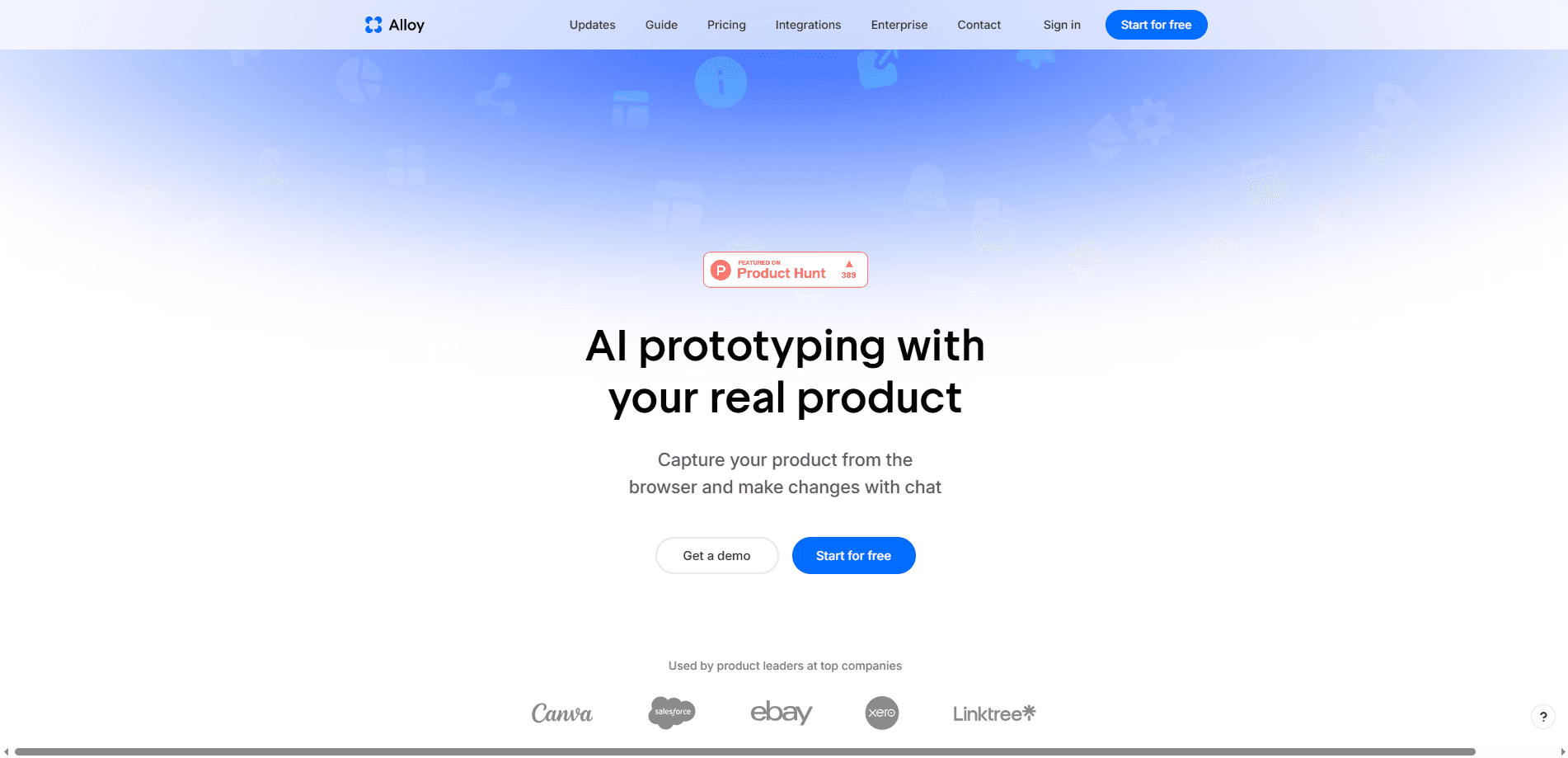
Alloy is an AI prototyping tool built for product managers who want to shape ideas on top of their actual product instead of a mockup. It captures real pages from a web app through a browser extension or connects straight to your codebase, then lets you change layouts and features with plain chat prompts. The idea is simple. Work on the real thing. Every session runs in the cloud, so you can share a link with teammates or customers and push a pull request when an idea is ready.
About Alloy
What Is Alloy
Alloy is a cloud-based platform that lets product teams prototype inside their real product. It works as an AI prototype generator that captures a live web app and rebuilds it as something you can edit. Instead of drawing a screen from scratch, you point the tool at pages you already have, then describe the changes you want in words. The Alloy agent edits the running app, and you watch the result live in the browser.
The main problem it solves is the gap between an idea and a working demo. Product managers often wait on developer time just to show what a feature might look like. Alloy skips that queue by building on your existing components, so a prototype looks and behaves like the product rather than a stand-in. That's the whole pitch. Fewer handoffs, faster answers.
The biggest limit is that it's built for teams with a real codebase or a live web app. If you're starting from nothing, there's less for the agent to work with. It's also a paid team tool after the free tier, so solo hobbyists may find the credits tighter than they'd like. That's fair to know up front.
Getting Started
- Create an Alloy account and open a workspace for your team.
- Connect a codebase or install the browser extension to capture pages from your live app.
- Start a session and describe the change you want in the prompt box.
- Preview the result in the sandboxed browser and keep refining with follow-up prompts.
- Share the session link for feedback, then raise a pull request when the change is ready.
Product Information
A quick look at Alloy's pricing, supported platforms, and performance.
Best for
The users, tasks, and scenarios where this tool fits best.
Users
- Product managers
- Designers
- Startup founders
Tasks
- Turning a PRD or research insight into an interactive prototype
- Testing a feature idea with teammates and clients
- Preparing a production-ready change
Scenarios
- Early product exploration
- Customer feedback sessions
- Reducing handoff friction
Key features
Capture or Connect Your Real Product
Alloy gives you two ways to start. The browser extension grabs pages right off your live app, letting you capture a web app prototype in seconds. Connecting a codebase goes further, since it lets the agent run the whole product and write production code. The second option matters when you need a prototype that ends up shippable rather than throwaway. As a product management tool, this is where Alloy separates itself from design-only apps. You're not rebuilding your product in a canvas. You're pointing at the real one.
Prompt-Based Prototyping
You change the product by describing what you want in chat. Ask for a bulk select and move feature, for example, and the agent edits the running app. This keeps the loop short, since you don't need to touch a design file or wait for a developer to wire something up. It's genuinely quick.
Live Browser Preview
Alloy runs your app in a sandbox and updates the view as you prompt. You see the change as it happens, which makes it easy to catch a bad idea early or refine a detail on the spot. Prototyping stops being a guessing game. What could go wrong? You'll notice fast.
Cloud Sessions and Link Sharing
Every session lives in the cloud, so you can start one from a browser or Slack, run several in parallel, and share a link with your team or customers instantly. Nobody has to set up a local environment or install the same toolchain to review your work. No setup, no friction.
Inline Comments
Feedback pins to the exact part of a prototype you mean. Each comment stays attached to its element and page, so reviews happen in context instead of as a vague list of notes in a separate thread.
Design System Libraries
You can upload your design system as a library and save parts of prototypes as reusable components. The agent then builds with your real components, tokens, and assets, which keeps prototypes consistent with the product you ship.
Integrations and MCP Connectors
Alloy connects to 20-plus tools where your ideas already live, including Jira, Linear, Notion, and Dovetail. MCP connectors let the agent reach the SaaS tools your team uses, so a request in one app can turn into a prototype in another.
Push to a Pull Request
Since changes are built on your codebase, you can raise a pull request from a session and roll the change out to customers. This turns prototyping into the first step of shipping rather than a separate artifact that gets thrown away. That's rare. Most prototype tools stop at the demo.
Pros and cons
Pros
- Prototypes are built on your real product, so demos look and behave like the app your users see.
- Prompt-based editing keeps the loop fast and works for people without a design background.
- Cloud sessions start from a browser or Slack and can be shared with a single link.
- Changes can turn into pull requests, cutting the usual handoff step.
- Integrates with over 20 tools, including Jira, Linear, and Notion.
Cons
- Works best if you already have a live web app or codebase; starting from nothing limits what the agent can do.
- The free tier gives $5 in credits per user each month, which runs out quickly on heavier use.
- API access and advanced security options sit behind the Enterprise plan, so smaller teams can't get them.
Frequently asked questions
Alloy turns your real web app into an interactive prototype you can edit with chat prompts. You capture pages with a browser extension or connect a codebase, describe changes, and watch them apply live in the browser.
Related content
Explore related tools, skills, and articles for Alloy.
Alloy Alternatives
Forefront
Forefront · CodingForefront is a web platform for building with open-source AI. It lets you fine-tune leading open-source language models on your own data, evaluate how they perform, and run them through an API or export them to host yourself. Developers who want the convenience of a closed-source platform but insist on owning their models and data are the target audience here.

Startkit
StartKit.AI · CodingStartkit is a boilerplate for building AI SaaS and AI wrapper products. Think of it as an AI startup boilerplate with the boring parts already wired up: authentication, Stripe and Lemon Squeezy payments, usage limits, transactional email, and an AI API starter that talks to OpenAI, Anthropic, Groq, or Llama. You clone the repo, set your price, and start on the part of your product that people actually pay for. It's Next.js under React and Tailwind, so most of the boilerplate code already feels familiar.
Testim
Tricentis · CodingTestim is an AI-powered test automation platform for building and running end-to-end tests across web, mobile, and Salesforce applications. It leans on machine learning to keep tests stable when an interface changes, so teams spend less time fixing broken selectors. Not bad for an automated testing tool you can start using today. You create tests by recording actions in a browser, then optionally add JavaScript when you need more control. It's a solid pick for busy QA teams.