

Alloy Automation
Alloy Automation · Other
Alloy Automation is an enterprise integration platform that gives product teams and AI engineers the plumbing to connect software without building every connector from scratch. It ships three products in one stack: a hosted MCP registry that hands AI agents over 1,000 tools, an embedded iPaaS for white-labeled integration marketplaces, and a Connectivity API for direct data access. The platform targets teams shipping integrations or agentic features, not casual users looking for a no-code automation toy.
About Alloy Automation
What Is Alloy Automation
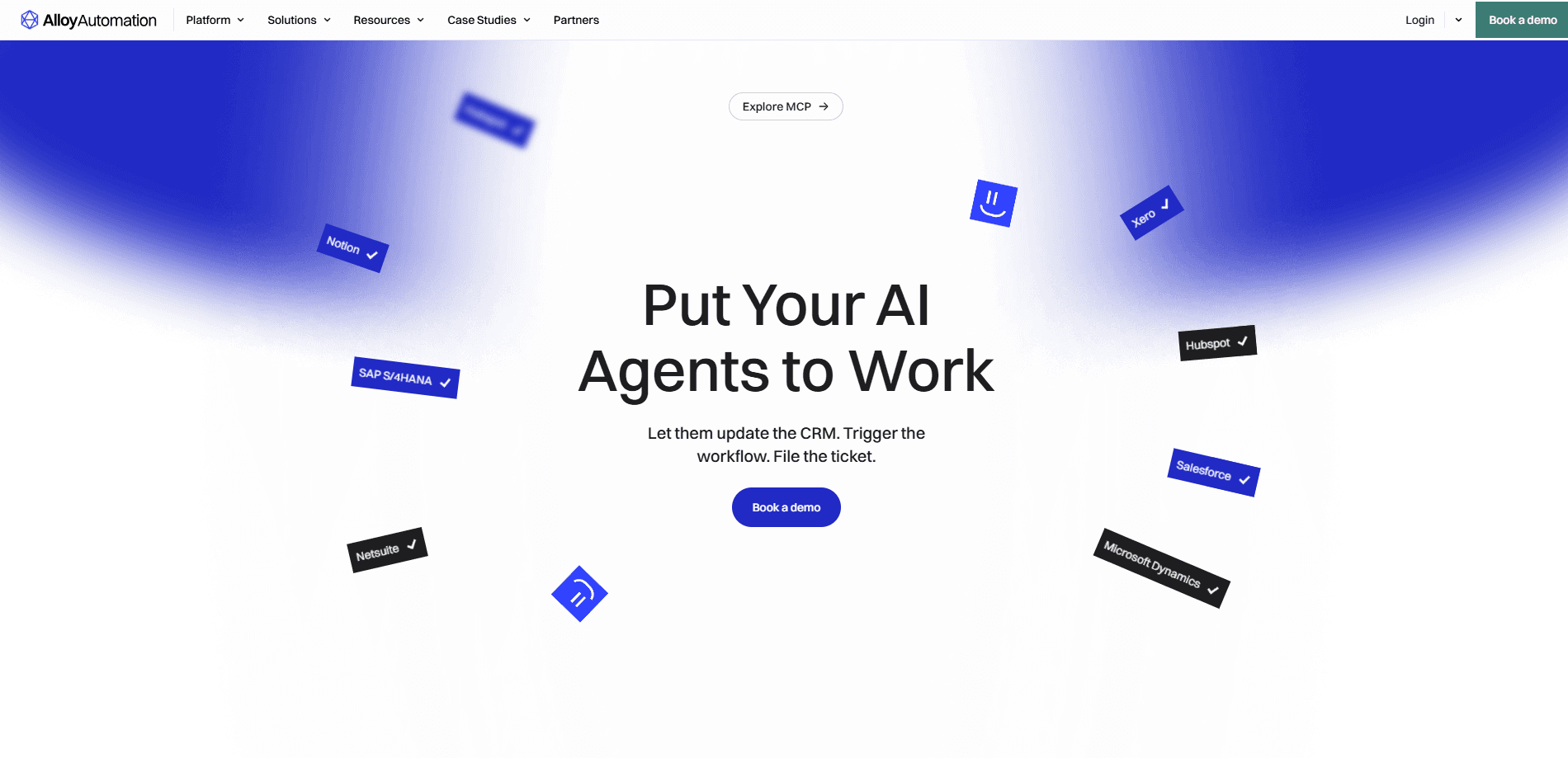
Alloy Automation is integration infrastructure for companies that would rather buy connectors than build them. Instead of wiring up NetSuite, Salesforce, Shopify, and dozens of other systems by hand, teams plug into Alloy and get a catalog of prebuilt actions. Auth, permissioning, and monitoring come already handled. The company calls the product an "agentic toolkit," which is a fancy way of saying it feeds both traditional workflows and AI agents from the same underlying connections. AI agent tool calling sits at the center of that pitch.
Two groups get the most out of it. Product and partnerships teams use the embedded iPaaS to launch an integration marketplace inside their own app, complete with white-labeled UI. Engineering and AI teams use the MCP registry to hand agents real tools they can call. So a model can do more than chat. Both paths share the same security layer, which matters once you're granting a language model access to business-critical systems.
So who shouldn't buy it? Anyone without an integration project on the table. The catch is that Alloy is built for scale, not for individuals. There's no free tier and no self-serve checkout, so pricing runs through a sales conversation. Smaller teams or solo builders will find it overkill. Anyone expecting a drag-and-drop Zapier-style experience should look elsewhere.
Getting Started
- Book a demo with the Alloy team through the official site and describe whether you need agent tooling, a product marketplace, or both.
- Get access to the dashboard and connect the apps your workflow depends on, such as NetSuite, Salesforce, or Shopify.
- Build your first workflow or agent tool call using the drag-and-drop builder and data mapping tools.
- For embedded use, white-label the marketplace and drop it into your product using the provided SDK.
- Monitor runs, errors, and logs from the dashboard, then expand permissions as adoption grows.
Product Information
A quick look at Alloy Automation's pricing, supported platforms, and performance.
Best for
The users, tasks, and scenarios where this tool fits best.
Users
- Product teams at SaaS companies
- AI and platform engineers
- Partnerships and solutions leads
- Enterprise IT and data teams
Tasks
- Giving an AI agent tools to read and write records in apps like Salesforce, Workday, or ServiceNow.
- Building an in-app integration marketplace that customers can browse and enable themselves.
- Orchestrating multi-step workflows that move data between finance, HR, and commerce systems.
- Moving and reshaping data between systems with ETL/ELT transformations.
- Handling errors and logging across large numbers of automated runs so failures don't slip through.
Scenarios
- A software vendor wants embedded integrations so its customers can sync their own tools without leaving the product.
- An AI team is prototyping an assistant that needs to book, order, or update records in real business apps.
- A finance ops team reconciles AP/AR data pulled from several accounting and banking systems.
- An ecommerce marketplace needs order-to-cash flows wired across payment, inventory, and logistics tools.
Key features
Hosted MCP Registry
Alloy runs a remote Model Context Protocol server that exposes more than 1,000 tools to AI agents. Rather than hard-coding each integration into your agent, you point it at the registry and pick the actions it needs. This is AI agent tool calling at production scale. The company handles permissioning, context, and auth management, so an agent only reaches what it's allowed to touch.
Embedded iPaaS
This is the product-marketplace builder. Companies use it to launch white-labeled integrations inside their own app, with a drag-and-drop interface for building flows and orchestration tools for mapping data between systems. The pitch is simple. Faster go-live, and a customer experience that looks native to your brand instead of a bolt-on.
Connectivity API
For teams that want direct access to connection data, the Connectivity API exposes that layer programmatically. It's the option for engineers who'd rather call endpoints than click through a builder UI. No surprise there.
Workflow Orchestration and Data Mapping
The platform handles the unglamorous middle of integration work: routing data between steps, transforming it, and keeping the flow intact when one system returns an unexpected shape. Data mapping tools sit alongside orchestration, so you can reshape payloads without writing glue code. It works. It just isn't glamorous.
Error Handling and Logging
Automation breaks. Alloy's error handling and logging tell you which runs failed and why. That matters once you're running thousands of flows and can't check each one by hand. What a pain when there's no visibility.
Security, Governance, and Compliance
The platform ships with security and compliance controls plus data governance features, and it supports on-premise deployment. That's the layer enterprises ask about before letting an agent anywhere near financial or customer data.
Enterprise Scalability and ETL/ELT
Alloy advertises enterprise scalability alongside ETL/ELT data transformations, so the same platform that runs a single workflow can handle bulk data movement across an organization's systems.
Pros and cons
Pros
- One stack covers both AI agent tooling and embedded product integrations, so teams don't buy two vendors.
- More than 1,000 prebuilt tools in the MCP registry cut the work of connecting agents to real business apps.
- White-labeled marketplace support means the integration UI matches your own product.
- On-premise deployment and governance features fit teams with strict data rules.
- Error handling and logging are built in rather than bolted on later.
Cons
- No published pricing and no free tier, so you can't evaluate cost without talking to sales, which slows down small teams.
- There's no self-serve signup, which makes quick tests hard without a demo first.
- The product is aimed at companies with integration or agent projects already underway, so casual users will find it heavy.
- Realistically you need some engineering or product resources to get value, since it's not a consumer automation tool.
Frequently asked questions
It provides integration infrastructure: a hosted MCP server that gives AI agents tools, an embedded platform for building integration marketplaces inside your own product, and an API for direct data access. The point is to skip building connectors yourself.
Related content
Explore related tools, skills, and articles for Alloy Automation.
Alloy Automation Alternatives
BinkBink
BinkBink · OtherBinkBink is a free online game platform and AI game maker that lets anyone turn a short text description into a playable browser game. You can jump into hundreds of community-made games. Or describe your own idea and play it in seconds, then share it with friends. Want to create your own game? You don't need to code. No engine setup, no download, no hassle.

Audiogen
Audiogen Inc. · OtherAudiogen is an AI music generator built by Audiogen Inc., a small research team that spent about 2.5 years training its own generative music model and designing a web interface around it. Instead of a plain text box, this AI music tool turns the timeline into a beginner-friendly Generative Audio Workstation, or GAW, where inpainting, extending, remixing and stem editing work more like painting on a canvas. The product is still in beta, so access runs through a waitlist or an invite. Paid plans aren't published yet.

Aiml API
AIMLAPI OÜ · OtherAiml API is a unified AI model API that puts more than 1000 models from OpenAI, Google, Anthropic, and others behind one endpoint and one bill. You write code against a single OpenAI-compatible schema, then switch between chat, image, video, and audio models by changing a model string. It suits developers and small teams who want multi-model access without juggling a dozen separate provider accounts, and it removes the usual billing headache that comes with testing several vendors. One key covers it all.