

ally - accessible ai assistant
Envision (Solos) · Marketing
Ally Solos Glasses are accessible AI smart glasses from Envision that speak printed text, describe scenes, and identify objects for blind and low vision wearers, hands-free.
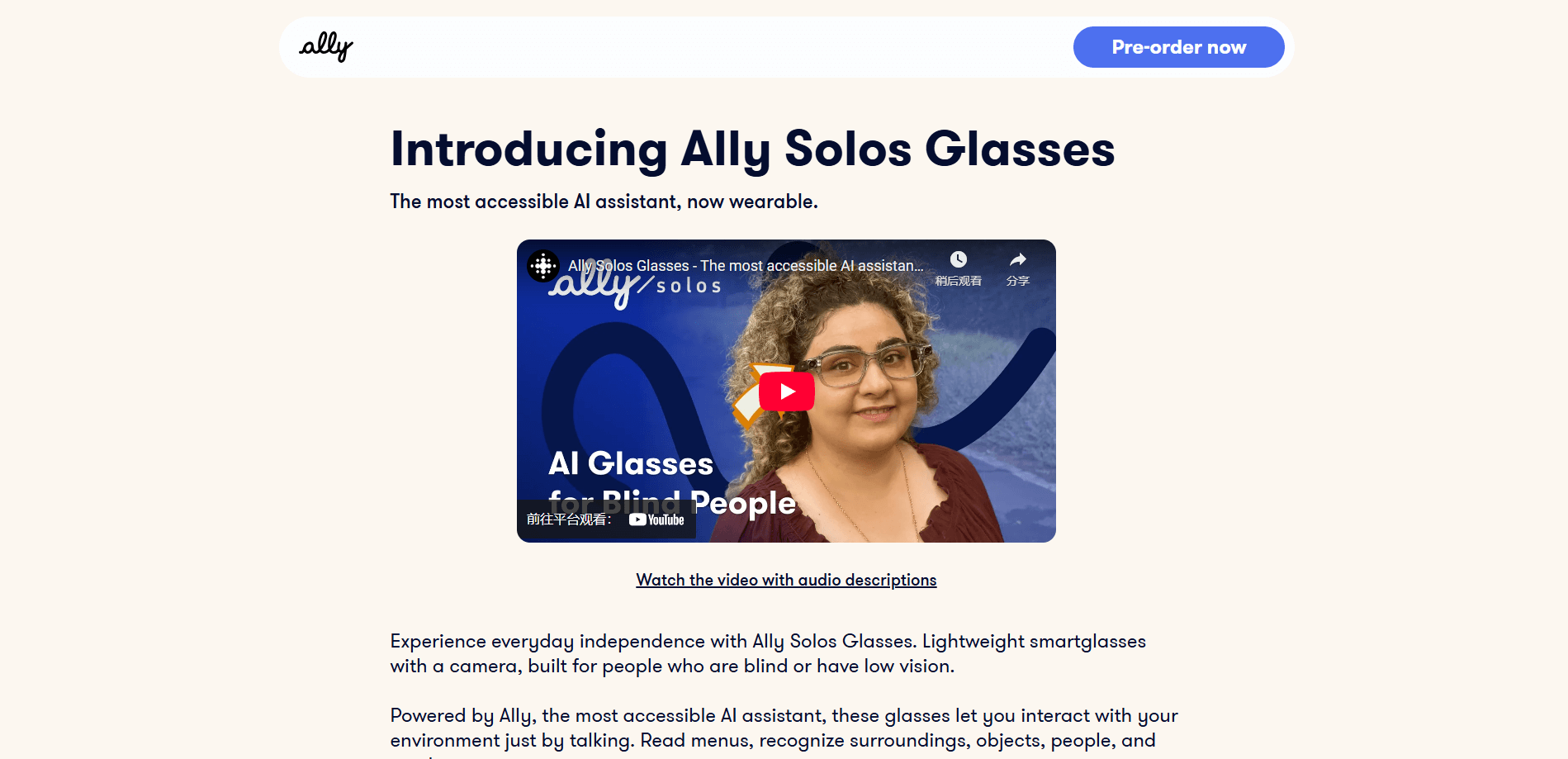
About ally - accessible ai assistant
What Is Ally Solos Glasses
Ally Solos Glasses are AI smart glasses for blind users and anyone with low vision. Envision, the company behind the Ally app and the older Envision Glasses, put its accessibility-first assistant onto a lightweight pair of Solos frames. Think of them as a wearable AI assistant you put on rather than open. A small camera sits above the nose, and a speaker near your ear reads out what the camera sees. You control most of it with your voice.
The job they do is to turn the visual world into speech you can act on. Point your head at a menu, a letter, a sign, or a box on a shelf, and the glasses tell you what it says. Ask about the room and they describe the scene. Ask where your keys are and they point you toward objects they know. For someone who can't read the thing in front of them, that's the difference between waiting for help and just getting on with the day.
There are real limits. Battery runs about ten hours of steady use, so a long day out needs a charge. The glasses need a connected phone for setup and updates, and image recognition isn't perfect in dim light or at odd angles. Text that's far away or badly crumpled can trip it up. Envision is upfront that this is assistive tech, not a replacement for a cane or a guide dog.
Getting Started
- Order the glasses from the Envision Shop and pick a frame size (S/M or L/XL). The box includes a charging cable, a carry case, and one year of Ally Pro.
- Pair them with the Ally app on Android or iOS, then put the glasses on and adjust them like a normal pair of spectacles.
- Press the camera hinge to capture, or speak a command such as "read this" or "describe scene."
- Listen through the built-in speaker. Export longer pages to your Ally library to replay later.
- Add people and faces you want the glasses to remember, then let them speak up when those people are nearby.
Product Information
A quick look at ally - accessible ai assistant's pricing, supported platforms, and performance.
Best for
The users, tasks, and scenarios where this tool fits best.
Users
- Blind adults who want hands-free access to text and scenes
- People with low vision who find small print tiring
- Older users who find screen-reader navigation fiddly
Tasks
- Reading mail, labels, and menus on the spot
- Sorting out money and colors
- Finding people and things
Scenarios
- Grocery shopping alone
- Getting around a new building
- Sorting paperwork at home
Key features
Hands-Free Text Reading
The camera reads printed text as soon as you capture it, then speaks it through the glasses speaker, which makes them a hands-free text reader. Instant Text handles short notes and signs, while Scan Text tackles long pieces like letters or pages in multiple languages. Language detection picks the right voice, so a French menu or a Spanish receipt comes out in the correct tongue.
Scene Description
Ask the glasses to describe what's in front of you and they give you a spoken picture of the room. This helps you work out where you are and what's around you, which matters most in a place you've never been. Good smart glasses accessibility means the answer arrives without a tap or a glance at a screen. It works in real time, so you can keep asking as you move.
Object and People Recognition
The glasses learn the faces you teach them and announce when those people are near. They can also find popular objects and tell you where they are, and recognize banknotes in several currencies. For everyday independence, this covers a lot of small but constant questions.
Voice Control
Most features run on spoken commands, so you don't need to see a screen or aim a phone. Say what you want and the glasses respond through the speaker. This is the core of the accessible AI assistant idea: the interface is your voice, not a display.
Batch Scanning and Library
For longer reading, the glasses capture several pages in one go and save the text to your Ally library. You can replay it later, scroll through it, and pick out the parts that matter. It turns a stack of mail into something you can go through on your own schedule.
Lightweight, Rugged Hardware
The frames weigh about 50 grams and carry an IP67 rating, so a splash of rain or dust won't stop them. Bluetooth 5.2 keeps the link to your phone steady, and a quick charge gives hours of use. They also block UV and blue light, which suits all-day wear.
Pros and cons
Pros
- Genuinely hands-free: text and scenes are spoken through the glasses, so your hands and your phone stay out of the way.
- Bundles a year of Ally Pro, which softens the upfront cost and unlocks the full feature set from day one.
- Multi-language reading with automatic language detection covers everyday documents in dozens of languages.
- Light and IP67-rated, so they hold up to normal daily wear and a bit of weather.
Cons
- No free plan. You buy the hardware outright, and the price sits well above a phone-based reading app.
- Around ten hours of operation means heavy users will need to charge during a long day.
- Recognition struggles in low light or at awkward angles, so you may need to reposition and try again.
- It depends on a paired phone for setup and some features, so it isn't fully standalone.
Frequently asked questions
They read printed text aloud, describe scenes, recognize faces and objects, and identify banknotes and colors, all through a camera and speaker built into the frames. You control them mostly with your voice.
Related content
Explore related tools, skills, and articles for ally - accessible ai assistant.
ally - accessible ai assistant Alternatives

ngram 2.0
ngram · Video · Marketingngram 2.0 is an AI video generator for teams. It turns a prompt, a screen recording, or a product URL into a narrated explainer, product demo, or AI avatar video, and every scene stays editable.

shippedit.me
Krawlup · Marketing · Businessshippedit.me now redirects to Krawlup, a web platform that audits SEO, AEO and page speed every week, then hands the fixes to AI coding agents over MCP.

MePersona
MePersona, Inc. · Writing · Productivity · MarketingMePersona is an AI unified inbox for creators. It learns your voice, drafts replies to fan messages from 12 platforms, and sends only what you approve.