

Amazon Nova Act
Amazon Web Services · Coding
Amazon Nova Act is an AWS service for building AI browser agents that automate UI workflows in a browser. It runs on a Nova model and bills by agent hour.
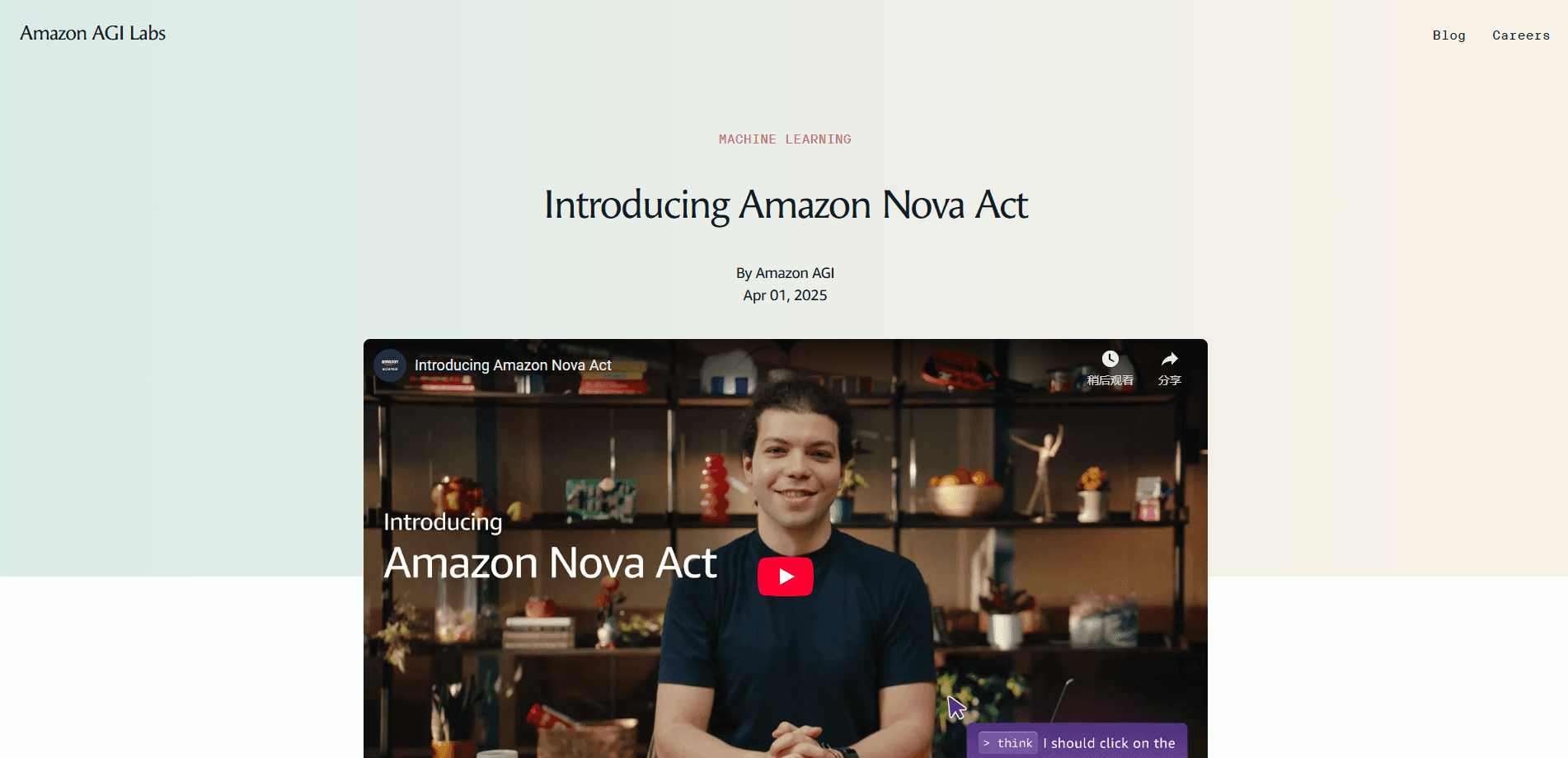
About Amazon Nova Act
What Is Amazon Nova Act
Amazon Nova Act is a service from Amazon Web Services for building, deploying, and managing AI agents that carry out tasks inside a web browser. Instead of writing brittle selectors that break whenever a page changes, you describe a task in plain language and let the agent click, type, and read the page the way a person would.
The work happens through an act() call. You hand the model a task such as "search for rubber duck debugging," and the agent plans the steps, looks at the page, and takes actions one after another. Each call runs inside a session, which stands for a browser instance. A workflow is the whole end-to-end job, stitched together from act() calls and Python code.
AWS built the stack in-house. A custom Nova 2 Lite model sits at the core, paired with an orchestrator and a browser actuator that AWS trained end to end. That vertical integration is the pitch: fewer moving parts means pages get handled more consistently than with a general-purpose model pointed at a browser. When a task gets stuck, an agent can hand it to a human supervisor instead of failing silently.
Nova Act started as a research preview in March 2025 and reached general availability in December 2025 at AWS re:Invent. It runs in one AWS region, US East (N. Virginia), and works best for teams that need UI workflow automation at scale rather than for casual one-off scripting.
Getting Started
- Open the web playground at nova.amazon.com/act and try a task in natural language before you commit to building anything.
- Install the Nova Act SDK and the IDE extension for VS Code, Kiro, or Cursor to write and debug scripts locally.
- Write a workflow that combines act() calls with Python code, using your own data as input.
- Deploy it to AWS, where it runs on Amazon Bedrock AgentCore with monitoring through Amazon CloudWatch and access control through AWS IAM.
- Watch the run in the AWS Management Console and add human-in-the-loop review for steps that need a sign-off.
Product Information
A quick look at Amazon Nova Act's pricing, supported platforms, and performance.
Best for
The users, tasks, and scenarios where this tool fits best.
Users
- Automation engineers
- QA leads
- Operations teams
Tasks
- Filling web forms
- Extracting data
- Completing checkout flows
Scenarios
- Web QA testing
- Monitoring supplier portals
- Handling one-off browser jobs
Key features
Natural Language Workflows
You define a workflow with act() statements that read like instructions, then wrap them in ordinary Python. That mix lets non-specialists describe what should happen while developers keep full control over loops, inputs, and error handling. The model figures out the clicks in between.
Browser Actuation
Nova Act drives a real browser, so it handles sites that lean on JavaScript, logins, and interactive widgets. The agent reads the rendered page rather than the raw HTML. That's the difference between it and older scraper tools, which stall the moment a site renders content after load.
Human-in-the-Loop Escalation
When an agent hits a step it can't finish, it can pause and ask a person to take over. This matters for tasks like payments or account changes where an error is costly. AWS also excludes the time spent waiting on that human from the agent hour, so review doesn't inflate the bill.
AWS Integration and Scale
Agents deploy onto Amazon Bedrock AgentCore Runtime and Browser, then run under the same IAM permissions and CloudWatch monitoring as the rest of your AWS estate. AWS says the setup runs thousands of workflows in parallel, which suits teams that need volume rather than a single script.
Developer Tooling
The kit spans a web playground, a Python SDK, a CLI, an IDE extension, and the AWS Console. You can sketch a task in the browser, move it into code, debug it where you already work, then ship it. That path cuts the number of tools you juggle between idea and production.
Tool and MCP Connections
Beyond the browser, agents can call external tools through APIs, remote MCP servers, or agent frameworks like Strands Agents. That lets a workflow reach a database or a service without a person feeding it data by hand.
Pros and cons
Pros
- Agents handle dynamic pages that break selector-based automation tools.
- The full toolkit, from playground to IDE to AWS deployment, sits in one vendor.
- Human-in-the-loop time isn't billed as agent hours, which keeps review costs down.
- Runs on AWS infrastructure with IAM and CloudWatch already wired in.
Cons
- Billing by elapsed agent hour makes long, idle-heavy workflows pricey.
- It's available only in US East (N. Virginia), so teams in other regions face latency or can't use it.
- Building useful workflows needs Python and an AWS account, which rules out non-technical users.
- Agents that touch purchases or sensitive data need oversight, since prompt injection remains a real risk.
Frequently asked questions
It automates UI work in a browser, such as filling forms, extracting data, running checkout flows, and testing web apps. Teams use it to replace repetitive browser tasks that don't have a clean API.
Related content
Explore related tools, skills, and articles for Amazon Nova Act.
Amazon Nova Act Alternatives

Base Code
Base44 (Wix) · Coding · ProductivityBase Code is a shared cloud development environment from Base44. Teammates describe changes to an existing GitHub codebase in chat, preview them live and send them back as pull requests.

Google EmbeddingGemma 2
Google DeepMind · Writing · Image · CodingGoogle EmbeddingGemma 2 is a 740M-parameter open model that turns text, code, images, audio, and video frames into vectors in one 768-dimension space, running on phones and laptops.

GitGlow
GitGlow · Coding · ProductivityGitGlow is a local-first desktop Git client that lets independent developers review their own code and their AI agents' changes in one place before shipping.