

Ancher: Save, Recall, Create
Ancher · Leaning
Ancher, short for anchor, is an AI knowledge management app built around one loop: save, recall, create. You drop in articles, videos, PDFs, screenshots, and social posts from anywhere, and the tool turns each one into a structured note. It then links new material to what you've saved before. It answers questions using your own sources. And it helps you write memos, briefs, decks, and posts in your own voice. It's aimed at people who read and research all day and need to turn that input into real deliverables, without losing track of where any of it came from in the first place.
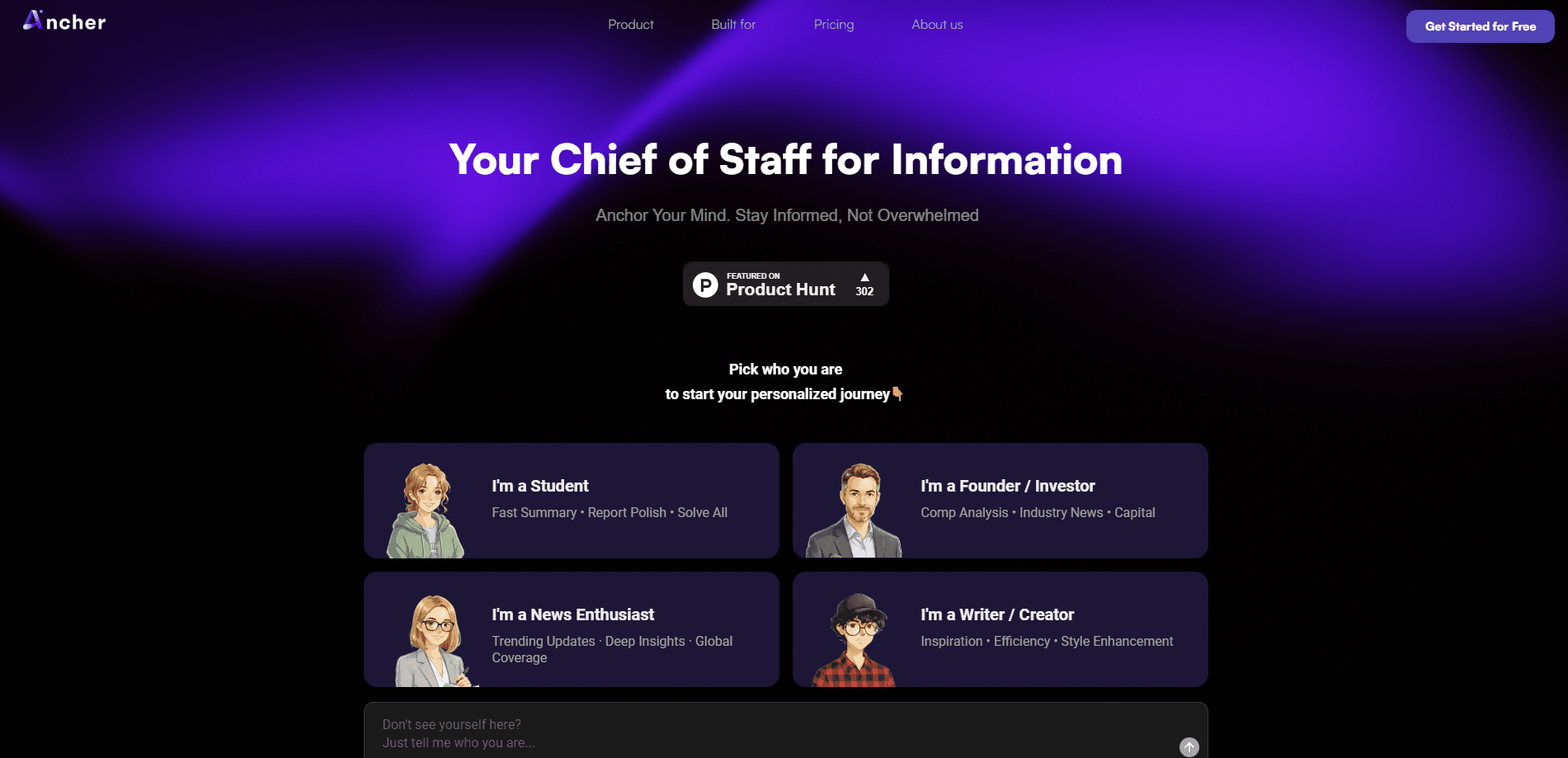
About Ancher: Save, Recall, Create
What Is Ancher
Ancher is a tool that captures everything you consume and turns it into something you can actually use. Save a link, a podcast, a video, a PDF, or a screenshot, and it works that source into a clean note with key points and takeaways pulled out for you. No folders. No tagging. No manual organizing. You save, then move on.
The problem it targets is familiar to anyone who reads for work. You skim dozens of articles and threads a day, but most of it evaporates the moment you close the tab. How much of it do you actually remember a week later? Ancher keeps the pile and makes it usable. Every new save gets linked to related material you've stored before, so patterns and contradictions surface on their own, and the connections keep building the longer you use it. When you need to write something, the app draws on your own saved sources instead of guessing at generic answers.
The catch is scope. Ancher is built for knowledge workers who live in text and research, not for people who want a simple bookmark list. It runs on a credit system. Heavy generation eats into a monthly allowance, and the free tier only covers occasional use. If you need everyday bulk output, you'll pay for it. Simple as that.
Getting Started
- Sign up for a free account at ancher.ai and pick a plan if you need more monthly credits.
- Install the browser extension, or connect Ancher to Slack, Telegram, or email so you can save without leaving your workflow.
- Save your first sources by dropping in links, PDFs, podcasts, videos, or screenshots from X, LinkedIn, YouTube, Reddit, and other feeds.
- Ask the agent questions across everything you've saved, or group related notes into a collection to use as working context. The answers come back grounded in your own sources rather than in whatever an AI assistant scraped from the open web.
- Generate a deliverable such as a memo, brief, deck, or post, and edit the output in your own voice.
Product Information
A quick look at Ancher: Save, Recall, Create's pricing, supported platforms, and performance.
Best for
The users, tasks, and scenarios where this tool fits best.
Users
- Knowledge workers and analysts
- Writers and content creators
- Researchers and students
Tasks
- Building a second brain
- Writing briefs and memos
- Turning video and podcasts into notes
Scenarios
- Keeping up with a fast-moving field
- Prepping for a meeting or board deck
- Researching a topic over weeks
Key features
Save From Every Feed
Ancher pulls content from wherever you already are. Grab posts, threads, and videos from X, LinkedIn, YouTube, Reddit, and Instagram, or save any link, PDF, or screenshot. You can also drop things in from the browser, Slack, Telegram, or email, so capturing never pulls you out of what you're doing. No tagging. No folders. Just capture and go.
Structured Notes, Automatically
Every source gets worked into a clean, skimmable note with key points, takeaways, and keyframes lifted straight from videos. The point is that you never have to format anything yourself. Save the link. The note is waiting when you come back.
Your Knowledge Compounding
New saves get linked to related material you've stored before, and the app surfaces patterns, contradictions, and shifting themes on its own. A contribution heatmap turns building your knowledge base into a habit you can watch grow. Feed it more and it gets sharper.
Ask Your Knowledge
The agent answers questions across everything you've saved, and the answers stay grounded in your own sources rather than the open web. That matters when you need a defensible answer you can trace back to a specific article or video. Grouping notes into a collection lets you narrow the agent to exactly the sources you want it to draw from.
Deliverables in Your Voice
Ancher turns your saved knowledge into memos, newsletters, board decks, research briefs, and posts. Charts, diagrams, and illustrations get generated to match the content. The output is written the way you write. That's the whole pitch: it reads like your work, not like a chatbot's. This is where the credit system matters most, since drafting and revising burn through your monthly allowance.
Privacy-First Data Handling
Ancher states that it protects your information with the same standards trusted by banks, and frames the promise simply: the only person who sees your world is you. For anyone saving sensitive research, that positioning is part of the appeal. Confirm the specifics against the official policy before you store anything confidential.
Pros and cons
Pros
- Capture works from the places you already read, including Slack, Telegram, email, and social feeds, so saving takes almost no effort.
- Automatic note structure with video keyframes saves real review time, especially for podcasts and long videos.
- Linking new saves to old ones turns a growing pile into an actual knowledge base over time.
- Answers stay grounded in your own sources, so you can trace a claim back instead of trusting a generic response.
- The free tier makes it easy to test the save-and-recall loop before paying.
Cons
- The credit system limits heavy generation; the free plan's 100 credits a month only cover occasional output.
- There's no offline or self-hosted option, so your knowledge base lives in Ancher's cloud by default.
- Because value depends on saving consistently, it rewards habit more than light use.
- No public API is documented, which rules out stitching Ancher into a custom automated workflow for now.
Frequently asked questions
Ancher is an AI knowledge management app that captures what you read, watch, and scroll past, turns each source into a structured note, links it to what you've saved before, and helps you turn that base into memos, briefs, decks, and posts. The core loop is save, recall, create.
Related content
Explore related tools, skills, and articles for Ancher: Save, Recall, Create.
Ancher: Save, Recall, Create Alternatives

Kaggle AI
Google · Coding · LeaningKaggle AI is a community platform where people build, test, and compare machine learning models against shared data. It combines data science competitions, tens of thousands of public datasets, and free cloud notebooks with GPU and TPU access, so anyone with a browser can train a model without buying hardware. Google owns the platform, and joining costs nothing.

Bunch
Bunch AI · Leaning · BusinessBunch is an AI leadership coaching app that turns a few spare minutes a day into real management practice. It hands you one short, personalized tip each day, tracks how you respond, and lets you compare notes with peers inside private groups. The pitch is simple: you lead better by practicing a little, often, instead of sitting through a weekend seminar. Think of it as a leadership training app you actually open.

AI Mock Interview
SQLPad · Coding · LeaningAI Mock Interview is a practice tool built into SQLPad that simulates real job interviews and gives you instant feedback on both what you say and how you say it. You pick a role template or upload a job description, answer questions out loud in real time, and then review a transcript with notes on structure, clarity, and grammar. It's aimed at data professionals prepping for SQL, Python, data engineering, machine learning, and system design roles, and it works entirely in the browser. No install needed.