
Android Wear
Google LLC · Other
Android Wear is Google's operating system for smartwatches, launched in 2014 and renamed Wear OS by Google in 2018. It runs on watches from Samsung, Google, Fossil, and others.
About Android Wear
What Is Android Wear
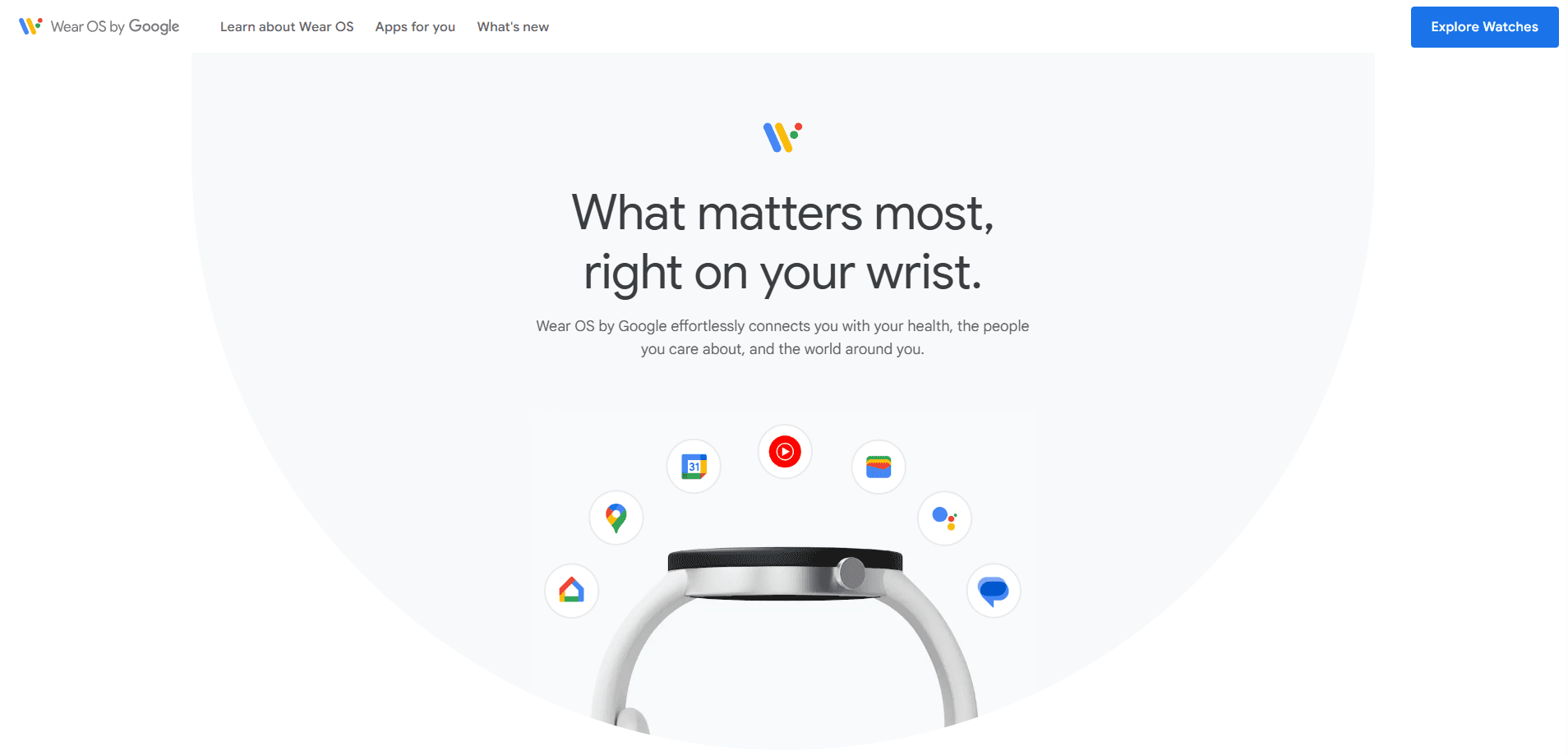
Android Wear is the old name for Google's smartwatch operating system. Google launched it in 2014 as a companion for Android phones, then renamed it Wear OS by Google in March 2018. The new name dropped the Android label on purpose, because the platform now pairs with iPhones too. In 2017, about a third of Android Wear buyers were iPhone users.
The platform turned the watch into a small screen for your day rather than a second phone. Notifications, reminders, fitness stats, and quick replies all live on your wrist, and you control most of it by voice or a swipe. Over time the software grew up: Android Wear 2.0 added standalone apps and LTE, so a watch could work without a phone nearby for some tasks.
The limits are worth knowing before you buy a watch. Wear OS still trails Apple Watch in smoothness and app depth, and the experience depends heavily on the hardware brand, since Google leaves design to its partners. Battery life is the other common complaint, and it varies a lot from one watch to the next.
Getting Started
- Buy a Wear OS watch, then charge it and press the power button to wake it.
- Install the Wear OS by Google app on your phone, on Android from Google Play or on iOS from the App Store.
- Pair the watch over Bluetooth and follow the on-screen prompts to sign in with your Google account.
- Grant permissions for notifications, fitness, and location, then pick a watch face and set up Google Wallet if you plan to pay from your wrist.
- Familiarize yourself with the tiles, swipe between them for health, weather, and music, and hold the crown or use voice to ask for help.
Product Information
A quick look at Android Wear's pricing, supported platforms, and performance.
Best for
The users, tasks, and scenarios where this tool fits best.
Users
- Android phone owners who want a smartwatch
- iPhone users who do not want an Apple Watch
- Fitness-focused people who want a light tracker on the wrist
Tasks
- Checking notifications at a glance
- Paying and commuting hands-free
- Tracking workouts and daily activity
Scenarios
- A run or a gym session without your phone
- A busy workday full of meetings
- Navigating a new city on foot
Key features
Google Assistant and Voice Control
Voice is the fastest way to use a Wear OS watch, and it has been a core part of the platform since the start. You raise the watch or hold a button, ask a question, and get a spoken or on-screen answer. Google Assistant on Wear OS handles reminders, timers, messages, and quick answers to queries. Google is moving this role to Gemini over time, so the assistant you get depends on your watch model and the software version it runs.
Standalone Apps and the Play Store
Since Android Wear 2.0, watches could run apps on their own, and that held through the rename to Wear OS. You install apps straight from the Play Store on the watch, and many of them work without your phone in range. This matters when you leave the phone at home but still want music, fitness, or messaging.
Health and Fitness Tracking
Wear OS watches track steps, heart rate, sleep, and workouts, and the data feeds into Google Fit or Fitbit depending on the model. The platform added support for on-body detection too, so the watch can tell when it is on your wrist and keep itself unlocked. For most people this is the feature they use every day, even if they bought the watch for notifications.
Google Wallet and Contactless Payments
Tap-to-pay on the wrist is one of the genuinely useful additions, and Google Wallet carries your cards and transit passes. You pay or board without reaching for your phone, which is quicker than pulling out a wallet. Support varies by country and bank, so check that your cards work before you count on it.
Watch Faces and Tiles
Watch faces are the most-used surface on any Wear OS device, and there are thousands of them across styles. Google moved watch faces to a shared Watch Face Format it built with Samsung, which keeps designs consistent and easier to update. Tiles give you swipeable cards for weather, fitness, and timers, so you reach what you need in one gesture.
Companion Sync With Phone
The Wear OS by Google app links your watch and phone, handling setup, notifications, and settings. On Android the link is deep, covering accounts, payments, and health data. On iOS the app runs too, but some features that lean on Google Play services do not carry over.
Pros and cons
Pros
- Works with both Android and iPhone, so you are not locked into one phone brand.
- Voice control and glanceable notifications make quick tasks faster than pulling out a phone.
- A wide mix of watches from Samsung, Google, Fossil, and others means many styles and price points.
- Google Wallet and Google Fit integration cover payments and health in one place.
- Standalone apps and LTE options let some watches work without a phone nearby.
Cons
- Quality varies a lot by watch brand, so two Wear OS watches can feel like different products.
- Battery life is often a day or less on feature-heavy models, which means charging most nights.
- The app and feature set trails Apple Watch in depth and smoothness, especially on iOS.
- Some features rely on Google Play services and do not work fully with an iPhone.
Frequently asked questions
Yes. Android Wear was Google's smartwatch platform from 2014, and Google renamed it Wear OS by Google in March 2018. The software underneath stayed the same, and the change was mostly about branding as the platform opened up to iPhone users.
Related content
Explore related tools, skills, and articles for Android Wear.
Android Wear Alternatives
BinkBink
BinkBink · OtherBinkBink is a free online game platform and AI game maker that lets anyone turn a short text description into a playable browser game. You can jump into hundreds of community-made games. Or describe your own idea and play it in seconds, then share it with friends. Want to create your own game? You don't need to code. No engine setup, no download, no hassle.

Audiogen
Audiogen Inc. · OtherAudiogen is an AI music generator built by Audiogen Inc., a small research team that spent about 2.5 years training its own generative music model and designing a web interface around it. Instead of a plain text box, this AI music tool turns the timeline into a beginner-friendly Generative Audio Workstation, or GAW, where inpainting, extending, remixing and stem editing work more like painting on a canvas. The product is still in beta, so access runs through a waitlist or an invite. Paid plans aren't published yet.

Aiml API
AIMLAPI OÜ · OtherAiml API is a unified AI model API that puts more than 1000 models from OpenAI, Google, Anthropic, and others behind one endpoint and one bill. You write code against a single OpenAI-compatible schema, then switch between chat, image, video, and audio models by changing a model string. It suits developers and small teams who want multi-model access without juggling a dozen separate provider accounts, and it removes the usual billing headache that comes with testing several vendors. One key covers it all.