

Anything
Anything · Coding
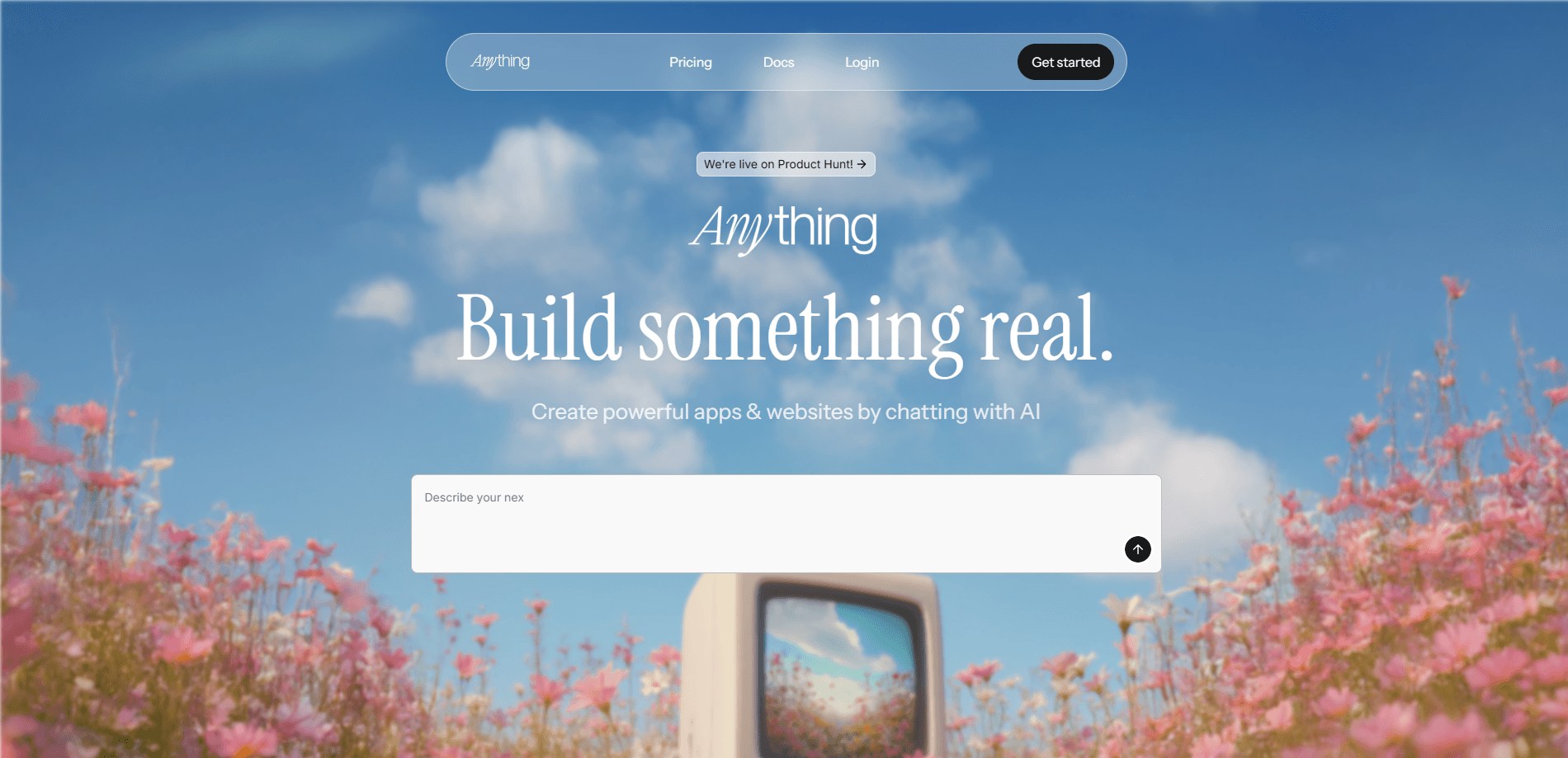
Anything is an AI app builder that turns a written prompt into a working web or mobile app, complete with a database, login, and payments you can publish.
About Anything
What Is Anything
Anything is an app builder aimed at people who have an idea for software but don't want to write the code. You describe the app you want in plain language, and the platform generates a running product with screens, a database, and user accounts. The company says more than 1.5 million people have built with it.
The product sits in the "vibe coding" camp, where the prompt is the main interface and the code is something you can refine later. That lowers the barrier for founders, marketers, and hobbyists who need something real, not a mockup.
Two limits matter before you commit. You're building on hosted infrastructure you don't control, so export options and vendor lock-in are worth checking. And credits, not time, are the real budget: heavy iteration on a complex app burns through them faster than a simple one.
Getting Started
- Sign up at anything.com with a Google, Facebook, X, or email account.
- Describe the app you want in the prompt box, or start from a template.
- Let the agent generate the app, then review the preview and point out what to change.
- Connect extras like a database, payment processing, or a custom domain.
- Publish the app or submit it to the App Store when it's ready.
Product Information
A quick look at Anything's pricing, supported platforms, and performance.
Best for
The users, tasks, and scenarios where this tool fits best.
Users
- Non-technical founders
- Marketers and operators
- Indie builders and hobbyists
Tasks
- Turning a plain-language description into a working app with a database and login.
- Adding payments through Stripe without wiring up a backend by hand.
- Generating a mobile app and pushing it toward the App Store.
Scenarios
- A founder validating an idea with a real prototype before raising money.
- A small team that needs an internal dashboard or form tool this week.
- Someone who wants to test an app idea on the weekend and see whether it holds up.
Key features
Prompt to Working App
The core of Anything is turning a written description into a functioning app. You type what you want, the agent builds the screens and logic, and you refine by describing changes in plain language. It's the feature that decides whether the tool saves you weeks or just produces a nice-looking demo.
Built-In Database
Every app gets a Postgres database for both development and production, with a free tier that includes at least 1GB per app. That means you don't have to stand up a separate backend service just to store user data. For simple apps, this removes one of the biggest setup hurdles.
Payments and Accounts
Anything handles Stripe payments and user authentication out of the box, including email and password plus Google, Facebook, and X sign-in. You can charge users or gate features behind an account without building either system yourself.
Integrations and AI Models
The platform offers hundreds of integrations such as Resend, Zapier, and Google Maps, and it can call models including GPT-5, o3, Claude, and Gemini. That lets a generated app do real work, like sending email, looking up locations, or answering questions with an LLM.
Visual QA and Parallel Agents
Anything runs parallel agents and a visual QA step that uses a computer-use agent to inspect the app the way a person would. It also keeps real-time error logs so problems surface during the build instead of in front of your users.
Anything Max
Anything Max is positioned as an autonomous software engineer for $199 per month. The company says its beta resolves more than 97% of the hardest problems it's given, which points to harder, more agentic work than the standard builder.
Pros and cons
Pros
- Fast path from idea to a published app, with no code required.
- Database, authentication, and Stripe payments come bundled, cutting setup work.
- Broad model and integration support, so generated apps can call GPT-5, Claude, Gemini, and hundreds of third-party services.
- A genuine free plan and a $19 per month tier make it cheap to test before committing.
Cons
- Credits, not time, cap how much you can build, and complex apps burn them quickly if you iterate a lot.
- You depend on hosted infrastructure you don't own, so moving a finished app elsewhere isn't straightforward.
- Anything Max costs $199 per month, which is steep for casual users.
- The tool is young and rebranded from Create Anything in late 2025, so docs and behavior can shift.
Frequently asked questions
Anything is used to build web and mobile apps from written prompts. You describe the app, and the platform generates screens, a database, login, and payments, then you publish it.
Related content
Explore related tools, skills, and articles for Anything.
Anything Alternatives

Base Code
Base44 (Wix) · Coding · ProductivityBase Code is a shared cloud development environment from Base44. Teammates describe changes to an existing GitHub codebase in chat, preview them live and send them back as pull requests.

Google EmbeddingGemma 2
Google DeepMind · Writing · Image · CodingGoogle EmbeddingGemma 2 is a 740M-parameter open model that turns text, code, images, audio, and video frames into vectors in one 768-dimension space, running on phones and laptops.

GitGlow
GitGlow · Coding · ProductivityGitGlow is a local-first desktop Git client that lets independent developers review their own code and their AI agents' changes in one place before shipping.