

ApertureDB
ApertureData · Coding
ApertureDB is a multimodal database from ApertureData that combines vector search, a knowledge graph, and native storage for text, images, video, and audio in one engine.
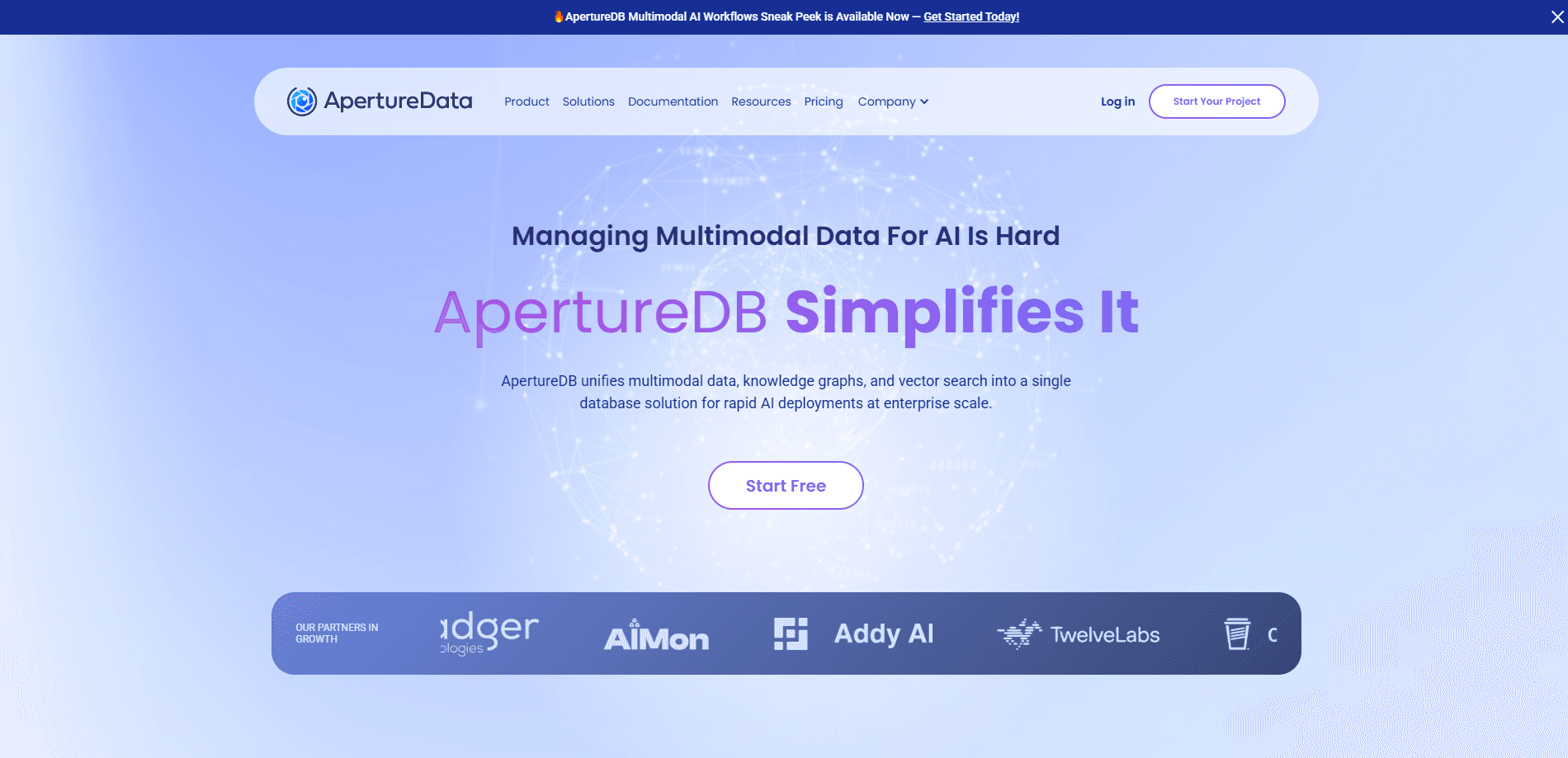
About ApertureDB
What Is ApertureDB
ApertureDB is a database built for AI teams that work with more than text. It stores images, video, audio, documents, and embeddings in the same engine as vector search and a knowledge graph, so data doesn't get split across separate systems. The pitch is simple: one place to put multimodal AI data and one place to query it.
The product targets the gap between prototype and production. Teams often spend months wiring up a vector store, a graph, and object storage before they can ship anything. ApertureDB bundles those pieces, so a project can start with one workload and grow into a full deployment without a rebuild. It also feeds AI agents a memory layer, letting an agent commit what it learns and pull that context back later.
The limits matter too. ApertureDB is a developer tool, not a point-and-click app, so you need engineering time to load data and write queries. It runs as managed cloud infrastructure or a customer-managed deployment, which means real setup work and a bill that scales with the machines you run. Pricing is hourly per instance, so the cost depends on how big you go.
Getting Started
- Start a 30-day free trial on ApertureDB Cloud, or contact sales for a self-managed deployment.
- Install the Python client or the command line tool and point it at your endpoint.
- Define a schema for the objects and metadata you plan to store, such as images plus their captions and tags.
- Load a dataset. ApertureDB ingests the files and their embeddings together in one step.
- Run queries that mix vector similarity, metadata filters, and graph relationships in a single call.
Product Information
A quick look at ApertureDB's pricing, supported platforms, and performance.
Best for
The users, tasks, and scenarios where this tool fits best.
Users
- AI and ML engineers
- Teams building RAG and GraphRAG apps
- Companies running visual search at scale
- Developers building AI agents
Tasks
- Multimodal search and retrieval
- Feeding knowledge into GenAI apps
- Preparing training data
- Visual debugging
- Giving agents long-term memory
Scenarios
- A small team shipping its first multimodal feature
- A retailer hunting wrong-product matches
- An engineer comparing vector databases
- A research group training on labeled video
Key features
Vector search over every data type
ApertureDB stores embeddings next to the media they describe, so a single query can match text, image, audio, or video vectors without copying data around. The company reports search responses under 10 milliseconds and throughput above 13,000 queries per second. Those figures come from ApertureData's own benchmarks, so test them against your own workload. The practical gain is retrieval that stays fast as the library grows into the billions of objects.
Knowledge graph for context
Vector search alone finds lookalikes. ApertureDB adds a knowledge graph so you can traverse relationships between objects and their metadata. That matters for GraphRAG, where an answer depends on how records connect, not just how similar two vectors are. ApertureData says graph lookups run at 15 milliseconds on billion-scale graphs.
Native storage for multimodal data
The database keeps text, documents, images, video, audio, and binary blobs in their native form. There is no format conversion step and no separate object store to keep in sync. For teams that juggle media files and their metadata, that removes a whole class of pipeline bugs.
Built-in AI workflows and plugins
Common jobs, like generating embeddings, running object detection, or loading a Jupyter notebook, come as ready workflows and plugins. You wire them into your own pipeline instead of writing the glue code yourself. The goal is to cut the setup that usually eats the first months of a project.
Agent memory layer
ApertureDB acts as a memory store for AI agents. An agent can commit what it learns, with context attached to each entry, and query that memory on later runs. ApertureData frames this as the step past shallow, text-only agents toward ones that hold onto visual and relational context.
Managed cloud with a self-managed option
ApertureDB Cloud is fully managed, running on AWS, Google Cloud, or Azure, with tiers from a small team setup up to replicated production clusters. The Custom tier allows a customer-managed deployment and Azure in all US regions. You pick how much control you want and how much you hand off.
Pros and cons
Pros
- Puts vector search, a knowledge graph, and multimodal storage in one engine, so data doesn't live in three places.
- Handles text, images, video, audio, and documents natively, with no conversion step.
- Feeds AI agents a memory layer that persists context between runs.
- Ships with workflows and plugins for embeddings and object detection, cutting setup work.
- Offers managed cloud tiers plus a self-managed option, so you can match control to your needs.
Cons
- It is a developer tool, so loading data and writing queries take real engineering time.
- Pricing is hourly per instance, which makes costs harder to predict than a flat monthly plan.
- Performance figures like sub-10ms search come from the vendor's own benchmarks, so treat them as claims until you test your own workload.
- The full feature set needs a paid tier, and the free trial runs for 30 days only.
Frequently asked questions
ApertureDB stores and searches multimodal AI data. Teams use it to keep text, images, video, and audio in one database, run vector and graph search over them, and feed the results to GenAI apps and AI agents.
Related content
Explore related tools, skills, and articles for ApertureDB.
ApertureDB Alternatives

Base Code
Base44 (Wix) · Coding · ProductivityBase Code is a shared cloud development environment from Base44. Teammates describe changes to an existing GitHub codebase in chat, preview them live and send them back as pull requests.

Google EmbeddingGemma 2
Google DeepMind · Writing · Image · CodingGoogle EmbeddingGemma 2 is a 740M-parameter open model that turns text, code, images, audio, and video frames into vectors in one 768-dimension space, running on phones and laptops.

GitGlow
GitGlow · Coding · ProductivityGitGlow is a local-first desktop Git client that lets independent developers review their own code and their AI agents' changes in one place before shipping.