
App Alchemy
App Alchemy · Coding
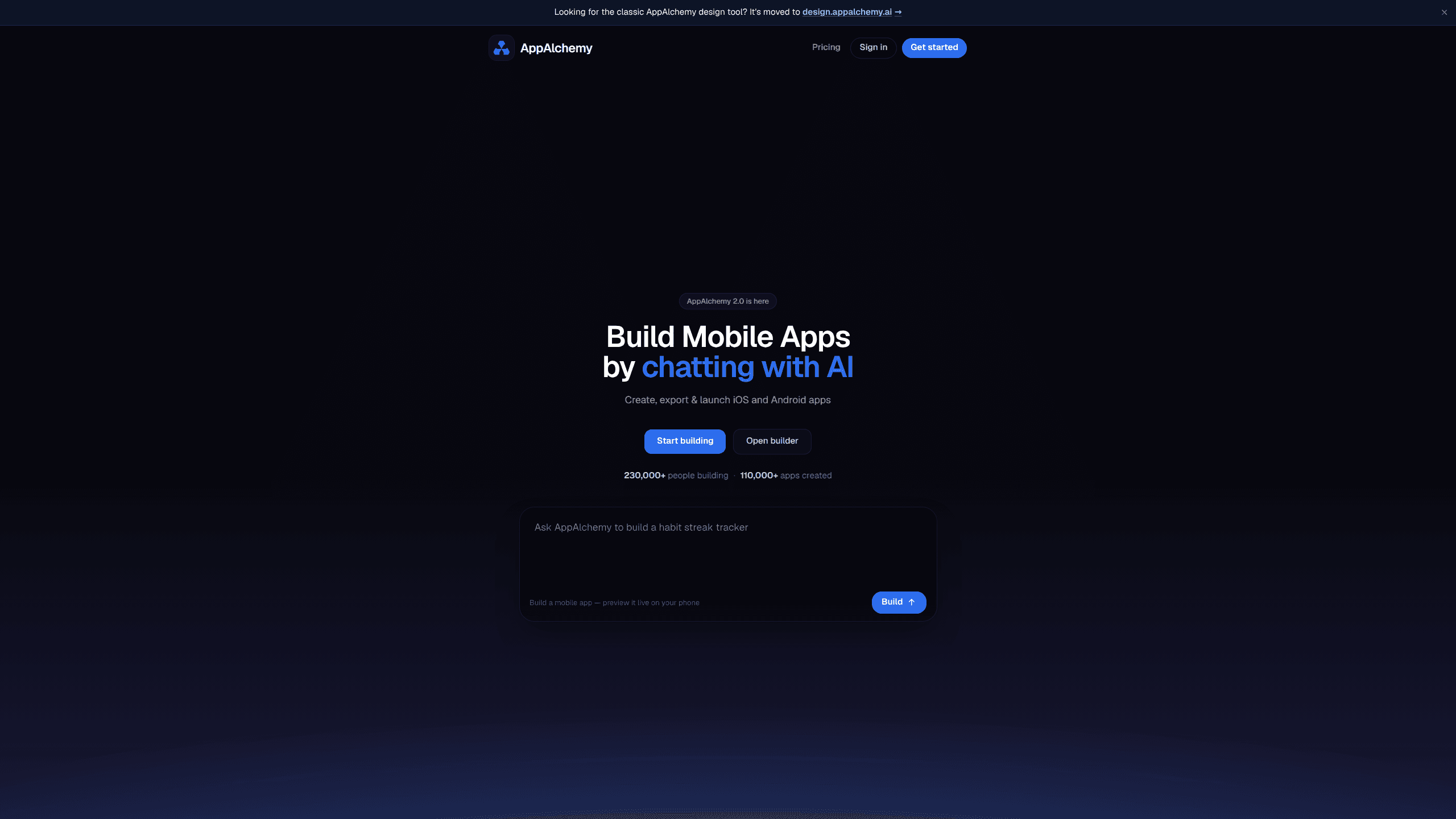
App Alchemy is an AI mobile app builder that creates iOS and Android apps from chat prompts in your browser. You describe what you want, the AI writes the code, and the app runs live on your own phone so you can watch each edit appear in real time. When you're happy, you export the code and ship it.
About App Alchemy
What Is App Alchemy
App Alchemy is a web-based app builder powered by AI models. Instead of dragging widgets around a canvas or writing boilerplate, you chat with the tool and it builds a working mobile app for you. The company says more than 230,000 people have used it and over 110,000 apps have been created with it, which gives you a rough sense of how widely this kind of AI app generator has been picked up.
The main problem it solves is the gap between an idea and a testable mobile app. Normally that gap means weeks of setup, two full IDE installs, and a stack of React Native configuration, and any of those steps is enough to stop a project before it starts. App Alchemy skips most of that. You sign in, describe the app, and get something you can actually tap on your phone within minutes.
The key limitation is that you're building within the AI's choices. It generates React Native code, so if you need a deeply custom native module, you'll hit a wall. The React Native app builder approach covers the common cases and nothing more. The pricing is also credit-based, and heavy daily building burns through credits fast. The Pro plan includes 100 credits a month. The Max plan bumps that to 1,000.
Getting Started
- Go to the App Alchemy site and create an account with your email.
- Type a plain-language description of the app you want in the builder chat.
- Scan the code shown on screen with your phone camera to open a live preview.
- Keep chatting to add screens, tweak the design, or fix anything that looks off.
- Export your code when you're ready to publish, or push straight to the app stores.
Product Information
A quick look at App Alchemy's pricing, supported platforms, and performance.
Best for
The users, tasks, and scenarios where this tool fits best.
Users
- Non-developers with an app idea
- Developers prototyping fast
- Solo founders and small teams
Tasks
- Converting a rough concept into a working prototype
- Building CRUD-style apps with forms, lists, and basic navigation
- Generating starter React Native code you can export and extend
Scenarios
- Validating an idea before you spend money on a development team
- Weekend side projects where setup overhead would kill your momentum
- Internal tools for a small team
Key features
Chat-Based App Building
You build by describing what you want rather than writing code or wiring up a visual editor. The AI turns each message into actual changes in the app, so a request like "add a settings screen with a dark mode toggle" produces real code. This is the core of the whole approach. Your main skill is explaining what you want clearly, not knowing mobile app development.
Live Preview on Your Phone
Your app runs on your own phone while you build. You scan a code with your camera and changes show up in real time, no downloads or complicated setups. This matters more than it sounds, because seeing the app on a real device catches layout and touch problems that a browser mockup hides. A mockup lies. A real phone doesn't.
Code Export
You own the apps you build and the code App Alchemy generates, and you can export it whenever you want. That means you're not locked in if you outgrow the tool. Export gives you a React Native codebase you can hand to a developer, host yourself, or keep extending. No lock-in. That's the promise, anyway.
Builds for Both iOS and Android
App Alchemy targets iOS and Android from a single build flow. You describe the app once and get both platforms out of it. That's the usual appeal of React Native, and it saves you from maintaining two codebases. For simple apps, that's a real time saver.
Credit-Based Usage
Every message that builds or edits your app uses credits based on the AI work involved. Each plan comes with a monthly allotment, so you can predict your costs as long as you know roughly how often you'll be building. This model rewards focused sessions. It punishes a lot of throwaway experimentation.
Frontier AI Models
App Alchemy builds with what it calls frontier AI, meaning current top-tier models rather than a cheaper in-house one. In practice that shows up in how well the tool handles more complex requests, like multi-screen navigation or conditional logic. Does it always get them right? No. But it holds up better than you'd expect.
Pros and cons
Pros
- You can go from idea to a working app on your phone in a single sitting.
- Live preview on a real device catches problems a mockup would miss.
- Code export means you're not locked into the platform.
- One build flow covers both iOS and Android.
- The chat interface keeps the learning curve low for non-developers.
Cons
- There's no free plan, so you have to pay before you can properly try it.
- Credits run out fast during heavy building, and Max costs $200/mo.
- Custom native features are off the table since the output is React Native.
- Getting a finished app into the stores still needs manual work on your end.
Frequently asked questions
App Alchemy is used to build mobile apps by chatting with AI instead of writing code. You describe the app, it generates it, and you preview the result live on your phone before exporting the code.
Related content
Explore related tools, skills, and articles for App Alchemy.
App Alchemy Alternatives
Forefront
Forefront · CodingForefront is a web platform for building with open-source AI. It lets you fine-tune leading open-source language models on your own data, evaluate how they perform, and run them through an API or export them to host yourself. Developers who want the convenience of a closed-source platform but insist on owning their models and data are the target audience here.

Startkit
StartKit.AI · CodingStartkit is a boilerplate for building AI SaaS and AI wrapper products. Think of it as an AI startup boilerplate with the boring parts already wired up: authentication, Stripe and Lemon Squeezy payments, usage limits, transactional email, and an AI API starter that talks to OpenAI, Anthropic, Groq, or Llama. You clone the repo, set your price, and start on the part of your product that people actually pay for. It's Next.js under React and Tailwind, so most of the boilerplate code already feels familiar.
Testim
Tricentis · CodingTestim is an AI-powered test automation platform for building and running end-to-end tests across web, mobile, and Salesforce applications. It leans on machine learning to keep tests stable when an interface changes, so teams spend less time fixing broken selectors. Not bad for an automated testing tool you can start using today. You create tests by recording actions in a browser, then optionally add JavaScript when you need more control. It's a solid pick for busy QA teams.