

App Cleaner & Uninstaller
Nektony · Other
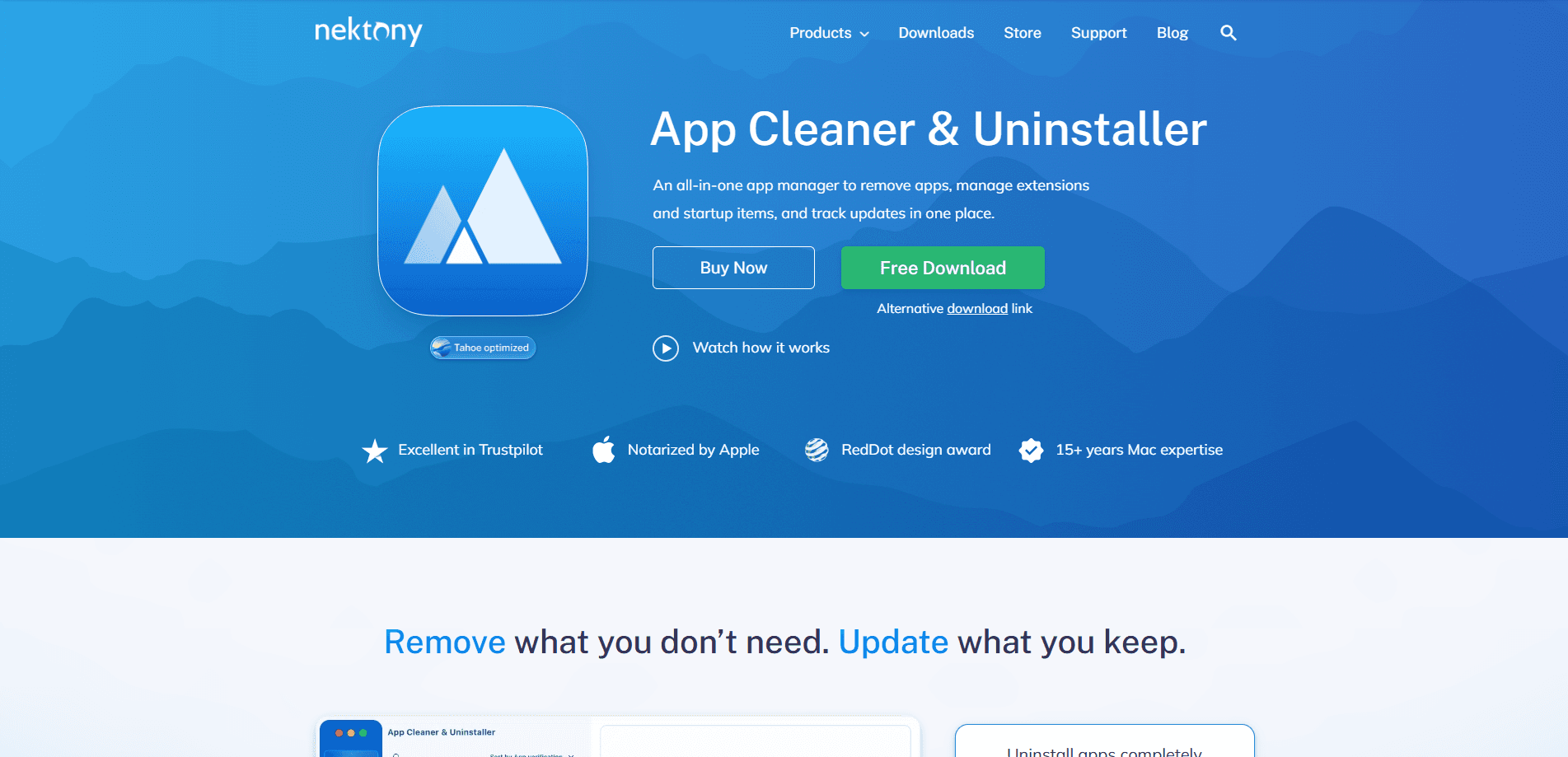
App Cleaner & Uninstaller is a Mac app manager from Nektony that removes apps along with the hidden files they leave behind. It's the kind of Mac uninstaller that goes further than the Trash. Beyond removing app leftovers, it updates installed software in bulk, manages startup items and extensions, and shows which apps connect to the internet. It runs on macOS 11.0 and later and covers both Intel and Apple Silicon Macs.
About App Cleaner & Uninstaller
What Is App Cleaner & Uninstaller
App Cleaner & Uninstaller is a utility that handles the software on your Mac. Here's the problem it solves: deleting an app by dragging it to the Trash leaves caches, preference files, and support folders scattered across your drive. That's how a simple uninstall turns into wasted space. This tool finds those leftovers and clears them in one pass, which is the main reason people install it to uninstall apps on Mac. Nektony has been making Mac software since 2011, and this product first shipped in 2015.
The scope has grown well past removal. You can now update every app on your machine from a single list, block an app from reaching the internet, and see which login items and background processes launch at startup. Extensions, preference panes, and old plugins show up in the same view, so you can spot clutter you forgot was there. That's a lot for one utility.
The catch is that the free version is limited. The full feature set sits behind a paid plan, and the trial only lasts two days. It's also macOS only, so Windows and Linux users are out of luck. So is it worth it? If you just need to delete one app now and then, the built-in Trash does the basic job for free.
Getting Started
- Download App Cleaner & Uninstaller from the Nektony website and drag it into your Applications folder.
- Open the app. Grant Full Disk Access when macOS asks, since the tool needs it to scan for leftover files.
- Pick a module from the sidebar: Applications, Extensions, Startup Items, or Updates.
- Select the apps or items you want to remove, then review the list of related files before confirming.
- Run the cleanup and check the freed space. Repeat for updates or startup management as needed.
Product Information
A quick look at App Cleaner & Uninstaller's pricing, supported platforms, and performance.
Best for
The users, tasks, and scenarios where this tool fits best.
Users
- Mac owners with a crowded drive
- People who install and test a lot of software
- Security-conscious users
Tasks
- Fully uninstalling apps
- Updating every app at once
- Managing startup items
Scenarios
- Selling or handing down a Mac
- Freeing space before a big install
- Auditing what runs in the background
Key features
Complete Uninstall With Leftover Cleanup
The core job is removing an app and everything tied to it. Point it at a program and it lists the caches, preferences, logs, and support folders connected to that app. You review the list, confirm, and it's gone. Nektony maintains a database of over 20,000 third-party apps, so the tool usually knows exactly where a given piece of software stashes its files, which is the difference between a clean uninstall and a folder you find six months later.
Bulk App Updates
Sound familiar? You open an app to check for updates, close it, then forget the other five. Instead of that routine, you get one screen showing every available update across your installed software, covering both App Store apps and programs downloaded directly from developers. One click runs them together. Done.
Network Monitoring and App Blocking
This module shows real-time and historical traffic per app, so you can see which programs use the internet and how much. You can block a specific app from connecting when you'd rather it didn't. Nektony says all traffic analysis happens locally on your Mac, so the network data never leaves your machine. That last part matters.
Startup and Background App Control
Login items, background apps, and system daemons all influence how fast your Mac starts. This view lists them in one place and lets you disable the ones you don't need. Killing unnecessary startup entries is often the simplest speedup for an aging Mac. Not a cure-all, but it helps. Cut the list and reboot.
Extension and Preference Pane Manager
Internet plugins, preference panes, widgets, and other add-ons tend to hide in system folders you'd never browse manually. The tool collects them into a single view so you can remove old ones. This matters most when you're troubleshooting odd behavior and can't figure out what's installed.
Privacy and Security Insights
A permissions audit shows what apps can access, from the camera to Full Disk Access. Notarization status tells you which apps Apple has verified. There's also an AI-powered summary meant to explain app activity in plain language, but I'd treat those AI labels as a convenience rather than a security verdict you can rely on.
Pros and cons
Pros
- Finds leftover files that a plain Trash delete misses, recovering real disk space.
- Bulk updates save time if you run a lot of apps and hate checking each one.
- Startup and extension views put hidden system clutter in one place.
- Local-only traffic analysis keeps your network data on your own machine.
- Free version and a two-day trial let you test it before paying.
Cons
- The two-day trial is short, so you'll decide fast or pay to keep testing.
- macOS only. There's no Windows or Linux version.
- Free version is limited, so the features that make it worth installing sit behind a paid plan.
- API availability isn't documented, so there's no obvious way to script it into a workflow.
Frequently asked questions
Nektony is a Mac software team that's been active since 2011, and the app is notarized by Apple. It also shows you the list of related files before deleting anything, so you can review what's being removed. As with any utility that asks for Full Disk Access, download it from the official site.
Related content
Explore related tools, skills, and articles for App Cleaner & Uninstaller.
App Cleaner & Uninstaller Alternatives
BinkBink
BinkBink · OtherBinkBink is a free online game platform and AI game maker that lets anyone turn a short text description into a playable browser game. You can jump into hundreds of community-made games. Or describe your own idea and play it in seconds, then share it with friends. Want to create your own game? You don't need to code. No engine setup, no download, no hassle.

Audiogen
Audiogen Inc. · OtherAudiogen is an AI music generator built by Audiogen Inc., a small research team that spent about 2.5 years training its own generative music model and designing a web interface around it. Instead of a plain text box, this AI music tool turns the timeline into a beginner-friendly Generative Audio Workstation, or GAW, where inpainting, extending, remixing and stem editing work more like painting on a canvas. The product is still in beta, so access runs through a waitlist or an invite. Paid plans aren't published yet.

Aiml API
AIMLAPI OÜ · OtherAiml API is a unified AI model API that puts more than 1000 models from OpenAI, Google, Anthropic, and others behind one endpoint and one bill. You write code against a single OpenAI-compatible schema, then switch between chat, image, video, and audio models by changing a model string. It suits developers and small teams who want multi-model access without juggling a dozen separate provider accounts, and it removes the usual billing headache that comes with testing several vendors. One key covers it all.