

AppWizzy
Flatlogic · Coding
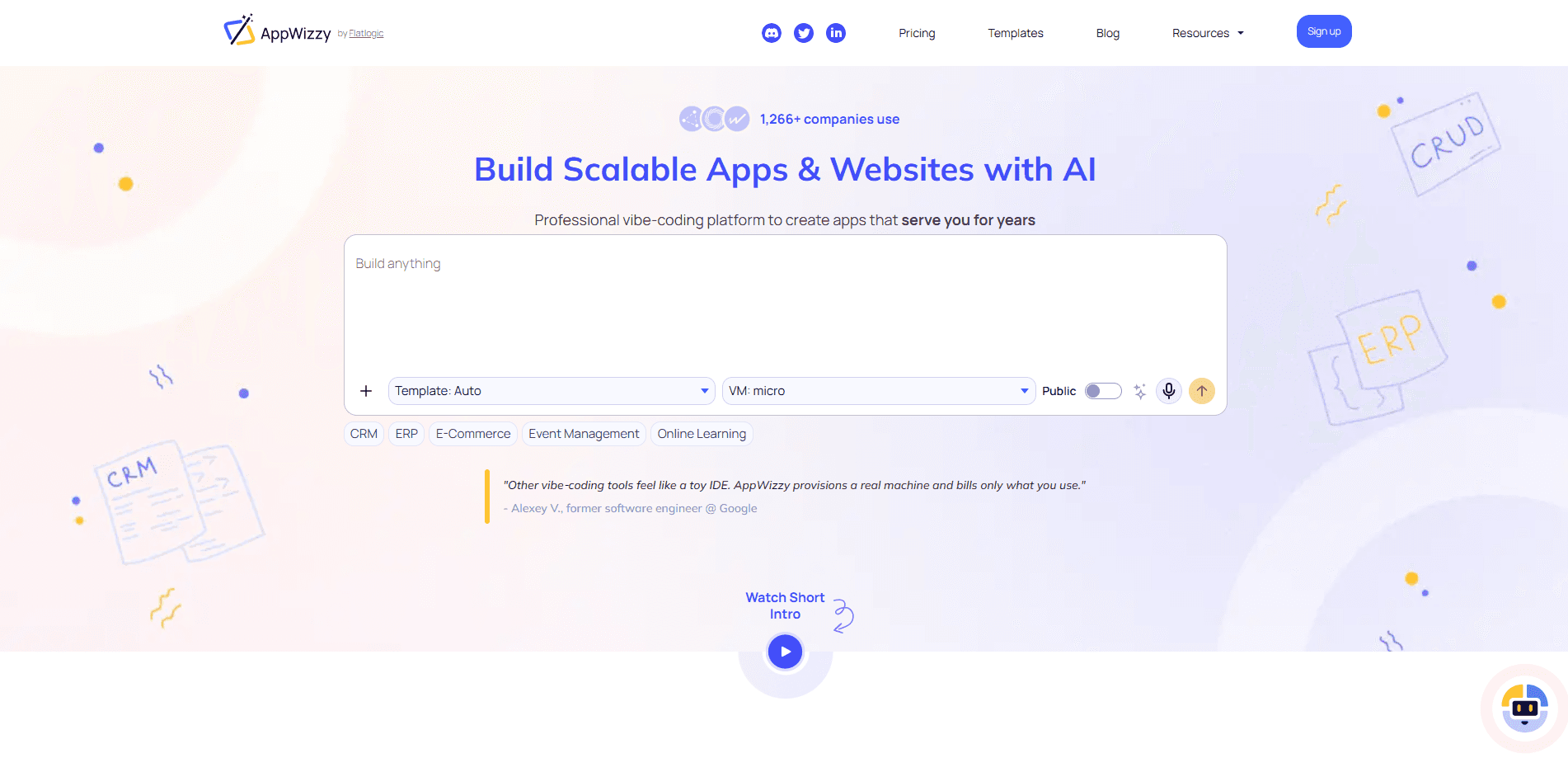
AppWizzy is a chat-driven AI app builder from Flatlogic that turns plain-English descriptions into production-grade full-stack web apps. It's an AI full-stack app generator at heart. You describe what you want, it drafts an architecture plan and database schema, then generates real code in your chosen stack and deploys it to a cloud VM you can edit like any repo. It's an AI website builder too when the job is lighter than a full app. It suits founders, small teams, and developers who want speed without giving up control of their stack.
About AppWizzy
What Is AppWizzy
AppWizzy is an AI app builder built around one idea: you should keep your code. Most AI website builders hand you a locked preview inside a sandbox. AppWizzy instead runs your project on a real dev VM in a stack you pick, whether that's PHP, Python, Node with Next, Postgres, or MySQL. The AI writes actual files into a Git repository rather than generating a throwaway mockup.
The pitch centers on the gap between "demo" and "product." A demo looks fine until you need a database, a CI/CD pipeline, or a place to host it. So what happens when you outgrow the demo? AppWizzy handles those as part of the flow: it proposes a schema, wires up deployment, and keeps a stable environment running so your app stays online.
The main limits are worth knowing up front. It's a new platform, so the template catalog is still growing, and heavier use runs on a credit system where AI tokens, hosting, and template licenses bill separately. Free accounts also restrict you to personal use and public apps, which rules out client work until you pay.
Getting Started
- Sign up at appwizzy.com and pick a starting point, either a pre-built template from the marketplace or a blank project.
- Describe the app you want in plain English. AppWizzy generates an architecture plan and a database schema you can review before code appears.
- Connect the AI to your preferred model through the managed proxy, your own OpenAI account, or a bring-your-own key setup.
- Let the AI write the code, then accept, revert, or iterate on each change while the terminal output streams back to you.
- Deploy with one click. Your app goes live with a CI/CD pipeline, and you can pause, resume, roll back, or edit the repo in VS Code whenever you want.
Product Information
A quick look at AppWizzy's pricing, supported platforms, and performance.
Best for
The users, tasks, and scenarios where this tool fits best.
Users
- Solo founders who need a working MVP fast
- Small product teams that want speed without lock-in
- Developers testing an idea before committing
Tasks
- Building a SaaS dashboard or admin panel
- Turning a rough spec into a database-backed app
- Shipping a landing page or portal
Scenarios
- Validating a product idea over a weekend
- Internal tools for a small business
- Learning how AI-assisted development works
Key features
Real Cloud VMs Instead of Sandboxes
Most AI builders trap your project in a toy environment. Not AppWizzy. It runs your app on an actual dev VM that supports PHP, Python, Node with Next, Postgres, and MySQL. That means the app you build in the editor behaves like the app you deploy, because it's the same machine class. If you've been burned by previews that break the moment you export them, this is the fix.
AI That Edits Your Repository
The AI doesn't just generate code once and walk away. It drives edits directly in your repo, streaming terminal output and file changes back to you in real time. Then you decide. Accept, revert, or keep iterating. Full Git integration, branch management, and VS Code support come built in, so you can drop into a familiar editor whenever the chat runs out of runway.
Transparent, Usage-Based Pricing
Costs collapse into three buckets you control: AI tokens, hosting, and template licenses. Credits keep it readable. One credit equals $1. Model rates are published per million tokens, so you can compare a cheap model against a premium one before you commit. Hosting bills per active day, starting at 0.10 credits for a basic VM.
Production Hosting With a Clear Lifecycle
Your app lives in an always-on environment, not a build preview that vanishes. The lifecycle is spelled out: pause, resume, deploy, rollback. Hosting bills predictably by the day. Automated backups plus monitoring are on the roadmap. For anyone who's launched something and then scrambled to keep it running, that structure matters.
Templates That Jump-Start Real Products
The marketplace spans Landing, SaaS Startup, CRM, E-commerce, Admin, and Portal, among others. Some are free. Others are paid, with licenses that follow the same norms as ThemeForest and WrapBootstrap. A template gives the AI a realistic base to customize, which usually beats starting from an empty repo.
Collaboration and Governance
Paid plans add private apps, collaborators, and an audit trail. There's also a refundable "bad AI" edit allowance, capped per plan, that credits back changes the AI got wrong. Small thing, but it signals the platform expects the AI to misfire sometimes.
Model Choice Without Lock-In
You decide how the AI connects. Use the AppWizzy managed proxy and spend credits, sign in with your own OpenAI account, or plug in a provider key and get billed directly. That flexibility keeps you from being stuck paying a markup you didn't choose. Choose once, switch later.
Pros and cons
Pros
- You keep full control of your stack and code thanks to real Git integration and VS Code support.
- Real cloud VMs mean your app runs the same way in development and production.
- Pricing is broken into clear buckets: AI tokens, hosting, and template licenses.
- Templates and published model rates let you estimate costs before you build.
- Private apps, collaborators, and an audit trail matter once more than one person is involved.
Cons
- The free plan is personal use only and caps you at public apps, so client or commercial work needs a paid plan.
- Credits run out quietly, and combining AI tokens with daily hosting can make monthly costs harder to predict than a flat subscription.
- It's a newer platform, so the template catalog and features like automated backups are still filling in.
- There's a learning curve if you want to review the generated code, since the platform assumes you'll eventually work in a real repo.
Frequently asked questions
AppWizzy builds full-stack web apps and websites from plain-English descriptions. You can create SaaS dashboards, CRMs, landing pages, portals, and other business apps, then deploy them to a real cloud VM.
Related content
Explore related tools, skills, and articles for AppWizzy.
AppWizzy Alternatives
Forefront
Forefront · CodingForefront is a web platform for building with open-source AI. It lets you fine-tune leading open-source language models on your own data, evaluate how they perform, and run them through an API or export them to host yourself. Developers who want the convenience of a closed-source platform but insist on owning their models and data are the target audience here.

Startkit
StartKit.AI · CodingStartkit is a boilerplate for building AI SaaS and AI wrapper products. Think of it as an AI startup boilerplate with the boring parts already wired up: authentication, Stripe and Lemon Squeezy payments, usage limits, transactional email, and an AI API starter that talks to OpenAI, Anthropic, Groq, or Llama. You clone the repo, set your price, and start on the part of your product that people actually pay for. It's Next.js under React and Tailwind, so most of the boilerplate code already feels familiar.
Testim
Tricentis · CodingTestim is an AI-powered test automation platform for building and running end-to-end tests across web, mobile, and Salesforce applications. It leans on machine learning to keep tests stable when an interface changes, so teams spend less time fixing broken selectors. Not bad for an automated testing tool you can start using today. You create tests by recording actions in a browser, then optionally add JavaScript when you need more control. It's a solid pick for busy QA teams.