
APX Terminal
Yoga Bagas · Coding
APX Terminal is an all-in-one AI development environment for macOS, Windows and Linux. It puts an SSH terminal, a database client, an API client, a project and task board, and an AI agent that can reach all of them into a single window. The agent reads and plans across your servers and code, but nothing changes on production until you approve it. You buy it once. Keep files on your own disk, and plug in your own AI key instead of paying the vendor for model access.
About APX Terminal
What Is APX Terminal
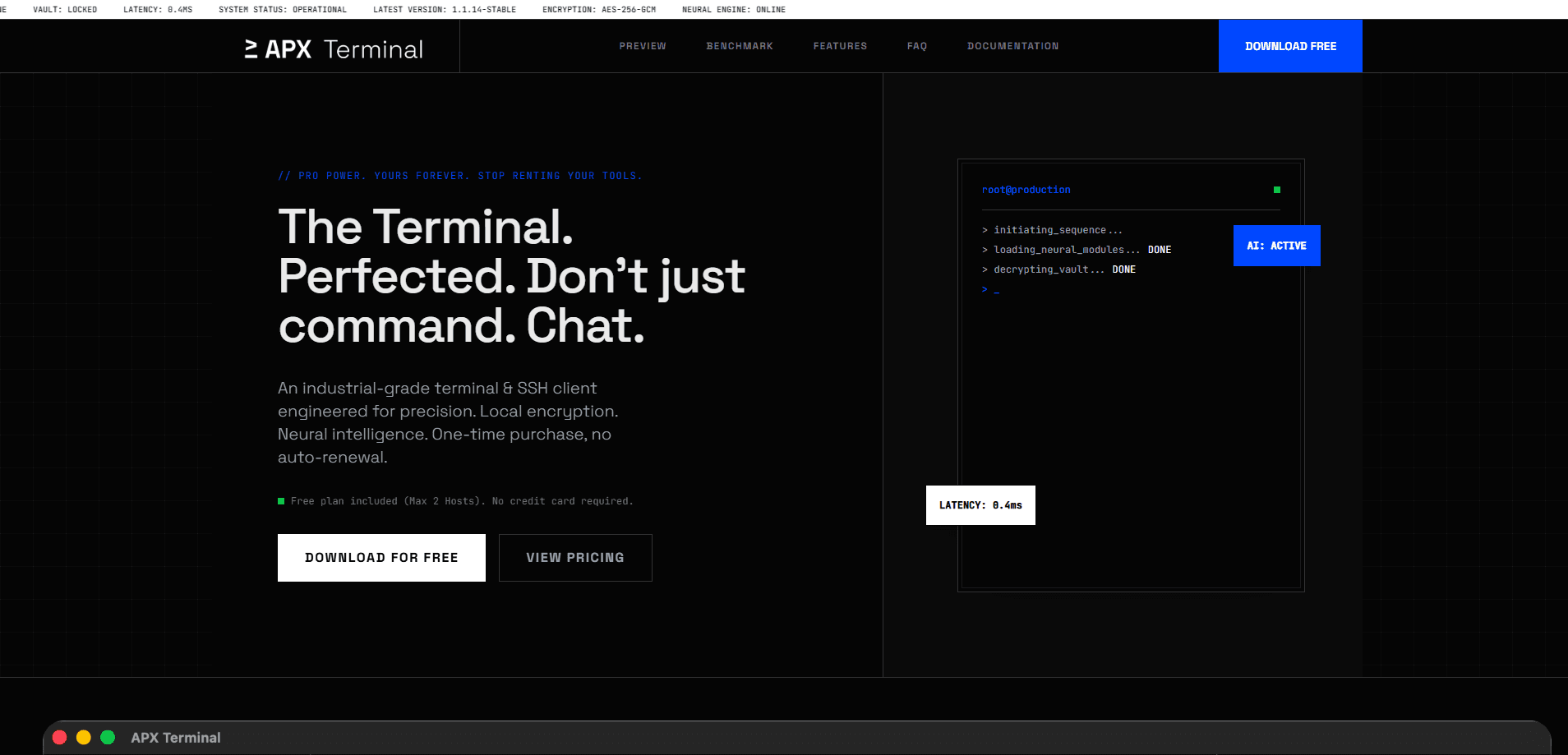
APX Terminal is a local-first developer tool. It replaces the five separate apps most engineers juggle every day. Instead of a terminal for SSH, another client for databases, a third for APIs, a tracker for tasks and an AI assistant that can't see any of them, APX keeps the whole set in one application. Your servers, keys and settings stay local, and the AI agent works on top of the same connections you already use.
The product launched in January 2026 as an SSH client you buy once, and version 2.0 in September 2026 rebuilt it around an agent-driven workflow. The core idea hasn't changed. The tool belongs to you, your data stays on your machine, and you bring your own AI provider.
The biggest limitation is the free plan's low caps. Starter gives you 3 saved servers, 4 terminal tabs, 2 database connections and one agent at a time, so anyone doing serious work will want the one-time Ultra license. It's also a desktop-first product. The web companion lets you approve plans and manage your board from a phone, but the actual work happens on a computer. That split matters.
Getting Started
- Download APX Terminal for macOS (Apple Silicon or Intel), Windows or Linux (.deb or AppImage) and install it.
- Add a server by entering its SSH host, then add a database or API connection, or route them through a server you've already saved.
- Open the AI provider settings and paste your own key from OpenAI, Anthropic, Google Gemini, DeepSeek, Groq or any OpenAI-compatible endpoint.
- Describe a task in Agent Work, review the plan it proposes, then allow, always-allow or deny each step.
- Optionally sign in with an email to turn on APX Sync, which seals your settings with a passphrase before anything leaves your machine.
Product Information
A quick look at APX Terminal's pricing, supported platforms, and performance.
Best for
The users, tasks, and scenarios where this tool fits best.
Users
- Backend and DevOps engineers who work across multiple servers
- Solo developers and small teams on a budget
- Engineers wary of cloud AI tools
Tasks
- Fixing a production bug across the stack
- Running a recurring health check or report
- Building and documenting an API
Scenarios
- Reviewing what an AI agent wants to do while you're away from your desk
- Onboarding a second computer
- Evaluating the app before buying
Key features
One agent across terminal, databases and APIs
Agent Work is the reason APX exists. This is a terminal with an AI agent built in. The agent can run shell commands, query a database, inspect an API collection and update your task board, all in the same session. It works with Claude Code, Codex, Gemini, Grok and MiniMax, and can run several agents at once on the Ultra license. The difference from a standalone coding assistant is reach: this one already holds your server and database connections, so it doesn't need them handed to it again. It just works.
Nothing changes until you approve
On production connections, every change needs confirmation, and destructive statements require you to type the connection's name first. The agent proposes a plan and the exact statement it'll run, and you decide. No surprises. That gate matters if you've ever held an AI tool back from real infrastructure because you didn't trust it near a live database.
SSH terminal with the everyday comforts
The terminal handles saved servers, split panes, broadcast to several sessions at once, an SSH key manager, searchable command history, snippets and a Command Book. Connections can be tunnelled through a server you've already saved, and hosts on the same machine share one SSH connection. Fewer logins, less friction. Session recording and 21 extensions round out the Ultra tier.
Database client for ten engines
APX connects to PostgreSQL, MySQL, MariaDB, SingleStore, SQL Server, SQLite, MongoDB, Redis, Cloudflare D1 and SingleStore in one place. You get a data grid with per-column filters, an in-place structure editor, a query history and a quick jump to any table with a keyboard shortcut. Passwords and tokens are sealed with your OS keychain, so you never see them again after saving.
API client with environments and publishing
Collect requests, store environment files and secrets, and drive calls with cURL imports. You can publish API documentation pages straight from the app, and the Ultra tier adds mock endpoints that answer those published pages. It's a workable replacement for a separate API tool if you don't need every niche protocol. Good enough for most teams.
Projects, tasks and scheduled automations
A task board lives beside the work, not in a different app. You can create, move and delete tasks, and set up automations the agent picks up on a schedule, like a weekly health check that's finished before you look. No more chasing status. The board travels to the web companion, so you can run or pause an automation from your phone. Handy on the bus.
Local-first sync you can inspect
Sign in with an email and the same APX appears on your other computers. Servers, snippets, groups, projects, tasks and settings sync on the free tier; Ultra adds conversations, the Databases and APIs spaces and their files up to 1 GB. Your passphrase becomes the key on your machine, and the server only holds records it can't read.
Pros and cons
Pros
- One-time $39 purchase for the full app, with every future update included, instead of a stack of monthly subscriptions.
- Credentials, keys and settings stay on your own disk, and sync data is encrypted with a passphrase before it leaves the machine.
- The agent can actually touch your terminal, databases and APIs because it shares the connections you've saved.
- A clear approval gate on production, including destructive-statement confirmation, keeps automated work from running unsupervised.
- You bring your own AI key, so the model bill goes straight to the provider with no vendor markup.
Cons
- The free Starter plan's caps are tight, so the 3 servers and 4 terminal tabs get in the way fast.
- It's a desktop product at heart, and the web companion only covers approvals and the board, not the full workspace.
- Public API availability isn't documented for outside integration, so you can't build it into a custom pipeline yet.
- Some deeper features sit behind Ultra, including save-file import and multiple agents running at once.
Frequently asked questions
It's a single desktop app that combines an SSH terminal, a database client, an API client, a task board and an AI agent that works across all of them. Engineers use it to reach servers, query databases and ship APIs without switching between five separate tools.
Related content
Explore related tools, skills, and articles for APX Terminal.
APX Terminal Alternatives
Forefront
Forefront · CodingForefront is a web platform for building with open-source AI. It lets you fine-tune leading open-source language models on your own data, evaluate how they perform, and run them through an API or export them to host yourself. Developers who want the convenience of a closed-source platform but insist on owning their models and data are the target audience here.

Startkit
StartKit.AI · CodingStartkit is a boilerplate for building AI SaaS and AI wrapper products. Think of it as an AI startup boilerplate with the boring parts already wired up: authentication, Stripe and Lemon Squeezy payments, usage limits, transactional email, and an AI API starter that talks to OpenAI, Anthropic, Groq, or Llama. You clone the repo, set your price, and start on the part of your product that people actually pay for. It's Next.js under React and Tailwind, so most of the boilerplate code already feels familiar.
Testim
Tricentis · CodingTestim is an AI-powered test automation platform for building and running end-to-end tests across web, mobile, and Salesforce applications. It leans on machine learning to keep tests stable when an interface changes, so teams spend less time fixing broken selectors. Not bad for an automated testing tool you can start using today. You create tests by recording actions in a browser, then optionally add JavaScript when you need more control. It's a solid pick for busy QA teams.