

Arkor
Arkor (arkorlab) · Coding
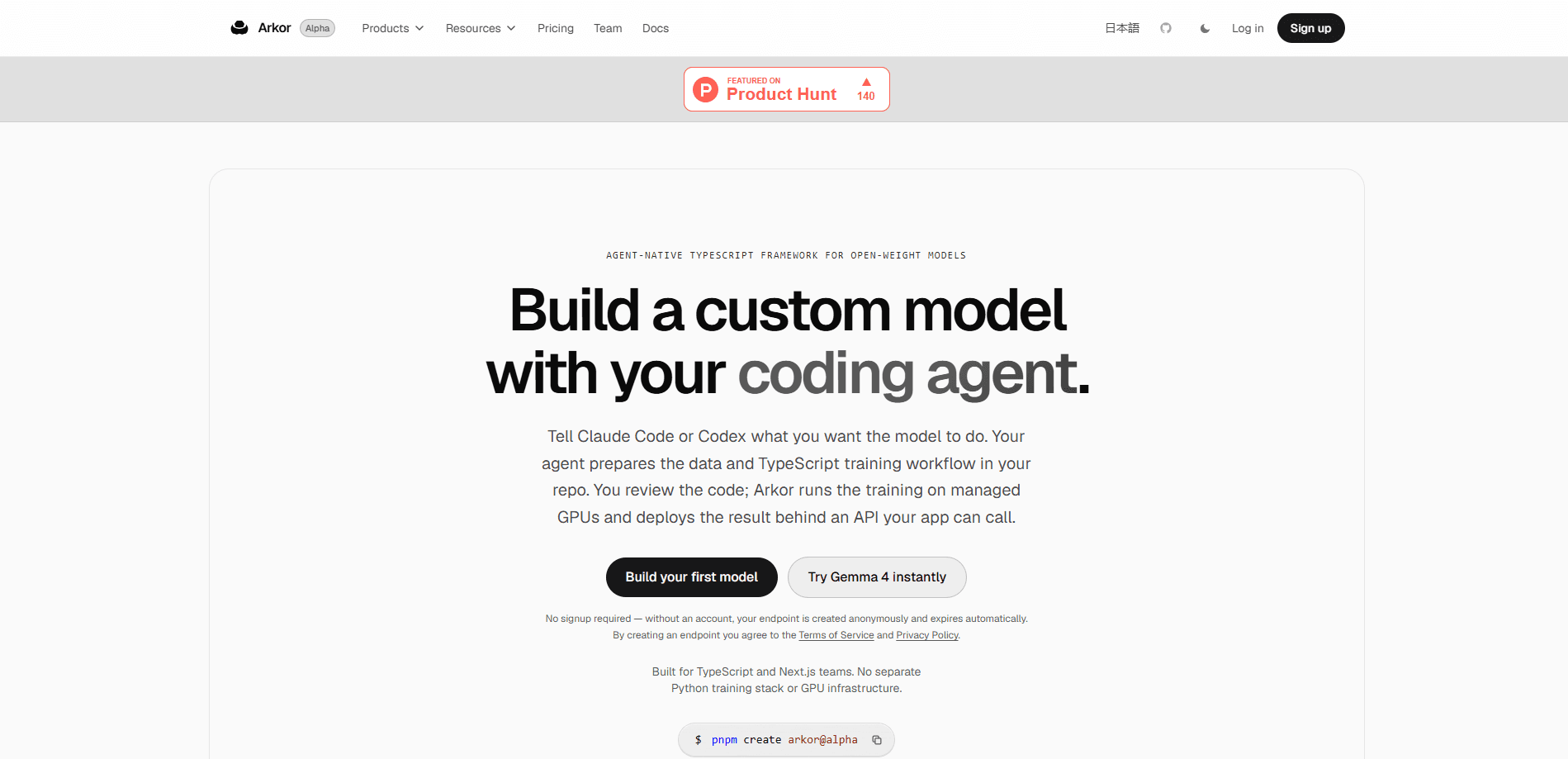
Arkor is an agent-native TypeScript framework and managed runtime for fine-tuning open-weight models. You describe the model you want to a coding agent, review the generated training code, run the job on managed GPUs, then serve the result behind an OpenAI-compatible endpoint. It targets TypeScript and Node developers who want fine-tuning, evaluation, and serving to live in the same codebase as the product they're shipping.
About Arkor
What Is Arkor
Arkor is a framework plus a managed runtime for building custom open-weight models without leaving TypeScript. The pitch is simple: ship the model the same way you ship your app. You write type-safe configs. You keep training code in your repo. You watch runs from a local web UI called Studio. And AI model deployment happens on Arkor's managed GPUs, not on your laptop.
The problem it solves is workflow fragmentation. Most fine-tuning paths push you into Python notebooks, separate config files, and dashboards that live outside your product. Arkor keeps the trainer, the evaluation step, and the endpoint in one project. Same editor. Same types. Same code review flow. What if you could keep all of it in the repo your team already ships from?
The biggest limit is maturity. Arkor is in alpha, and the team says APIs change without notice. Pricing isn't published either. So this is a tool to pilot on a side project before you bet a production pipeline on it.
Getting Started
- Scaffold a project with
pnpm create arkor my-arkor-appand pick one of the starter templates. - Run
pnpm dev, which opens Studio, a local web UI at http://localhost:4000. First launch provisions a throwaway anonymous workspace, so no signup is needed. - Tell your coding agent what model to build. It prepares a dataset, writes the TypeScript trainer, and adds evaluation inside your repo.
- Review the generated training code, then click Run Training in Studio and follow the progress.
- Sign in later with
arkor login --oauthto claim the work under your account and deploy the resulting adapter.
Product Information
A quick look at Arkor's pricing, supported platforms, and performance.
Best for
The users, tasks, and scenarios where this tool fits best.
Users
- TypeScript and Node developers who want fine-tuning to sit in the same repo as their app, and who are comfortable reviewing generated training code before running it.
- Small product teams shipping an AI feature that needs a custom model rather than a rented API, with the caveat that alpha software is best suited to pilots right now.
Tasks
- Support triage
- Translation
- PII redaction
- Serving a custom endpoint
Scenarios
- You already have production traffic stored as runs and want to turn it into an honest training dataset.
- You want to sanity-check a model mid-run instead of waiting for the job to finish.
- You're prototyping an on-device model and need a smaller, cheaper base to start from.
Key features
One-file fine-tuning with type-safe configs
You fine-tune an open-weight LLM from a single file. A createTrainer({ model, dataset, lora, ... }) call runs LoRA training against the base model you point it at. Because the config is typed, your editor catches mistakes before a GPU bill shows up.
Coding-agent workflow
Arkor is built around handing work to a coding agent such as Claude Code or Codex. You describe the model in plain language, and the agent prepares the dataset, writes the trainer, and adds evaluation inside your repo. You review every change before training, which keeps a human in the loop.
Local Studio for the dev loop
Running pnpm dev opens Studio, a local web UI at localhost:4000. You review the detected trainer, click Run Training, and follow progress from there. It's the control surface for the run, while the compute stays in the cloud.
Training you can watch from code
Lifecycle callbacks such as onStarted, onLog, onCheckpoint, onCompleted, and onFailed fire as the run streams from the cloud, fully typed. Inside onCheckpoint you can call infer({ messages }) to check the model before the run even finishes. Why refresh a dashboard when the run can report to your code? That's a real difference.
OpenAI-compatible hosted endpoint
A deploy gives you a Gemma 4 endpoint at your-name.arkor.app with per-deployment API keys you can revoke. Swap it in wherever your app calls a model today, since the interface matches the OpenAI API.
Traffic becomes training data
Requests and responses are stored as runs you can replay, inspect, and turn into a dataset. That means your production traffic, already filtered through real users, becomes the next training set.
Managed GPUs and rollback
Training runs execute as managed GPU training jobs, stream metrics back to your code, and store every checkpoint. The weights change only when you run a fine-tune, and each change is a checkpoint you can inspect, serve, or roll back.
Pros and cons
Pros
- Keeps fine-tuning, evaluation, and serving in one TypeScript codebase, so you don't juggle Python notebooks and a separate dashboard.
- Type-safe configs and generated training code you review before spending on compute.
- Managed GPUs remove the hardware setup step entirely.
- An OpenAI-compatible endpoint means you can swap Arkor in without rewriting your app's model calls.
- Every run produces checkpoints you can inspect or roll back, so changes aren't one-way.
Cons
- It's alpha software, and the team warns APIs can change without notice, which makes it risky for a production pipeline.
- Pricing isn't published yet, so you can't budget for cost beyond the current free alpha period.
- Real value depends on pairing it with a coding agent like Claude Code or Codex, so the setup is heavier than a one-click fine-tuning service.
- The starter templates all use the same small Gemma 4 base model, so testing a broader range of open-weight models means more manual work.
Frequently asked questions
Arkor is used to fine-tune and deploy custom open-weight language models from a TypeScript project. You describe the model to a coding agent, review the generated training code, run training on managed GPUs, and serve the result behind an OpenAI-compatible endpoint.
Related content
Explore related tools, skills, and articles for Arkor.
Arkor Alternatives
Forefront
Forefront · CodingForefront is a web platform for building with open-source AI. It lets you fine-tune leading open-source language models on your own data, evaluate how they perform, and run them through an API or export them to host yourself. Developers who want the convenience of a closed-source platform but insist on owning their models and data are the target audience here.

Startkit
StartKit.AI · CodingStartkit is a boilerplate for building AI SaaS and AI wrapper products. Think of it as an AI startup boilerplate with the boring parts already wired up: authentication, Stripe and Lemon Squeezy payments, usage limits, transactional email, and an AI API starter that talks to OpenAI, Anthropic, Groq, or Llama. You clone the repo, set your price, and start on the part of your product that people actually pay for. It's Next.js under React and Tailwind, so most of the boilerplate code already feels familiar.
Testim
Tricentis · CodingTestim is an AI-powered test automation platform for building and running end-to-end tests across web, mobile, and Salesforce applications. It leans on machine learning to keep tests stable when an interface changes, so teams spend less time fixing broken selectors. Not bad for an automated testing tool you can start using today. You create tests by recording actions in a browser, then optionally add JavaScript when you need more control. It's a solid pick for busy QA teams.