

Articalize
Teknikforce · Writing · AI Detection
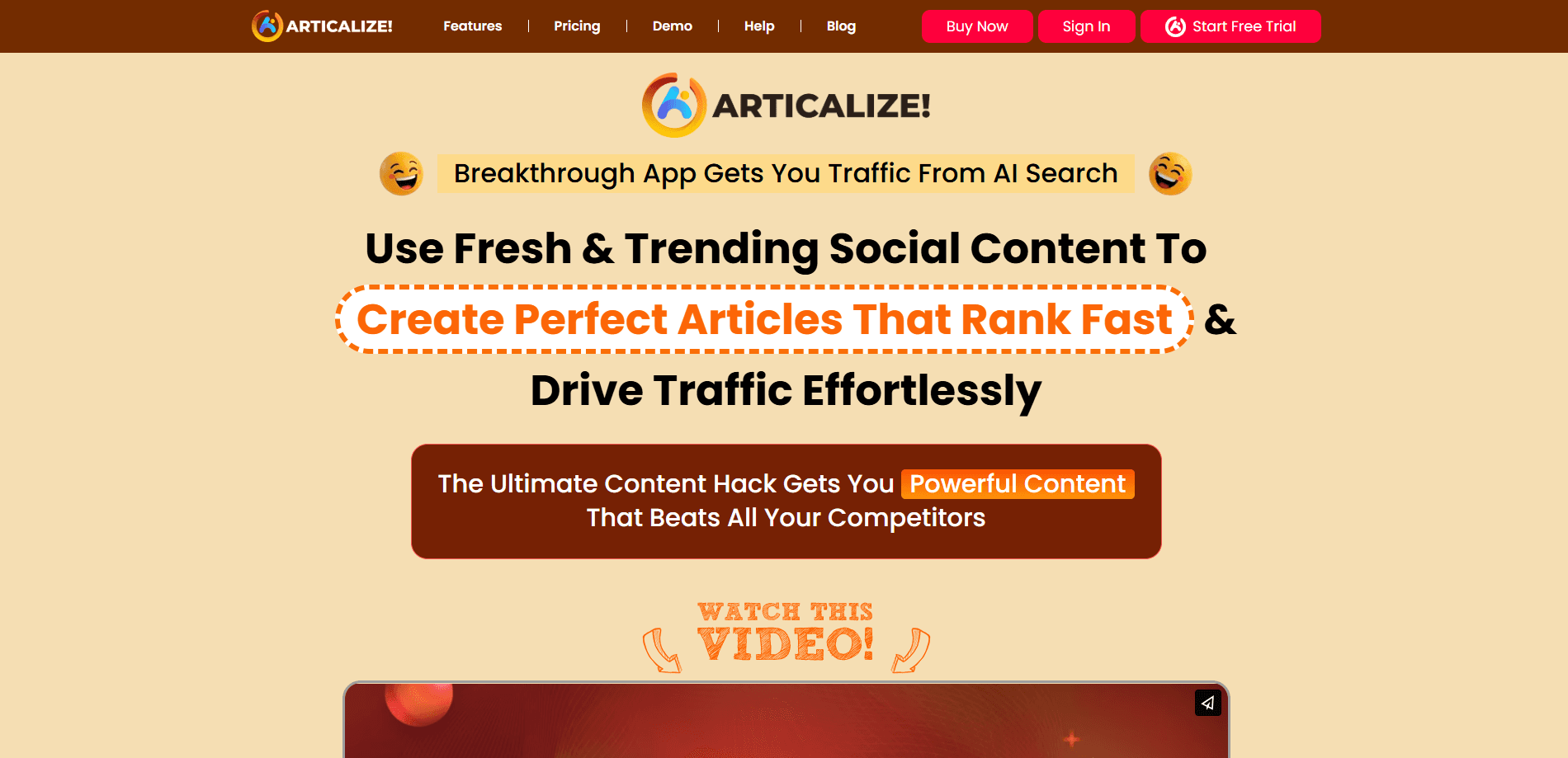
Articalize is an AI article writer that turns YouTube videos, social posts and web pages into original, SEO-ready articles. Paste a link, pick a language, and it drafts a post with visuals.
About Articalize
What Is Articalize
Articalize is an article writing tool from Teknikforce that builds blog posts out of content you already have. You paste a link from YouTube, X, a Reddit thread, a Quora question, LinkedIn or any webpage, and the app rewrites that source into a fresh article. It markets the output as humanized, meaning it's meant to read like a person wrote it rather than like a machine summarizing.
The problem it targets is freshness. Language models only know what they were trained on, so asking one to "write about X" tends to recycle stale angles. Articalize flips that by feeding the model live social content, which carries the newest facts and points of view. The idea is that the source does the thinking, and the AI handles the writing and styling.
The main limits are worth knowing up front. It's a paid tool sold by Teknikforce, with a 30-day refund window instead of a free plan. It works in a browser rather than as a native desktop or mobile app. And because it leans on third-party platforms for source material, changes to those platforms can affect what you can pull in.
Getting Started
- Buy a license from Teknikforce and log in to the Articalize web app.
- Paste a source link, such as a YouTube video URL, a social post or a webpage.
- Choose the output language and the article style you want.
- Let the AI draft the article, then edit it in the built-in editor.
- Generate images or infographics, then publish to WordPress or Tumblr, or copy the text into any CMS.
Product Information
A quick look at Articalize's pricing, supported platforms, and performance.
Best for
The users, tasks, and scenarios where this tool fits best.
Users
- Bloggers and niche site owners
- Affiliate marketers
- Content agencies and freelancers
Tasks
- Turning a YouTube video into a post
- Repurposing a social thread
- Writing product comparisons
Scenarios
- You run a blog and post several times a week
- You find a trending topic that just broke
- You publish in more than one language
Key features
One-Click Article Writing From a Link
You paste a URL and Articalize drafts an article from that source, whether it's a YouTube video, a Facebook post, an X thread, a Quora question, a Reddit post, a LinkedIn update or a webpage. The whole point is cutting the blank-page moment down to a single step.
Content Repurposing, Not Rewriting
The tool reworks the source into a new article rather than paraphrasing it line by line. Teknikforce says its models re-interpret the content to create something original, which matters if you want pieces that stand apart from the source instead of reading like reworded copies.
Multi-Language Output
You can write a source in one language and produce the article in another, covering the languages the underlying AI supports. That's the difference between one blog and a set of regional blogs, without rewriting each version by hand.
Automatic Images and Infographics
Articalize generates illustrations and infographics to go with the text, and it also taps a free image source through its Pixabay integration. You get a post and its visuals from the same workflow instead of hunting for images afterward.
Built-In AI Editor
After the draft lands, you edit it inside the app's AI editor. You can ask the editor to change sections or adjust tone, which keeps revisions in one place rather than bouncing between the tool and a separate word processor.
Direct Publishing to WordPress and Tumblr
Connected blogs receive the finished article in one click, with the formatting already handled. For other sites you copy the text into any CMS, so the tool isn't limited to the two platforms it publishes to directly.
Pros and cons
Pros
- Turns existing videos, posts and pages into article drafts, so you start with material instead of a blank page.
- Pulls from live social sources, which helps you cover topics that broke after a model's training cutoff.
- Writes in multiple languages, so one workflow covers several regional blogs.
- Generates images and infographics alongside the text, saving a separate design step.
- Publishes straight to WordPress and Tumblr, cutting out copy-paste formatting work.
Cons
- There's no free plan, so you can't test the output before buying. The 30-day refund is your safety net instead.
- It runs in a browser only, so there's no dedicated desktop or mobile app for offline use.
- It depends on third-party platforms for source content, so a change on YouTube or X can affect what you can pull in.
- Rights are limited by license tier: you can write for yourself on Elite, but writing for other people's businesses needs Pro or All-Inclusive.
Frequently asked questions
Articalize writes blog articles from content you already have. You give it a link to a YouTube video, a social post or a webpage, and it produces an original article in the language you choose, along with images.
Related content
Explore related tools, skills, and articles for Articalize.
Articalize Alternatives

Google EmbeddingGemma 2
Google DeepMind · Writing · Image · CodingGoogle EmbeddingGemma 2 is a 740M-parameter open model that turns text, code, images, audio, and video frames into vectors in one 768-dimension space, running on phones and laptops.

MePersona
MePersona, Inc. · Writing · Productivity · MarketingMePersona is an AI unified inbox for creators. It learns your voice, drafts replies to fan messages from 12 platforms, and sends only what you approve.

Fluence
Yay Software (Yannick Huchard) · Writing · Voice & Language · ProductivityFluence is an Android app that reads PDFs, EPUBs, Word files and web articles aloud, follows each sentence as it speaks, and answers questions about the text on the phone itself.