
Artlist
Voice & Language · Video
Artlist is a subscription platform for royalty-free music, sound effects, and stock footage, built for video editors and content creators.
About Artlist
What Is Artlist
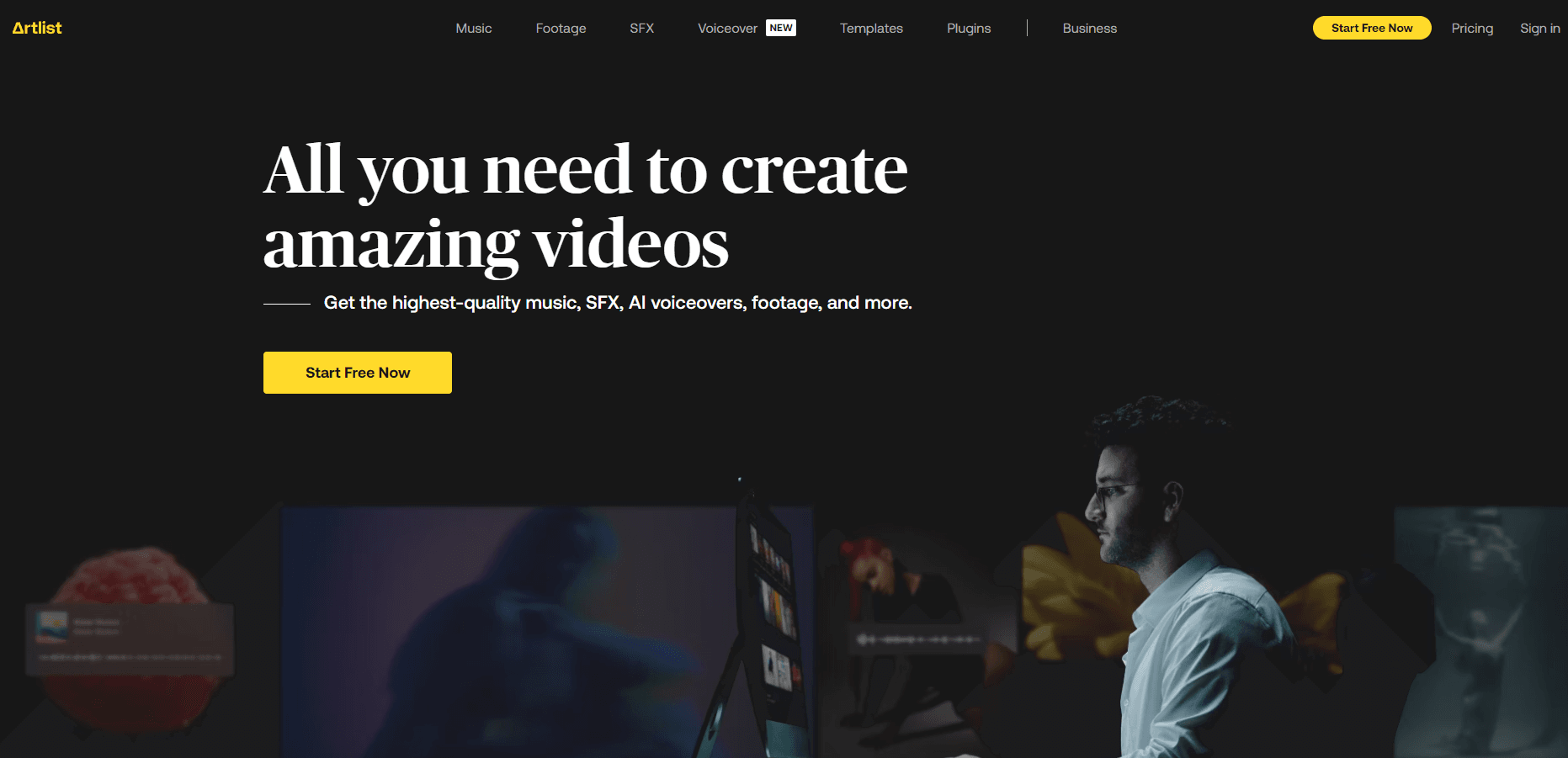
Artlist sells what most video creators run out of fast: music, sound effects, and clips they can legally put under a finished edit. A single subscription covers a catalog of tracks, SFX, and stock video, and every download comes with a license that lets you publish on YouTube, client work, ads, and social channels without negotiating per-track rights. That model is the whole pitch. It works. Why? Because creators hate paperwork, and free libraries rarely make the rights clear enough to publish without worry. You pay a flat fee. You stop worrying about copyright claims.
The catalog is the draw. But the licensing rules trip people up. Standard plans cover personal channels and individual creators. Business plans cover client work and brand projects, which is why agencies usually pay more. If you're cutting ads for a client while sitting on a personal plan, that's a problem that can surface as a takedown or a rejected monetization claim months after the work shipped. Artlist has tightened these rules over the years. So read the plan terms before you buy, not after a copyright claim lands on a video you already published for a paying client.
Artlist has also moved well past music. The current lineup bundles AI tools for generating and editing media, plus templates and a video collaboration space. That expansion makes the subscription broader. It also means the cheapest tiers and the priciest ones do very different jobs. Does the difference matter? Pick the tier that matches the work you actually ship rather than the headline features, because the gap between a personal license and a business license can decide whether your client project is legally covered at all.
Getting Started
- Go to artlist.io and create an account with an email address.
- Choose a plan: Music & SFX for audio only, or a stock/AI tier if you need footage and generation credits.
- Download the desktop or mobile app, or work straight in the browser.
- Search the catalog by mood, genre, or keyword and preview tracks before downloading.
- Download the asset and keep the license attached to the project it was used in.
Product Information
A quick look at Artlist's pricing, supported platforms, and performance.
Best for
The users, tasks, and scenarios where this tool fits best.
Users
- YouTube creators
- Freelance video editors
- Small agencies
Tasks
- Scoring a short film or ad
- Finding a specific SFX
- Sourcing B-roll
Scenarios
- Running a weekly upload schedule
- Client work with tight deadlines
- Podcast and social clips
Key features
Royalty-Free Music Catalog
Artlist's core library spans many genres, moods, and tempos. Every track is cleared for commercial use under your plan. You can filter by mood, length, and instrumentation, and higher tiers include stems, so you can remix a track to fit a scene rather than cutting around it.
Sound Effects Library
The SFX collection spans foley, transitions, ambience, and cinematic hits. It saves you from hunting free sound sites. No more inconsistent quality or unclear licenses. Downloads carry the same licensing terms as the music.
Stock Footage and Templates
Beyond audio, Artlist offers stock video clips and project templates that slot into Premiere Pro, Final Cut, and other editors. Templates are useful when you need a title sequence fast. The footage covers everything from drone shots to lifestyle B-roll.
AI Generation and Editing Tools
Newer tiers include AI tools for generating video and audio, plus plugins and workflow features that plug into Adobe apps. The AI side runs on a credit system, so what you can generate depends on how many credits your plan includes rather than on the tool itself.
Licensing Built Into the Subscription
Every download carries a license that covers the channels your plan allows, which is the main reason creators choose Artlist over free libraries. The catch is plan-specific. Personal channels and client work sit on different tiers, so the license only protects you within its stated scope.
Web and Mobile Apps
You can browse, preview, and download from the browser or from iOS and Android apps, and there's a desktop app for a more production-focused workflow. Previewing on mobile and finishing the download on desktop is a common pattern for editors working away from their main machine.
Pros and cons
Pros
- Flat subscription pricing makes budgeting predictable compared to per-track licensing.
- The catalog is broad enough to cover music, sound effects, and footage in one place.
- Licenses are clear and cover monetized content within the plan's scope.
- Stems and project files on higher tiers give editors real flexibility.
- Apps for web and mobile mean you can pull assets without being tied to a desk.
Cons
- The cheapest tier is audio only, so video or AI needs push the price up fast.
- Licensing rules differ between personal and business use, and getting that wrong can cause real trouble.
- AI generation runs on credits, so heavy users can hit limits before the month ends.
- There's no free tier, which makes it a harder sell if you only need one track a year.
Frequently asked questions
Artlist bundles royalty-free music, sound effects, stock footage, and project templates under one subscription, with AI generation tools on its newer tiers. What you actually get depends on which plan you pick, since the entry tier covers audio only.
Related content
Explore related tools, skills, and articles for Artlist.
Artlist Alternatives

Foley
Hanamori Labs, LLC · Voice & Language · Productivity · AI AssistantFoley is a voice to-do list that turns a spoken sentence into a filed task, complete with project, date and time, then helps you plan the day around what is already there.

HireKey
HireKey · Voice & Language · Productivity · LeaningHireKey is an AI job search copilot built by a former tech recruiter. It checks role fit, tailors resumes, runs interview practice and tracks every application.

Fluence
Yay Software (Yannick Huchard) · Writing · Voice & Language · ProductivityFluence is an Android app that reads PDFs, EPUBs, Word files and web articles aloud, follows each sentence as it speaks, and answers questions about the text on the phone itself.