

Asklet
Sunbeam · Voice & Language · Marketing
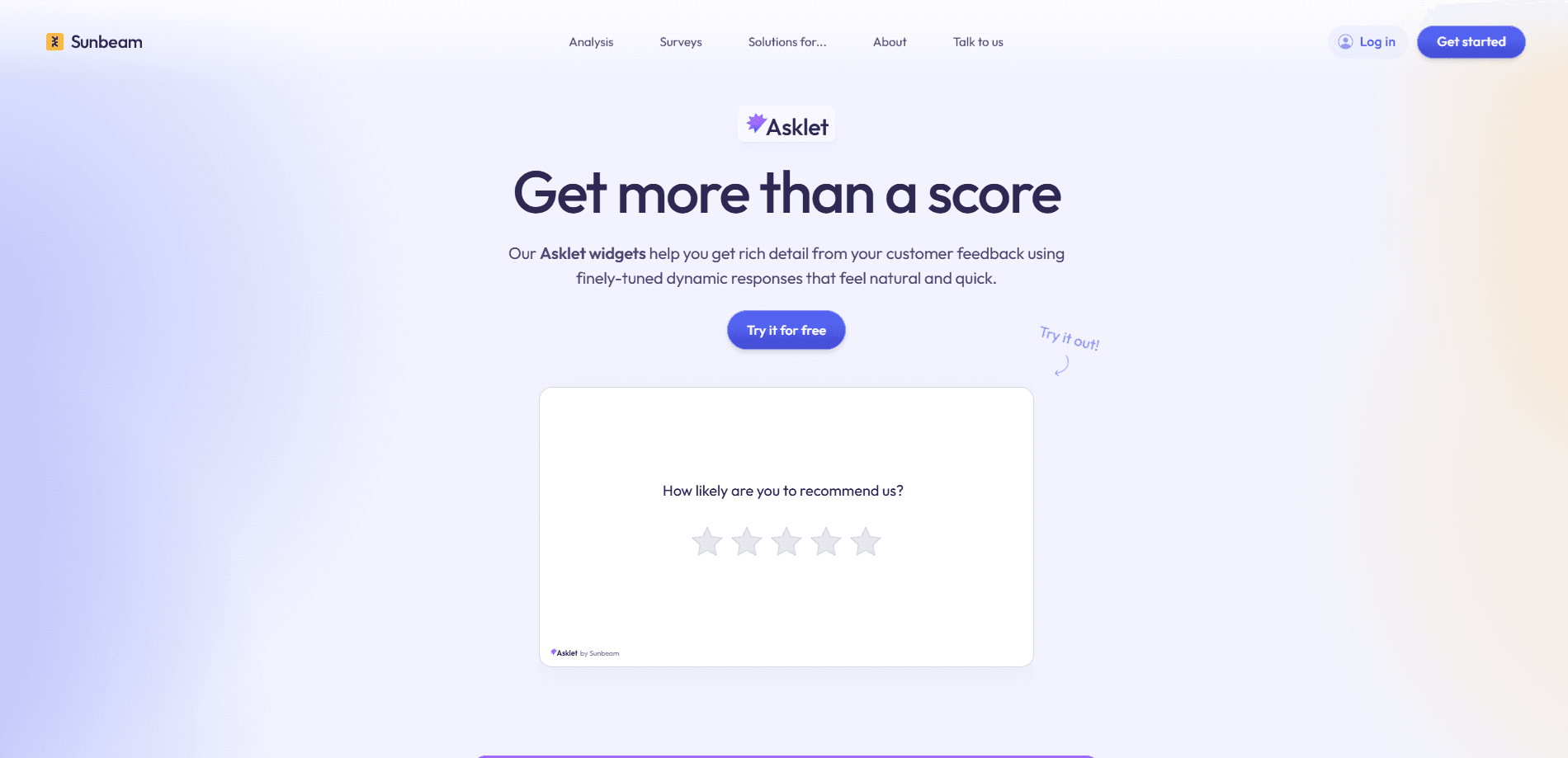
Asklet is an embeddable AI survey widget from Sunbeam that reacts to each answer as it arrives instead of running a fixed list of questions. When a customer says something unexpected, like "checkout feels slow", Asklet picks up on it and asks a tailored follow-up to pin down which step, which device, and compared to what. It works as an NPS feedback tool, but it goes further than a score. Respondents can type or speak their answers, and everything they share flows straight into Sunbeam for customer feedback analysis alongside your other sources. So what happens when someone gives a one-word reply? Asklet keeps digging.
About Asklet
What Is Asklet
Asklet is a conversational survey tool built for teams that want more than a star rating. Standard surveys ask the questions you already knew to ask, so an off-script comment gets one sentence of attention and then disappears. Asklet reads each response as it comes in and generates the next question on the spot, chasing the detail you didn't plan for. That's the whole point.
The widget fits anywhere you'd normally put a survey: inside your product, on a page, in an email, or right after a support ticket closes. Respondents pick typing or speaking, and voice answers tend to carry more nuance than a typed one-liner.
Its main limit is scope. Asklet isn't a standalone product. It feeds Sunbeam's analysis platform, so you'll want to be using that platform to get the full value. Pricing isn't published on the site, which means teams usually have to talk to sales before they can budget for it. Worth knowing before you get attached.
Getting Started
- Contact Sunbeam to set up a workspace and get access to the Asklet widget.
- Decide where the widget should live, such as inside your app, on a web page, or in a post-support email.
- Write your opening question and let Asklet handle the follow-ups based on what each respondent says.
- Share the survey and let customers type or speak their answers.
- Open Sunbeam to review the themes and impact scores the responses feed into.
Product Information
A quick look at Asklet's pricing, supported platforms, and performance.
Best for
The users, tasks, and scenarios where this tool fits best.
Users
- Product managers who need the reason behind a metric drop and not just the number. If the dashboard moved and you can't say why, this is aimed at you.
- Customer experience and support leads who want detailed feedback without writing adaptive logic by hand.
- Research teams running NPS or post-ticket surveys that keep turning up vague answers.
Tasks
- Following up on a vague complaint
- Collecting voice feedback
- Turning survey answers into themes
Scenarios
- Post-checkout feedback where "the flow felt slow" needs to become a specific fix.
- After a support ticket closes, when you want to know how the resolution actually landed.
- In-product prompts that ask one smart question instead of a long form.
Key features
Adaptive follow-up questions
Asklet reads each answer as it arrives and writes the next question based on what the respondent just said. If someone mentions a slow checkout, it asks which step felt slow and on which device. That turn-by-turn approach is the core of the product, and it's what separates it from a static form. Static forms can't do this.
Voice or text answers
Respondents can speak their answers out loud or type them. Voice matters for two reasons: it removes a barrier for people who type slowly, and spoken answers tend to include more context than a short typed reply. Both formats land in the same place. That's a real difference. People ramble when they talk, and the rambling is often where the useful detail lives.
Embed anywhere
The widget drops into your product, a web page, an email, or a post-support flow. That flexibility means you don't have to rebuild your survey process around a new channel. You keep asking customers where you already do. No new tools to learn.
Feeds into Sunbeam analysis
Every conversation Asklet collects flows into Sunbeam, where it joins your other feedback sources. The responses fall into the same themes, impact scores, and system model as reviews and support tickets, so a rich answer simply becomes better raw material for the existing analysis. Nothing extra to wire up.
Qualitative feedback at scale
Asklet targets the gap between a rating and an explanation, the space where a customer knows something felt off but a survey never gives them room to say what it was or when it happened. A numeric score tells you satisfaction moved; Asklet goes after the sentence underneath it. The goal is detail specific enough that a team can decide what to fix next. Numbers alone won't tell you why.
Pros and cons
Pros
- Follow-up questions adapt to each answer, so you catch detail you didn't plan to ask for.
- Voice answers lower the effort for respondents and tend to carry more context.
- Drops into existing channels like your app, email, or post-ticket flows.
- Responses land in Sunbeam, so they slot into analysis you may already be running.
Cons
- No published pricing, so budgeting means a conversation with sales first.
- It works best as part of the Sunbeam platform, so it's not a stand-alone survey tool.
- Platform details beyond the widget itself are thin, and the site doesn't spell out what the widget needs to run.
Frequently asked questions
Asklet is an AI survey widget that asks a follow-up question tailored to what each respondent just said. Instead of running a fixed question list, it reacts in the moment and keeps the conversation going until the answer is specific enough to use.
Related content
Explore related tools, skills, and articles for Asklet.
Asklet Alternatives

Foley
Hanamori Labs, LLC · Voice & Language · Productivity · AI AssistantFoley is a voice to-do list that turns a spoken sentence into a filed task, complete with project, date and time, then helps you plan the day around what is already there.

HireKey
HireKey · Voice & Language · Productivity · LeaningHireKey is an AI job search copilot built by a former tech recruiter. It checks role fit, tailors resumes, runs interview practice and tracks every application.

Fluence
Yay Software (Yannick Huchard) · Writing · Voice & Language · ProductivityFluence is an Android app that reads PDFs, EPUBs, Word files and web articles aloud, follows each sentence as it speaks, and answers questions about the text on the phone itself.