

Audio Muse
Audio Muse · Voice & Language
Audio Muse is a browser-based AI audio studio for creators who need music generation, editing, and cleanup tools in one place, free to start.
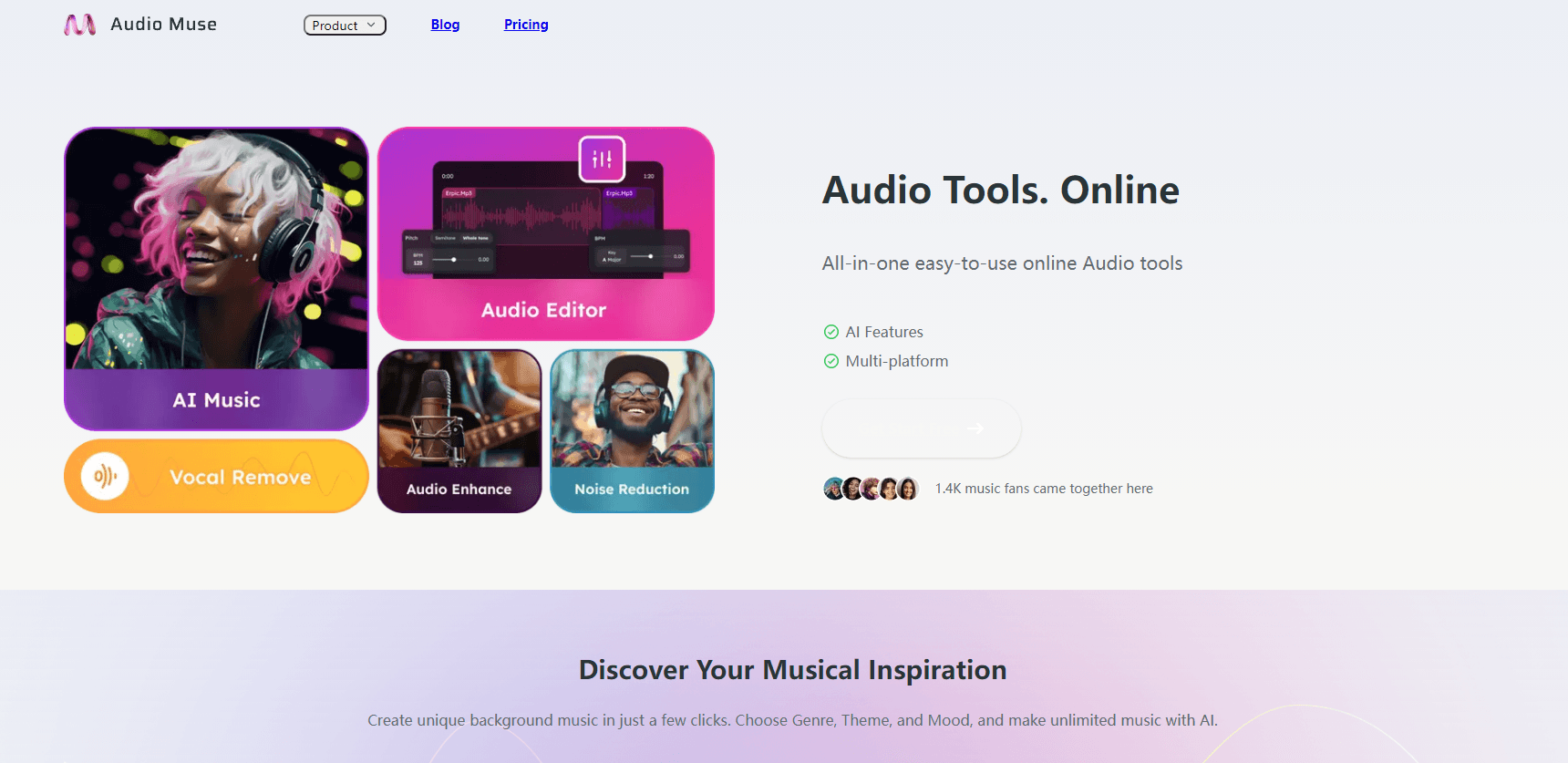
About Audio Muse
What Is Audio Muse
Audio Muse is an online audio platform that packs music generation, editing, and cleanup tools into a single browser tab. You don't install anything. You don't need a DAW to get a usable result either. The site reports more than 35,000 creators using it.
The pitch is consolidation. Instead of juggling one app to strip a vocal, another to cut hiss, and a third to master a track, you run all three in one place. For podcasters, video editors, and independent musicians, that kills the worst part of audio work: shuffling files between tools that never quite talk to each other.
The main limit is processing time tied to credits. Heavy jobs like mastering cost more than quick edits, so high-volume users hit the ceiling fast. It's also browser-only, which rules out offline sessions or deep plugin chains.
Getting Started
- Create a free account with an email address. No credit card is required for the free plan.
- Open the tool you need from the dashboard, such as AI Music, the Audio Editor, or Noise Reduction.
- Upload your file or type a prompt for music generation, then pick a preset or adjust the settings.
- Run the job, preview the result, and export the finished audio.
Product Information
A quick look at Audio Muse's pricing, supported platforms, and performance.
Best for
The users, tasks, and scenarios where this tool fits best.
Users
- Podcasters
- Video editors
- Independent musicians
- Beginners
Tasks
- Generating royalty-free background music
- Removing vocals from a song
- Cleaning up noisy recordings
- Mastering a track
Scenarios
- Finishing a podcast episode the night before it publishes, when there's no time for a full studio session.
- Building a video's soundtrack from scratch with an AI music generator instead of hunting stock libraries.
- Practicing an instrument against a track with the original vocals pulled out.
Key features
AI Music Generation
Type a description and Audio Muse creates a track, and the platform allows unlimited royalty-free generation. That means you keep iterating on a mood until something fits, without paying per song or worrying about licensing. Video creators who need background beds fast tend to reach for this one first.
Vocal Remover
This tool splits a mixed song into vocal and instrumental parts. It's built for karaoke, practice tracks, and remix work where you want one layer gone. Results vary with how dense the original mix is, since layered productions leave more artifacts behind.
Noise Reduction
Noise reduction strips steady background sound like hiss, hum, and room tone from recordings. It's a practical first step for interviews and voiceovers captured outside a treated space. Good source audio holds up better. Clean it first and the rest of the chain has less to fix.
Audio Enhancer
The enhancer lifts clarity and presence on flat or muffled recordings, which makes it useful for rescuing phone interviews or rough voice tracks before a proper mix. It works on a per-minute credit basis, so long files are worth checking in segments before you commit.
Music Mastering
Mastering evens out loudness and tone so a track sounds consistent next to commercial releases. Audio Muse handles this automatically, which skips the gear and the ear training a manual master would need. It costs more credits than the basic tools, so it's best saved for finished songs.
Browser Audio Editor
The editor runs free in your browser and covers trimming, merging, and format conversion. Nothing needs installing, and your files stay in the tab while you work. It's the lightest tool in the set, aimed at quick fixes rather than deep multi-track editing.
Pros and cons
Pros
- Full toolset in one browser tab: music generation, editing, cleanup, and mastering under one login.
- Free plan starts without a credit card, so you can test the workflow before paying.
- AI music generation is royalty-free, which removes licensing headaches for video projects.
- No install and no technical setup, so beginners can finish a task on the first visit.
Cons
- Credits gate the heavier tools, so mastering and long enhancement jobs get expensive fast.
- Browser-only access means no offline work and no support for third-party plugins.
- Vocal separation quality depends on the mix, and dense productions can leave audible artifacts.
Frequently asked questions
It's an online studio for AI music generation, audio editing, vocal removal, noise reduction, enhancement, and mastering. Run each tool in your browser and export the finished file. No account fee is needed to try it.
Related content
Explore related tools, skills, and articles for Audio Muse.
Audio Muse Alternatives

Foley
Hanamori Labs, LLC · Voice & Language · Productivity · AI AssistantFoley is a voice to-do list that turns a spoken sentence into a filed task, complete with project, date and time, then helps you plan the day around what is already there.

HireKey
HireKey · Voice & Language · Productivity · LeaningHireKey is an AI job search copilot built by a former tech recruiter. It checks role fit, tailors resumes, runs interview practice and tracks every application.

Fluence
Yay Software (Yannick Huchard) · Writing · Voice & Language · ProductivityFluence is an Android app that reads PDFs, EPUBs, Word files and web articles aloud, follows each sentence as it speaks, and answers questions about the text on the phone itself.