

Audio2Text
SoftVR · Writing · Voice & Language · Productivity
Audio2Text is a browser based audio transcription service that turns recordings into text and SRT subtitles in more than 50 languages, with a free tier and pay as you go credits.
About Audio2Text
What Is Audio2Text
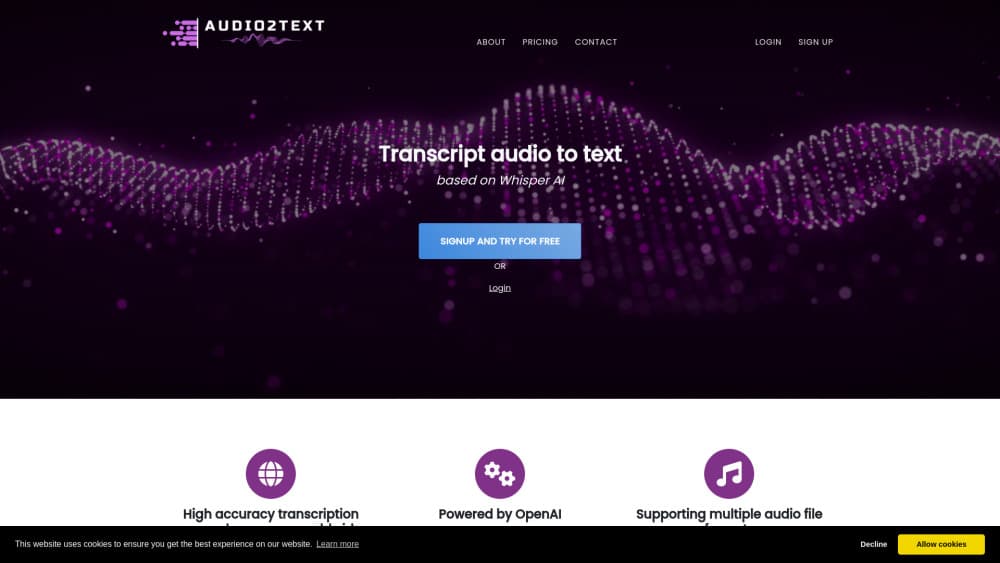
Audio2Text is an AI transcription service built around a single web page. You upload an audio file, the service runs it through OpenAI's speech recognition model, and an audio to text transcript appears in your account. There's nothing to install and no desktop software to keep updated.
The company behind it is SoftVR, a small studio based in Slovakia that also builds other web tools. The site has operated on the audio2text.eu domain since 2024 and lists OpenAI as the engine doing the actual recognition work.
The job it removes is the boring middle step in a lot of projects. Interview recordings, lecture captures, call audio, and podcast episodes all need to become words before anyone can use them. Audio2Text does that conversion in one pass and exports the result as plain text, a PDF, or an SRT subtitle file. Video creators tend to care most about that last format, since an SRT drops straight into YouTube or an editor without retyping a single line.
Two limits matter more than the feature list. Everything runs in a browser, so there's no phone app and no offline mode, and long files mean leaving a tab open while the queue works. This is how you transcribe audio online here: one file, one tab, no setup. The free tier also caps uploads at 20 MB and returns lower quality text after a longer wait. Paid credits raise the cap to 250 MB and start processing immediately.
Getting Started
- Create an account at audio2text.eu. Registration comes with 10 free credits, enough to test a short recording before spending anything.
- Upload an audio file from your computer. The free tier takes files up to 20 MB, while paid credits accept files up to 250 MB.
- Start the transcription and leave the tab open. Free jobs wait in a queue, paid jobs begin right away.
- Download the finished transcript as TXT, PDF, or SRT, or read it in your account and copy the sections you need.
Product Information
A quick look at Audio2Text's pricing, supported platforms, and performance.
Best for
The users, tasks, and scenarios where this tool fits best.
Users
- Journalists and researchers
- Students
- Video creators and podcasters
Tasks
- Turning interviews into quotable transcripts
- Drafting subtitles for YouTube or social clips
- Converting meeting and call recordings into written notes
- Archiving talks and lectures in text form
Scenarios
- One-off transcription jobs
- Multilingual recordings
- Deadline work
Key features
OpenAI Speech Recognition Under the Hood
Audio2Text runs on an OpenAI speech model, the same family of technology behind Whisper and the voice features in ChatGPT. The site credits OpenAI directly rather than presenting a homegrown engine. For users, that means recognition quality tracks a well documented model, and odd accents or noisy rooms behave the way they do in other Whisper based tools.
Transcripts in More Than 50 Languages
The service lists 57 languages, from Afrikaans and Arabic through Japanese, Korean, and Mandarin to Welsh. European coverage is broad, with all the major languages plus Catalan, Galician, Croatian, and Slovenian. That range makes it usable for research interviews recorded abroad, not just English language meetings.
SRT Subtitle Export
After transcription, the file can be saved as SRT, the subtitle format most video players and editors read. Timing data comes with it, so the captions line up with the audio when loaded into YouTube or a non-linear editor. This is the feature that turns the tool into an SRT subtitle generator for small video teams that don't want a separate captioning service.
TXT and PDF Downloads
Plain text suits anyone who plans to edit, search, or paste the transcript into another tool. The PDF option covers the opposite case: a readable document to file, print, or attach to a report. Having both means the same job can serve an archive and a document request without extra processing.
Credit Packages Without a Subscription
Payment works on credits. Packages run at $0.99 for 60 credits, $8.90 for 600 credits with a 10 percent saving, and $78.99 for 6,000 credits with a 20 percent saving. Nothing renews on its own, so a quiet month costs nothing and a busy month costs whatever packs you buy.
Two Service Levels for File Size and Speed
The free tier and the paid tier differ in three concrete ways: 20 MB against 250 MB per file, a waiting queue against no waiting, and lower quality output against the best the model can produce. Those differences push anything serious toward credits, while still leaving room to judge the output first.
Pros and cons
Pros
- A free tier plus 10 signup credits, so you can test real audio before paying.
- No monthly subscription, which fits project work better than a recurring plan.
- 250 MB per file on paid credits, enough for long interviews and full meeting recordings.
- SRT export included, so subtitles don't require another tool.
- 57 languages listed, covering most of Europe and several major Asian languages.
Cons
- Browser only. There's no mobile app, no desktop client, and no offline option, so the service is useless without an internet connection.
- File uploads are the only input route described on the site. Recording a meeting or a call directly inside the tool isn't part of the flow.
- No speaker separation is mentioned. A two person interview comes back as one continuous block of text, and you work out who said what yourself.
- Free jobs wait in a queue and come back with lower quality text, which makes the free tier a trial rather than a working option.
Frequently asked questions
There's a free tier. You can register and get 10 free credits, and the free service accepts files up to 20 MB. The trade-off is a waiting queue and lower quality output compared with paid credits.
Related content
Explore related tools, skills, and articles for Audio2Text.
Audio2Text Alternatives

Claude for Google Workspace
Anthropic · Writing · Productivity · BusinessClaude for Google Workspace puts Claude in a sidebar inside Google Docs, Sheets, and Slides, where it reads the file you have open and edits it in place.

Claude Haiku 5.5
Anthropic · Writing · Coding · ChatbotClaude Haiku 5.5 is Anthropic's fastest and cheapest small model, built for high volume tasks at $0.10 per million input tokens with a 1M token context window.

NoteWorthy
Suman Hansada · Writing · Productivity · AI AssistantNoteWorthy is a notes app for iPhone, iPad and Mac that writes titles, tidies formatting, summarizes long notes and files each one with on-device AI. No account, no upload, no network requests.