

AudioJot
Kuldeep Soni · Voice & Language · Productivity
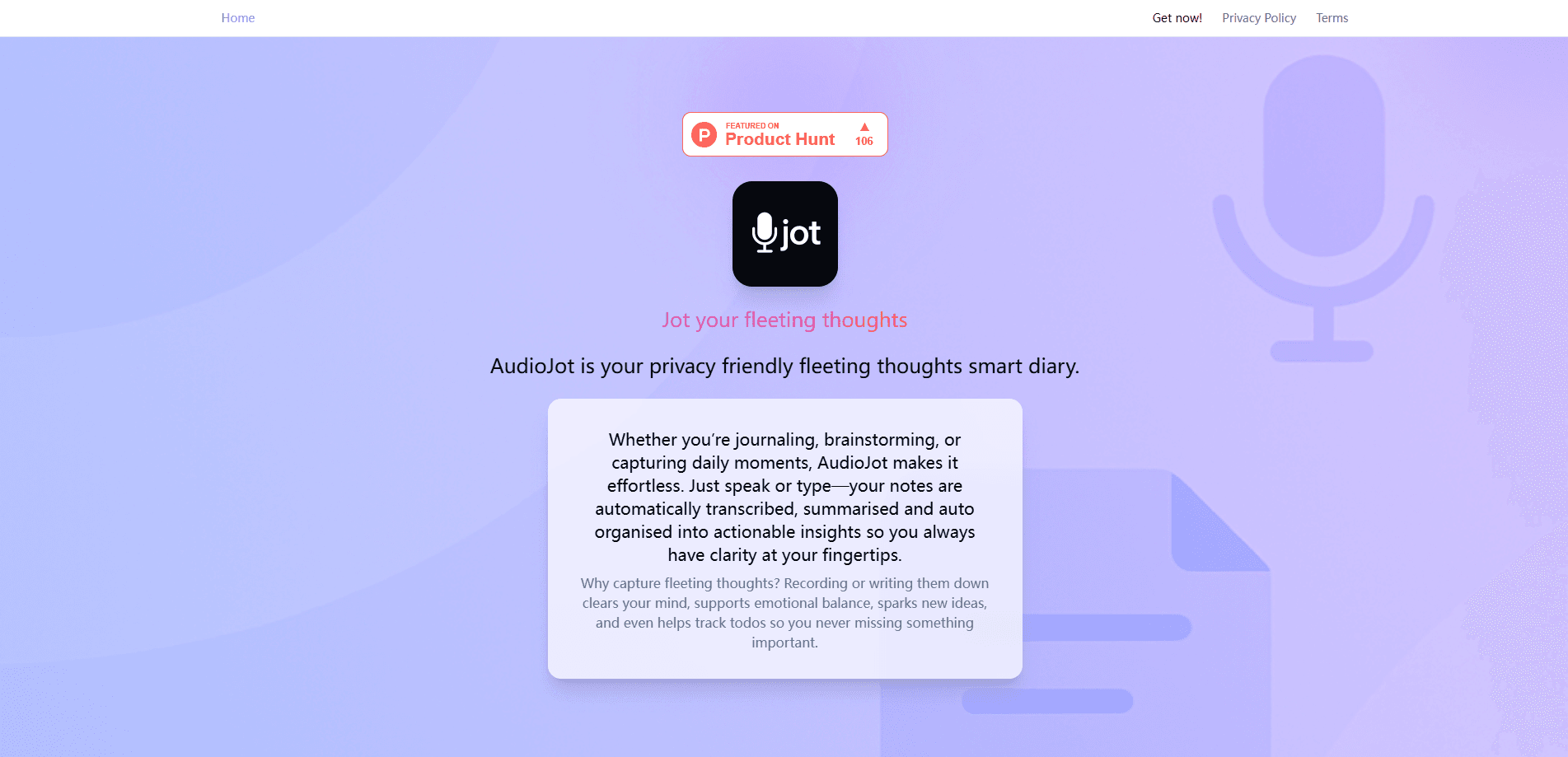
AudioJot is a privacy-focused AI voice journal that turns spoken thoughts and typed notes into organized, searchable entries. It transcribes your voice, summarizes each note in a style you pick, and sorts everything into folders and insight categories like to-do lists or moments of joy. The catch? It leans hard on encryption and short-lived audio. So it feels less like a social app and more like a private notebook that happens to have an AI editor.
About AudioJot
What Is AudioJot
AudioJot is a voice-first AI diary app built by developer Kuldeep Soni. The idea is simple. You talk when a thought hits, and the app does the tidying. It records or takes text, transcribes speech through AssemblyAI, then uses Google Gemini to summarize and pull out insights. Notes land in folders and get tagged into categories you define, so a rambling two-minute voice memo turns into a clean, titled entry with an action item attached.
What sets it apart is how far it goes on privacy. Processed notes are locked with asymmetric (public/private) key encryption. That means the app itself can't read what you wrote. Raw audio is deleted within about two days. When notes go to AI providers, personal identifiers get stripped out first. That's a stronger promise than most private journal apps make. The trade-offs are real, sure. But the core pitch holds up.
The biggest limitation is scope. AudioJot is a personal journal, not a workspace or a meeting recorder. Export only covers up to a month of notes and insights at a time, and there's no public API for pulling data into other tools. It's iOS and web focused. Android users? Out of luck for now.
Getting Started
- Create an account with an email address or Apple login, then set up your private key.
- Open the recorder and speak a thought, or switch to the text editor for a typed note.
- Let the app transcribe and summarize the note, choosing a summary style you like.
- Sort the entry into a folder or map it to an insight category such as a to-do list.
- Review your summaries and export up to a month of data when you need a backup.
Product Information
A quick look at AudioJot's pricing, supported platforms, and performance.
Best for
The users, tasks, and scenarios where this tool fits best.
Users
- People who think out loud
- Privacy-conscious journalers
Tasks
- Capturing fleeting thoughts
- Turning rambling into to-dos
- Reflecting on mood and patterns
Scenarios
- End-of-day venting
- Public spaces and quiet moments
- Light journaling without a heavy system
Key features
Voice-first note capture
The recorder sits at the center of the app. You hit record and talk. AudioJot handles the rest, including voice note transcription that turns speech into text without you lifting a finger. It's aimed at the moment a feeling or idea is still fresh, which is exactly when typing feels like too much work because you'd rather just say it out loud and move on. The trade-off: your audio briefly travels to a third-party transcription service. The app says personal identifiers are stripped first.
AI summaries in your chosen style
Every note comes back as a short summary rather than a raw transcript. You can create custom presets that define how the app writes those summaries, so a blunt action-focused recap and a warmer reflective one are both possible. It's the feature that turns a messy voice memo into something you'd actually reread.
Insight categories
You define categories, and AudioJot scans new notes to pull matching insights into them. Examples the app itself suggests include a to-do list, brilliant ideas, and moments of joy. In practice this means one recording can feed several buckets at once, which is handy for people who mix work tasks and personal reflection in the same stream.
Folders for themes and topics
Notes can be grouped into folders so related entries stay together. This matters once you've recorded a few dozen notes and searching by date stops being useful. It's basic organization. But it keeps the app from turning into an undifferentiated pile of entries, which happens fast once the recording habit kicks in.
End-to-end style encryption
Processed notes, summaries, and insights are encrypted with asymmetric keys, and the app says it never stores the private key. The practical result is that even if someone reached the app's databases, your entries would stay unreadable. The same protection doesn't cover the insight categories and summary presets you create, since the AI needs those to work.
Short-lived raw audio
Recorded audio is stored in Cloudflare and deleted within roughly two days. The window exists so failed transcriptions can be retried automatically or by hand. For anyone uneasy about voice data lingering, this is a concrete, checkable policy rather than a vague privacy claim.
Data export
You can export up to a month of notes and insights at a time. It's a real limitation for long-term archival, but it's enough to move recent thinking into another tool or keep a periodic backup of what you've written.
Pros and cons
Pros
- Encryption is the default for processed notes, with a clear explanation of how keys work rather than a marketing slogan.
- Raw audio is deleted within about two days, which limits how long voice recordings stick around.
- Voice and text input both work, so the app fits quiet settings as well as hands-free moments.
- Insight categories and custom summary styles make the AI output actually useful instead of generic.
Cons
- Export caps at one month of data, which is awkward if you want a full personal archive.
- There's no Android app, so the audience is narrowed to iOS and web users.
- Insight categories and summary presets aren't zero-knowledge encrypted, since the AI needs them to process new notes.
- Pricing and full plan details aren't clearly published, which makes it hard to plan long-term costs before signing up.
Frequently asked questions
It records or takes your notes, transcribes the audio, and summarizes each entry into something short and readable. Then it files the result into folders and insight categories so your thoughts stay organized without manual effort.
Related content
Explore related tools, skills, and articles for AudioJot.
AudioJot Alternatives

Prosp
Prosp · Writing · Voice & Language · MarketingProsp is an AI LinkedIn outreach tool built for agencies and sales teams, and it writes the message and the voice note in your own voice for each prospect so they actually reply. You connect your accounts, find leads, and let the AI draft and send personalized messages at scale, all from one inbox. It's built for people running outbound at volume. That's the whole pitch. Every touchpoint still has to feel human.

Wordly AI Translation
Wordly · Voice & Language · ProductivityWordly AI Translation is a real-time AI translation and captioning platform built for meetings, conferences, and events. It delivers live translation, captions, transcripts, and summaries in more than 60 languages, and attendees join by scanning a QR code or opening a link instead of using dedicated headsets. The platform works with Zoom, Microsoft Teams, Google Meet, and Webex, and it's designed for organizations that want multilingual access without hiring human interpreters for every session. Simple as that.
Musicful
Musicful AI · Voice & Language · VideoMusicful is an AI music generator and AI music video maker that turns text to music in minutes. Give it a text prompt, a set of lyrics, or a hummed melody and it returns a finished track with vocals and instruments. It also doubles as an AI song generator, produces music videos from the songs you create, and offers an AI cover tool plus a developer API. The platform runs in a web browser and through an Android app, so you can start a song on desktop and pick it up on your phone.