

Auriko
Auriko · Coding
Auriko is an LLM gateway and model routing layer that gives your app one OpenAI-compatible API for accessing models from OpenAI, Anthropic, Google, xAI, DeepSeek and a dozen other providers. It works as a full LLM inference platform: instead of hard-coding a provider per model, you send a request and Auriko picks a route based on cost, latency, throughput or your own rules, then fails over automatically when something breaks. Cost optimization and failover routing are the core pitch, aimed at teams running LLM workloads in production who care about spend and uptime.
About Auriko
What Is Auriko
Auriko sits between your application and the model providers. You point the OpenAI SDK at its endpoint, change the base URL, and keep the rest of your code. The platform handles provider selection, key management, retries and observability while charging zero markup on top of what the providers charge.
The reason it exists is simple: provider pricing and performance change all the time, and prompt-caching mechanics make headline prices misleading. Auriko models how your specific workload interacts with each provider's cache and rate limits, then routes each request to the cheapest eligible option.
The catch is that this is a developer tool. There's no drag-and-drop builder. The value shows up mostly when your traffic is large enough that per-request cost and latency gaps actually matter across providers.
Getting Started
- Sign up at the Auriko dashboard and grab an API key; the free tier starts without a credit card.
- Point an existing OpenAI client at the Auriko endpoint by swapping
base_urltohttps://api.auriko.ai/v1and setting your Auriko key. - Choose a routing strategy, either a built-in focus like cost or latency, or custom weights with constraints such as a max time-to-first-token.
- Optionally add your own provider keys (BYOK) so requests can run against your accounts alongside Auriko's.
- Watch cost and latency per route in the analytics dashboard and adjust the strategy as your workload settles.
Product Information
A quick look at Auriko's pricing, supported platforms, and performance.
Best for
The users, tasks, and scenarios where this tool fits best.
Users
- Backend and platform engineers
- Teams running production LLM traffic
- Cost-conscious startups
- Multi-provider product teams
Tasks
- Centralizing model access
- Cutting inference spend
- Improving uptime
- Managing keys at scale
- Tracking usage
Scenarios
- Launching a chatbot
- Handling traffic spikes
- Budgeting a feature
- Evaluating providers
Key features
Unified OpenAI-Compatible API
Auriko exposes an endpoint that works with the standard OpenAI client, so switching over is usually a matter of changing the base URL and key. Provider-specific features stay reachable through extra request fields, which means you aren't forced to give up capabilities to get the unified interface. For teams already on the OpenAI SDK, migration is measured in minutes, not sprints.
Cache-Aware Cost Routing
Headline prices hide a lot. Prompt caching is where that shows up. Auriko models how your workload interacts with each provider's caching rules and routes to the lowest-cost eligible provider per request. This matters most for workloads with repeated context, where cache hits can swing effective cost far more than the sticker rate. It's the feature that separates Auriko from a plain load balancer.
Routing Strategies and Custom Objectives
You can aim for cost, time-to-first-token, throughput or a balanced mix, and set constraints like a minimum P95 tokens-per-second or an input-cost ceiling. Custom weights let you define your own objective when none of the presets fit. Requests can also be restricted to zero-data-retention providers or to those returning structured output.
Automatic Failover and Capacity Intelligence
Every request can carry redundancy, so a degraded provider or exhausted key doesn't turn into a user-facing error. It's a big difference. Auriko tracks capacity across providers and keys, and can draw on its global capacity reserve for on-demand burst. In practice this is the difference between an outage and a blip.
Key Orchestration
Bring your own keys, use Auriko's platform keys, or run both at once. The orchestration engine works to maximize key utilization, which can stretch rate limits you already pay for instead of buying more headroom. Rate limits differ by mode, with BYOK generally getting the higher caps.
Observability and Budget Controls
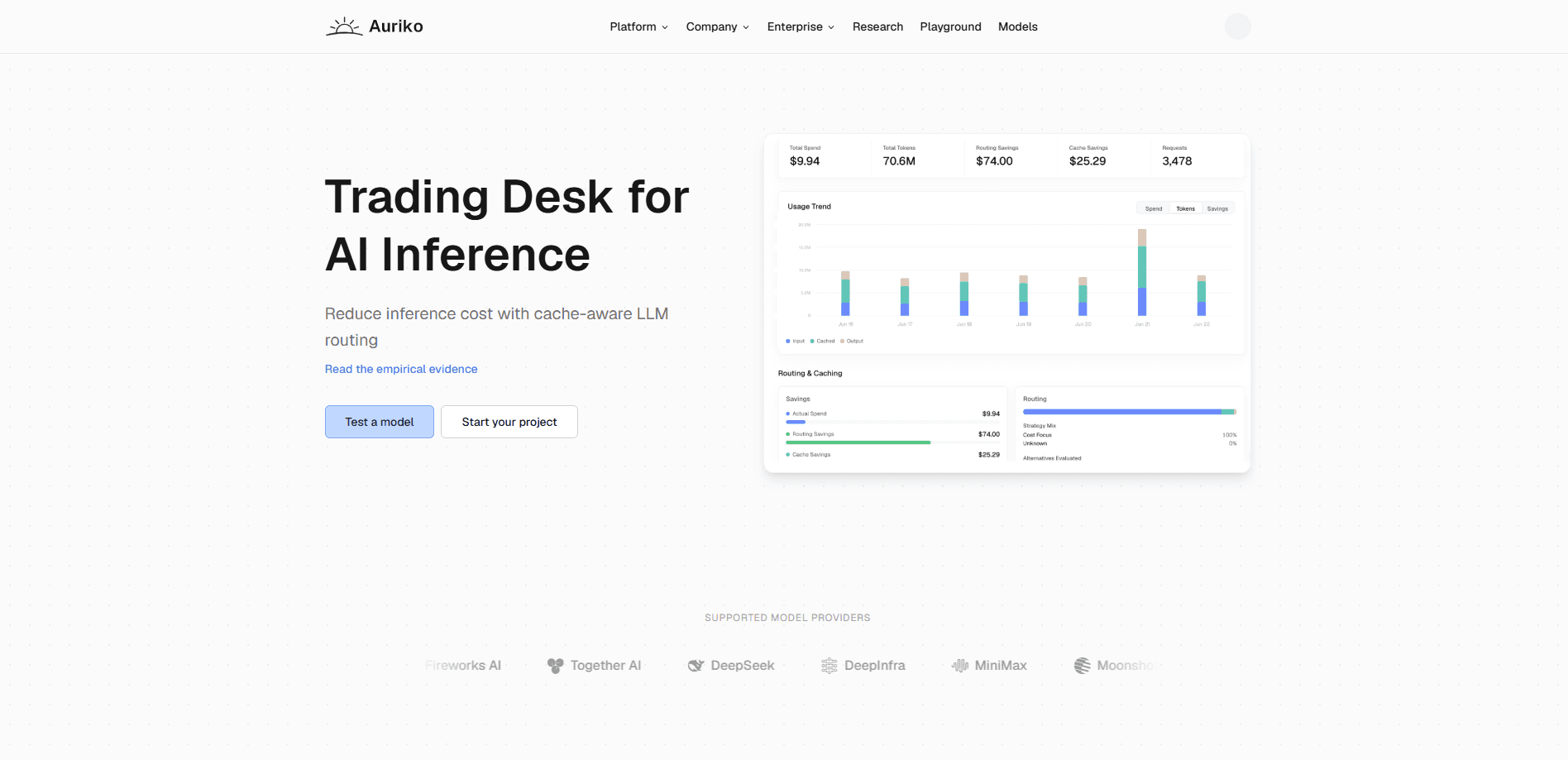
The dashboard shows cost and latency broken down by route, alongside a playground for quick tests. Budget limits and alerts can be set at the workspace or individual API-key level, so a single runaway job won't quietly drain the account.
Global Deployment
Requests route through a globally distributed edge network tuned for latency, which keeps response times stable regardless of where your users or your providers are. You'd otherwise have to assemble that yourself.
Pros and cons
Pros
- Zero markup on provider pricing, so you pay the underlying model rates plus the flat plan fee.
- One OpenAI-compatible integration covers a dozen providers and dozens of models.
- Cache-aware routing addresses real cost drivers that simple price comparison misses.
- Automatic failover and capacity awareness reduce the chance of provider outages reaching users.
- Free tier is genuinely usable, with BYOK, routing strategies and analytics included.
Cons
- No no-code interface, so it's a poor fit if nobody on your team writes code.
- The cost benefits depend on workload volume; light users won't notice much difference.
- Some features, like deterministic routing and team seats, sit behind the $89/mo Pro plan.
- As a newer platform, it has a smaller track record than long-established gateways.
Frequently asked questions
It's an LLM gateway that sits between your app and model providers. You call one OpenAI-compatible API, and Auriko decides which provider handles each request based on cost, latency, throughput or your own routing rules.
Related content
Explore related tools, skills, and articles for Auriko.
Auriko Alternatives
Codeflying
Kuafu Technology (Codeflying) · Coding · Marketing · ChatbotCodeflying is an AI app builder that turns a plain-language description into a working website, mobile app, or mini app. It works as a no-code app builder, so you type what you want and a set of AI agents handle requirements, architecture, front-end screens, back-end logic, and deployment. The goal is simple: build an app from a prompt, even with zero coding background. Marketing tools and a customer-facing chat agent come bundled too, so the result is more than a prototype stuck on a hard drive.

Runware
Runware, Inc. · Image · Video · CodingRunware is a generative AI inference platform that gives developers one API for image, video, audio, 3D, and language models. Instead of signing up with a dozen providers, you call a single endpoint, switch models with a one-line string change, and pay only for the requests you send. No servers to run. It's aimed at teams that want to ship AI features fast without building or babysitting their own GPU infrastructure.

Aider
Aider AI LLC · CodingAider is an open-source AI pair programming tool that lives in your terminal. You point it at a local git repo, describe what you want in plain English, and it edits the files, writes the diffs, and commits the changes for you. It connects to Claude, GPT, DeepSeek and Gemini through your own API keys, and it also runs local models through Ollama or any OpenAI-compatible endpoint. Developers who already work at the command line tend to adopt it fast. It stays out of the way. That's the whole appeal.