

Autonomyware
Autonomyware B.V. · Coding · Business
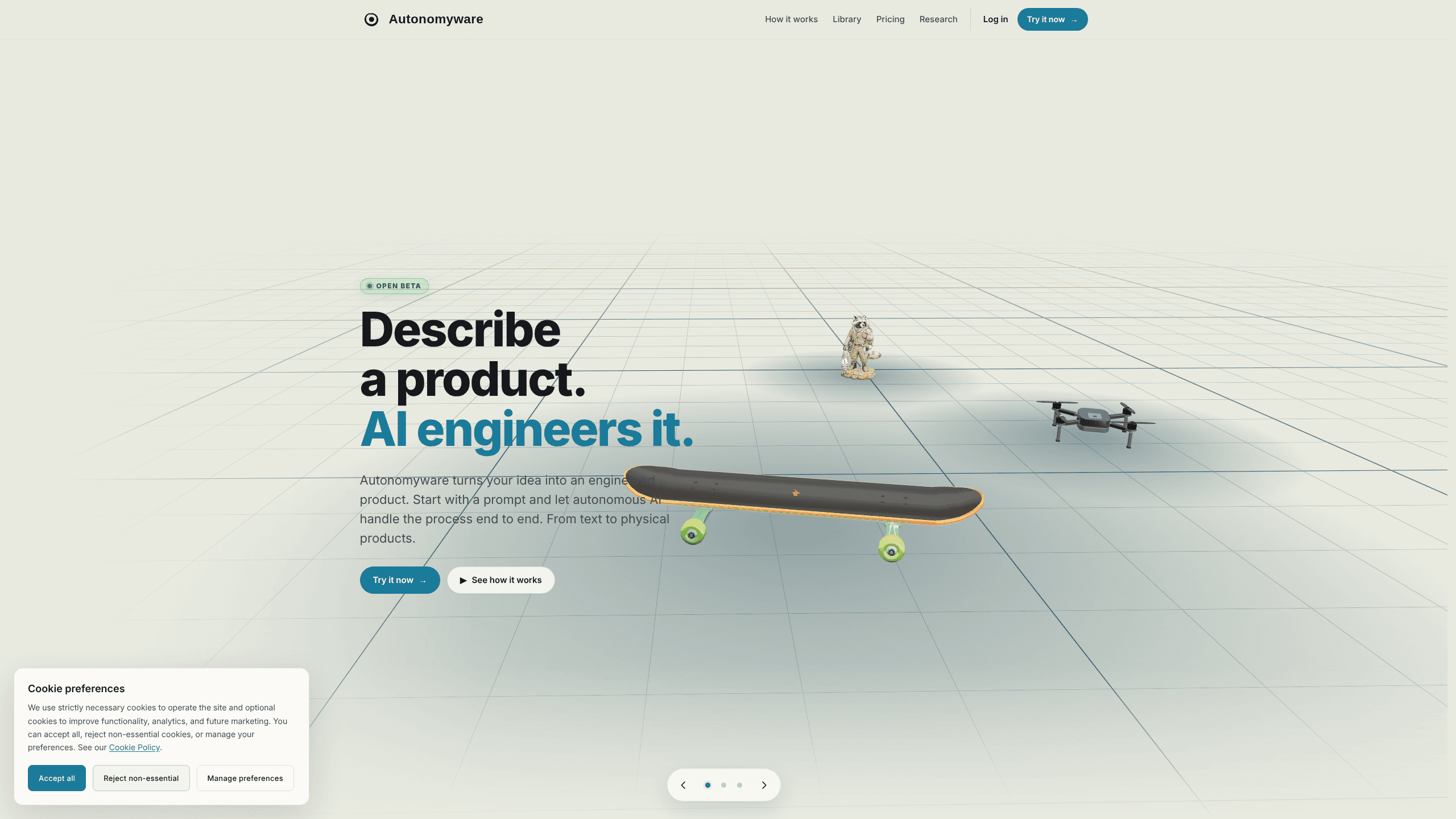
Autonomyware turns a written idea into a manufacturable 3D product, handling geometry, assembly checks and export files inside one browser workspace.
About Autonomyware
What Is Autonomyware
Autonomyware is an AI product engineering platform from Autonomyware B.V., a Dutch company based in Dronryp. You describe an object in plain language, upload a sketch, or point at a product that already exists, and the system builds a 3D model with named parts, a bill of materials and files you can send to a printer or a machine shop.
The pitch is narrower than a general chatbot and broader than a mesh generator. The Forge engine works on exact mechanical geometry, so parts carry real dimensions and fit together in an assembly. A separate engineering view breaks the design into components and lets you inspect surfaces, the part list and the manufacturing output before anything gets made.
The limits matter too. Autonomyware sells subscriptions in euros, with no free tier, and the cheapest plan is aimed at shapes rather than production parts. Full mechanical work starts on Create at €49.99 per month. Electronics support is still in open beta, and complex programs with compliance requirements go through a sales conversation rather than a checkout page.
Getting Started
- Create an account on autonomyware.ai and pick a plan. Explore suits sculpts and quick experiments, Create unlocks exact mechanical parts.
- Describe what you want in the chat, or drop in a sketch or a reference model. Vague prompts work, precise ones work faster.
- Answer the follow-up questions about size, load and material, then watch the model build in the Forge viewer.
- Open the engineering view to check parts, dimensions and the bill of materials, and ask for changes in plain words.
- Export STEP, STL or 3MF and send the files to your printer, your CNC shop or a manufacturer.
Product Information
A quick look at Autonomyware's pricing, supported platforms, and performance.
Best for
The users, tasks, and scenarios where this tool fits best.
Users
- Makers with a 3D printer
- Product designers at small firms
- Hardware startups
- Hobbyists testing an idea
Tasks
- Turning a sketch into a printable model
- Building a mechanical assembly
- Generating a bill of materials
- Prototyping a PCB
Scenarios
- A weekend project that needs one custom bracket
- An early concept review with a client
- Preparing a quote for a small production run
- A replacement part for something broken at home
Key features
Chat as the modelling tool
Most of the work happens in a conversation. You type what you want, the system asks about load, size or material, and the geometry updates. Text to 3D in the literal sense, with no feature tree to learn and no sketch plane to pick. That short path is the main reason people who bounced off CAD software stay with this one.
Exact geometry instead of a mesh
Sculpt mode returns shapes for 3D printing. Build returns B-rep geometry with real dimensions, the kind of solid that survives a change in a drawing. The difference decides whether your file is a display model or something a machinist can work from.
Assembly and physics checks
Autonomyware runs checks that the model stands, that parts fit, and that the design can be manufactured. The site shows fans spinning and rotors lifting inside the viewer. Those checks catch obvious failures before you spend filament or send a job out.
Engineering view with parts and files
One panel lists every component, its dimensions and the matching file. You can open a single bolt, inspect it, and export it on its own. The bill of materials comes from the same view, which shortens the step between a finished design and a purchasing list.
Export in STEP, STL and 3MF
Files leave in the formats the next tool expects. STL and 3MF go to a slicer, STEP goes to a machine shop or another CAD package. Exports are where AI CAD either earns its place in a workflow or wastes your afternoon, and Autonomyware treats them as a first-class output.
Electronics in open beta
The Create plan adds chip and PCB work: spec, schematic, sketch, layout, route and ECAD. It is beta software, so treat it as a way to block out a board, not as a replacement for a specialist tool with a sign-off process.
Pros and cons
Pros
- Plain language input removes the CAD learning curve for simple parts and sculpts.
- Exact B-rep geometry on Create makes exports usable in real manufacturing.
- The engineering view exposes parts, dimensions and a bill of materials in one place.
- STEP, STL and 3MF exports cover both printing and machining.
- Dutch company with published terms and a clear EU billing setup.
Cons
- No free tier, so testing the Forge costs at least €19.99 for one month.
- Manufacturing-grade geometry sits behind the €49.99 plan, above most hobby budgets.
- Electronics is in open beta and not ready for production boards.
- Credit allowances cap heavy use, and extra credits cost money on top of the subscription.
Frequently asked questions
A 3D model of a physical object, with individual parts, dimensions, a bill of materials and export files. Depending on the plan, the output ranges from a printable sculpt to a full mechanical assembly.
Related content
Explore related tools, skills, and articles for Autonomyware.
Autonomyware Alternatives

Base Code
Base44 (Wix) · Coding · ProductivityBase Code is a shared cloud development environment from Base44. Teammates describe changes to an existing GitHub codebase in chat, preview them live and send them back as pull requests.

Google EmbeddingGemma 2
Google DeepMind · Writing · Image · CodingGoogle EmbeddingGemma 2 is a 740M-parameter open model that turns text, code, images, audio, and video frames into vectors in one 768-dimension space, running on phones and laptops.

GitGlow
GitGlow · Coding · ProductivityGitGlow is a local-first desktop Git client that lets independent developers review their own code and their AI agents' changes in one place before shipping.