

Avanty
Avanty · Coding
Avanty is a Chrome extension that adds an AI assistant for Metabase to your browser, so you can generate, edit, explain and format SQL queries without leaving the dashboard.
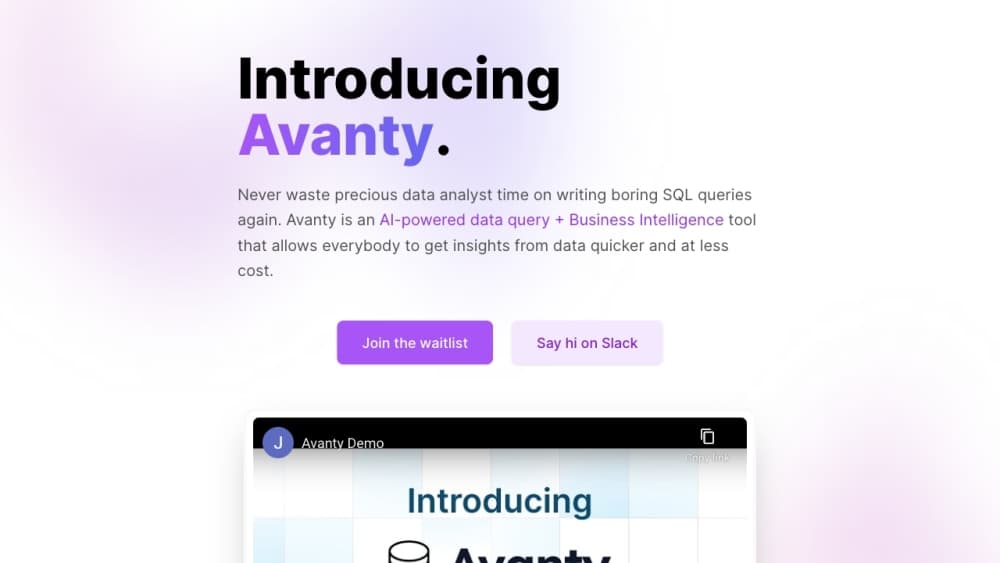
About Avanty
What Is Avanty
Avanty is a browser extension for people who write SQL inside Metabase. It reads the query editor you already use, and when you ask for help in plain English, it writes or rewrites the SQL on the spot. The team behind it built the tool around one workflow: Metabase analytics for companies that don't have a data engineer sitting next to every analyst.
The hard part of analysis usually isn't the question. It's turning "show me signups by plan since January" into joins, filters and the right date function. Avanty treats that translation as the product. You keep working in Metabase, and the extension adds a command panel on top of the editor rather than asking you to move your data somewhere else.
There are limits worth knowing before you install it. It runs only in Chrome on desktop, it works only with Metabase, and natural language prompts work best in English. The vendor also caps the heavy features at 60 queries per day, which covers a normal analyst's day but not a bulk migration of old questions.
Getting Started
- Install Avanty from the Chrome Web Store and pin the icon to your toolbar.
- Sign up at dashboard.avanty.app, start the 14-day trial and connect your Metabase workspace through the Metabase API. A credit card is required for the trial.
- Open a question, model or native query in Metabase, then press Cmd Shift . on macOS or Ctrl Shift . on Windows to open the command panel.
- Describe what you need in plain English, review the SQL Avanty proposes and accept or reject the change in the diff view.
- Save the question as usual. Avanty can suggest a chart title at the moment you save.
Product Information
A quick look at Avanty's pricing, supported platforms, and performance.
Best for
The users, tasks, and scenarios where this tool fits best.
Users
- Data analysts who live in Metabase
- Product and growth teams running their own reports
- Analytics engineers onboarding to an unfamiliar warehouse
- Junior analysts learning SQL
Tasks
- Writing a new query from a sentence
- Editing part of a long query
- Understanding inherited SQL
- Cleaning up before a review
Scenarios
- A weekly reporting routine
- Debugging a broken question
- Handing a dashboard to a non-technical owner
Key features
Natural language to SQL
Type what you want in the command panel and Avanty writes the query against the tables in your connected Metabase instance. It pulls schema metadata through the Metabase API, so column names and schema prefixes match your warehouse instead of a generic sample database. The output lands directly in the editor, which means you can run it without copying anything.
AI editing with an inline diff
Editing is a separate flow from generating. You highlight the part of the query that needs to change, describe the adjustment and get a diff view showing what the AI SQL editor wants to replace. Accepting the change is a deliberate click, which matters when you're touching a query that already feeds a live dashboard.
Step-by-step query explanations
The explainer breaks a long query into chunks and describes what each part does, one step at a time. This is the feature that gets the most use outside of query writing, because most analysts inherit SQL they didn't write. It won't tell you whether the logic is correct for the business question, only what the code does.
Comments and auto-formatting
Avanty can add comments to a query and reformat it in one action. Team plans sync formatting settings across seats, so every analyst produces SQL that looks the same in review. It's a small thing until you're reading a query where every join sits on one line.
Chart title suggestions
When you save a Metabase question, the extension suggests a title for the chart based on the query and the result columns. It saves the small pause of naming yet another "Count by month" card, and you can always type over it.
Error debugging
If a query fails, Avanty reads the database error and proposes a corrected version. The common case is a renamed or moved column after a schema change, where the fix is obvious once someone points at the right field. You still confirm the change before it replaces your query.
Pros and cons
Pros
- Works inside Metabase, so your data, permissions and saved questions stay where they are.
- Pulls real schema metadata, which makes generated SQL far more usable than pasting a schema into a general chatbot.
- The diff view keeps you in control of edits to queries that already power dashboards.
- Explanations double as documentation and as a learning tool for junior analysts.
- Self-hosted Metabase instances are supported, not just Metabase Cloud.
Cons
- Chrome desktop only, with no Firefox, Safari or mobile option, so anyone on another browser is locked out.
- Metabase only. Teams running Looker, Tableau or a plain SQL client get nothing from it.
- The 60 query per day cap on generation and editing can bite during a migration or a heavy debugging session.
- Natural language prompts work best in English, which slows down teams that write and think in another language.
Frequently asked questions
It's a Chrome extension that detects the SQL editor in Metabase and adds a command panel to it. It reads your schema through the Metabase API, sends your prompt and the relevant schema context to its own service, and writes the result back into the editor. It never runs SQL on its own.
Related content
Explore related tools, skills, and articles for Avanty.
Avanty Alternatives

Base Code
Base44 (Wix) · Coding · ProductivityBase Code is a shared cloud development environment from Base44. Teammates describe changes to an existing GitHub codebase in chat, preview them live and send them back as pull requests.

Google EmbeddingGemma 2
Google DeepMind · Writing · Image · CodingGoogle EmbeddingGemma 2 is a 740M-parameter open model that turns text, code, images, audio, and video frames into vectors in one 768-dimension space, running on phones and laptops.

GitGlow
GitGlow · Coding · ProductivityGitGlow is a local-first desktop Git client that lets independent developers review their own code and their AI agents' changes in one place before shipping.