

Axol
Almond · Coding
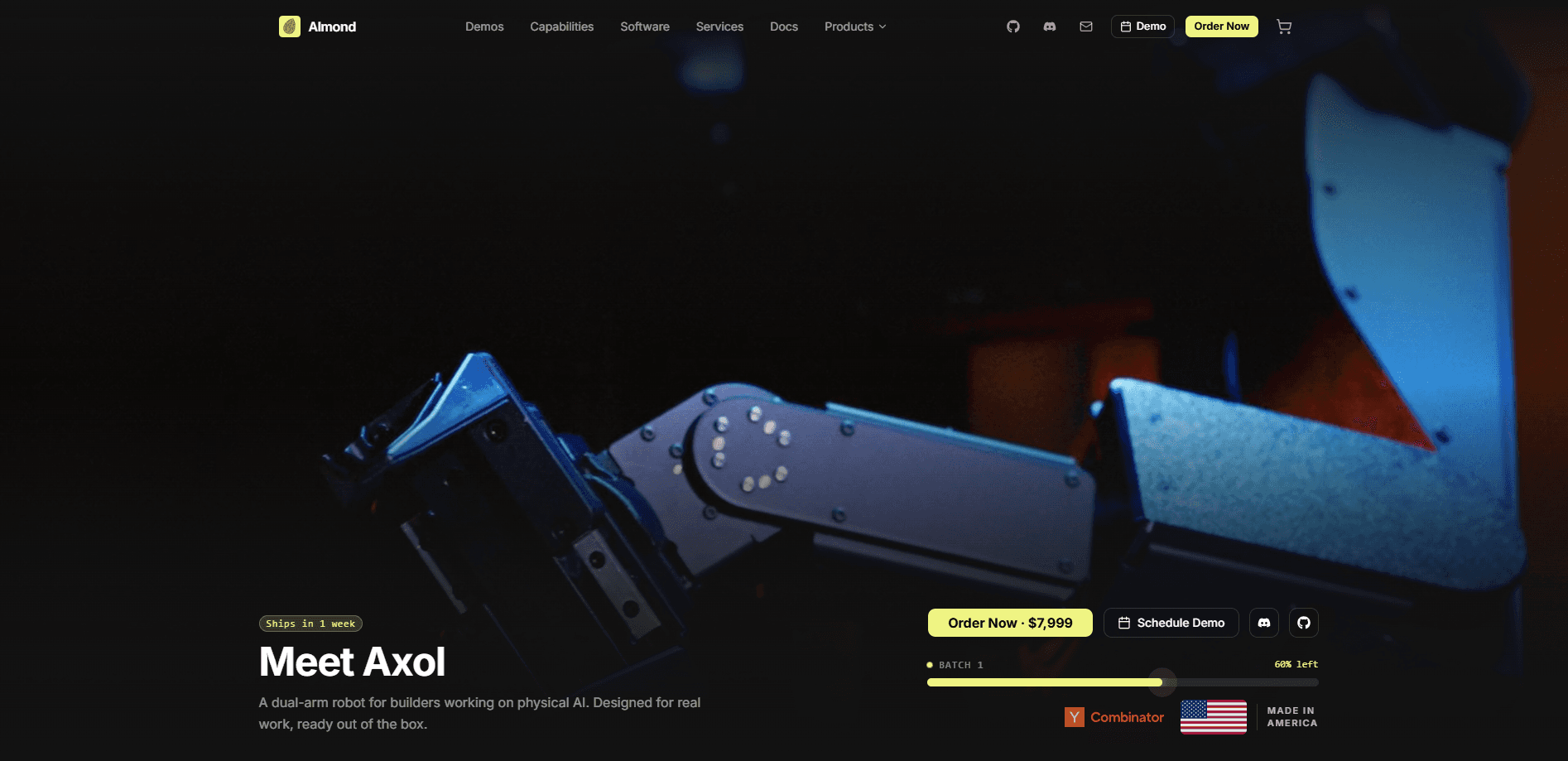
Axol is a dual-arm robot from Almond built for physical AI work, aimed at builders who want to train robot policies on real-world manipulation instead of stopping at simulation. It packs two 7-DOF arms with 860mm of reach and 6.5kg of peak payload each, runs at a 500Hz control rate, and ships assembled in the USA with an open-source Python SDK. It's a robot learning platform, not a toy. The pricing reflects that.
About Axol
What Is Axol
Axol is a human-scale dual-arm robot designed around one job: letting developers collect real manipulation data and deploy trained policies on hardware that works out of the box. Both arms move independently, each with seven degrees of freedom, so you get human-like dexterity and roughly double the throughput of a single-arm setup. Almond sells it as a complete system with the SDK already included. The Axol price starts at $9,499, so this isn't a casual purchase.
The bigger draw is the software. Axol ships with an open-source Python SDK and CLI that cover bimanual inverse kinematics, VR teleoperation, and bindings for LeRobot, the low-cost robot learning library from Hugging Face. So why does that matter? Because closed platforms force you to guess at internals. You can go from raw joint control to a trained policy without reverse-engineering a black box. That openness matters if your research needs to be reproducible.
The main catch is cost and scope. This is an industrial-grade platform starting at $9,499, which puts it out of reach for hobbyists. It's also not a general-purpose household assistant you hand a grocery list to. It's a research and deployment tool for people already working in robot learning, and the value depends on whether your team has the skills to use that SDK. Budget carefully.
Getting Started
- Pick your configuration on the order page: mounting (standalone, Owl Mount, Ox Cart, or Jelly Mobile), cameras, and compute, since these aren't bundled by default.
- Order the robot. Units ship from San Francisco in about one week, and every Axol includes two grippers, a 1500W power supply, and the open-source SDK.
- Install the Python SDK and CLI on your workstation, then connect over the standard interfaces to confirm joint control and sensor feeds.
- Optionally add a Quest 3 headset for WebXR teleoperation, then use the built-in recording modes to capture your first manipulation data.
- Train and deploy a policy through the LeRobot bindings, or write your own controller against the bimanual IK API.
Product Information
A quick look at Axol's pricing, supported platforms, and performance.
Best for
The users, tasks, and scenarios where this tool fits best.
Users
- Robotics researchers
- Physical AI startups
- Engineering students and educators
Tasks
- Robot policy training
- Bimanual manipulation research
- Teleoperation and data collection
Scenarios
- Lab benchmarking
- Prototyping a production robot
- Data collection away from the bench
Key features
Dual 7-DOF Arms
Each arm has seven degrees of freedom and moves independently, which opens up human-like reach and lets two arms run at once or split a job between them. Not a gimmick. That extra degree of freedom over a standard six-axis arm helps avoid awkward joint positions and keeps movement smooth near the limits of the workspace.
860mm Reach and 6.5kg Payload
At 860mm per arm, Axol reaches further than comparable dual-arm platforms, so you cover a wider workspace without repositioning the base. That's a real edge. The 6.5kg peak payload per arm suits most manipulation research and light production tasks, not heavy lifting.
Open-Source Python SDK
Almond ships a Python SDK and CLI with bimanual inverse kinematics, VR teleoperation, and LeRobot bindings, all open source. Developers can go from raw joint control to a trained policy without guessing at closed-source internals, and results stay reproducible because the code is visible.
VR Teleoperation and Data Collection
WebXR teleoperation works from any compatible headset, streaming hand and elbow poses over WebSocket with built-in recording modes. You move your arms, the robot mirrors them, and the system logs the data you need to train a policy later. Quest 3 support is available as a configurable add-on. Simple as that.
Reduced Shoulder Singularities
A full 180° pitch and yaw at the wrist cuts down on shoulder singularities, which means a larger usable workspace and smoother trajectories. In practice, you spend less time coaxing the arm out of dead zones and more time running tasks. That saves hours.
Configurable Compute and Cameras
You can add up to three cameras (two wrist plus one head) and choose ZED Box, Jetson AGX Orin, or Jetson Thor compute, bought together or separately. That flexibility lets you match the vision and processing hardware to the job instead of paying for specs you won't use. Fewer wasted dollars.
Modular Mounting Options
Axol mounts standalone or onto the Owl Mount, Ox Cart, or Jelly Mobile base, and the same robot works across them. Jelly Mobile adds a powered holonomic base with a telescoping lift that raises the robot's chest between 760mm and 1,370mm.
Deployment-Ready Build
Steel, aluminum, and TPU construction and fully internally routed cables are built for reliable long-term operation. Nothing dangles, nothing snags, and the robot arrives assembled rather than as a box of parts. Big difference in a lab.
Pros and cons
Pros
- Open-source Python SDK with bimanual IK, VR teleop, and LeRobot bindings makes it easy to extend and reproduce results.
- 860mm reach per arm beats comparable dual-arm robots, leaving room for wider manipulation tasks.
- Ships assembled from San Francisco in about one week, with grippers, power supply, and SDK included.
- Configurable cameras, compute, and mounting let you match the hardware to your workload.
Cons
- The $9,499 entry price puts it well beyond hobbyist budgets, and the base config is the starting point, not the end.
- No free plan or trial means teams have to commit financially before testing on real hardware.
- It assumes Python and robot learning experience; there's no drag-and-drop path for beginners.
Frequently asked questions
Axol is built for physical AI work: contact-rich bimanual manipulation, robot learning and policy deployment, VR teleoperation and data collection, and manipulation research. Its two independent 7-DOF arms handle tasks needing two hands or double the speed of a single-arm robot.
Related content
Explore related tools, skills, and articles for Axol.
Axol Alternatives
Forefront
Forefront · CodingForefront is a web platform for building with open-source AI. It lets you fine-tune leading open-source language models on your own data, evaluate how they perform, and run them through an API or export them to host yourself. Developers who want the convenience of a closed-source platform but insist on owning their models and data are the target audience here.

Startkit
StartKit.AI · CodingStartkit is a boilerplate for building AI SaaS and AI wrapper products. Think of it as an AI startup boilerplate with the boring parts already wired up: authentication, Stripe and Lemon Squeezy payments, usage limits, transactional email, and an AI API starter that talks to OpenAI, Anthropic, Groq, or Llama. You clone the repo, set your price, and start on the part of your product that people actually pay for. It's Next.js under React and Tailwind, so most of the boilerplate code already feels familiar.
Testim
Tricentis · CodingTestim is an AI-powered test automation platform for building and running end-to-end tests across web, mobile, and Salesforce applications. It leans on machine learning to keep tests stable when an interface changes, so teams spend less time fixing broken selectors. Not bad for an automated testing tool you can start using today. You create tests by recording actions in a browser, then optionally add JavaScript when you need more control. It's a solid pick for busy QA teams.