

Aye
Nanjing Oumi Software Development Co., Ltd. · Coding
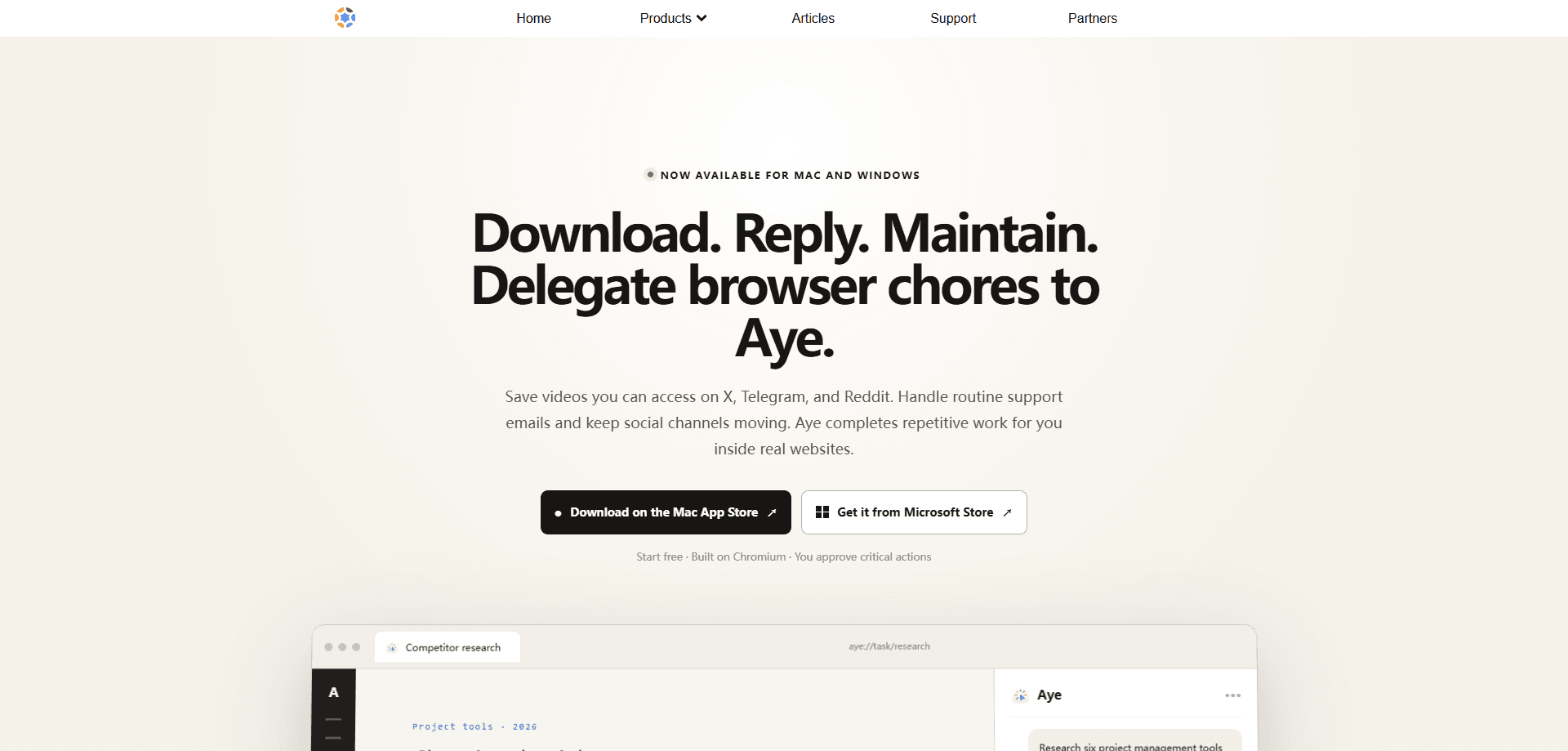
Aye is a Chromium-based AI browser for Mac and Windows that treats AI as a teachable intern rather than a search box. You describe a task, or teach a workflow once and save it as a Skill, and Aye carries it out inside real websites, clicking, typing, scrolling, and checking results the way a person would. Hand it browser automation chores and it works through them step by step. It handles media downloads, routine support email, and social channel upkeep, and it pauses for your approval at sign-in, payments, and other sensitive steps.
About Aye
What Is Aye
Aye is an AI browser built on the Chromium engine by Nanjing Oumi Software Development Co., Ltd., the team behind several Mac and iOS utilities. The pitch is narrow on purpose. Not a smarter way to search. A way to delegate browser tasks that eat your afternoon: save a video from X, draft a reply to a support message, tidy up community notifications across Reddit and X.
That idea comes from how interns actually help. A lot of what a colleague takes off your plate happens in the browser, and it repeats. Aye turns those repeats into flows you can run again, on a schedule if you like. It reads the visible page, plans steps, and works through normal browser controls instead of hidden background requests. So the process stays something you can watch, and stop.
The biggest limit is that Aye is a desktop tool. There's no Android or iOS app, and the browser only runs on Mac and Windows. Anyone expecting a mobile AI browser is out of luck for now. It's also built to stay inside sites you can already access, so it won't log in for you or push past a CAPTCHA. That matters if you were hoping for fully unattended runs.
Getting Started
- Download Aye from the official Oka Apps product page and install it on your Mac or Windows machine.
- Open the browser and sign in to the sites you plan to use; you handle logins and CAPTCHAs yourself.
- Describe a task in plain language, or pick a built-in action such as download, read, or reply.
- Watch the step-by-step progress and approve anything sensitive when Aye pauses.
- Save the workflow as a Skill and set a daily, weekly, or fixed-interval schedule to run it again.
Product Information
A quick look at Aye's pricing, supported platforms, and performance.
Best for
The users, tasks, and scenarios where this tool fits best.
Users
- Content creators
- Community and support staff
- Researchers
Tasks
- Video and media downloads
- Support email replies
- Social upkeep
- Repeated browser chores
Scenarios
- Daily community maintenance
- Inbox triage
- Research cleanup
- Content prep
Key features
Chromium Engine With Familiar Controls
Aye runs on Chromium, so tabs, bookmarks, and shortcuts behave the way you already expect from the browser you've used for years. That matters if you've tried AI browsers that reinvent navigation and slow you down. Ad blocking is built in, which cuts the clutter on heavy pages without an extra extension.
Media Downloader
The built-in downloader saves video from X, Telegram, and Reddit pages you can normally reach, and Telegram Web also offers media-level download controls on top of that. Downloads show their progress in one place instead of scattering across a dozen open tabs.
Inbox Assistant
Aye reviews visible support messages and works out their context and language before writing a reply. It handles in-scope Gmail threads in English or Chinese, then moves through the bounded inbox task. It won't invent answers for issues outside that scope.
Social Operator
The social side replies to communities, handles notifications, filters spam, and prepares content for Xiaohongshu, Zhihu, WeChat, and X. Each platform gets a native draft rather than one post pasted everywhere. You review before anything publishes.
Skills You Save And Schedule
A workflow you've run once can be saved as a Skill so you don't explain it again. Set it to run daily, weekly, or at fixed intervals. Think of it as turning one-off instructions into a small routine that runs on its own.
Visible Progress And Approval Gates
Every task stays visible, and Aye pauses for your input at sign-in, CAPTCHA, submission, payment, and other sensitive steps. You can stop a run at any time. It's a deliberate answer to the "black box agent" worry, and the reason it can't run fully unattended.
Pros and cons
Pros
- Runs on Chromium, so the learning curve is small if you already use Chrome.
- Hands off genuinely repetitive work: downloads, support replies, and social upkeep.
- Skills and scheduling turn a solved task into a repeatable routine.
- Visible steps plus approval gates keep you in control of sensitive actions.
- Free to download, with no payment required to start.
Cons
- No mobile app; Mac and Windows only, so phone users can't use it.
- Requires your approval at logins and payments, which rules out hands-off automation.
- Stays inside sites you can already access, so it won't bypass logins or CAPTCHAs.
Frequently asked questions
Aye completes repetitive browser tasks on real websites, such as downloading media, replying to support email, and maintaining social channels. It reads the current page, plans steps, and works through normal clicking, typing, and scrolling.
Related content
Explore related tools, skills, and articles for Aye.
Aye Alternatives
Forefront
Forefront · CodingForefront is a web platform for building with open-source AI. It lets you fine-tune leading open-source language models on your own data, evaluate how they perform, and run them through an API or export them to host yourself. Developers who want the convenience of a closed-source platform but insist on owning their models and data are the target audience here.

Startkit
StartKit.AI · CodingStartkit is a boilerplate for building AI SaaS and AI wrapper products. Think of it as an AI startup boilerplate with the boring parts already wired up: authentication, Stripe and Lemon Squeezy payments, usage limits, transactional email, and an AI API starter that talks to OpenAI, Anthropic, Groq, or Llama. You clone the repo, set your price, and start on the part of your product that people actually pay for. It's Next.js under React and Tailwind, so most of the boilerplate code already feels familiar.
Testim
Tricentis · CodingTestim is an AI-powered test automation platform for building and running end-to-end tests across web, mobile, and Salesforce applications. It leans on machine learning to keep tests stable when an interface changes, so teams spend less time fixing broken selectors. Not bad for an automated testing tool you can start using today. You create tests by recording actions in a browser, then optionally add JavaScript when you need more control. It's a solid pick for busy QA teams.