

Backbeat Forge
Hannes Software · Writing · Voice & Language
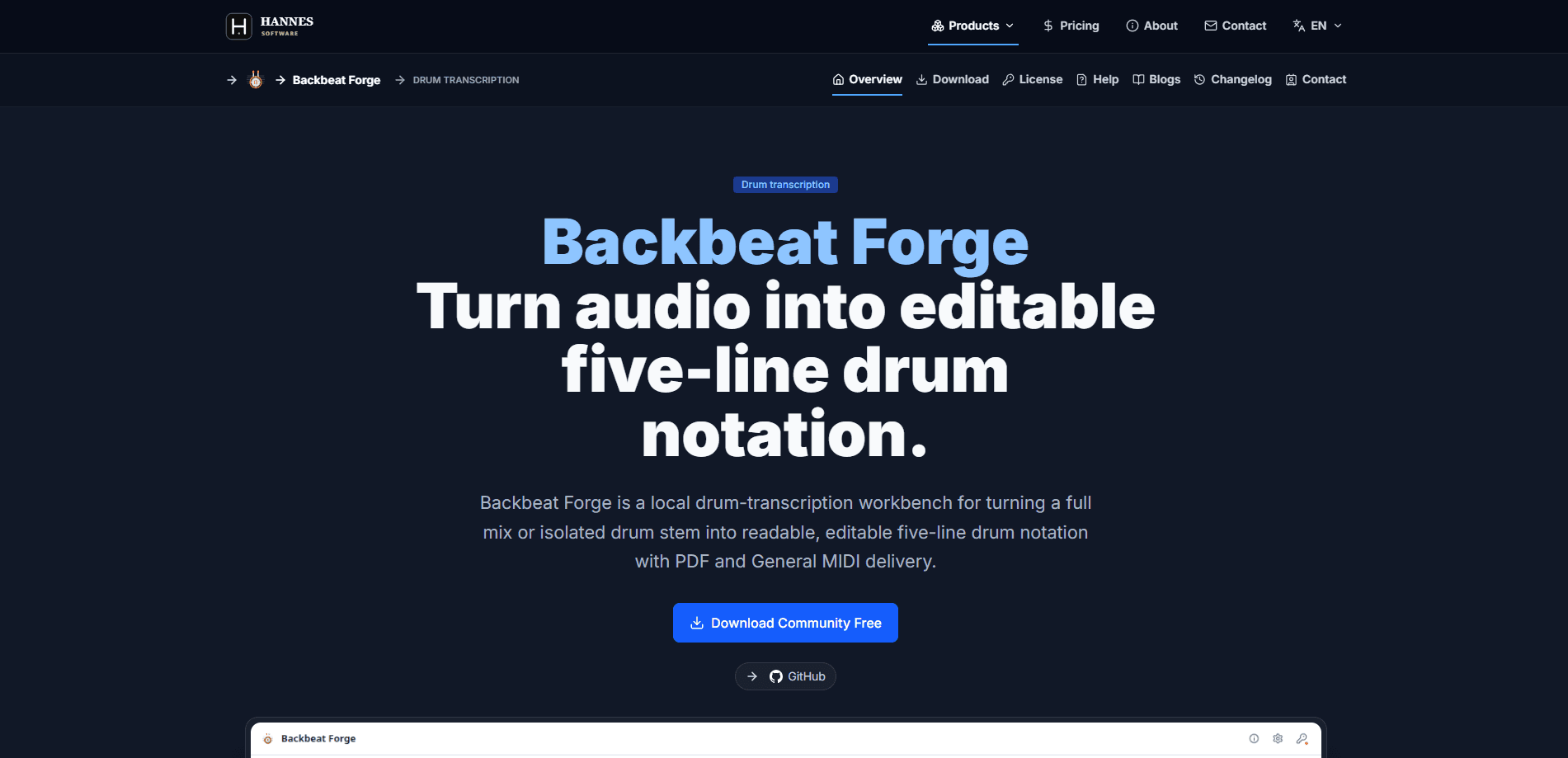
Backbeat Forge is a local drum-transcription workbench that turns a full mix or an isolated drum stem into editable five-line drum notation. It's aimed at drummers, producers, and teachers who want a readable score or a MIDI file rather than a rough audio guess. Because it runs on your own machine, tracks stay off someone else's servers.
About Backbeat Forge
What Is Backbeat Forge
Backbeat Forge is a desktop drum transcription software tool. You feed it audio, and it works out which drum was hit and when. The output is editable five-line notation you can fix by hand, not a locked-in render.
So why bother with a dedicated drum transcription software instead of looping the audio? Because notation and MIDI let you change what you hear: you can shift a hit, drop a fill, or hand a printed part to a drummer who has never heard the track. Because it runs on your own machine, tracks stay off someone else's servers.
The point is the middle step most tools skip. Plenty of apps flag where hits land, but far fewer hand you a clean score you can edit and print. Forge treats notation as the deliverable, and MIDI export as the byproduct.
The catch is the source material. A busy full mix with a wall of guitars is a much harder problem than a clean isolated drum stem. If you can get a drum-only track, results get noticeably tighter, and if you can't, you'll spend real time fixing wrong hits before the score is usable.
Getting Started
- Install Backbeat Forge on your computer. It runs locally, so there's no upload step.
- Load a full mix or a drum stem into the workspace.
- Let the transcription run and review the detected hits on the five-line grid.
- Fix any wrong hits or missing notes by hand.
- Export the result as PDF for printing or General MIDI for your DAW.
Product Information
A quick look at Backbeat Forge's pricing, supported platforms, and performance.
Best for
The users, tasks, and scenarios where this tool fits best.
Users
- Drummers who want a printed score of a part they didn't write down
- Producers picking apart a reference groove
- Music teachers building exercises from real recordings
Tasks
- Turning a drum stem into editable notation
- Exporting a MIDI drum part for a DAW
- Transcribing a groove for practice or study
Scenarios
- Learning a song by ear and wanting the notation as a backup reference.
- Recreating a drum part for a cover or a remix in your own project.
- Archiving a session's drum performance as readable notation and MIDI before the original audio files get lost, moved, or eaten by a failing hard drive somewhere down the line.
Key features
Five-Line Drum Notation Output
The headline feature is real notation, not a hit map. Forge lays the detected hits onto a five-line staff so drummers and teachers can read and edit it the way they'd read any score. That readability is the whole reason to pick it over a waveform-based detector.
Full Mix and Isolated Stem Support
You can point the tool at either a complete mix or a drum-only stem. Stems are easier. Full mixes work too, but expect more manual corrections when other instruments bleed into the drum frequencies, and the busier the arrangement, the more hits you'll end up fixing by hand before the score is worth printing.
Editable Output
Nothing here is locked down. Once the transcription lands, every hit and rest can be moved, deleted, or added by hand. That matters because no auto-transcriber gets a busy track perfectly right the first time, and the alternative is starting over with a pencil.
PDF Export
Print-ready PDF output means you can hand a drummer a score or drop one into a lesson packet. It's the format that makes the notation actually useful away from the screen. Simple, and it works.
General MIDI Export
General MIDI export maps the transcribed hits to standard drum-kit sounds, so the file opens in most DAWs with the right instrument voices. You get a pattern you can edit, not a frozen audio loop. Big difference.
Local, Offline Processing
Forge runs on your machine, so tracks don't get uploaded anywhere. Nothing leaves your drive. For anyone working with unreleased material or a label's demo, that privacy is a real selling point rather than a marketing line.
Pros and cons
Pros
- Delivers editable five-line drum notation, not just hit markers.
- Handles both full mixes and isolated drum stems.
- Exports both PDF and General MIDI, covering print and DAW workflows.
- Runs locally, so audio never leaves your computer.
- Output stays editable, so you can fix the inevitable mistakes by hand.
Cons
- A dense full mix gives noticeably rougher results than a clean drum stem, which means more manual cleanup.
- No free tier, so you can't test it on your own tracks before committing.
- Desktop-only, with no browser version for quick jobs on another machine.
Frequently asked questions
It listens to a full mix or a drum stem and writes out the drum part as editable five-line notation, giving you a score you can fix, print, and hand to someone else, plus a General MIDI file you can drop straight into your DAW without retriggering a single note by hand.
Related content
Explore related tools, skills, and articles for Backbeat Forge.
Backbeat Forge Alternatives

Google EmbeddingGemma 2
Google DeepMind · Writing · Image · CodingGoogle EmbeddingGemma 2 is a 740M-parameter open model that turns text, code, images, audio, and video frames into vectors in one 768-dimension space, running on phones and laptops.

MePersona
MePersona, Inc. · Writing · Productivity · MarketingMePersona is an AI unified inbox for creators. It learns your voice, drafts replies to fan messages from 12 platforms, and sends only what you approve.

Fluence
Yay Software (Yannick Huchard) · Writing · Voice & Language · ProductivityFluence is an Android app that reads PDFs, EPUBs, Word files and web articles aloud, follows each sentence as it speaks, and answers questions about the text on the phone itself.