

BeatViz
BeatViz · Voice & Language · Video
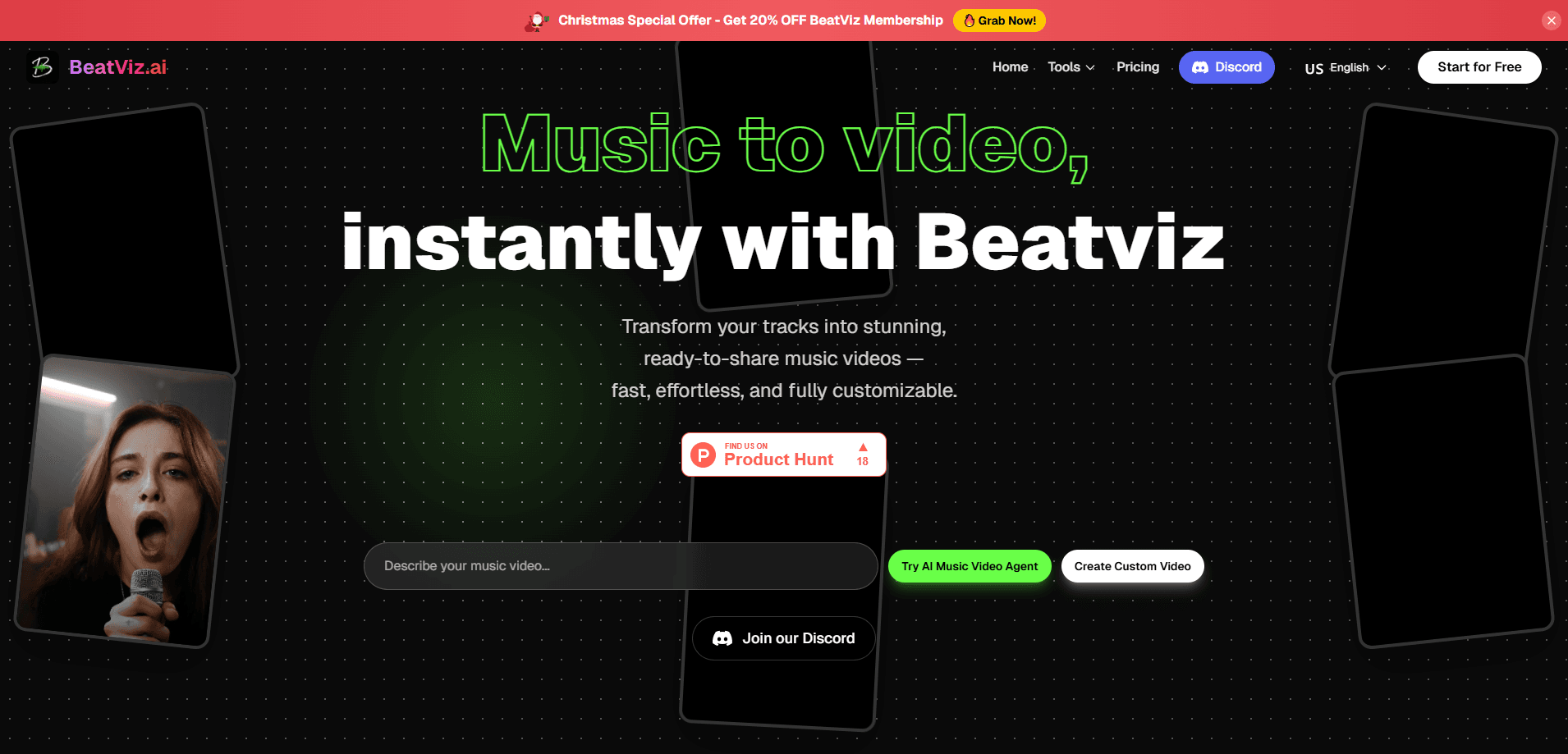
BeatViz is an AI music video generator that turns an audio track into a finished, beat-synced video without a film crew or editing suite. It runs in the browser and gives you three ways to work: an AI chat director that plans scenes from a prompt, a guided workflow for step-by-step creation, and a music video maker with a timeline. If you already have a track, it syncs visuals to the rhythm. If you don't, its AI agent writes original music, sound effects, and even dialogue from your text description. The simple version? Type a prompt, get a video.
About BeatViz
What Is BeatViz
BeatViz is a web-based service for making music videos with AI. You upload a track or describe what you want, and the platform generates scenes, shots, and style for you, then lines the visuals up with the beat. The pitch is simple: a process that used to need a director, an editor, and a budget now happens in one browser tab.
The product is built around three tools that share the same project. Chat is the AI director that takes a conversation-style prompt and returns a complete video. Workflow walks you through creation step by step, letting the AI help you refine and organize each part. Editor hands you a professional timeline and works as a full AI video editor, where you can combine AI generation with manual adjustments to shape every scene and sequence. You can use one tool or all three on the same project.
The main limitation is that BeatViz is browser-only. No mobile app. No download from Google Play or the App Store. That means you need a desktop or laptop with a stable connection to use it well. It also runs on a credit system, so heavy generation eats into your balance, and the exact cost per video depends on the model and resolution you choose to render with.
Getting Started
- Open beatviz.ai and start creating with the free tier, which gives you an initial credit balance to test the tools.
- Upload your audio track, or leave it empty and type a text prompt describing the music and visuals you want.
- Choose a generation mode: Chat for a full auto-director experience, Workflow for a guided build, or Editor if you want manual control.
- Set your output options, including the AI model, video resolution, and duration. Pick 9:16 for vertical clips or 16:9 for wide screens.
- Generate the video, then refine scenes in the timeline editor before exporting the final cut.
Product Information
A quick look at BeatViz's pricing, supported platforms, and performance.
Best for
The users, tasks, and scenarios where this tool fits best.
Users
- Independent musicians and producers who want a visualizer or full music video for each release without hiring a crew.
- Content creators and social media managers who need vertical, beat-synced clips on a regular schedule.
- Small brands and marketers producing promotional visuals for a track or campaign on a tight budget.
- Filmmakers and designers who want AI-generated footage they can still fine-tune in a real timeline.
Tasks
- Turning a finished song into a synced music video
- Making a YouTube visualizer from a beat
- Producing a vertical music video for Reels or Shorts
- Creating a video when you have no audio yet
Scenarios
- Releasing a single on a self-funded budget
- Keeping a social channel fed with weekly clips
- Pitching a visual concept before a full shoot
- Late-night studio sessions where you want a rough cut fast
Key features
AI Music Video Director (Chat)
The Chat tool acts like a director you talk to. You upload a track or type what you're going for, and it plans the scenes, shots, and overall style, then generates a complete beat-synced video. Want a neon city at night? Describe it. It builds that. This is the fastest path from an audio file to a finished visual, and it suits anyone who'd rather describe a result than build it shot by shot.
Guided Workflow Creation
The Workflow mode breaks a project into steps, with AI helping you create, refine, and organize each part along the way. Instead of handing everything to the director, you move through the build in a controlled order. It's the middle ground between full automation and full manual editing. Simple. Structured. It works well when you have a rough plan but want to keep control.
Timeline Editor
The Editor gives you a professional timeline for frame-level editing. You can combine AI-generated footage with manual trims, reorder scenes, and adjust timing so the video matches your intent rather than the AI's first guess. Not every clip lands the first time. For creators who care about pacing, this is where a draft becomes a real cut.
Beat-Synced Generation
BeatViz reads the rhythm of your track and syncs the visuals to it. Cuts land on the beat rather than drifting, which is the part that usually takes the longest by hand. Upload a finished mix and the platform handles the timing, so a visualizer or full video stays locked to the music. No manual nudge needed. Music video creation stops being a timing exercise.
Original Music and Audio Generation
If you don't have a track, the AI agent writes original music, sound effects, and dialogue from your text prompt. Each scene can come with its own acoustic layer, so a project isn't blocked by missing audio. Some call it text to music video. Either way, you can go from a written idea to a scored scene without opening a DAW. This makes the platform useful for early concepts and for creators who work visuals-first.
Model, Resolution, and Duration Control
You're not stuck with one look. BeatViz lets you choose the underlying AI model, the output resolution, and the length of the clip. Both 9:16 vertical and 16:9 wide formats are supported, so the same project can serve a phone screen or a widescreen player.
Multiple AI Models Under One Roof
The platform draws on several leading generation models, including Veo, Sora, Kling, Nano Banana, Seedance, and GPT Image. Rather than juggling separate subscriptions for each, you pick the model that fits the shot inside one project. No tab switching. That breadth is one of the bigger reasons creators consolidate their video work here.
Pros and cons
Pros
- Beat-synced generation handles the timing automatically, which saves hours of manual cutting.
- Three modes (Chat, Workflow, Editor) let you pick how much control you want on any given project.
- It can generate the music, effects, and dialogue itself when you have no audio to start from.
- Resolution and aspect-ratio controls make one project reusable across YouTube, Reels, and Shorts.
- Access to several top AI video models in a single workspace reduces tool sprawl.
Cons
- There's no mobile app, so you can't start or finish a video on your phone; a desktop browser is required.
- Generation runs on credits, and the cost per video varies by model and resolution, so heavy users need to watch their balance.
- Rendering depends on server load and model choice, so turnaround isn't always instant.
- The browser-only setup means no offline work, which matters if your connection is unreliable.
Frequently asked questions
BeatViz is an AI music video generator. It turns an audio track into a finished, beat-synced music video, and it can also create the music and audio itself if you only have a text idea. Use it for visualizers, social clips, or full music videos without a production crew.
Related content
Explore related tools, skills, and articles for BeatViz.
BeatViz Alternatives

Foley
Hanamori Labs, LLC · Voice & Language · Productivity · AI AssistantFoley is a voice to-do list that turns a spoken sentence into a filed task, complete with project, date and time, then helps you plan the day around what is already there.

HireKey
HireKey · Voice & Language · Productivity · LeaningHireKey is an AI job search copilot built by a former tech recruiter. It checks role fit, tailors resumes, runs interview practice and tracks every application.

Fluence
Yay Software (Yannick Huchard) · Writing · Voice & Language · ProductivityFluence is an Android app that reads PDFs, EPUBs, Word files and web articles aloud, follows each sentence as it speaks, and answers questions about the text on the phone itself.