

beehiiv
beehiiv · Writing · Marketing
beehiiv is a newsletter platform built for writers, media brands, and creators who want to publish, grow, and get paid from their audience in one place. It combines an email editor, a built-in website, referral tools, and paid subscription support, so you don't have to stitch together four or five separate services the way most publishers did a few years ago. It's aimed at people who treat a newsletter as a real business rather than a side hobby. So what makes it different from a plain email service?
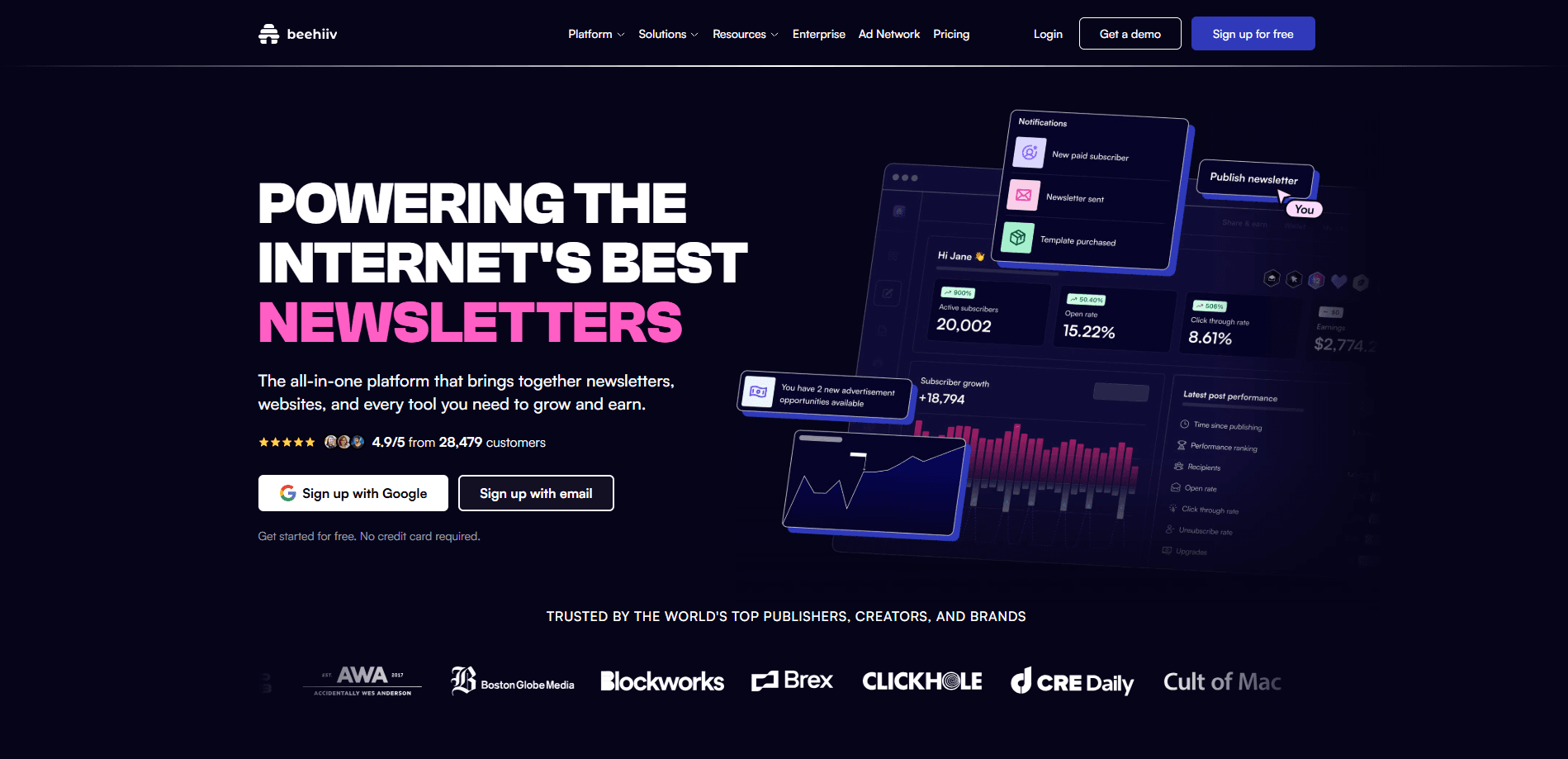
About beehiiv
What Is beehiiv
beehiiv is an all-in-one publishing platform for email newsletters. The core idea is simple: write once, then use the same tool to handle delivery, a public website, audience growth, and payments. That matters. Most people start with an email newsletter tool, then bolt on a website builder, a payment processor, and an ad network. The seams show.
The platform targets independent publishers and small media teams. You get drag-and-drop editing, subscriber segmentation, referral rewards, and the option to charge for premium tiers. beehiiv also runs its own ad network, which is a meaningful edge for a solo writer who has no interest in negotiating sponsorship deals by email for weeks on end. That lets publishers sell ad slots inside issues without chasing sponsors themselves.
The main limitation is pricing at scale. The free plan caps your subscriber count and some features. Serious newsletter monetization usually means moving onto a paid tier. If you only send a plain email to a few hundred people, lighter tools cost less.
Getting Started
- Create a free account on the beehiiv website and pick a publication name and web address.
- Import an existing subscriber list or start fresh, then set up your welcome email.
- Write your first issue in the editor, add sections, and preview it on desktop and mobile.
- Set up your signup page and referral program, then connect a payment account if you plan to sell subscriptions.
- Hit publish and send. You can resend to non-openers and track performance from the dashboard.
Product Information
A quick look at beehiiv's pricing, supported platforms, and performance.
Best for
The users, tasks, and scenarios where this tool fits best.
Users
- Independent writers
- Media startups
- Creator businesses
Tasks
- Publishing a weekly issue
- Growing a list
- Selling premium content
- Running sponsorships
Scenarios
- Launching a first newsletter
- Migrating from another email tool
- Scaling a media brand
Key features
Email Editor and Publishing
The editor is where you build each issue. Drag in text, images, buttons, polls, and embeds. Preview how it looks in an inbox before sending. Simple. Scheduling and the resend-to-non-openers option, which re-sends an issue only to subscribers who never opened it the first time, help squeeze more reads out of every send.
Built-In Website and Archive
Every publication gets a public website with a post archive. New readers can find your work through search or shares. That's a real difference from tools that only store emails behind a login. A newsletter website builder pulls in traffic on its own.
Paid Subscriptions and Monetization
You can create free and premium tiers and charge readers through connected payment processing. Premium issues or sections go behind a paywall. Writers get a direct revenue stream instead of relying only on ads.
Referral Program
The referral system rewards subscribers for bringing in new readers. You set milestones. Readers who hit them earn perks like exclusive content or merchandise. Word of mouth becomes a growth engine.
Ad Network
beehiiv runs an ad network that matches publishers with advertisers. Publishers who qualify can drop sponsored placements into issues and earn revenue without negotiating each deal by hand. Money without the emails.
Analytics and Segmentation
Dashboards show open rates, click rates, and subscriber growth over time. Segment your list by behavior or signup source. Then send the right issue to the right slice of readers.
AI Writing Helpers
The platform includes AI tools for drafting subject lines, headlines, and body copy. They're meant to speed up the boring parts of writing, not replace the author, and you can ignore them entirely if you prefer to keep every word your own. Handy. Optional.
Pros and cons
Pros
- Combines email, website, payments, and ads in one tool, which cuts the number of subscriptions you juggle.
- Free plan is generous enough to launch and test a real newsletter before paying.
- Referral program and ad network give built-in paths to grow and earn.
- Public web archive helps new readers find older issues through search.
Cons
- Pricing climbs as your list grows, so costs scale with success rather than staying flat, which surprises publishers who assumed the free tier would last forever.
- The free plan limits subscriber count and some monetization features, which pushes growing publishers onto a paid tier.
- It's built around newsletters, so teams that want a full marketing automation suite with landing pages, CRM, and multi-channel flows may find it narrow.
Frequently asked questions
beehiiv is used to write, send, and grow email newsletters, and to earn money from them through paid subscriptions or ads. It pairs an email editor with a public website, referral tools, and payment support. Simple as that.
Related content
Explore related tools, skills, and articles for beehiiv.
beehiiv Alternatives

Google EmbeddingGemma 2
Google DeepMind · Writing · Image · CodingGoogle EmbeddingGemma 2 is a 740M-parameter open model that turns text, code, images, audio, and video frames into vectors in one 768-dimension space, running on phones and laptops.

MePersona
MePersona, Inc. · Writing · Productivity · MarketingMePersona is an AI unified inbox for creators. It learns your voice, drafts replies to fan messages from 12 platforms, and sends only what you approve.

Fluence
Yay Software (Yannick Huchard) · Writing · Voice & Language · ProductivityFluence is an Android app that reads PDFs, EPUBs, Word files and web articles aloud, follows each sentence as it speaks, and answers questions about the text on the phone itself.