

BeepThatOut
BeepThatOut · Writing · Video
BeepThatOut is a browser-based AI profanity editor that scans audio and video, marks swearing, and lets you censor it with beeps, silence or custom sounds before export.
About BeepThatOut
What Is BeepThatOut
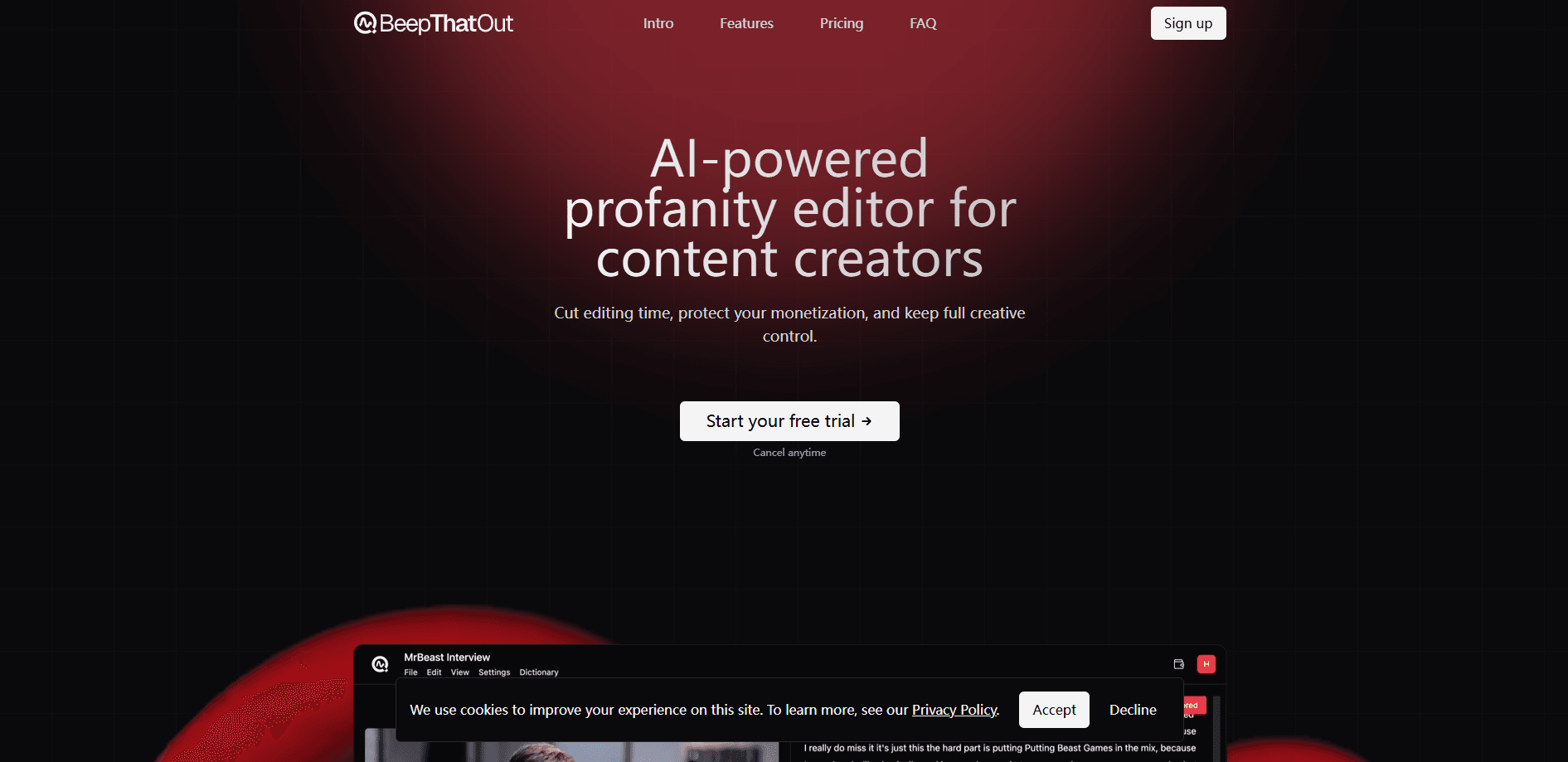
BeepThatOut is a web tool that works as an AI profanity editor for audio and video files. You upload a clip, its AI transcribes the speech, aligns every word to the timeline, and flags the curse words. From there you pick the censor effect and export clean audio or a project for your editor. Nothing gets installed, since the whole thing runs in a browser tab.
The job it targets is dull and repetitive. Running a profanity filter by hand means scrubbing a timeline, hunting each word, and dropping a sound clip over it, which eats hours on a long podcast or stream. BeepThatOut does the scanning for you and keeps manual controls for the cases the model gets wrong.
The limits are worth knowing up front. It needs an internet connection and a browser, the word list leans on a fixed dictionary you can extend but not fully retrain, and the free path is a 7-day trial rather than a permanent free tier. It cleans the audio, so strong language leaves the file rather than sitting under a mute.
Getting Started
- Sign up at beepthatout.com and start the 7-day trial.
- Upload an audio or video file; clips up to 10 hours and 20GB are accepted.
- Review the AI transcript and profanity tags, then fix any words it misread.
- Pick a censor effect and fine-tune timing on the timeline where you want changes.
- Export an XML project for Premiere Pro, Final Cut Pro or DaVinci Resolve, or download the rendered file and subtitles.
Product Information
A quick look at BeepThatOut's pricing, supported platforms, and performance.
Best for
The users, tasks, and scenarios where this tool fits best.
Users
- Podcasters with long episodes
- YouTube and TikTok creators
- Video editors on a deadline
- Creators working in several languages
Tasks
- Bleep out swearing
- Silencing rather than beeping
- Generating subtitles
- Bulk editing a recurring word
- Building a custom word list
Scenarios
- Publishing a comedy podcast
- Shipping a family-friendly vlog
- Repurposing a livestream
- Localizing for another market
Key features
AI profanity detection and alignment
The model transcribes your file, lines each word up with the timeline, and tags the profanities it finds. Accurate alignment is the part that saves real time, since a beep that lands a beat early or late sounds like an edit mistake. According to BeepThatOut, the alignment is tuned to be accurate out of the box, and you can still nudge any word if it drifts.
Custom censor effects
A standard 1000Hz beep is the default, but you can swap it for silence, pick a preset like a car horn, dog bark or cow moo, or upload your own sound. Silence is the better call for podcasts, where a beep every few seconds wears thin. Matching the effect to the tone of your show keeps the censor from pulling attention away from the content.
Interactive transcript and timeline editor
The transcript is editable, so you can fix a word the AI misheard, add or remove a profanity tag, and drag a marker to trim or stretch the timing of an effect. This is the fallback for anything the model gets wrong, and it keeps you from re-uploading a file to fix one spot. Editing in the transcript updates the timeline, which ties the two views together.
Export to major video editors
You can pull your work out as an XML project for Adobe Premiere Pro, Final Cut Pro or DaVinci Resolve, or download the full video, the audio, or just the audio track with effects. That matters when the censor is one step in a longer edit, because you keep working in the NLE you already know. Rendered downloads are there for creators who publish straight from the tool.
Built-in subtitle generation
The transcript doubles as a subtitle source, and you can export an .srt file at no extra cost. Fixing typos and timing in the editor before you export means the captions line up with the cleaned audio. The same feature covers YouTube captions, accessibility and cross-posting without a second subscription.
Multilingual support and long files
BeepThatOut transcribes, aligns and filters more than 50 languages, and the pricing pages list 55, from English and Spanish to Polish, Japanese and Korean. Files up to 10 hours long and 20GB are accepted, so podcasts, interviews and streams do not need to be split first. On the Creator and Studio plans, a single upload can run to a 10-hour cap.
Pros and cons
Pros
- Automates the tedious part of cleaning audio, cutting hours of timeline work down to a short review.
- Keeps manual controls for transcript fixes, timing nudges and custom words, so the AI is a starting point rather than a locked box.
- Exports XML projects for Premiere Pro, Final Cut Pro and DaVinci Resolve, which fits an existing editing workflow.
- Bundles .srt subtitle generation with the censor edit, so captions do not need another tool.
- Covers 55 languages and clips up to 10 hours, which suits international channels and long-form shows.
Cons
- There is no permanent free plan, only a 7-day trial, so casual users pay as soon as the trial ends.
- Everything runs in a browser and needs an internet connection, which rules out offline work on a flight or a weak signal.
- The profanity list is a dictionary you can extend, so niche slang or unusual terms may slip through until you add them yourself.
- The cheapest Hobby plan caps video length at 2 hours, so long-form creators have to step up to Creator at $30/mo.
Frequently asked questions
BeepThatOut is used to detect and censor profanity in audio and video files. You upload a clip, the AI tags the swearing, and you apply a beep, silence or a custom sound before exporting a clean version or a project for your editor.
Related content
Explore related tools, skills, and articles for BeepThatOut.
BeepThatOut Alternatives

Google EmbeddingGemma 2
Google DeepMind · Writing · Image · CodingGoogle EmbeddingGemma 2 is a 740M-parameter open model that turns text, code, images, audio, and video frames into vectors in one 768-dimension space, running on phones and laptops.

MePersona
MePersona, Inc. · Writing · Productivity · MarketingMePersona is an AI unified inbox for creators. It learns your voice, drafts replies to fan messages from 12 platforms, and sends only what you approve.

Fluence
Yay Software (Yannick Huchard) · Writing · Voice & Language · ProductivityFluence is an Android app that reads PDFs, EPUBs, Word files and web articles aloud, follows each sentence as it speaks, and answers questions about the text on the phone itself.