

BetterBugs.io
BetterBugs.io · Coding
BetterBugs.io is a Chrome-based bug reporting tool that turns screenshots, recordings, and auto-captured logs into AI-analyzed reports for QA and dev teams.
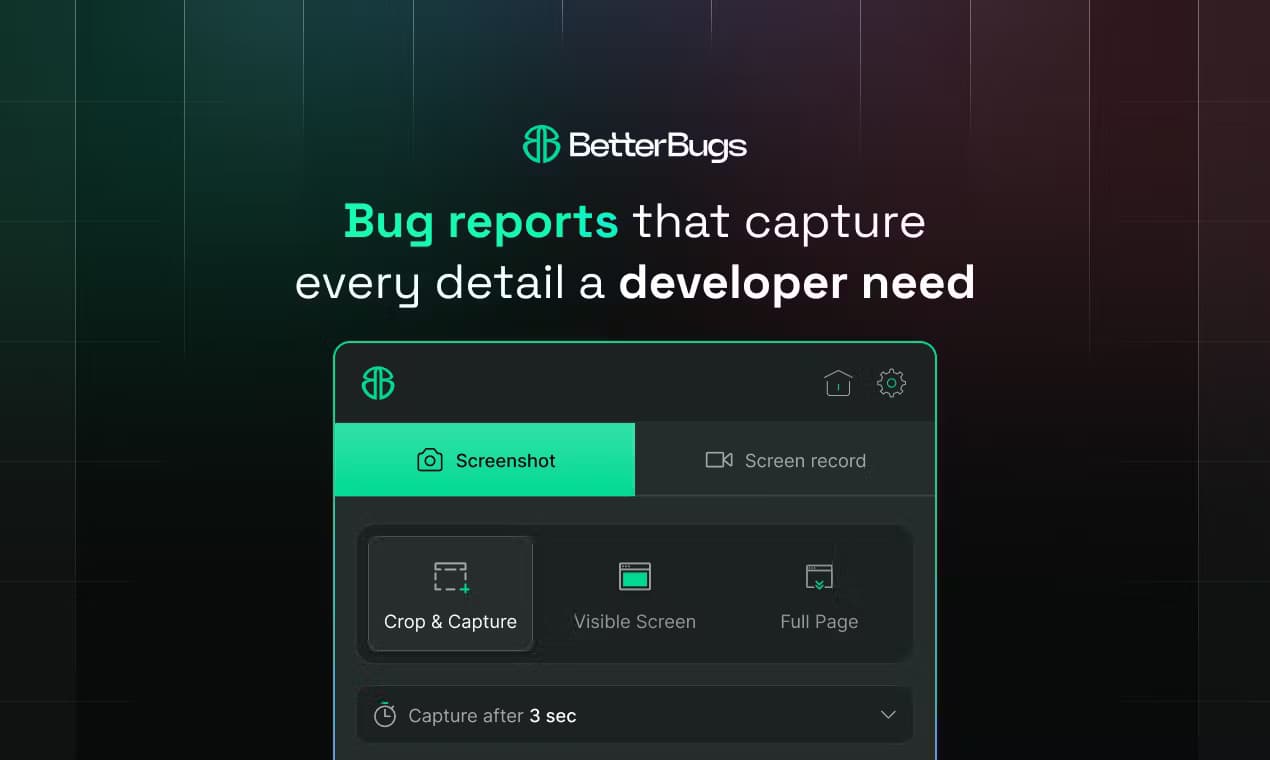
About BetterBugs.io
What Is BetterBugs.io
BetterBugs.io is a bug reporting tool built around one idea: a bug report should arrive with the evidence already attached. Instead of asking a tester to describe what went wrong in a form, it grabs a screenshot, a screen recording, and the console, network, and backend logs from the exact moment the problem appeared.
The main thing it solves is the back-and-forth that eats up QA time. A good bug tracking software keeps the whole thread in one place. When a report already carries the reproduction context, a developer doesn't have to message the reporter asking which browser, which build, or what the console said. According to the company, teams report bugs about ten times faster with it than with manual notes and screenshots.
The catch is scope. It's a Chrome extension first, so it's aimed at web apps and browser-based testing. It doesn't recreate native mobile or desktop app testing, and reaching the deeper features like project-tool syncs or the MCP server means moving off the free plan.
Getting Started
- Install the BetterBugs.io Chrome extension from the Chrome Web Store and sign in with your account.
- On the page you're testing, click the extension to capture a screenshot, start a recording, or rewind the last 2 minutes of activity.
- Let it attach the technical context (console logs, network activity, and device info), then add a short note if you need one.
- Review the AI-generated summary and impact analysis, edit anything that reads wrong, and share the report link with your team or push it to a project tool.
- Track replies and status changes in the shared report so the thread stays in one place.
Product Information
A quick look at BetterBugs.io's pricing, supported platforms, and performance.
Best for
The users, tasks, and scenarios where this tool fits best.
Users
- QA engineers
- Front-end developers
- Product and support teams
Tasks
- Filing a reproducible web bug
- Handing off to project tools
- Debugging with AI agents
Scenarios
- Same-day QA passes on a web release
- Customer support triage
- Cross-team bug handoffs
Key features
One-Click Visual Bug Capture
The extension captures a screenshot or a screen recording from wherever you're on the page, then lets you annotate it before sharing. Teams that rely on visual bug reports get the annotation tools they expect, plus something extra. You can rewind the last 2 minutes of on-screen activity. That's useful when the bug already happened by the time you reach for the mouse. The point is simple: record the problem while it's still on screen. Don't rely on memory afterward.
Auto-Attached Developer Logs
Every report carries console logs, network requests, backend logs, and application logs pulled at capture time. It also grabs device and environment info. So details like browser version and viewport size travel with the report. For a developer, that's the difference between "it doesn't work" and a report they can actually open. It lands in the tools they already use, which is the whole point of a good visual bug report.
AI Bug Diagnosis and Impact Analysis
The AI reads the captured context and writes a plain-language summary of what likely went wrong, plus an analysis of what else the bug might affect. It's a starting point, not a verdict, and you should still verify before acting. On the free plan you get 5 AI summaries a month, and 50 on the Team plan.
AI Debugger and MCP Server
The AI debugger digs into the technical context to suggest a likely root cause. How does developer debugging get faster? It starts with context the assistant can read. The MCP server pushes that a step further. It lets AI coding agents load your bug reports as links, so a tool like an AI assistant can work from the same evidence your team sees. The MCP server is a paid feature.
Project Tool Integrations
Reports sync two ways with Jira, and one way into GitHub, GitLab, Linear, Asana, Notion, ClickUp, Trello, Azure Boards, Basecamp, Zoho, and ProofHub, among others. There's a Sentry integration and a webhook option too. This matters for teams whose bug queue already lives somewhere else, so long as they're not on the free tier.
Real-Time Collaboration and Chat
Teammates can comment on a report, attach files, and edit it as the picture changes. Because everything hangs off one shared link, the discussion stays next to the evidence rather than scattered across chat threads. Editable reports also mean a triage note can be corrected instead of becoming stale.
Video Trimming and Blurring
Recordings can be trimmed down to the relevant moment and blurred to hide sensitive data before they go out. That's a small feature with real weight for teams handling user data. A raw recording often shows more than it should. Access depends on your plan.
Pros and cons
Pros
- Reports arrive with console, network, and device logs already attached. That removes most of the manual evidence gathering.
- Rewind capture means you can save a bug that happened seconds before you noticed it. Huge for flaky issues.
- Broad project-tool integration covers Jira, Linear, GitHub, GitLab, and several others.
- The MCP server lets AI coding agents work from report context, which is rare among bug trackers.
- Free plan covers single testers without a card, capped at 5 seats and 1 project.
Cons
- Free plan limits you to 5 AI summaries and 5 AI debugger runs a month, so heavier users hit the ceiling fast.
- It's a Chrome extension first, so native mobile and desktop app testing isn't covered by the capture flow.
- The useful integrations (Jira two-way sync, most project tools, REST API) sit behind the paid Team or Enterprise plans.
- Video recordings are capped at 5 minutes on the free plan, which is tight for a long reproduction.
Frequently asked questions
It's a bug reporting tool and bug tracking software for web teams. You capture a screenshot or a screen recording bug report directly from a page, and the extension attaches the technical context automatically. A developer can then reproduce and fix the issue without asking follow-up questions.
Related content
Explore related tools, skills, and articles for BetterBugs.io.
BetterBugs.io Alternatives

Base Code
Base44 (Wix) · Coding · ProductivityBase Code is a shared cloud development environment from Base44. Teammates describe changes to an existing GitHub codebase in chat, preview them live and send them back as pull requests.

Google EmbeddingGemma 2
Google DeepMind · Writing · Image · CodingGoogle EmbeddingGemma 2 is a 740M-parameter open model that turns text, code, images, audio, and video frames into vectors in one 768-dimension space, running on phones and laptops.

GitGlow
GitGlow · Coding · ProductivityGitGlow is a local-first desktop Git client that lets independent developers review their own code and their AI agents' changes in one place before shipping.