

Bizmo.chat
Bizmo.chat · Marketing · Chatbot
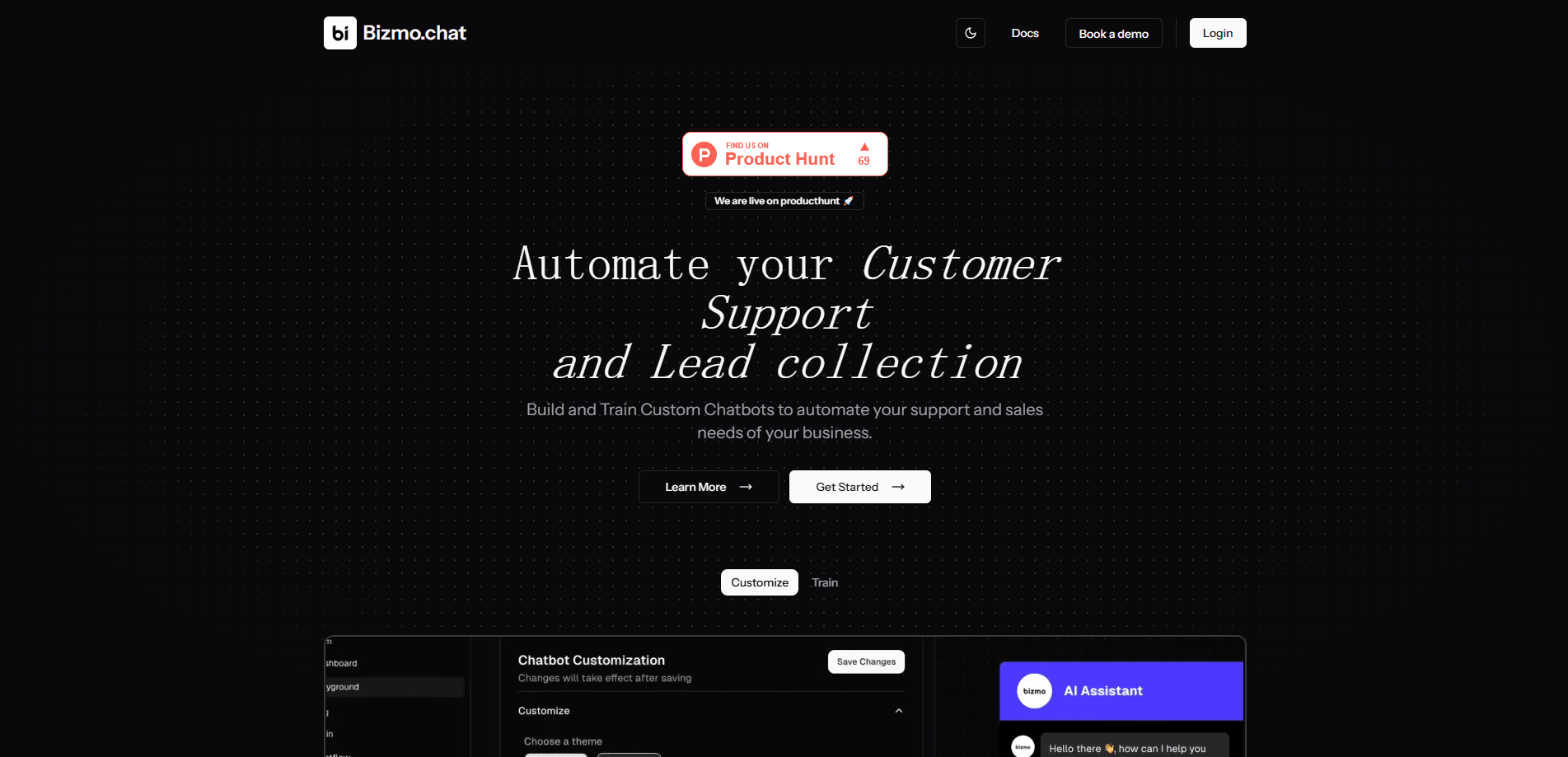
Bizmo.chat is an AI chatbot builder that trains a support assistant on your documents, website, or text, then embeds it on your site to answer questions and collect leads.
About Bizmo.chat
What Is Bizmo.chat
Bizmo.chat is a web platform for building AI customer service chatbots without writing code. You feed it your own knowledge, then paste a short embed script onto your site so visitors get instant answers. It fits small teams that field the same questions every day and want to turn those chats into contacts.
The design keeps your content as the source of truth. The bot answers from the material you trained it on rather than from general internet knowledge, so you decide what it knows and how it looks. When a question gets tricky, a person can step in from the Inbox.
A few limits are worth knowing before you commit. Bizmo.chat runs on GPT-4o Mini only, so there's no swapping in a stronger model. The free plan's training cap is small, and each upload batch tops out at four files.
Getting Started
- Sign up at bizmo.chat and open the Dashboard.
- Add your domain under Domain Configuration so the widget loads only on authorized sites.
- Train the bot under Training Sources with typed text, uploaded files, or a crawled website.
- Shape its flow and appearance in Playground and Chatflow, then copy the embed script.
- Paste the script into the head section of your site and test the live widget.
Product Information
A quick look at Bizmo.chat's pricing, supported platforms, and performance.
Best for
The users, tasks, and scenarios where this tool fits best.
Users
- Small support teams
- Solo founders and indie makers
- Marketing and lead-gen managers
Tasks
- Answering FAQs from your own docs
- Screening and qualifying visitors
- Walking users through a process
Scenarios
- A first chatbot on a small business site
- Off-hours coverage
- Turning traffic into contacts
Key features
Training on your own content
You train the chatbot from three sources: typed text, uploaded files, or crawled website pages. Supported uploads are PDF, Markdown, and text, up to four files at 10 MB each in a batch. The bot answers from this material, so its accuracy depends on how clean your source content is.
Visual chatflow builder
Chatflow is a drag-and-drop editor for conversation paths. You add suggestions, set what the bot replies, and wire nodes into a route. A Tool Node lets the flow call an external API, which is how you pull live details, like an order status, into an answer.
Brand and appearance controls
The Playground lets you pick light or dark themes, header and window colors, a primary color, custom button and avatar icons, greeting text, and the bot's name. It's a tight set of options rather than a full design studio, enough to make the widget feel like part of your site.
Forms and lead capture
Forms gather structured answers through text, multiple-choice, or dropdown questions. You publish a form, attach it to the chatbot, and collect the submissions in your dashboard. Lead data exports to CSV or Excel for use elsewhere.
Analytics and conversations
Analytics charts daily message volume, active days, and active hours, with ranges from the last hour out to three months. The Inbox lists every customer conversation, and you can reply to a visitor right from the chat window.
Model tuning
You choose the model, write a system prompt, and set temperature in the Playground. GPT-4o Mini is the only model on offer today. A clear system prompt does most of the work in shaping tone and boundaries, so it's worth the effort.
Pros and cons
Pros
- Setup is fast and code-free: a domain, a trained source, and one embed script is the whole path to a live bot.
- Source-grounded answers cut off-topic replies, since the bot draws from your documents rather than open web knowledge.
- Built-in forms and lead export tie chat straight to a contact list, with no separate tool needed.
- Chatflow plus Tool Node supports branching logic and external API calls, more than a plain FAQ bot offers.
Cons
- GPT-4o Mini is the only model, so you can't move to a more capable one as your needs grow.
- The free plan's 10,000-character training cap fills fast once you upload real documents.
- A published form can't be edited, so mistakes mean building a new one.
- There's no native app; the product lives entirely in the browser.
Frequently asked questions
It builds AI chatbots that answer customer questions from your own content and capture leads on your website. Teams use it for support automation, FAQ handling, and visitor screening.
Related content
Explore related tools, skills, and articles for Bizmo.chat.
Bizmo.chat Alternatives

Emailwritr
Emailwritr · Writing · MarketingEmailwritr is an AI email copywriting tool built for affiliates, course creators, and online businesses that want more revenue from the list they already own. Instead of blank pages or generic chatbot prompts, this AI email writer generates welcome sequences, launch campaigns, cart recovery emails, and promo series from frameworks modeled on well-known direct-response copywriters. You connect your autoresponder, answer a few questions about your offer, and it writes the copy for you.

Prosp
Prosp · Writing · Voice & Language · MarketingProsp is an AI LinkedIn outreach tool built for agencies and sales teams, and it writes the message and the voice note in your own voice for each prospect so they actually reply. You connect your accounts, find leads, and let the AI draft and send personalized messages at scale, all from one inbox. It's built for people running outbound at volume. That's the whole pitch. Every touchpoint still has to feel human.

On Model
On Model · Image · MarketingOn Model is an AI fashion model tool that places your clothing on virtual models so online stores can get on-model product photos without booking a photoshoot. It runs as a Shopify app, letting you swap the model in an existing image, change backgrounds, and generate faces for cropped or headless shots. The goal is simple: match your product photos to your customers and stand out from competitors using the same supplier images.