

BlazeSQL
Blaze Analytics vGmbH · Coding · Marketing · Business · Chatbot
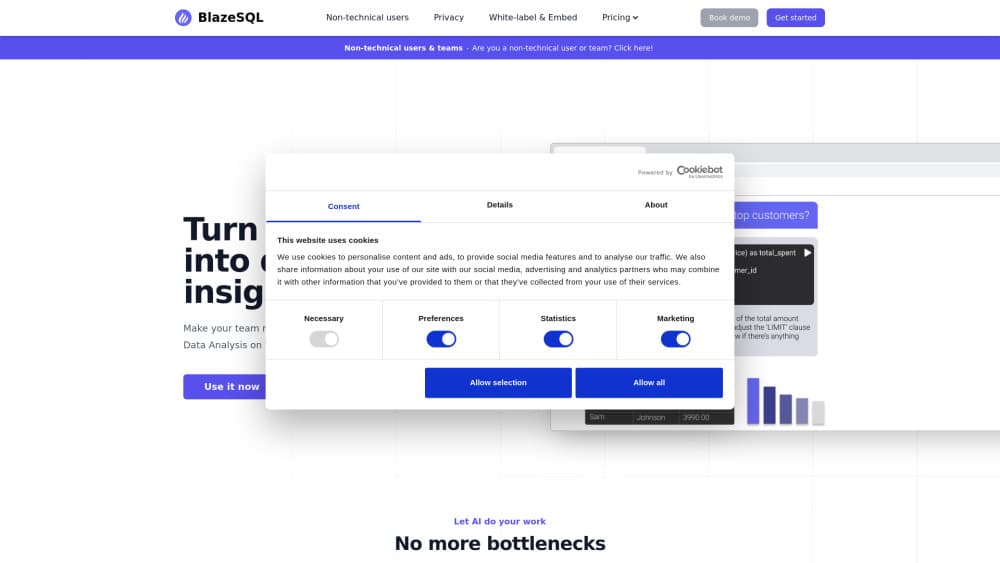
BlazeSQL is an AI data analyst that turns plain English questions into SQL queries against your own database, then returns charts, dashboards, and reports.
About BlazeSQL
What Is BlazeSQL
BlazeSQL is an AI data analyst built for companies that keep their numbers in a SQL database. You type a question such as "which plan drove revenue up this week," and it writes the query, runs it against your data, and shows the answer as a table, a chart, or a short written summary.
The product sits between two groups that usually wait on each other: the business user who needs a number now, and the analyst who is tired of writing one-off queries. Both work in the same chat. The text to SQL layer hides joins and syntax from the first group, while the second can open the generated query and check the logic. BlazeSQL reads your schema automatically and pulls in column relationships and comments, so setup doesn't start with a blank page.
Limits are worth knowing before you sign up. It handles SQL databases and warehouses only, allows up to 300 tables per connection, and has no permanently free plan. There's a free trial, then paid plans start at $150/mo. Answers are only as good as the schema the AI can see. Databases with cryptic column names need descriptions in the knowledge base before the output gets reliable.
Getting Started
- Create an account at blazesql.com or install the desktop app for macOS or Windows.
- Connect a database and select the tables BlazeSQL should use. It reads the schema and starts answering technical questions right away.
- Add context in the knowledge base if your table or column names are unclear. Descriptions, example queries, and internal terminology all help the AI read your data correctly.
- Ask a question in the chat, then open the generated SQL when you need to verify the logic behind a number.
- Save the result to a dashboard, or turn it into a PDF or interactive report for the rest of the team.
Product Information
A quick look at BlazeSQL's pricing, supported platforms, and performance.
Best for
The users, tasks, and scenarios where this tool fits best.
Users
- Business teams without SQL skills
- Data analysts
- Support and operations staff
- Founders and product managers
Tasks
- Ad hoc reporting
- Debugging a metric drop
- Building a personal dashboard
- Turning an analysis into a shareable report
Scenarios
- A weekly business review
- Onboarding a non-technical team
- Questions inside Slack or Microsoft Teams
Key features
Automatic Schema Reading
BlazeSQL extracts your database structure on its own, including tables, columns, categorical values, relationships, and comments. Your technical staff can start querying immediately after connecting, without writing a data dictionary first. The AI also measures its own accuracy and learns from corrections, which matters once non-technical users join.
Plain English to SQL
The chat takes natural language queries and returns a working SQL query plus the result. You can read or copy the query, which makes the tool useful for analysts who want a first draft and for business users who only want the answer. Graphs appear next to the answer, so a number rarely shows up without context.
Knowledge Base for Your Data
You can attach descriptions to schemas, tables, and columns, add example queries, and record internal terminology. This is how you fix the classic problem of a column called amt_2 that nobody outside the data team understands. The AI keeps those details, so the same explanation doesn't have to be repeated in every prompt.
Dashboards and Reports
The built-in AI dashboard builder takes any answer from the chat and turns it into a tile you can arrange by drag and drop. Personal boards are available on every plan, shared dashboards on Team, and public or embeddable dashboards on Advanced. The same questions can also become PDF reports or interactive reports, and Advanced adds scheduled reporting emails.
Chat and Assistant Integrations
BlazeSQL works inside Slack, Microsoft Teams, ChatGPT, and Claude through a database connector, so people don't have to learn a new tab. Advanced Analytics AI can also run Python for calculations that plain SQL handles badly. An API covers query generation, data pulls, and user or database management for white-label setups.
Desktop App with Local Results
The macOS and Windows app connects to your database directly, so query results travel from the database to your machine and stay there. An offline mode keeps that data local, and the vendor states that no models are trained on your data. That setup suits teams that can't send raw rows to a third-party server.
Pros and cons
Pros
- Schema reading works without manual setup, so a first useful query can happen on day one.
- The generated SQL is visible, which lets analysts audit an answer instead of trusting a black box.
- Non-technical staff can self-serve common questions, and the knowledge base keeps their context in one place.
- The desktop app keeps query results on your own machine, a real advantage for regulated or sensitive data.
- Slack, Teams, ChatGPT, and Claude integrations put answers where people already work.
Cons
- Pricing starts at $150/mo per user, with no free tier, which rules out small teams testing on a budget.
- The 300 table cap per connection forces you to split large warehouses across multiple connections.
- There's no on-premise deployment, so the AI itself always runs in the vendor's cloud.
- Accuracy depends on schema quality, and poorly named columns can produce wrong queries until someone writes descriptions.
Frequently asked questions
It answers data questions in plain language by writing and running SQL against your database, then showing the result as a table, chart, or written summary. Think of it as a chat interface on top of your warehouse.
Related content
Explore related tools, skills, and articles for BlazeSQL.
BlazeSQL Alternatives

Base Code
Base44 (Wix) · Coding · ProductivityBase Code is a shared cloud development environment from Base44. Teammates describe changes to an existing GitHub codebase in chat, preview them live and send them back as pull requests.

Google EmbeddingGemma 2
Google DeepMind · Writing · Image · CodingGoogle EmbeddingGemma 2 is a 740M-parameter open model that turns text, code, images, audio, and video frames into vectors in one 768-dimension space, running on phones and laptops.

GitGlow
GitGlow · Coding · ProductivityGitGlow is a local-first desktop Git client that lets independent developers review their own code and their AI agents' changes in one place before shipping.