

Bleenk
Bleenk · Coding
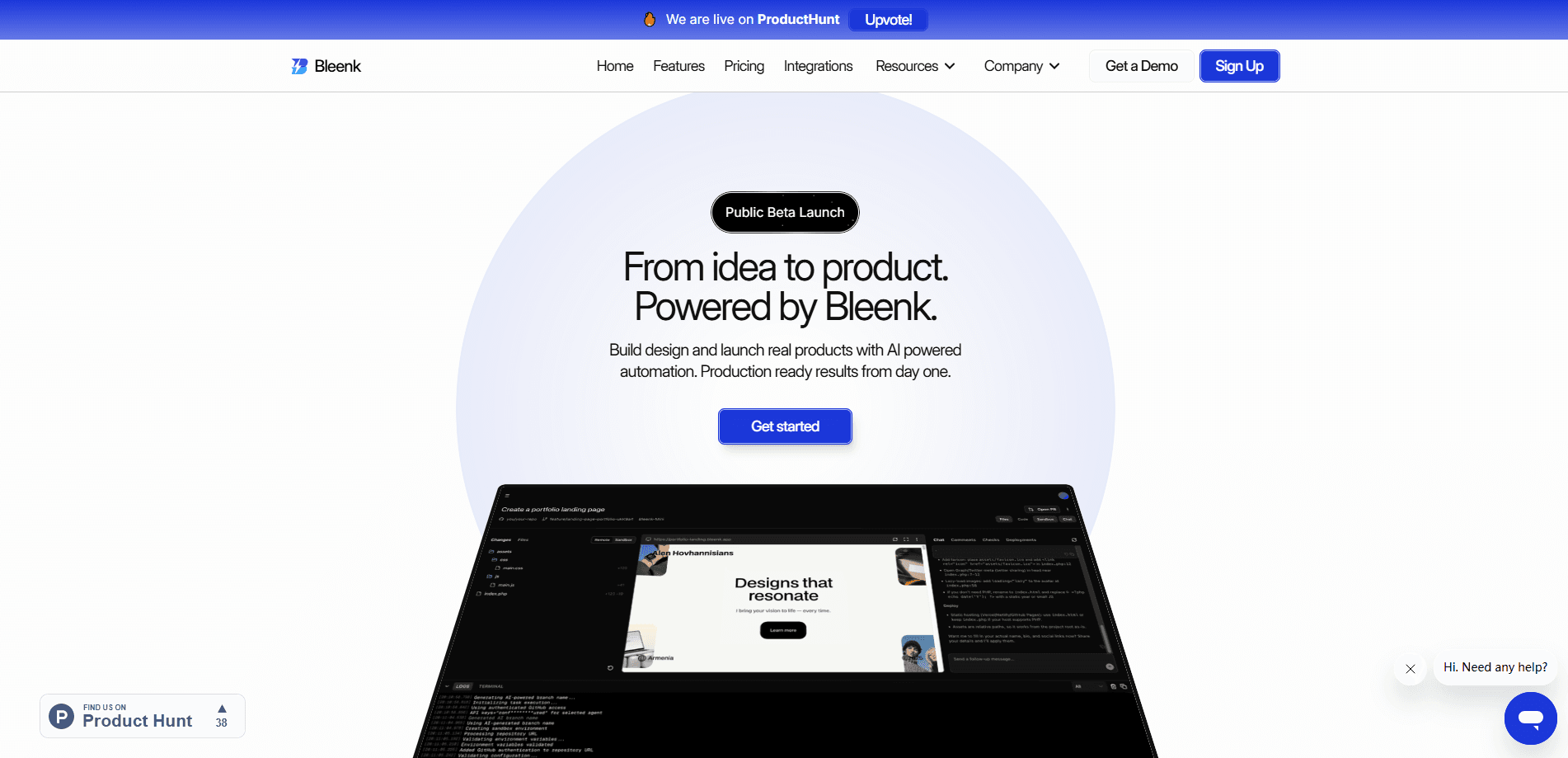
Bleenk is an autonomous AI coding agent that turns a plain-English prompt into a working web app, then tests and deploys it. You describe what you want, and the agent writes code across the frontend, backend, database, and APIs, shows you a live sandbox preview, and pushes the result to your own GitHub repository or straight to the cloud. Think of it as an AI app builder that also handles testing and shipping. It's built for developers, founders, and small product teams who want to skip the back-and-forth and ship faster. The whole stack lives in one workspace, so previews, repo context, and deployments stay aligned.
About Bleenk
What Is Bleenk
Bleenk is an AI coding agent aimed at full-stack web development. Unlike a plain code assistant that suggests snippets, it reads your entire codebase and makes direct changes. Ask it to add a feature and it can update the database, write the backend APIs, and adjust the user interface to match your existing style.
That's a different job from AI code generation tools that output a block of code and stop there. Bleenk keeps the agent loop going: write, preview, test, deploy. Is the agent actually good at this? Results depend on your codebase and how clearly you describe the task, so start small and let it prove itself on a real project.
The product groups everything into one workflow: describe the idea, let the agent write the code, review a live sandbox preview, then deploy with one click or open a GitHub pull request. Bleenk also handles the less glamorous parts, like server setup, security scans, and cloud deployment, so small teams don't need a separate DevOps pass for every launch. It works with the stack you already use, so you keep your own databases, frameworks, and GitHub repositories.
The main limits are scope and cost. Bleenk focuses on web apps and internal tools, not native mobile apps or desktop software. And like most agent tools, heavy use runs on credits, so a busy month with big projects can push you onto a higher plan.
Getting Started
- Sign up at app.bleenk.app. The Free plan gives you one project and five daily credits, so you can try it without a card.
- Describe your project in plain English, or connect a GitHub repository and upload wireframes if you already have them.
- Let the agent write the code across the frontend, backend, database, and APIs.
- Open the live sandbox preview and click through the interface to test features and performance.
- Once the automated tests pass, deploy to production or open a pull request on GitHub.
Product Information
A quick look at Bleenk's pricing, supported platforms, and performance.
Best for
The users, tasks, and scenarios where this tool fits best.
Users
- Solo developers
- Founders building an MVP
- Small product teams and agencies
Tasks
- Building full-stack features
- Generating and editing database schemas
- Reviewing code changes
Scenarios
- Turning a written spec or wireframe into a working internal tool without a long build cycle.
- Adding a feature to an existing repository, where repo context matters more than starting from scratch.
- Shipping a SaaS landing page or dashboard and deploying it the same day.
Key features
Autonomous Full-Stack Coding
This is the core of Bleenk. The agent reads your whole codebase, then makes direct changes across the frontend, backend, database, and APIs. Ask for a feature and it can update the schema, write the server routes, and adjust the interface to fit your style, all from one prompt. Big difference. That's a bigger job than an autocomplete tool takes on, and it's why the workflow feels closer to delegating than suggesting.
Live Sandbox Previews
Every prompt creates a live preview you can click through. You review code changes, check the design, and test performance in an isolated sandbox before anything ships. Teams lean on this for review: engineers, designers, and managers all look at the same running app rather than reading a diff and guessing. No more guesswork. What passes preview is what moves forward.
GitHub and Stack Integrations
Bleenk connects to your GitHub repository and existing tools in a few minutes. You keep your preferred databases, frameworks, and workflows instead of adopting a new stack. Your stack, your rules. The agent matches how you already build, and it can open a pull request so changes go through your normal review process rather than bypassing it.
Automated Testing and Security Audits
Before deployment, the agent runs automated tests inside the sandbox workspace and scans your code for vulnerabilities and leaked secrets. That combination matters for small teams without a dedicated QA or security reviewer, since it catches the obvious gaps before something reaches production. Tests pass, then you ship. It's a useful safety net.
One-Click Cloud Deployment
Once tests pass, you deploy to the cloud with one click and can promote or roll back from a single view. Bleenk handles server setup, security audits, and cloud deployment, then scales your web apps and internal tools automatically. Health checks and rollback controls are built into the release flow, so a bad deploy has a clear way back. No separate DevOps pass needed.
Credit-Based Pricing for Every Stage
Pricing scales from free to $199/mo, with monthly credits that cover AI agent operations. The Free plan includes one project and five daily credits, while Pro adds shared projects and pooled credits for teams. You can also buy credit packs separately, which suits sporadic workloads better than a fixed monthly overage. One credit costs a cent. The cost tracks how much you actually build, which makes budgeting straightforward.
Pros and cons
Pros
- Handles frontend, backend, database, and APIs in one agent, so you're not stitching tools together.
- Every change comes with a live sandbox preview, which makes review and testing part of the normal loop.
- Connects to your existing GitHub repo and stack, so it fits how you already work instead of replacing it.
- Included security scans and automated tests cover gaps that small teams often skip.
- A genuinely usable Free plan with one project and daily credits lets you test before paying.
Cons
- It's built for web apps and internal tools, so native mobile and desktop projects fall outside its scope.
- Heavy use burns credits, which can push an active project onto a higher monthly plan.
- As a newer product, some workflow automation and deployment options aren't available on the lower tiers.
Frequently asked questions
Bleenk is an AI coding agent that builds, tests, and deploys web apps. You describe what you want in plain English, and it writes code across the frontend, backend, database, and APIs, then shows a live preview and deploys it. It's aimed at people who want a working app, not just code suggestions.
Related content
Explore related tools, skills, and articles for Bleenk.
Bleenk Alternatives
Forefront
Forefront · CodingForefront is a web platform for building with open-source AI. It lets you fine-tune leading open-source language models on your own data, evaluate how they perform, and run them through an API or export them to host yourself. Developers who want the convenience of a closed-source platform but insist on owning their models and data are the target audience here.

Startkit
StartKit.AI · CodingStartkit is a boilerplate for building AI SaaS and AI wrapper products. Think of it as an AI startup boilerplate with the boring parts already wired up: authentication, Stripe and Lemon Squeezy payments, usage limits, transactional email, and an AI API starter that talks to OpenAI, Anthropic, Groq, or Llama. You clone the repo, set your price, and start on the part of your product that people actually pay for. It's Next.js under React and Tailwind, so most of the boilerplate code already feels familiar.
Testim
Tricentis · CodingTestim is an AI-powered test automation platform for building and running end-to-end tests across web, mobile, and Salesforce applications. It leans on machine learning to keep tests stable when an interface changes, so teams spend less time fixing broken selectors. Not bad for an automated testing tool you can start using today. You create tests by recording actions in a browser, then optionally add JavaScript when you need more control. It's a solid pick for busy QA teams.