

Blinked
Blinked · Business
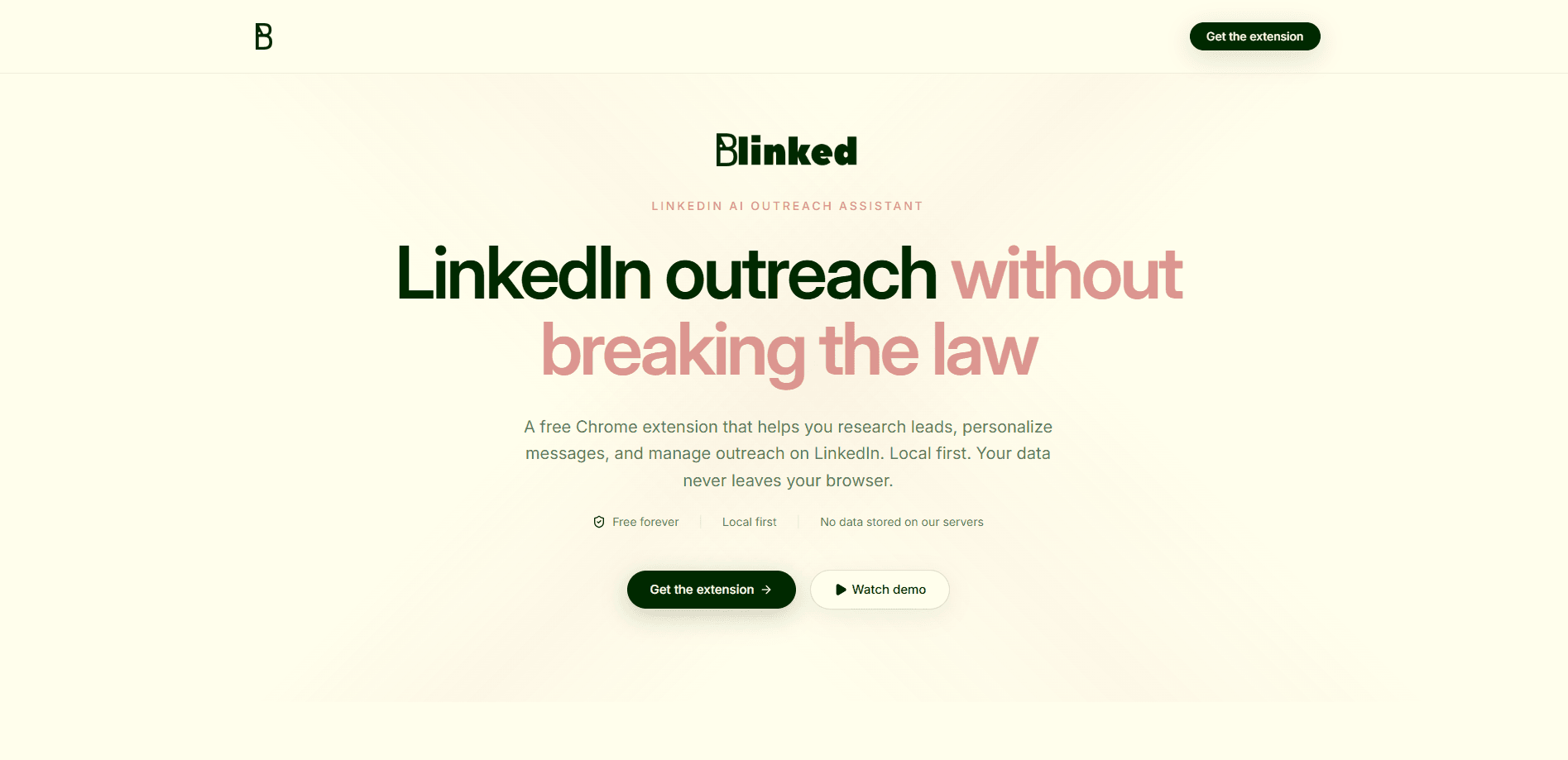
Blinked is a free Chrome extension for LinkedIn outreach that runs entirely on your own machine. It helps you research leads, draft personalized messages and follow-ups, and organize prospects into exportable lists. The pitch is simple: you get outreach help without handing your data to a server. So what does that actually look like in practice? Your contacts never leave your browser unless you export them yourself.
About Blinked
What Is Blinked
Blinked is a local-first Chrome extension built for people who do LinkedIn outreach and want to keep their prospect data private. Instead of routing profiles and messages through a cloud service, it works inside the browser tab you already have open. The extension reads the LinkedIn page you're on, helps you research that person, and generates draft copy you can edit before sending. If you've ever spent twenty minutes researching a stranger just to write three sentences that get ignored, you already know why that matters.
The product targets a real complaint about LinkedIn tools. Most outreach software asks you to log in, sync your account, and trust a third party with your network. Blinked skips that step. Nothing gets sent to an external server, and your prospect lists stay on your device.
There are trade-offs. Because it's a browser extension that acts on the page, it can break when LinkedIn changes its layout. It also doesn't offer the team dashboards or CRM sync you'd find in paid platforms such as Taplio or Dripify. It's a solo tool for individual founders, recruiters, and salespeople, not a seat-based team product. "Local-first" also means you own your backups. If you clear your browser data without exporting, those lists are gone.
Getting Started
- Open the Chrome Web Store listing for Blinked and add the extension to your browser, or install it from the official site at linkedin.blinked.dev.
- Log in to LinkedIn in the same browser and open a prospect's profile or your search results page.
- Click the Blinked icon in your toolbar to open the side panel and let it read the profile you're viewing.
- Generate an outreach message or follow-up, then edit the draft until it sounds like you.
- Save the prospect to a list, and export the list when you want a copy outside the browser.
Product Information
A quick look at Blinked's pricing, supported platforms, and performance.
Best for
The users, tasks, and scenarios where this tool fits best.
Users
- Solo founders
- Recruiters
- Sales reps and SDRs
Tasks
- Lead research
- Personalized outreach
- Follow-ups
- List building
Scenarios
- Warm intro prep before a call
- Weekly prospecting block
- Privacy-sensitive LinkedIn prospecting
Key features
Local-first data handling
Blinked runs inside your browser and doesn't ship your prospects to an external server, which means the profiles and lists you build stay on your device until you decide otherwise. For teams with strict data rules, this removes a whole category of compliance questions that usually slow a tool's approval down. The catch is that you're responsible for your own backups.
Profile research
Open a LinkedIn profile and the extension reads it so you get the key details without scrolling and copy-pasting. The goal is to give you enough context to write something specific instead of a generic template. You still decide what matters. That last part counts.
Personalized message drafting
The extension generates editable outreach copy based on the person you're viewing, and it's designed so that you're never meant to send the raw draft as-is without reading it first. The value is a starting point that beats a blank text box, and you keep control over tone and accuracy before anything goes out. Sound like yourself, not a template.
Follow-up generation
Getting a second message out is where most outreach dies, because the first push of enthusiasm fades and the follow-up feels like more work than it's worth. Blinked drafts follow-ups so you're not staring down an empty draft two weeks later. It's a nudge, not an autopilot, and it won't send anything on its own.
Exportable prospect lists
Save prospects into lists and export them when you want a working file outside the browser, which is handy for a shortlist you plan to review later or load into another tool by hand. There's no two-way sync, so treat the export as a snapshot rather than a live connection.
Free to use
There's no subscription. Blinked is a free extension, so there's no seat cost and no pricing tier to weigh. That lowers the bar for trying it. It also means you shouldn't expect the support or roadmap commitments of a paid platform.
Pros and cons
Pros
- No subscription and no per-seat cost, so you can test it without a credit card.
- Local-first design keeps prospect data on your machine instead of a vendor's server.
- Draft messages and follow-ups save time on the blank-page problem.
- Exportable lists let you move a shortlist out of the browser when you need to.
- Runs as a Chrome extension, so there's nothing to configure on a server side.
Cons
- No team features, CRM sync, or shared pipelines, which rules it out for larger sales orgs.
- Being a page-based extension means LinkedIn layout changes can break features until they're patched.
- Because data stays local, losing your browser profile without an export means losing your lists.
- It works only in desktop Chrome, so mobile-only users are out of luck.
Frequently asked questions
Yes. Blinked is a free Chrome extension with no subscription tiers, so there's no paid plan to upgrade into.
Related content
Explore related tools, skills, and articles for Blinked.
Blinked Alternatives

Knocket
Knocket (Tencent RTC team) · Productivity · Business · ChatbotKnocket is a free live chat and contact page tool that lets visitors message you from your website, app, or a shareable link, with every reply handled from Telegram or one inbox.

shippedit.me
Krawlup · Marketing · Businessshippedit.me now redirects to Krawlup, a web platform that audits SEO, AEO and page speed every week, then hands the fixes to AI coding agents over MCP.

Ayven
Alknoma · Productivity · BusinessAyven is an AI control centre by Alknoma that turns a plain-language goal into a dated plan, hands the work to your people and AI agents, and asks for your approval only when the call is yours.