

BlipCut AI Video Translator
BlipCut · Voice & Language
BlipCut AI Video Translator is an online tool for dubbing and subtitling videos into 140+ languages, using AI voice cloning and lip sync to keep speakers looking natural.
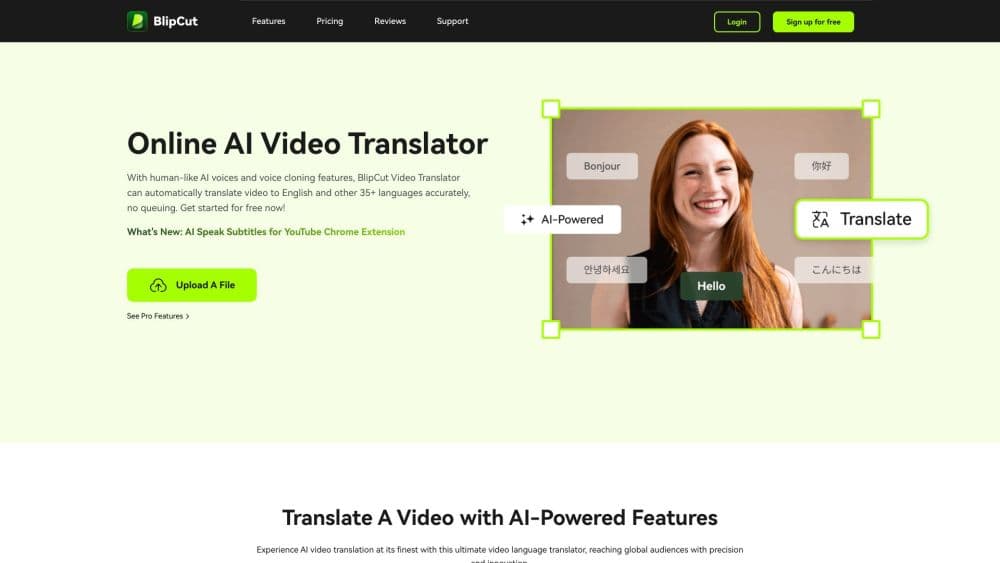
About BlipCut AI Video Translator
What Is BlipCut AI Video Translator
BlipCut AI Video Translator is a browser-based tool that takes a video in one language and produces a dubbed, subtitled version in another. You feed it a file or a link, and it handles transcription, translation, voice generation, and timing in one pass. The pitch is simple: reach an audience that does not speak your language without hiring voice actors or editors.
The problem it solves is the cost and delay of localization. Traditional dubbing means booking talent, studio time, and a subtitle editor, then repeating that whole chain for every new language. BlipCut collapses the loop, so a single creator can run a multi-language channel on their own.
It is not a full video editor. BlipCut works as video dubbing software, focusing on the translation and dubbing layer, and it leaves cutting, color work, and effects to whatever tool you already use. The output quality also tracks the source: a clean recording with one speaker translates far better than a noisy clip with several people talking over each other.
Getting Started
- Sign in to BlipCut in your browser and pick the video translator tool.
- Upload a video file or paste a link from YouTube or another supported source.
- Choose the target language, then set the voice, speaking rate, and lip sync options.
- Review the transcript and the translation, and fix any lines the AI got wrong.
- Generate the output and download the dubbed video or the subtitle file.
Product Information
A quick look at BlipCut AI Video Translator's pricing, supported platforms, and performance.
Best for
The users, tasks, and scenarios where this tool fits best.
Users
- Independent YouTubers
- Marketing teams
- Online educators
Tasks
- Dubbing a video into another language
- Cloning a speaker's voice
- Generating and translating subtitles
- Turning long video into short clips
Scenarios
- Running a multi-language YouTube channel
- Localizing a podcast or audiobook
- Preparing a product demo for a global team
Key features
AI Video Translation Across 140+ Languages
BlipCut translates spoken audio in a video into more than 140 languages and handles audio files too. You pick the source and target, and the tool manages transcription and translation in the same pass. Context understanding helps the output read as coherent speech rather than word-for-word swap, which matters most on longer clips.
AI Voice Cloning
The voice cloning tool reproduces a speaker's voice in 29 languages, so a dubbed video keeps the original person's tone. On multi-speaker clips, BlipCut recognizes the different voices and clones each one separately. That keeps a two-person interview sounding like two people instead of one narrator reading everything.
AI Lip Sync
Lip sync video translation adjusts the speaker's mouth movements so they line up with the translated audio. Without it, a dubbed clip looks visibly off, since the lips move for the old language. It is the feature that separates a watchable dubbed video from one that clearly reads as a translation.
AI Subtitle Generator and Translator
BlipCut transcribes a video into subtitles and translates them, then lets you export the files. You can edit the transcript, the translation, and the timestamps before exporting. Support covers SRT and VTT import and export, so subtitles move between BlipCut and your editing app without rework.
Batch Video Translation
The bulk translator takes several videos and processes them into one language or many at once. For teams with a catalog of clips, batch mode cuts the repeated setup that would otherwise happen file by file. It is the feature that makes large-scale localization practical.
AI Clip Maker
BlipCut can convert a long video into short clips with automatically generated titles and descriptions. It targets creators who want to cut a single recording into social-ready segments. The clips feed straight into the same translation pipeline if you want them in other languages.
Transcript and Translation Editing
Every editing step is free inside BlipCut, so you can rewrite the transcript, merge lines, and correct the translation after the AI runs. Fixing a wrong name or an awkward phrase before export saves a round trip through another tool. It also lets you match the dubbed audio more closely to the original meaning.
Pros and cons
Pros
- Handles transcription, translation, dubbing, and subtitles in one place, so you skip juggling separate tools.
- Voice cloning across 29 languages keeps a familiar voice on dubbed versions, and lip sync keeps the speaker looking natural.
- Batch translation and subtitle export make it practical to localize a whole library of videos, not just one.
- Transcription and translation are editable before export, so you can fix mistakes instead of living with them.
- A browser tool with a free entry point means creators can test the workflow without signing a contract.
Cons
- Output quality depends on the source recording, so noisy audio or heavy overlapping speech produces weaker transcripts and dubs.
- There is no public API, so teams that need to automate translation inside their own pipeline cannot plug BlipCut in.
- It covers the translation and dubbing layer only, so you still need a separate editor for cutting, color, and effects.
- Credits run out by the minute of video, so a large backlog of long clips adds up quickly on paid plans.
Frequently asked questions
It is used to translate and dub videos into other languages. You upload a file or paste a link, and BlipCut transcribes the speech, translates it, generates a voice track, and produces subtitles, all aiming to make the video watchable for an audience that speaks a different language.
Related content
Explore related tools, skills, and articles for BlipCut AI Video Translator.
BlipCut AI Video Translator Alternatives

Prosp
Prosp · Writing · Voice & Language · MarketingProsp is an AI LinkedIn outreach tool built for agencies and sales teams, and it writes the message and the voice note in your own voice for each prospect so they actually reply. You connect your accounts, find leads, and let the AI draft and send personalized messages at scale, all from one inbox. It's built for people running outbound at volume. That's the whole pitch. Every touchpoint still has to feel human.

Wordly AI Translation
Wordly · Voice & Language · ProductivityWordly AI Translation is a real-time AI translation and captioning platform built for meetings, conferences, and events. It delivers live translation, captions, transcripts, and summaries in more than 60 languages, and attendees join by scanning a QR code or opening a link instead of using dedicated headsets. The platform works with Zoom, Microsoft Teams, Google Meet, and Webex, and it's designed for organizations that want multilingual access without hiring human interpreters for every session. Simple as that.
Musicful
Musicful AI · Voice & Language · VideoMusicful is an AI music generator and AI music video maker that turns text to music in minutes. Give it a text prompt, a set of lyrics, or a hummed melody and it returns a finished track with vocals and instruments. It also doubles as an AI song generator, produces music videos from the songs you create, and offers an AI cover tool plus a developer API. The platform runs in a web browser and through an Android app, so you can start a song on desktop and pick it up on your phone.