

BlogBowl
BlogBowl · Writing · Marketing
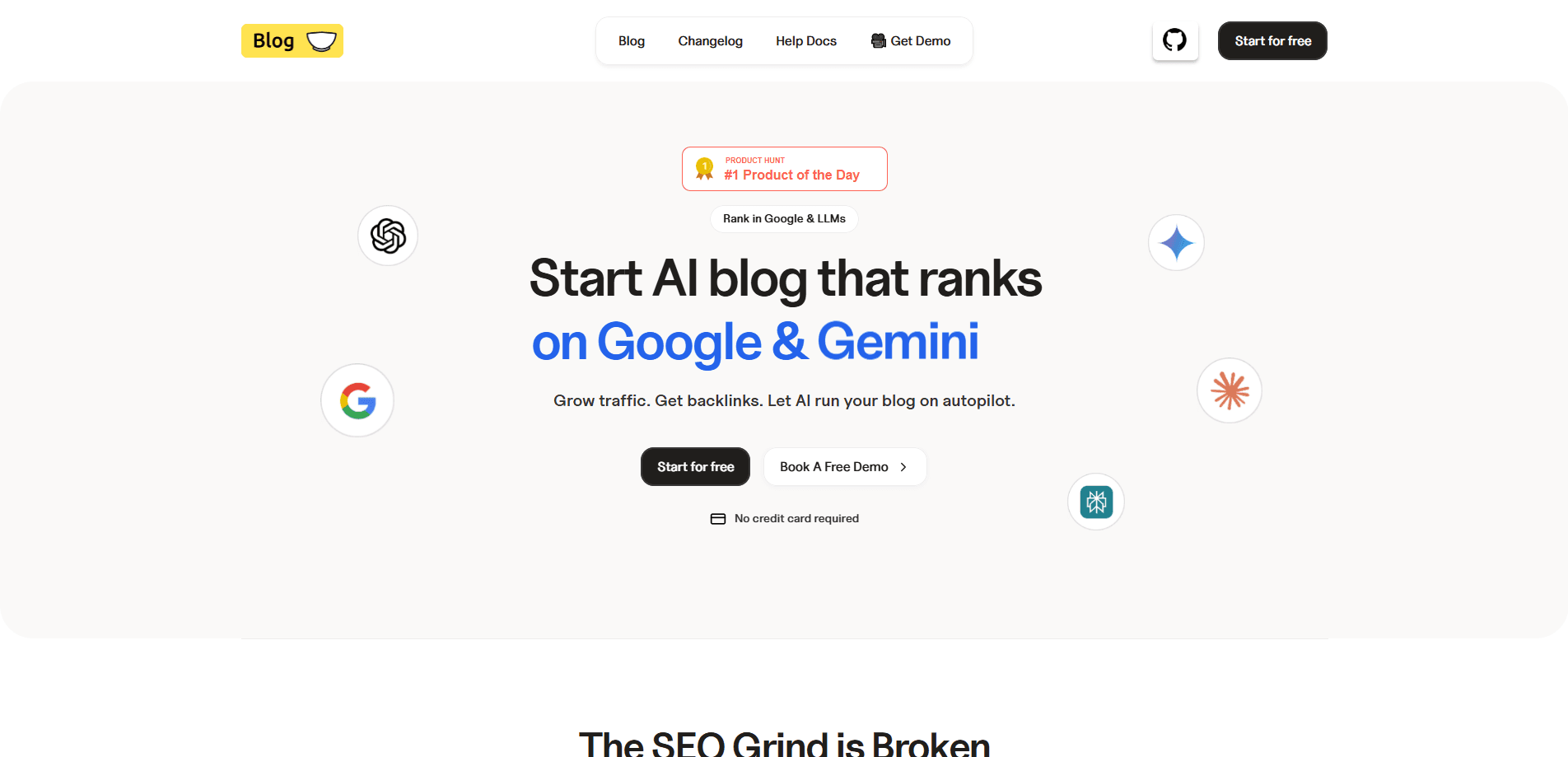
BlogBowl is a no-code blog platform built for SaaS founders and small marketing teams. It lets you launch a blog, changelog, and help center in minutes, then fill them with SEO-friendly posts through AI content help. Technical SEO, templates, a newsletter, and Umami-powered analytics come built in, so you can skip weeks of setup and focus on writing. That's the appeal.
About BlogBowl
What Is BlogBowl
BlogBowl is a SaaS blog platform that packages the whole publishing stack into one place. You get SEO-optimized templates, a Notion-style editor, a changelog, help docs, a newsletter, and analytics without touching a build pipeline. The founder, Daniil Poletaev, built it after spending two weeks setting up a blog for his own project, then 40-plus hours tuning it to rank. Those are the exact chores BlogBowl automates, and that's the whole reason people switch. For anyone shopping for SEO blog software, the bundled technical SEO is the headline feature.
The pitch is simple. You write, BlogBowl handles technical SEO, hosting, layout, and delivery. Blogs can live on your own domain, on a subdomain, or on a my-blog.blogbowl.io address. Under the hood, the BlogBowl Core is open source, so teams that want to self-host or extend the engine can do that too. Think of it as an open source blog engine with a managed front end.
The limits matter, and they're worth stating up front. The AI writing features are the newest part of the product, so quality still depends on your prompts and edits. If you need deep custom development or a fully bespoke CMS, BlogBowl isn't the right fit. It's aimed at people who want a good-looking, fast, indexable blog without hiring a developer.
Getting Started
- Sign up at app.blogbowl.io with your email and start the free tier.
- Pick a template and point the blog at your domain, a subdomain, or a free blogbowl.io address.
- Connect your subscribers and turn on the built-in newsletter if you want to email readers.
- Write your first post in the editor, or draft one with AI content help and edit it to match your voice.
- Hit publish, then watch traffic by country, referrer, and session time in the analytics dashboard.
Product Information
A quick look at BlogBowl's pricing, supported platforms, and performance.
Best for
The users, tasks, and scenarios where this tool fits best.
Users
- SaaS founders
- Small marketing teams
- Open-source maintainers
- Solo writers
Tasks
- Publishing SEO blog posts
- Shipping product updates
- Answering customer questions
- Growing an email list
Scenarios
- Launching a blog for a new SaaS product before you have any content
- Running a content marketing effort on a small budget
- Handing blog management to a non-technical teammate
Key features
Fast, SEO-Ready Templates
BlogBowl ships templates with technical SEO already wired in, covering meta tags, structured layouts, and fast page loads. You pick a look and adjust colors, fonts, and layout without code. So why does that matter? The point is that ranking work starts on day one rather than after a plugin audit. Setup is quick.
AI Content Assistance
The platform can draft researched, SEO-oriented posts and localize them for different languages and regions. This is the new part of the product, so treat the drafts as starting points. A human pass for accuracy and tone is still needed, because AI drafts can drift on specific product facts. Always read before you publish.
Blogs, Changelogs, and Help Docs in One Place
You can create unlimited blogs, changelogs, and help docs under one account. A changelog keeps release notes next to your blog, while help docs give customers a place to solve problems. That saves the cost of running three separate tools, and it keeps one login for the whole content operation. Fewer tabs, fewer bills.
Custom Domains and Flexible Placement
BlogBowl lets you put the blog on example.com/blog, on blog.example.com or example.com, or on a my-blog.blogbowl.io address. This flexibility means the blog can match how your main site is structured instead of fighting it, which is often the small detail that decides whether a migration is painful or painless. Keep the URLs you already rank for.
Built-In Analytics
Analytics run on Umami, so you get views, unique visitors, and average session time, plus a breakdown by country, city, and referrer. It's lightweight and loads fast because it sits inside the blog rather than as a separate script. No extra blog analytics tool to buy. You can also build custom reports for specific goals.
Newsletter and Subscriber Management
Subscribers are collected on the blog and managed in the same dashboard. You can send newsletters without exporting emails to another service. For small teams, that removes one more monthly subscription and one more login. Simple wins.
Open-Source Core
The BlogBowl Core is open source, and it's the same engine behind the hosted platform. Teams that want to host, customize, or extend the blog themselves can do so on GitHub. It's a rare option for a no-code SaaS blog builder, since most competitors keep the engine closed and leave no way out once you've committed your content. Builders like that.
Notion-Style Editor
Posts are written in an editor that feels like Notion, which lowers the learning curve for anyone who's used modern note tools. Writing, formatting, and publishing happen in one flow, so there's no handoff between a doc and a CMS. No training needed.
Pros and cons
Pros
- Launches a blog, changelog, and help center in minutes, not weeks, which is the core time saving.
- Technical SEO is built in, so you don't need to install or configure SEO plugins.
- Open-source core gives teams the option to self-host and extend.
- Built-in Umami analytics and newsletter cover two tools you'd otherwise pay for separately.
- A free tier means you can test the whole flow before spending anything, and the upgrade path stays cheap for small teams that just need one blog and a steady stream of posts.
Cons
- AI content help is new, so drafts often need heavier editing than the marketing suggests.
- There's no native mobile app, so publishing happens through a browser.
- Deep customization is limited compared with a self-managed CMS like WordPress, which matters if you need unusual layouts.
- Some template styling is fixed. You can tweak colors and fonts, but not rebuild the structure.
Frequently asked questions
It's used to launch and run a SaaS blog, changelog, and help center from one no-code platform. Technical SEO, analytics, and a newsletter are included, so you can publish and measure without extra tools.
Related content
Explore related tools, skills, and articles for BlogBowl.
BlogBowl Alternatives

Google EmbeddingGemma 2
Google DeepMind · Writing · Image · CodingGoogle EmbeddingGemma 2 is a 740M-parameter open model that turns text, code, images, audio, and video frames into vectors in one 768-dimension space, running on phones and laptops.

MePersona
MePersona, Inc. · Writing · Productivity · MarketingMePersona is an AI unified inbox for creators. It learns your voice, drafts replies to fan messages from 12 platforms, and sends only what you approve.

Fluence
Yay Software (Yannick Huchard) · Writing · Voice & Language · ProductivityFluence is an Android app that reads PDFs, EPUBs, Word files and web articles aloud, follows each sentence as it speaks, and answers questions about the text on the phone itself.