

BODYSIM
Well Principled · AI Assistant
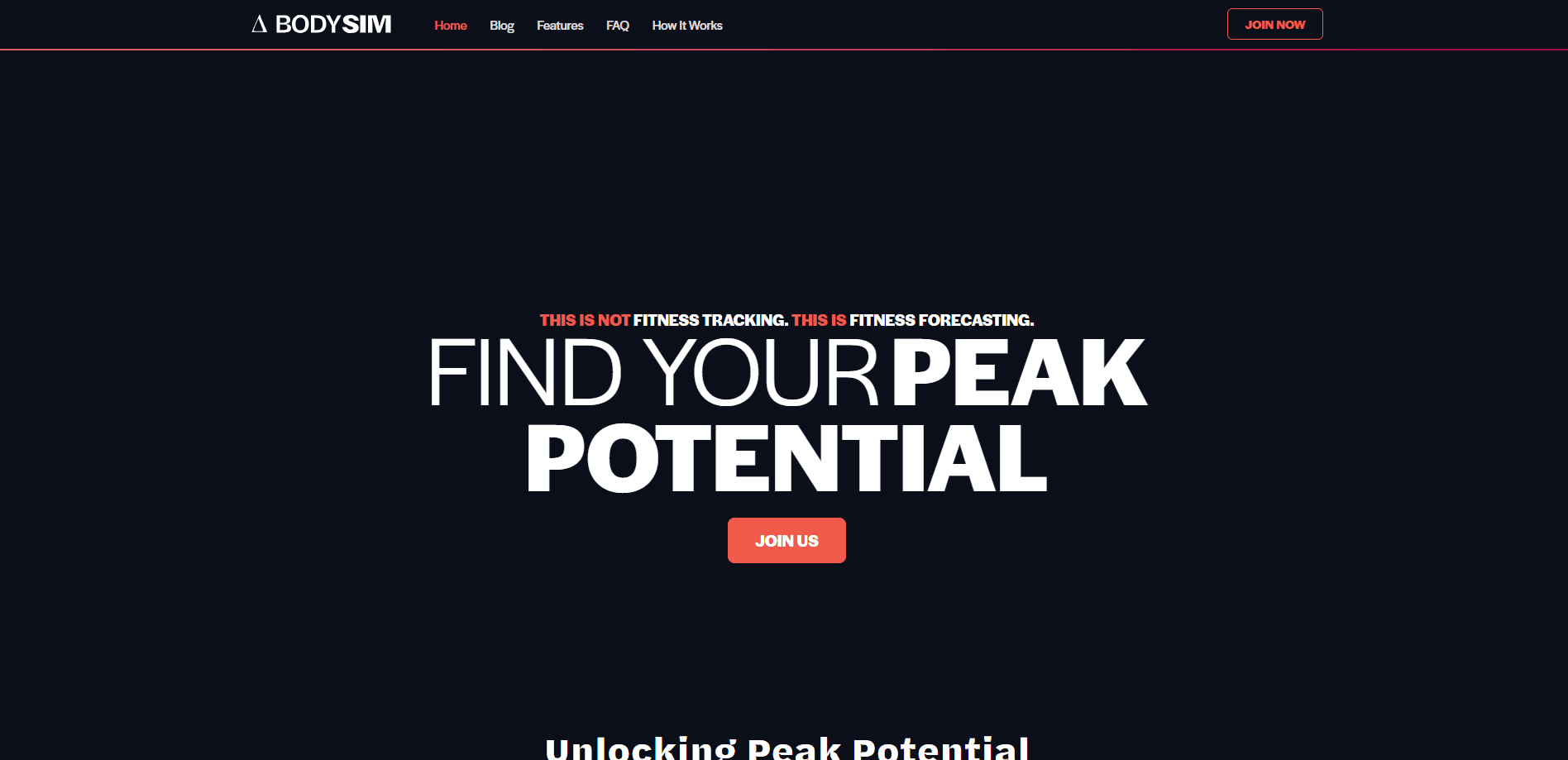
BODYSIM is an iOS fitness forecasting system. A digital twin of your body blends DEXA scans, blood tests and scale data to project muscle gain and fat loss.
About BODYSIM
What Is BODYSIM
BODYSIM is an app-based system that builds a digital twin of your body. It fuses DEXA scans, body composition weigh-ins, 3D scans, fitness tracker data, food logs and blood panel markers into one model of your metabolism and physiology.
The system's job is to forecast, not just record. It shows how your current diet and training plan will change your body in the coming months, and what a different plan would do instead. The core input is a mathematical model of human metabolism and hypertrophy, so the projections update as you log more data.
The biggest limitation is access. BODYSIM runs only on Apple iOS devices, and there's no Android version planned. The subscription also isn't cheap, and it bundles physical hardware and lab work rather than offering a software-only tier.
Getting Started
- Download the iOS app and finish onboarding, then link the included Withings Body Scan scale and your fitness tracker.
- Log meals and macros for the first week so the model can estimate your basal metabolic rate.
- Complete an at-home blood panel and get a baseline DEXA scan at a nearby DEXAFit location.
- Set a body composition goal, review the generated nutrition and resistance training plan, and adjust it to fit your routine.
- Keep up daily weigh-ins, monthly blood panels and quarterly DEXA scans to refine the forecast.
Product Information
A quick look at BODYSIM's pricing, supported platforms, and performance.
Best for
The users, tasks, and scenarios where this tool fits best.
Users
- People who want to gain muscle and lose fat at the same time
- Data-driven lifters
- People with a clear body composition goal
Tasks
- Forecasting progress
- Setting realistic macros
- Planning resistance training
Scenarios
- Starting a structured muscle gain phase
- Losing fat without losing muscle
- Managing a training plateau
Key features
Digital Twin Body Model
BODYSIM builds a model of your body by combining DEXA scans, 3D scans, scale data, blood markers and food logs. The model accounts for the bias in each data source, so a noisy scale reading doesn't throw off the whole picture. As you log more, the twin gets closer to your real metabolism.
Body Composition Forecasting
The app projects how your body changes month by month under your current plan, then shows what a different plan would produce. You can compare eating and training scenarios side by side and see how each one moves your goal date.
DEXA-Backed Baselines
The subscription starts with a baseline DEXA scan and a follow-up roughly every three months. DEXA measures muscle, bone and fat separately, which is more reliable than a consumer scale. BODYSIM uses these scans to anchor the trends it reads from daily weigh-ins.
Rx Workouts With Progressive Overload
Workout plans target underdeveloped muscle groups and adjust intensity from your training history. The app monitors your estimated one-rep max and tells you when to add weight, and it schedules recovery so strength gains don't stall.
Blood Biomarker Monitoring
Monthly at-home blood tests cover hormones, vitamins and markers tied to overtraining. The included panel checks free and total testosterone, vitamin D, ferritin and other values, along with reference ranges aimed at fitness rather than general health.
Adaptive Meal Plans and Grocery Integration
Meal plans are macro-customized and built from high-protein, low-fat recipes, with one-click grocery lists that connect to grocery delivery services. You can swap in your own recipes as long as you hit your macro targets.
Overtraining Detection
BODYSIM watches biomarkers, nutrition and in-app surveys for signs of overtraining syndrome. Flagging it early helps you adjust before a heavy training block turns into weeks of stalled progress.
Pros and cons
Pros
- Forecasts future body composition instead of only recording past data.
- Combines DEXA scans, blood tests and 3D scans in one model rather than relying on a single device.
- Personalized workout and meal plans adjust as your data changes.
- Included hardware kit covers the scale, food scale and blender bottle you need to start.
- Blood biomarker tracking gives a clearer read on recovery and overtraining.
Cons
- Works only on Apple iOS, with no Android version planned.
- No free tier, and the bundled hardware and lab work push the cost well above a typical fitness app.
- Accuracy depends on consistent daily logging and regular lab visits, which is a real commitment.
- Much of the setup relies on DEXAFit locations and at-home blood testing, which may not fit everyone.
Frequently asked questions
BODYSIM builds a digital twin of your body and forecasts how your diet and training will change your muscle and fat over the coming months. It combines your measurements with a scientific model of metabolism, then turns that into specific workout and nutrition guidance.
Related content
Explore related tools, skills, and articles for BODYSIM.
BODYSIM Alternatives

Iplan AI
Iplan AI · Productivity · AI AssistantIplan AI is an AI travel planner that turns a few trip details into a full day-by-day itinerary in seconds. You answer questions about your destination, interests, budget, and travel companions, and the tool builds a plan you can edit, share, and carry with you on any device. It targets travelers who want a solid draft without spending hours in spreadsheets and browser tabs. Think of it as an itinerary generator that does the tedious part for you.

Screenhelp
Screenhelp · Productivity · AI AssistantScreenhelp is an AI screen assistant that turns a single keyboard shortcut into real-time help. You press Ctrl+Shift+Space, it captures what's on your screen, and it streams an answer into a private panel in about two seconds. Think of it as an AI screenshot helper you trigger on demand. It runs on Mac, Windows, and the web, starts free with 30 answers a month, and stays invisible during screen sharing on Zoom, Teams, and Google Meet.

Rainbow
Rainbow · AI AssistantRainbow is an AI weather forecast app built around short-term precipitation nowcasting. Its engine pushes min-by-min rain and snow predictions up to four hours ahead, blending live satellite and radar feeds into hyperlocal forecasts. The app adds live rain radar, a seven-day outlook, precipitation alerts, home-screen widgets, and a hurricane tracker, and it runs on both Android and iOS with a free tier plus paid upgrades.