

BoldVoice Accent Oracle
BoldVoice · Voice & Language
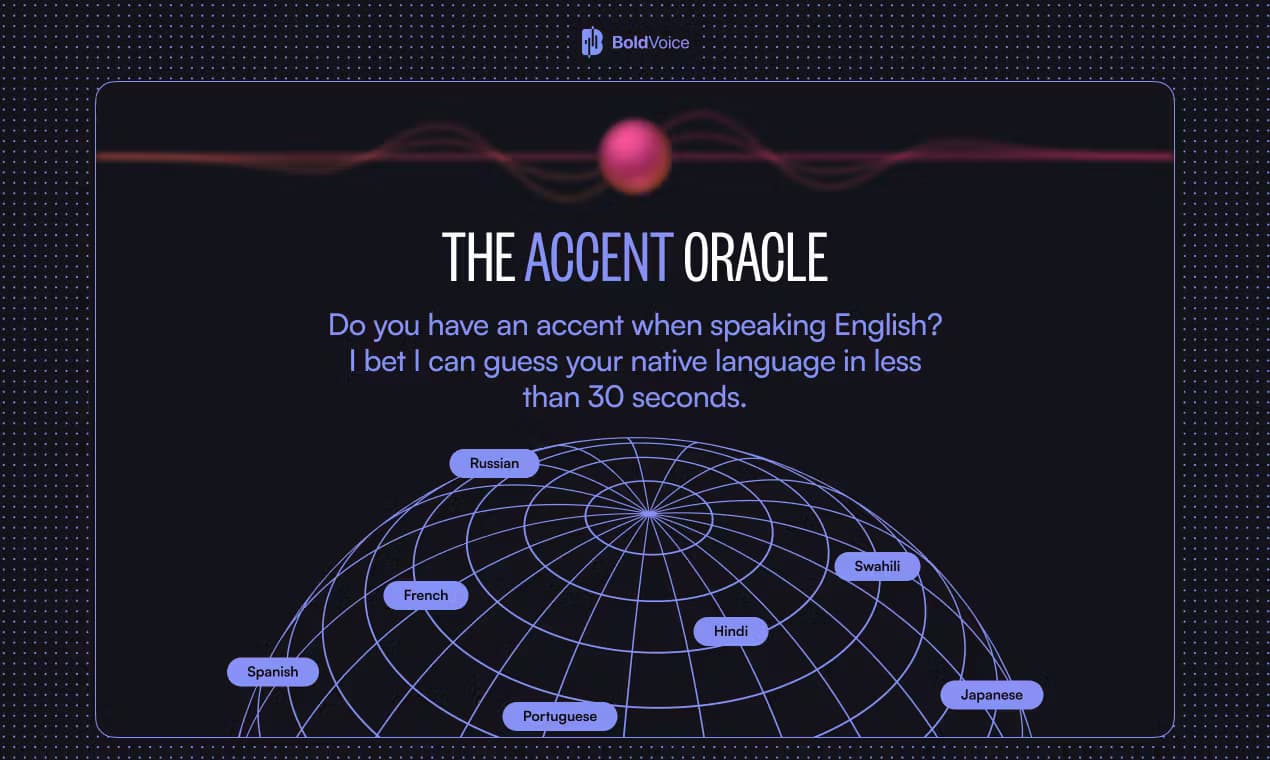
BoldVoice Accent Oracle is a free AI accent detection tool that listens to your English and guesses your native language in about 30 seconds.
About BoldVoice Accent Oracle
What Is BoldVoice Accent Oracle
BoldVoice Accent Oracle is a browser-based tool from BoldVoice, the company behind the American accent training app. You speak a short English passage into your mic, and the tool runs your recording through speech AI that predicts which language you grew up speaking. It's a curiosity machine first and a feedback tool second, and it's built for non-native English speakers who want a quick, honest read on how they sound. So what does an AI accent detection tool actually tell you? Less than you might hope, and more than most friends will.
The appeal is that it removes guesswork. Most people can't hear their own accent clearly, and friends are usually too polite to tell them the truth. It's awkward. Oracle gives you a label in half a minute, no account required, so it works as a low-stakes first step before you commit to any serious pronunciation work.
The biggest limitation is what it doesn't do. A single guess is a snapshot, not a diagnosis. It won't pinpoint which specific sounds you're missing, and it won't tell you how to fix them, which means the tool is best understood as a mirror rather than a coach with a lesson plan. Thick accents, background noise, or a short recording can all throw the prediction off. Treat it as a starting point, not a verdict.
Getting Started
- Open accentoracle.com in a desktop or mobile browser. No signup is needed to try it.
- Allow microphone access when your browser asks, then follow the on-screen prompt.
- Read the English sentence or short passage out loud at a natural pace, close to your mic.
- Wait about 30 seconds while the AI analyzes your speech.
- Check the predicted native language, then try again in a quieter room if the result looks off.
Product Information
A quick look at BoldVoice Accent Oracle's pricing, supported platforms, and performance.
Best for
The users, tasks, and scenarios where this tool fits best.
Users
- Non-native English speakers
- Job seekers and students
- Language learners
Tasks
- Quick accent self-check
- Deciding whether to invest in training
- Comparing takes
Scenarios
- Testing the tool before a big meeting to see how your English lands.
- Satisfying curiosity with friends about what your accent gives away.
- Framing a New Year's goal around speaking more clearly at work.
Key features
30-second accent detection
The core trick is speed. You speak one short passage and the tool returns a native-language guess in about half a minute. That's fast. It's also quick enough to run several times if you want a second opinion, which turns a single English accent test into a small sound sample you can compare against itself, and a noisy room will quietly change the answer from one run to the next.
Native language prediction
Oracle doesn't just say "you have an accent." It points to the language it thinks you grew up speaking, based on the rhythm, stress, and vowel patterns in your English. For most users, that prediction is the hook. It's what makes the result feel personal, and it's the single feature that makes this accent checker feel less like a gimmick.
No account required
You can use the checker without signing up, handing over an email, or downloading anything. For a tool you'll maybe use twice, that low barrier matters. No email. No download. It keeps the whole experience to a single browser tab.
Works in your browser
The tool runs on desktop and mobile browsers, so there's no app to install and no Google Play or App Store trip. If your device has a working mic, you can try it. Just speak. A quiet room and a decent mic clearly help, and they make the pronunciation analysis far steadier.
Low-pressure entry to BoldVoice
Oracle is a soft front door to the wider BoldVoice product, an accent training app with AI pronunciation feedback and video lessons from Hollywood dialect coaches. Short version: the detector is free, and the training is the paid part. If the oracle sparks your interest, the app is the natural next step for actual improvement.
Pros and cons
Pros
- Free to use, with no account or download required.
- Results come back in about 30 seconds, so it's easy to retry.
- Works on both desktop and mobile browsers with just a microphone.
- Simple enough for anyone, no technical setup involved.
- Doubles as a light nudge toward structured pronunciation practice.
Cons
- One guess is a snapshot; noisy rooms or short recordings can skew it.
- It names a native language but doesn't explain which sounds are off or how to fix them.
- There's no API or documented integration, so you can't build it into your own tools.
- Long-term progress tracking isn't part of the free standalone tool.
Frequently asked questions
Run a short spoken sample through an AI tool like BoldVoice Accent Oracle, which returns a guess in about 30 seconds. Longer, quieter recordings give the model more to work with, so a clean 30-second take usually beats a rushed one.
Related content
Explore related tools, skills, and articles for BoldVoice Accent Oracle.
BoldVoice Accent Oracle Alternatives

Foley
Hanamori Labs, LLC · Voice & Language · Productivity · AI AssistantFoley is a voice to-do list that turns a spoken sentence into a filed task, complete with project, date and time, then helps you plan the day around what is already there.

HireKey
HireKey · Voice & Language · Productivity · LeaningHireKey is an AI job search copilot built by a former tech recruiter. It checks role fit, tailors resumes, runs interview practice and tracks every application.

Fluence
Yay Software (Yannick Huchard) · Writing · Voice & Language · ProductivityFluence is an Android app that reads PDFs, EPUBs, Word files and web articles aloud, follows each sentence as it speaks, and answers questions about the text on the phone itself.