

Wonder Sites
Boring · Coding
Wonder Sites is a no-code builder that turns Notion into a CMS, so you can launch blogs, helpdesks, docs, marketplaces and directories in minutes.
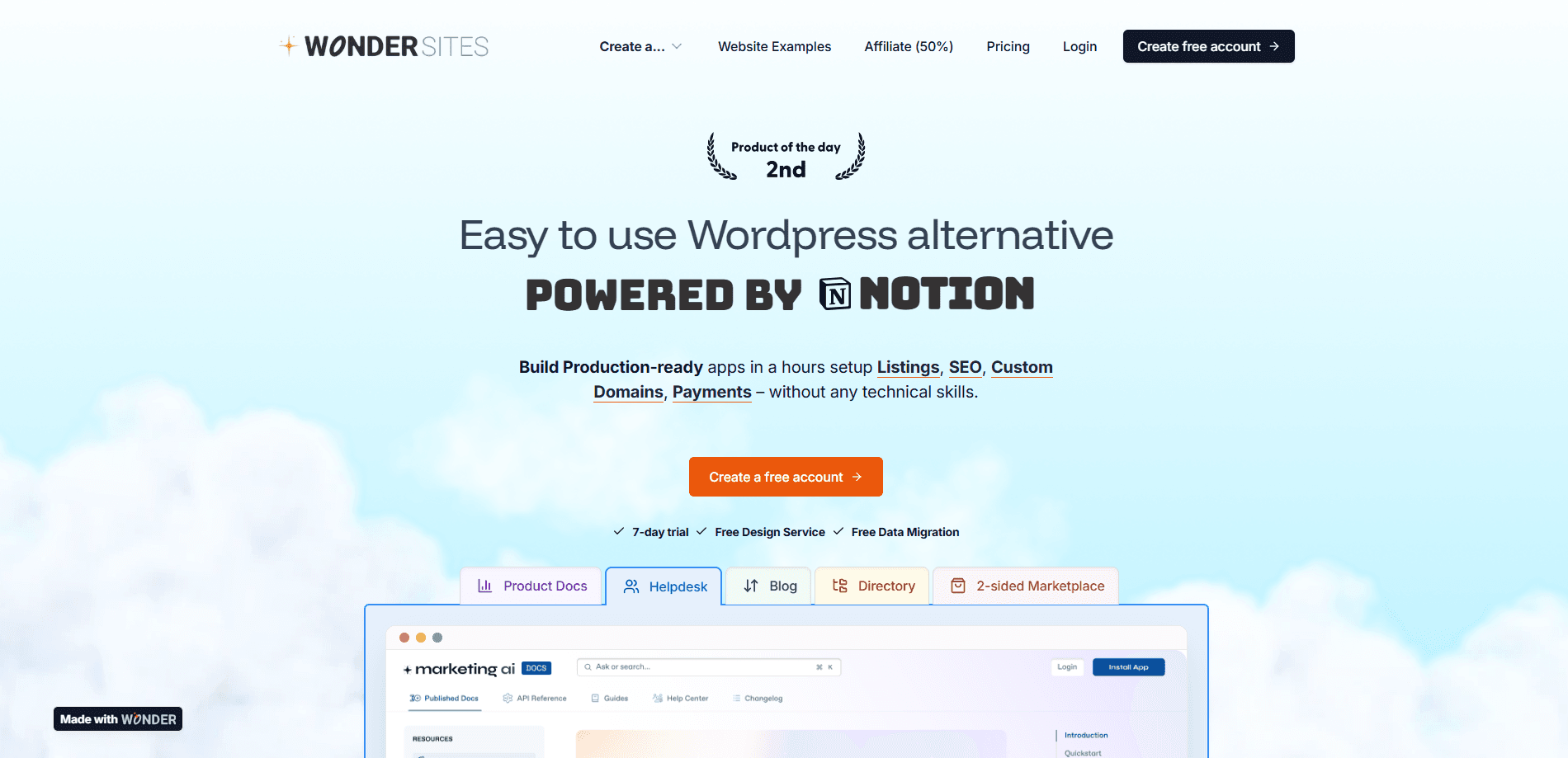
About Wonder Sites
What Is Wonder Sites
Wonder Sites is a Notion Website Builder from Boring, the small studio run by maker Vaibhav Kalra. It uses Notion as its content management system. Instead of designing pages in a drag-and-drop editor, you write and organize everything in Notion, then connect the workspace to Wonder. The tool syncs that content into a fast, hosted site that can run on its own domain.
The gap it targets is the one between writing in Notion and publishing a professional site. Notion's own sharing gives you long, messy URLs and little control over design. Wonder closes that gap with templates, SEO settings, payments and optional membership logins, so a blog or a marketplace looks and behaves like a purpose-built site.
The clearest limit is that Wonder depends on Notion for content. If Notion goes down, or you leave the workspace, the editorial workflow goes with it. It also suits content-driven sites better than app-like products with heavy interactive features.
Getting Started
- Sign up at wondersites.co and start a free site. The free tier does not ask for a credit card.
- Connect your Notion workspace and let Wonder read the pages and databases you share with it.
- Pick a site type such as blog, helpdesk, documentation, marketplace or directory.
- Shape the design with the AI Designer, or describe the sections you want and let the AI Developer build them.
- Add your content in Notion, trigger a sync, then connect a custom domain and publish.
Product Information
A quick look at Wonder Sites's pricing, supported platforms, and performance.
Best for
The users, tasks, and scenarios where this tool fits best.
Users
- Bloggers and writers
- Solo founders and small teams
- Course creators and community leads
Tasks
- Publishing a helpdesk or knowledge base
- Running a directory or two-sided marketplace
- Launching landing pages and sales funnels
Scenarios
- A team that already runs internal docs in Notion
- A side project that needs to go live this week
- A growing content business
Key features
Notion as Your CMS
Wonder reads your Notion pages and databases and turns them into live site pages. Edits you make in Notion appear on the site after a sync, so you keep writing where you already work. This is the core of the product, and it is what separates it from a plain Notion website builder that only puts a domain on a page.
AI Designer and AI Developer
The AI Designer helps you shape the look of a site, and the AI Developer builds sections from plain-language prompts. You can describe a hero, a pricing block or a listings grid and get working sections back. It shortens setup for people who don't want to touch code. The output still needs a human eye for polish.
Ready-Made Site Templates
Wonder ships templates for the common content formats: blog, helpdesk, documentation, marketplace and directory. Each one works much like a dedicated helpdesk builder or directory builder, with layouts and structure already suited to that format. You start from a working example instead of a blank page, which is a big part of why a site can go live in minutes.
Custom Domains, Sub-Directories and Hosting
Every site runs on Wonder's own hosting and can use a custom domain, with the free tier getting a hosted subdomain. Sub-directory support lets one domain carry several sections. You skip server setup, SSL and deployment steps, which removes most of the technical work that usually delays a launch.
Payments and Membership Logins
Marketplaces and paid content can take payments through integrated checkout, with Stripe listed by the maker alongside support for Gumroad and LemonSqueezy. SaaS-style membership logins let you gate pages behind a sign-in. That combination is what makes a two-sided marketplace or a paid community practical on top of a Notion database.
Built-In Analytics and SEO Settings
Wonder includes analytics for visitors, popular posts and link clicks, plus SEO controls for titles, descriptions and per-page metadata. The data feeds back into what you write and how you structure pages, and the SEO settings help Notion content rank like a normal site.
Pros and cons
Pros
- Setup is quick and the learning curve is small, especially if you already know Notion.
- Content lives in Notion and syncs to the site, so you never maintain two copies.
- Templates cover blogs, helpdesks, docs, marketplaces and directories out of the box.
- Payments and membership logins are built in, so stores and paid communities work without extra tools.
- A free plan exists and does not require a card, which keeps the first site easy to try.
Cons
- Content depends on Notion, so the site inherits Notion's outages and limits.
- Highly custom or interactive features are harder to build than on a general-purpose builder.
- It is a newer platform than Webflow or WordPress, so third-party guides and plugins are thinner.
- Paid pricing is not published in full detail, so larger teams should confirm costs before committing.
Frequently asked questions
It builds content-driven websites from Notion. Common uses include blogs, helpdesks, documentation, marketplaces and directories, all managed from a Notion workspace.
Related content
Explore related tools, skills, and articles for Wonder Sites.
Wonder Sites Alternatives

Base Code
Base44 (Wix) · Coding · ProductivityBase Code is a shared cloud development environment from Base44. Teammates describe changes to an existing GitHub codebase in chat, preview them live and send them back as pull requests.

Google EmbeddingGemma 2
Google DeepMind · Writing · Image · CodingGoogle EmbeddingGemma 2 is a 740M-parameter open model that turns text, code, images, audio, and video frames into vectors in one 768-dimension space, running on phones and laptops.

GitGlow
GitGlow · Coding · ProductivityGitGlow is a local-first desktop Git client that lets independent developers review their own code and their AI agents' changes in one place before shipping.