
BotBot
BotBot Unipessoal LDA & BotBot Brasil LTDA · Other
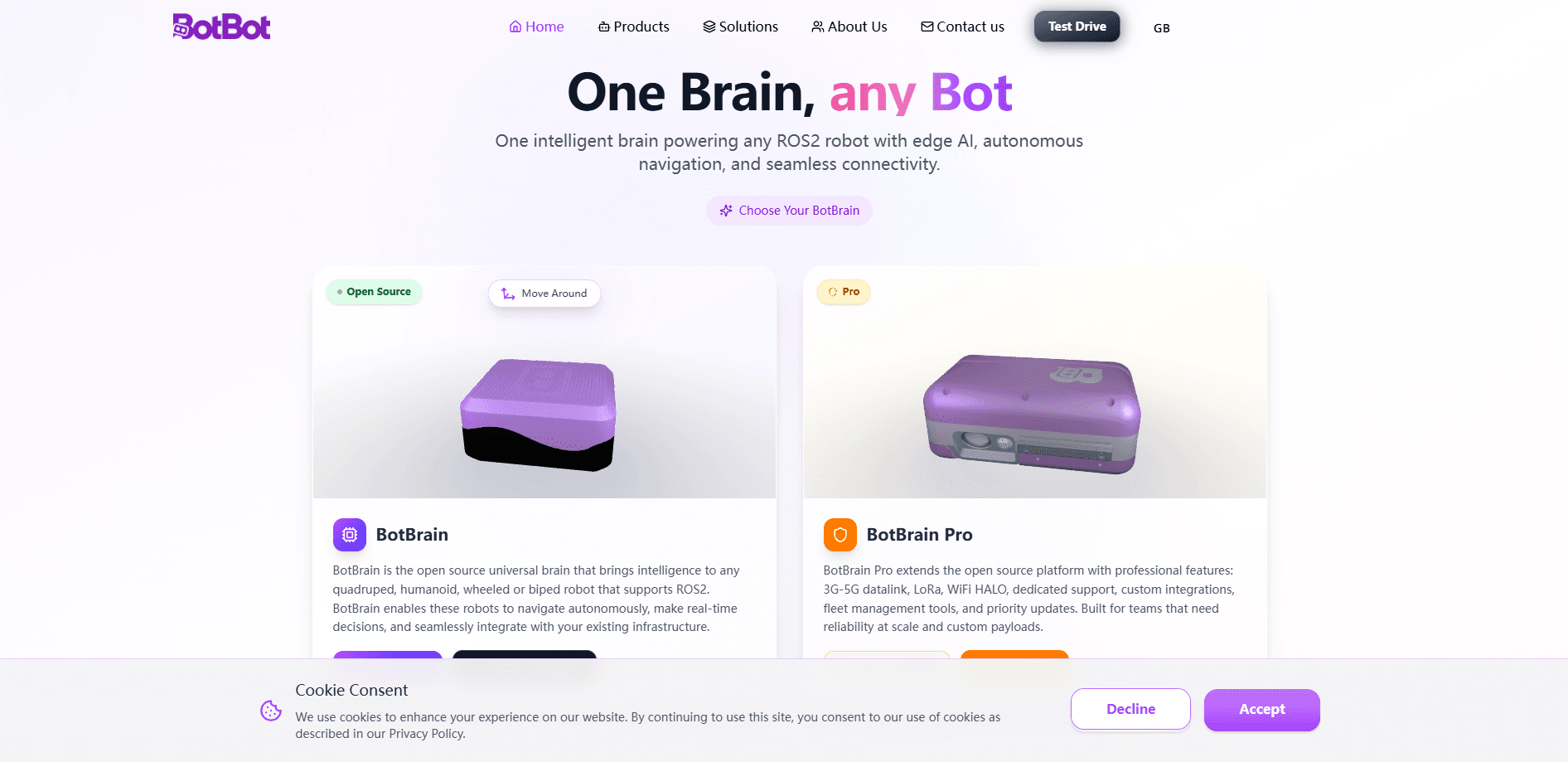
BotBot is a universal robotic brain system built around BotBrain, an open source platform that turns any ROS2-compatible robot into a smarter machine. It handles edge AI processing, autonomous navigation and fleet control, so the same brain can drive wheeled, quadruped, biped or humanoid hardware. Teams use it to add real-time decision-making and remote management without rebuilding their robot stack from scratch. One brain, many bots. That's the pitch.
About BotBot
What Is BotBot
BotBot is a software layer that sits on top of your robot's existing hardware and gives it a brain. The core piece, BotBrain, is an open source brain for any quadruped, humanoid, wheeled or biped robot that supports ROS2. Instead of shipping one locked-down robot, the company offers a single intelligence layer that travels across hardware.
The problem it solves is fragmentation. Most robot makers write control software that only works with their own machines, so a fleet of mixed robots means a pile of separate tools. BotBot aims to flatten that by letting one platform manage hardware from different vendors that would otherwise each demand their own dashboard, their own navigation stack and their own way of handling updates. According to the company, its brain supports more than 60 robot models, and the same dashboard covers the whole fleet.
The biggest limit is the ROS2 dependency. No ROS2, no BotBot. If your robot runs something else, BotBot won't help. It's also early software from a young company based in Brazil and Portugal, so long-term support and feature depth are still filling in.
Getting Started
- Check that your robot runs ROS2, since BotBrain only works with ROS2-compatible hardware.
- Create an account on the BotBot site and pick a plan, starting with the free open source tier.
- Clone the BotBrain repository from GitHub and follow the setup guide for your robot model.
- Pair the robot with the dashboard, then set navigation goals or send plain-language commands through the chat agent.
- Add a payload if your mission needs one, and monitor the whole fleet from the single control view.
Product Information
A quick look at BotBot's pricing, supported platforms, and performance.
Best for
The users, tasks, and scenarios where this tool fits best.
Users
- Robotics developers
- Research teams
- Operations managers
Tasks
- Autonomous navigation
- Natural language control
- Fleet monitoring
Scenarios
- Inspection rounds in industry
- Agricultural surveying
- Security patrols
Key features
One Brain Across Multiple Robots
BotBrain is designed as a single intelligence layer that works on any ROS2 robot, whether it's wheeled, legged or humanoid. According to BotBot, the platform supports over 60 robot models. That means a team running mixed hardware can keep one mental model instead of learning a new system for every machine. One brain, any bot.
Edge AI Processing
The brain runs AI decisions on the robot itself rather than shipping every question to the cloud. This keeps response times short and lets the robot keep working when the network drops. For anyone operating in a warehouse, a field or a basement, that offline resilience matters more than a slightly smarter cloud model. No signal? No problem.
Autonomous Navigation
Bots navigate to goals on their own, planning routes and reacting to what's in the way. You set where a robot should go and it handles the how. Set it, forget it. This is the feature most teams lean on first, since it removes the need to drive every movement by hand.
Fleet Management Dashboard
A single dashboard lets you watch and command an entire fleet in real time, from anywhere through a global relay. It's the core of robot fleet management. You can see which robots are active, where they're running and what state they're in. For operators, that's the difference between managing ten robots and managing one robot ten times.
Natural Language Control
The AI chat agent lets you control robots by typing or speaking plain instructions. Instead of memorizing command syntax, you describe what you want and the agent works out the steps. It lowers the skill floor for anyone who isn't a robotics engineer. Why type coordinates when you can just describe the job?
Multi-Network Connectivity
BotBrain Pro adds 3G-5G datalink, LoRa and WiFi HALO so a robot stays reachable across different network conditions. When one link fails, another can pick up. That continuous connection is what makes remote teleoperation usable beyond the lab. Keep the robot online, keep the mission alive.
Modular Payload System
Robots can take interchangeable payloads, from inspection cameras to environmental sensors, so one machine can serve different missions. You swap the payload rather than buying a second robot. That stretches a hardware budget further than most teams expect when they first price out a fleet. One robot, many jobs.
Open Source Core With a Pro Tier
BotBrain is open source, and the Pro tier layers on professional features like dedicated support, custom integrations, fleet tools and priority updates. Small teams can start free and inspect everything, while larger operations can pay for reliability at scale. Start free, pay when you scale.
Pros and cons
Pros
- Works across any ROS2 robot, so mixed fleets avoid separate control stacks.
- Edge AI keeps decisions fast and functioning when the network is down.
- Open source core lets developers read and modify the code.
- Fleet dashboard and natural language control cut the everyday operating overhead.
- Modular payloads let one robot cover several mission types.
Cons
- Requires ROS2, so non-ROS2 robots can't use it at all.
- Pro features like 3G-5G, LoRa and priority support sit behind a paid tier.
- Pricing is quoted as custom, so you can't estimate Pro cost without contacting the company.
- It's early software from a young company, so documentation and long-term support are still maturing.
Frequently asked questions
BotBot gives ROS2 robots a shared brain for navigation, decision-making and fleet control. Teams use it to run inspection, agricultural and security robots from one dashboard instead of juggling separate tools.
Related content
Explore related tools, skills, and articles for BotBot.
BotBot Alternatives
BinkBink
BinkBink · OtherBinkBink is a free online game platform and AI game maker that lets anyone turn a short text description into a playable browser game. You can jump into hundreds of community-made games. Or describe your own idea and play it in seconds, then share it with friends. Want to create your own game? You don't need to code. No engine setup, no download, no hassle.

Audiogen
Audiogen Inc. · OtherAudiogen is an AI music generator built by Audiogen Inc., a small research team that spent about 2.5 years training its own generative music model and designing a web interface around it. Instead of a plain text box, this AI music tool turns the timeline into a beginner-friendly Generative Audio Workstation, or GAW, where inpainting, extending, remixing and stem editing work more like painting on a canvas. The product is still in beta, so access runs through a waitlist or an invite. Paid plans aren't published yet.

Aiml API
AIMLAPI OÜ · OtherAiml API is a unified AI model API that puts more than 1000 models from OpenAI, Google, Anthropic, and others behind one endpoint and one bill. You write code against a single OpenAI-compatible schema, then switch between chat, image, video, and audio models by changing a model string. It suits developers and small teams who want multi-model access without juggling a dozen separate provider accounts, and it removes the usual billing headache that comes with testing several vendors. One key covers it all.