

Brave Private Web Browser, VPN
Brave Software · Coding
Brave Private Web Browser, VPN is a Chromium-based browser that blocks ads and trackers before they load, so pages open faster and you share less data. It ships with a built-in VPN and firewall, the Leo AI assistant, and an optional rewards system, and it runs on Windows, macOS, Linux, Android, and iOS. The core browser is free. The VPN is a paid add-on at $9.99 per month or $99.99 per year. No account is required to start browsing.
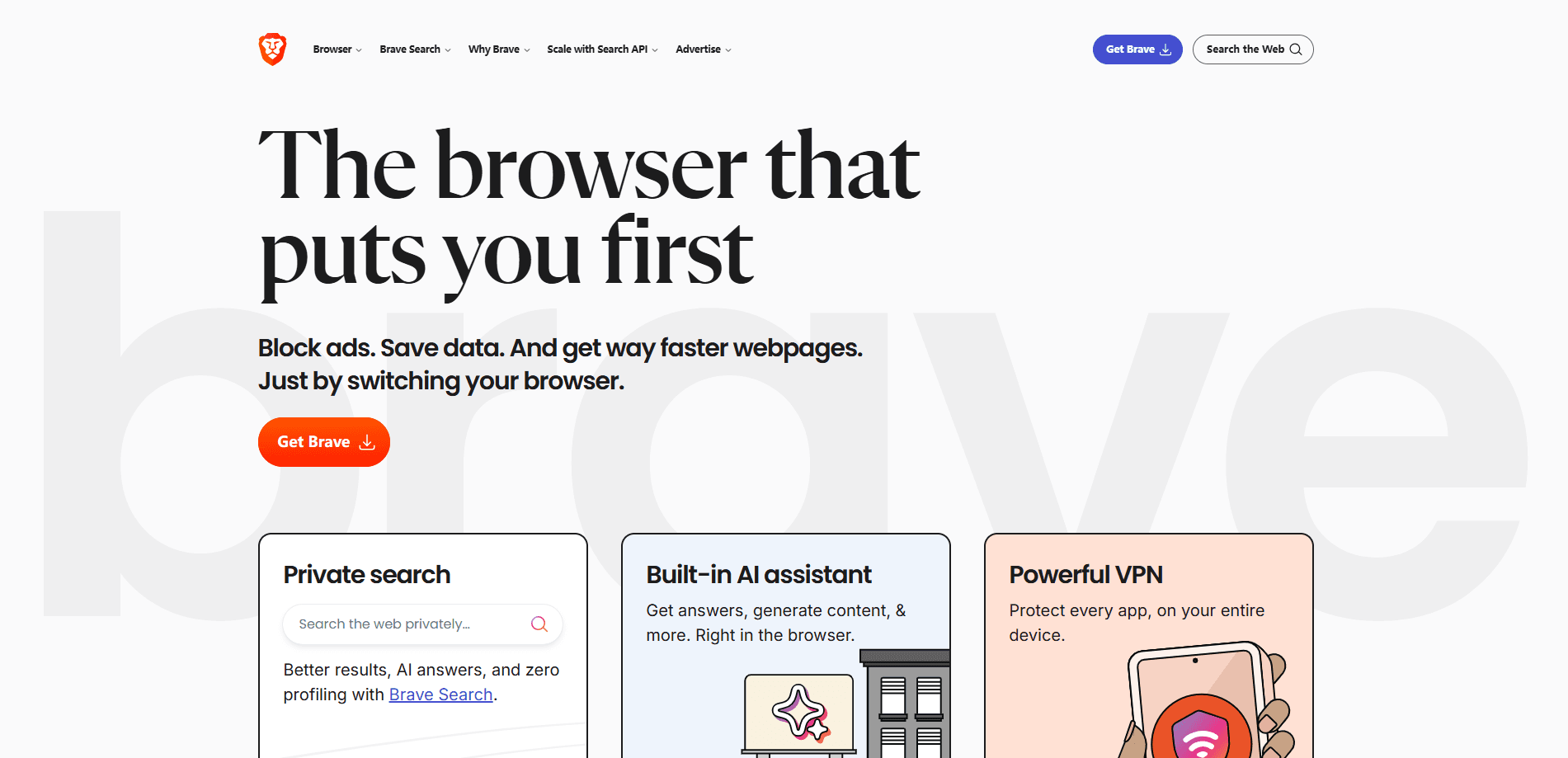
About Brave Private Web Browser, VPN
What Is Brave Private Web Browser, VPN
Brave is a browser built by Brave Software, a company co-founded in 2015 by Brendan Eich, the creator of JavaScript and a former Mozilla CEO. Instead of treating ad blocking as an extension you bolt on later, Brave makes blocking the default across desktop, Android, and iOS. Its Shields engine stops ads, trackers, and fingerprinting scripts at the network level, and the browser reports what it blocked on each page.
The pitch is simple: a privacy browser for Android, desktop, and iOS that loads pages faster because it never downloads the junk. Ads and trackers are the bulk of what slows a page down, so blocking both cuts load times and data use at the same time without any extension or setting change on your part. Brave also bundles tools you'd normally install separately, including a VPN with a firewall, the Leo AI assistant, and a crypto wallet.
The main limitation is that aggressive blocking can occasionally break a site. A video player might not load. A login button might fail because the script that runs it was blocked. You can fix this per site in a couple of clicks, but it happens often enough to notice. The VPN, meanwhile, isn't free. It's a $9.99/month subscription, and you need the Brave browser installed to use it.
Getting Started
- Download Brave from the official site or your app store, then install it on desktop, Android, or iOS. You can import bookmarks and settings from Chrome, Edge, or Firefox during setup.
- Open a few sites and check the Shields icon in the address bar to see how many trackers and ads were blocked on each page.
- If a page breaks, click the Shields icon and lower the blocking level to Standard or turn Shields off for that one site.
- Start a 7-day free trial of Brave Firewall + VPN from account.brave.com to encrypt traffic and hide your IP address across apps.
- Use "Ask Leo" from the address bar or the Leo icon to summarize a page, ask a question, or draft text without leaving the browser.
Product Information
A quick look at Brave Private Web Browser, VPN's pricing, supported platforms, and performance.
Best for
The users, tasks, and scenarios where this tool fits best.
Users
- Privacy-conscious everyday users
- Mobile users on Android and iOS
- People who want an ad blocker browser without extensions
Tasks
- Reading news and long articles
- Watching video without pre-roll ads
- Searching privately
Scenarios
- Using public Wi-Fi at a cafe or airport
- Paying for a monthly VPN you actually use
- Sharing a device limit across a household
Key features
Built-in ad and tracker blocking
Shields is Brave's default blocking engine, and it stops ads, trackers, and fingerprinting scripts before the page renders. The toolbar shows a running count of what was blocked, which makes the tradeoff visible: fewer scripts, faster loads. It works on desktop and mobile with no extensions required. Nothing to set up either.
Brave Firewall + VPN
The VPN encrypts your traffic and hides your IP address, and it covers every app on the device rather than just the browser, which means everything from your mail client to a banking app gets the same tunnel. There are 300+ servers across 40+ regions, support for up to 10 devices, and an always-on killswitch on Windows. It's a paid subscription with a 7-day free trial. Worth it on public Wi-Fi.
Leo AI assistant
Leo is the AI assistant baked into the browser. You can summarize a page, ask follow-up questions, or draft text from the sidebar and address bar. The free tier uses models that run without sending your data to a training pipeline, and a paid tier unlocks faster models and higher limits. It's a convenience feature that handles page summaries, quick questions, and rough drafts without a separate tab or app.
Brave Search integration
Brave runs its own independent search index, so you can set a private search engine as the default and skip Google entirely. Results come from Brave's own crawler rather than a reseller, and the optional Web Discovery Project lets you contribute anonymous data to improve it. No Google required.
Fingerprint and cookie protection
Beyond ads, Shields randomizes browser fingerprints and blocks third-party cookies so sites struggle to recognize you across visits. This is the part most ad blockers skip. It matters on sites that don't show obvious ads but still follow you around with tracking pixels. Fewer profiles built around you.
Rewards and crypto wallet
Brave has an optional rewards program that pays you in Basic Attention Token for viewing privacy-respecting ads, plus a built-in crypto wallet. Both are opt-in, and both can be ignored entirely. If you just want a fast private browser, leave them off. Skip them without guilt.
Pros and cons
Pros
- Blocking is on by default on desktop, Android, and iOS, so there's nothing to configure to get protection.
- Pages load faster and use less data because ads and trackers never download in the first place.
- The VPN covers all apps on the device and supports up to 10 devices on one subscription.
- Leo AI and Brave Search are included without extra installs, and the free tier is usable.
- Chromium base means Chrome extensions mostly work, so switching is low-friction. Setup takes minutes.
Cons
- Aggressive blocking breaks some sites, and you'll occasionally need to lower Shields per page to make a video or login work.
- The VPN costs $9.99/month or $99.99/year. There's a 7-day trial, but no free VPN tier.
- The rewards and crypto wallet features can feel like clutter if you only want a private browser.
- On desktop, the VPN needs the browser installed and running, which limits it if you want system-wide coverage without Brave open.
Frequently asked questions
The browser is free on every platform. The VPN is a paid subscription at $9.99 per month or $99.99 per year, and it includes a 7-day free trial. You can use Brave indefinitely without ever paying for the VPN.
Related content
Explore related tools, skills, and articles for Brave Private Web Browser, VPN.
Brave Private Web Browser, VPN Alternatives
Forefront
Forefront · CodingForefront is a web platform for building with open-source AI. It lets you fine-tune leading open-source language models on your own data, evaluate how they perform, and run them through an API or export them to host yourself. Developers who want the convenience of a closed-source platform but insist on owning their models and data are the target audience here.

Startkit
StartKit.AI · CodingStartkit is a boilerplate for building AI SaaS and AI wrapper products. Think of it as an AI startup boilerplate with the boring parts already wired up: authentication, Stripe and Lemon Squeezy payments, usage limits, transactional email, and an AI API starter that talks to OpenAI, Anthropic, Groq, or Llama. You clone the repo, set your price, and start on the part of your product that people actually pay for. It's Next.js under React and Tailwind, so most of the boilerplate code already feels familiar.
Testim
Tricentis · CodingTestim is an AI-powered test automation platform for building and running end-to-end tests across web, mobile, and Salesforce applications. It leans on machine learning to keep tests stable when an interface changes, so teams spend less time fixing broken selectors. Not bad for an automated testing tool you can start using today. You create tests by recording actions in a browser, then optionally add JavaScript when you need more control. It's a solid pick for busy QA teams.